DomoAI alternatives: 7 tools for anime, style and dance videos
By Sebastian Ward, Reviews and comparisons editor · Updated · 4 min read
the short version
DomoAI is known for turning videos and images into anime and other art styles, and for animating characters. Depending on what you make, alternatives include Viggle for dance and motion memes, Pika for playful effects, Runway for professional video-to-video control, Luma for cinematic motion, Krea for style experiments and Dromana for realistic trend scenes and clips from one photo.
AI Photo to Video
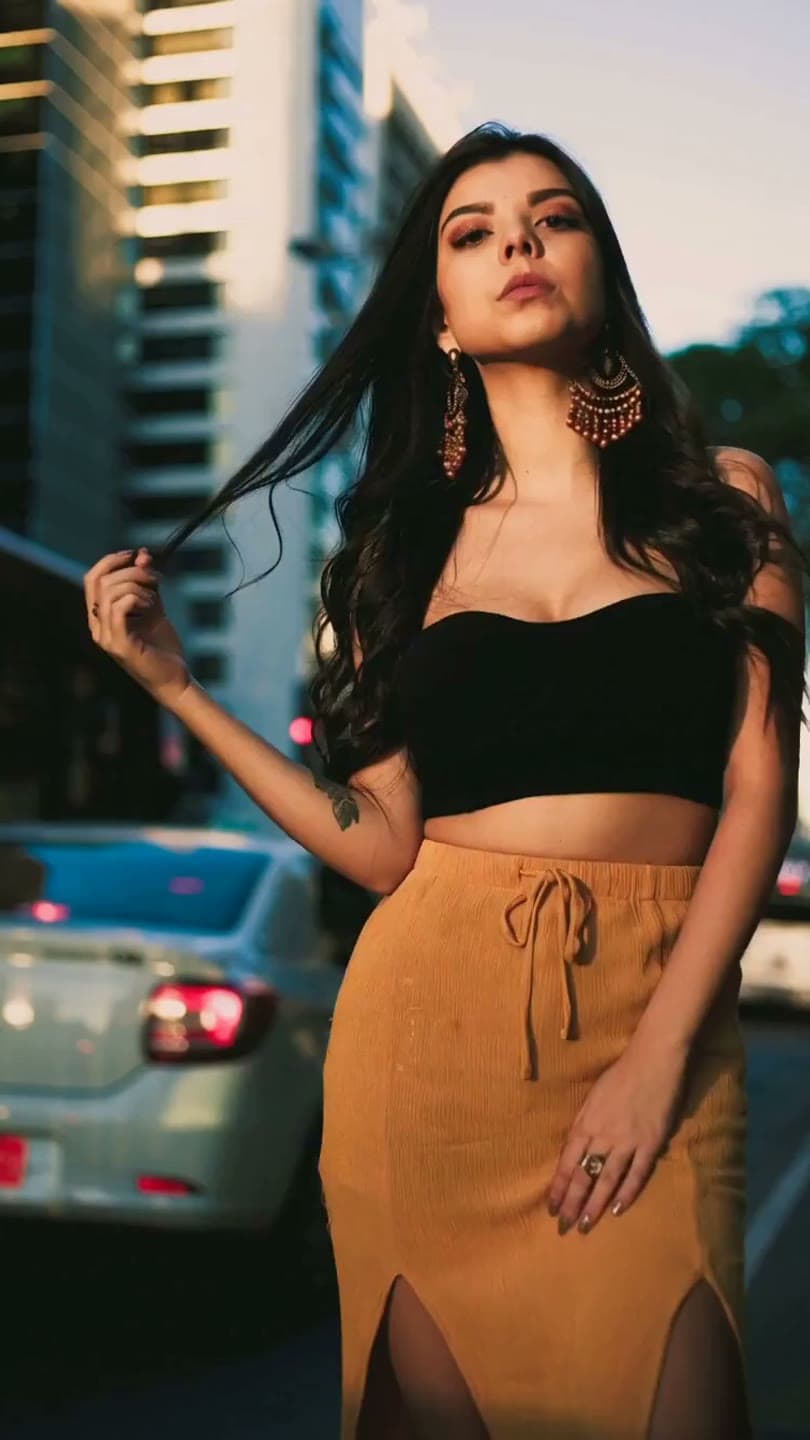 Street dance
1 Pick a look · optional
We put you into this example — everything else stays as it is — then it moves like the example, at no extra cost.
Failed renders refund credits
Why look for a DomoAI alternative?
DomoAI built a following with style transfer: upload a clip or a photo and turn it into anime, a painting or a 3D render, plus tools to animate images and characters. It's especially popular for anime-style edits. People look for alternatives when they want something more realistic, a specific job done better, like dance memes or cinematic shots, or a different pricing setup.
Disclosure: Dromana is our product and is one of the options here. We've tried to describe each tool by what it's genuinely best at.
What are the best DomoAI alternatives?
- Viggle: putting your character into dance and motion templates.
- Pika: quick, playful effects for memes and reactions.
- Runway: professional video-to-video and generation controls.
- Luma Dream Machine: smooth, realistic camera motion from images.
- Krea: experimenting with many styles and models in one place.
- Dromana: realistic trend scenes and short clips of you from one photo.
- Kapwing: editing, captions and resizing for finished posts.
Try this look on your own photo.
Make it with my photoWhich alternative is best for anime-style videos?
For converting existing footage into anime, look for video-to-video style tools like Runway's. For an anime portrait of yourself that then moves, you can generate the anime image from a selfie and animate it: our guide to turning yourself into anime walks through it. Krea is good for trying many styles on the same image before choosing one.
Which alternative is best for dance videos?
Viggle is the specialist for dance memes: it maps a movement template onto the character in your photo. For a realistic dance where you stay yourself in a real-looking setting, Dromana's dance looks, like street dance, hallway dance and boyband dance, recreate the scene with you in it and animate it. Our best AI dance video apps compares them.
Which alternative is most realistic?
If you want viewers to think it's real footage, choose tools tuned for realism rather than style. Luma is strong on natural camera motion, Runway on control, and Dromana on recreating you inside trend shots from one photo. A Dromana look video uses 70 credits; new accounts get 140 free credits with no card.
Which alternative is easiest on a phone?
For quick posts from your phone, template-first tools are easiest: pick a format, add a photo, done. Dromana's looks work on a phone browser and output vertical 9:16 clips ready for TikTok and Reels. Pika and Viggle are also quick for effects and dances. Runway and Krea give more control but suit a laptop better.
How do the costs compare?
Most of these tools use credits with monthly plans, and the real cost depends on how many tries you need per usable clip. Test the same photo on two or three free tiers and count. Dromana sells video packs without a subscription, from $4.99 for 3; see our AI video generator pricing guide to compare credit systems.
Can I combine several of these tools?
Many creators do. A common workflow: generate or restyle a still in one tool, animate it in another, then finish in an editor. For example, make an anime portrait from a selfie in AI Image, animate it with wind and petals in AI Video, and add captions and music in Kapwing. Or use a Viggle dance for the meme and a realistic Dromana look for the reveal at the end. Mixing tools costs more time, but the result often beats any single app.
- Still in one tool, motion in another.
- Finish captions and music in an editor.
- Pair a meme clip with a realistic reveal.
- Keep source photos the same across tools.
Which DomoAI alternative should I choose?
- Dance and motion memes: Viggle.
- Playful effects: Pika.
- Professional video-to-video: Runway.
- Cinematic realism: Luma Dream Machine.
- Style experiments: Krea.
- Realistic trend clips of you: Dromana.
- Editing and captions: Kapwing.
See also our Viggle alternatives and Pika alternatives guides.
Questions people ask
What is the best DomoAI alternative?
Viggle for dances, Pika for effects, Runway for video-to-video, Luma for realism and Dromana for trend clips of you.
Which alternative is best for anime videos?
Video-to-video style tools like Runway, or an anime portrait from a selfie animated afterwards.
Which alternative is best for dance videos?
Viggle for dance memes; Dromana's dance looks for realistic clips of you.
Which alternative looks most realistic?
Luma, Runway and Dromana are tuned for realism.
Is there a free DomoAI alternative?
Most offer some free use; a new Dromana account comes with 140 free credits and no card.
Which alternative is easiest on a phone?
Template tools like Dromana's looks, Pika and Viggle.
Effects from this guide

Keep reading
 Viggle alternatives: 6 AI apps for dance and motion videos4 min read
 Pika alternatives: 7 AI video tools for effects, trends and memes4 min read
 Best AI dance video apps in 2026: make anyone dance from a photo5 min read
- Viggle vs DomoAI: dance videos, anime styles and what each one costs4 min read
- Viral AI video effects explained: bullet time, rides, snow globes and more6 min read
Ready to make yours?
Add one photo and get the look from this guide.