AI photo & video effects
Every effect starts from one photo. Restyle a selfie into a Y2K flash shot, an 80s portrait or an editorial fashion image, or make it move as a short clip. Or browse all 134 looks you can step into. Open an effect to see real examples, tips and answers, then try it free.
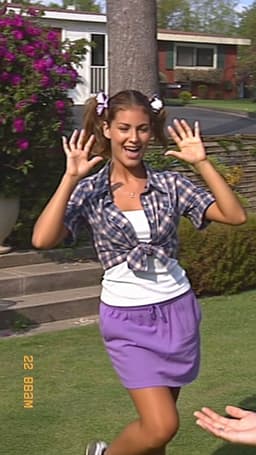 AI ImageY2K photo filterTurn a selfie into an early-2000s flash photo: glossy skin, tracksuits, butterfly clips and candy color. Same face, new era. Free to try, works in your browser.
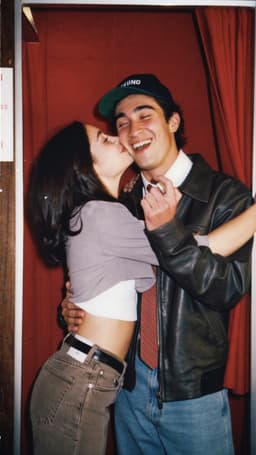 AI ImageDigicam photo filterMake any photo look like it came off a 2000s point-and-shoot: flash glare, cool tint, soft pixels and candid framing. Keeps your face. 70 free credits to start.
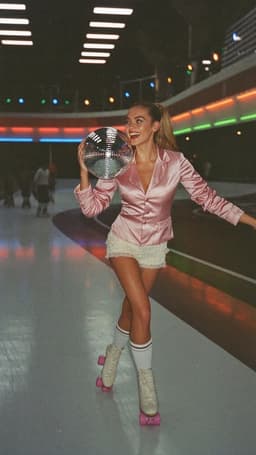 AI Image80s photo filterStep into the 1980s: neon light, polka dots, big shades and leather. Turn one selfie into a retro 80s portrait that keeps your face.
 AI VideoMake a photo moveUpload one photo, get a 5-second video in a minute or two: a smile, a head turn, wind in the trees, waves rolling in. Works on portraits and landscapes, free to try.
 AI ImageAI fashion portraitSkip the photographer: get a magazine-style fashion portrait from one selfie. Quiet-luxury coats, street editorial, studio light. Same face, new shoot. Free to try.
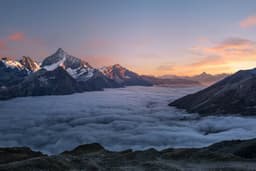 AI VideoAnimate landscape photosBring a landscape photo to life: drifting clouds, rolling waves, mist, wind in the trees or a flickering fire, with the camera still or gliding. Vertical or horizontal.
 AI VideoAnimate part of a photoMake just one part of a photo move: a flickering fire, flowing water, drifting mist or clouds, with the camera and everything else held still. No masking by hand.
- AI VideoAnimate real estate photosTurn a listing photo into a short video: a fire that flickers, water that ripples, clouds over the roof, with a still or gliding camera. Honest motion for real places.
 AI VideoAnimate water in a photoMake the water in a photo move: a waterfall that pours, waves that roll in, a river that flows or a pool that ripples, while rocks, sand and buildings stay still.
 AI VideoAnimate food and drink photosBring a food or drink photo to life: steam rising from coffee, a pour into the cup, a cheese pull or a sizzle, with the plate and table held still. For menus and posts.
 AI VideoAnimate hotel and vacation rental photosTurn hotel, resort, cabin and vacation rental photos into short videos: the pool ripples, the fire flickers, curtains move, clouds pass. For booking pages and Reels.
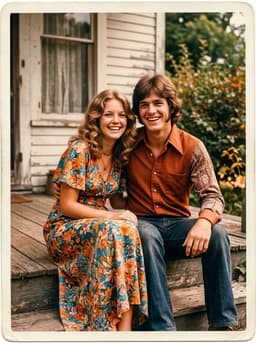 AI ImageOld photo restorationRestore old family photos with AI: remove scratches, creases, stains and fading, repair torn corners and add natural color, while every face stays exactly as it was.
 AI ImageColorize black-and-white photosColorize black-and-white and sepia photos with AI: realistic skin tones, period-true clothes and rooms, and the faces of the people you love left exactly as they were.
- AI VideoBring old photos to lifeAnimate an old family photo: the people in it blink, breathe and smile again in a gentle 5-second clip. For memorial slideshows, anniversaries and family memories.
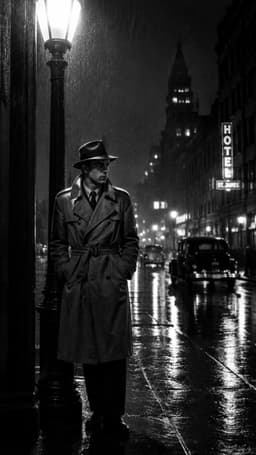 AI ImageCinematic photo filterGive travel and city photos a film-still grade: wet neon streets, blue-hour skylines, golden sunrise flare. Same place, same framing, far more mood.
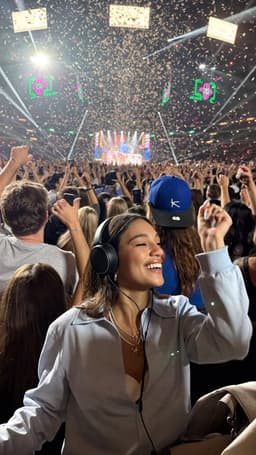 AI ImageNight out photo filterTurn an ordinary selfie into a night-out shot: hard flash, neon wash, dark background, sweat-and-glitter energy. Same face, new night. 70 free credits to start.
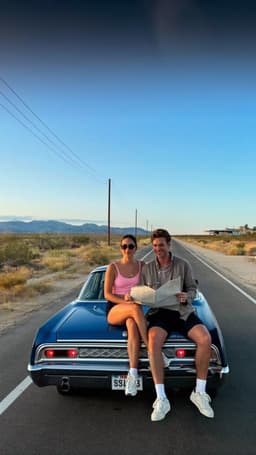 AI ImageSummer photo filterTurn any selfie into a summer holiday photo: warm coastal light, linen, sea haze and sun, any time of year. Same face, new season. Free to try in your browser.
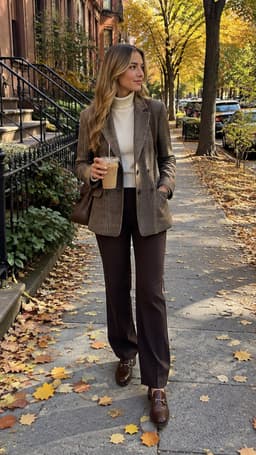 AI ImageStreet style photoLook like a fashion week street style shot from one plain selfie: tailoring, city pavement, show-season light. Same face, new wardrobe. Free to try, no app to download.
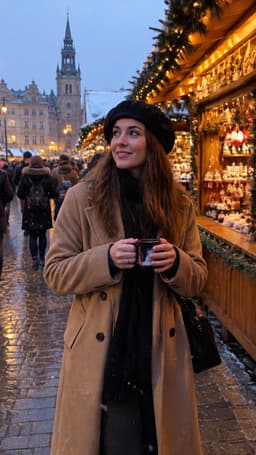 AI VideoAnimate a city photoTurn a city or skyline photo into a 5-second video in a minute or two: traffic streaks, neon flicker and drifting clouds, buildings held still. Free to try, no app.
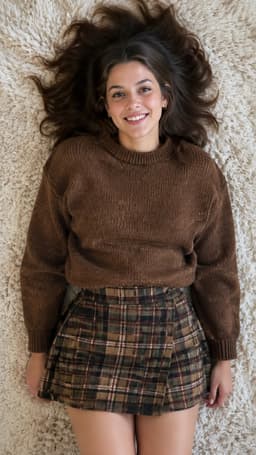 AI VideoOutfit video from a photoTurn one outfit photo into a 5-second fit check video: a turn, a walk, fabric moving. No tripod, no filming. 70 free credits to start.
 AI VideoProduct photo to videoTurn one product photo into a short ad clip: splashes, slow-motion bursts, ice and creator-style reviews, with your label kept as it is. 70 free credits to start.
Which effect should you try?
Start with what you want to post. For a new profile picture or a photo dump with a theme, a retro filter is the quickest win: the Y2K photo filter gives glossy on-camera flash and candy colors, while the 80s photo filter goes for neon, polka dots and big shades. For a styled, grown-up look, the AI fashion portrait turns an everyday selfie into an editorial shot with deliberate light and a clear outfit direction.
If you want movement, make a photo move for portraits and outfit shots, or animate a landscape so clouds, water and trees come alive. The cinematic photo filter regrades city and travel pictures into film-still night or golden hour scenes, and those stills make great starting frames for a video.
How effects work
Every effect is a ready-made look with a tested prompt behind it. Open one, tap an example to load it into AI Video or AI Image, upload your own photo and press Generate. You can browse everything without an account and sign in only when you create. Images use 10 credits, a 5-second video uses 70, and new accounts get 70 free credits when they sign up.