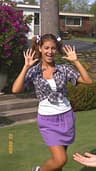
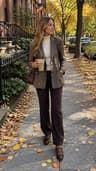
80s photo filter — step into a neon, polka-dot portrait
The Dromana 80s photo filter turns a selfie into a 1980s portrait: neon and pastel light, polka dots, oversized shades, leather jackets and big hair energy. Pick an 80s look, upload one photo and get a new still that keeps your face. New accounts get 70 free credits, enough for several portraits on the included engine.
AI Photo Restyle
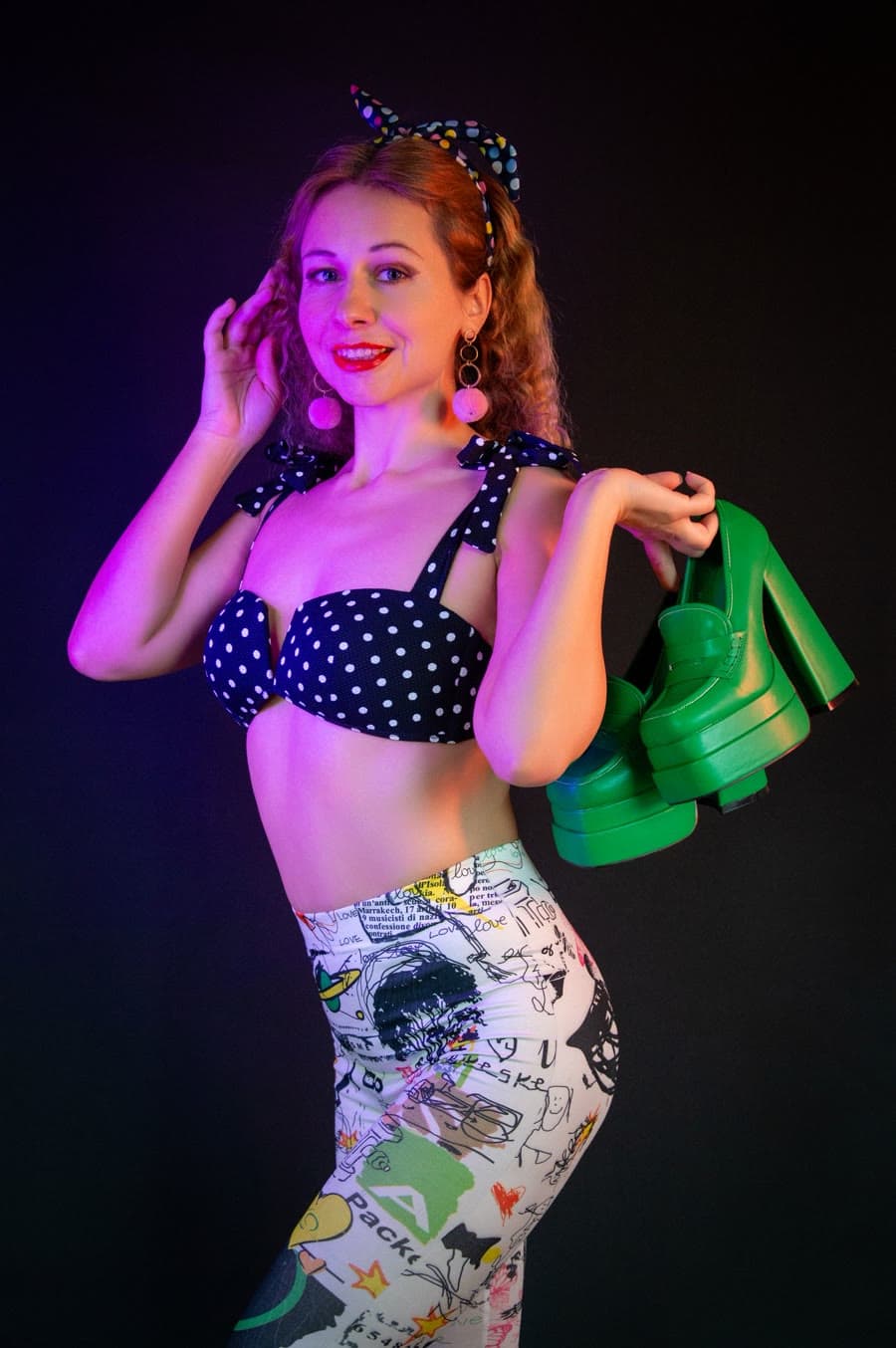 Polka night
1 Pick a look · optional
Failed renders refund credits
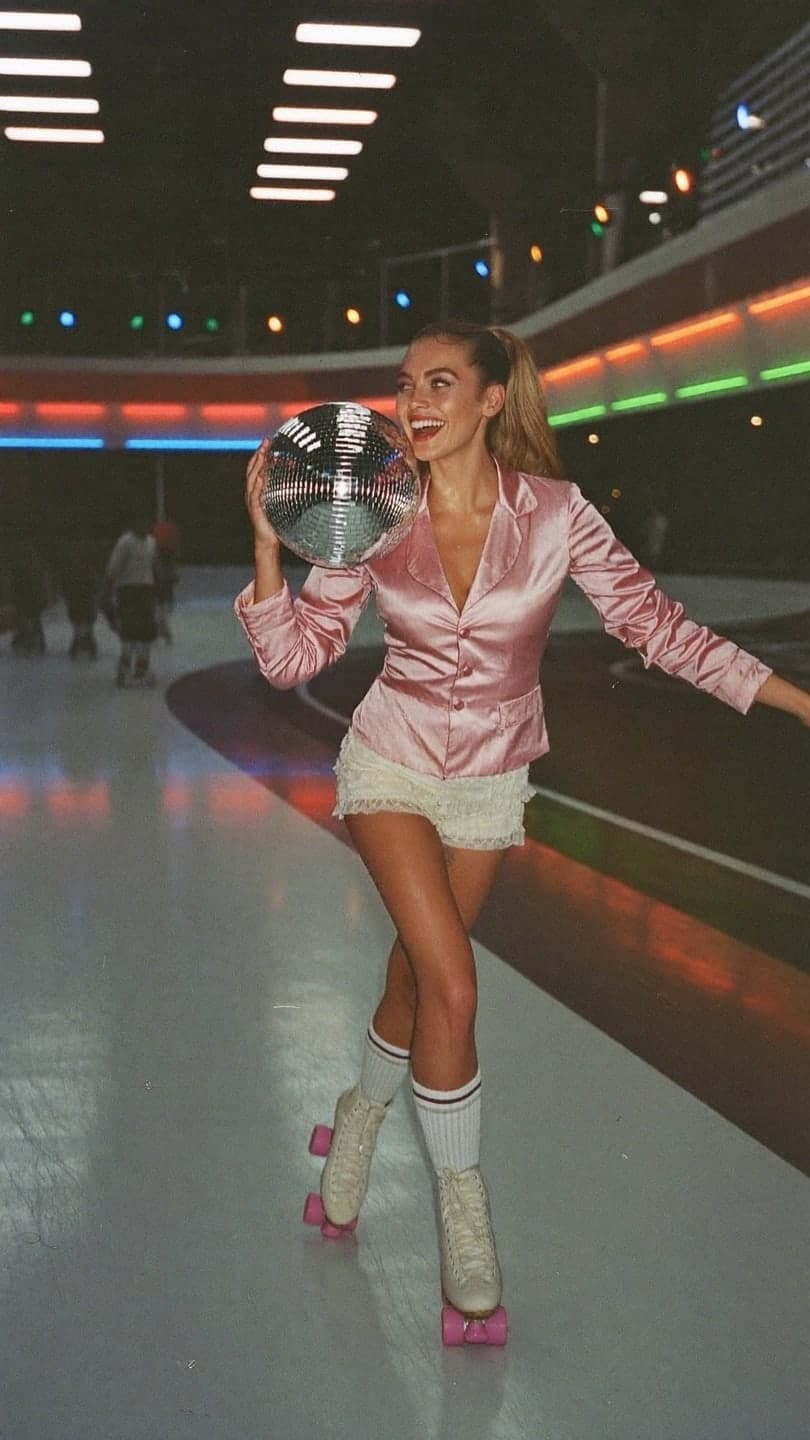
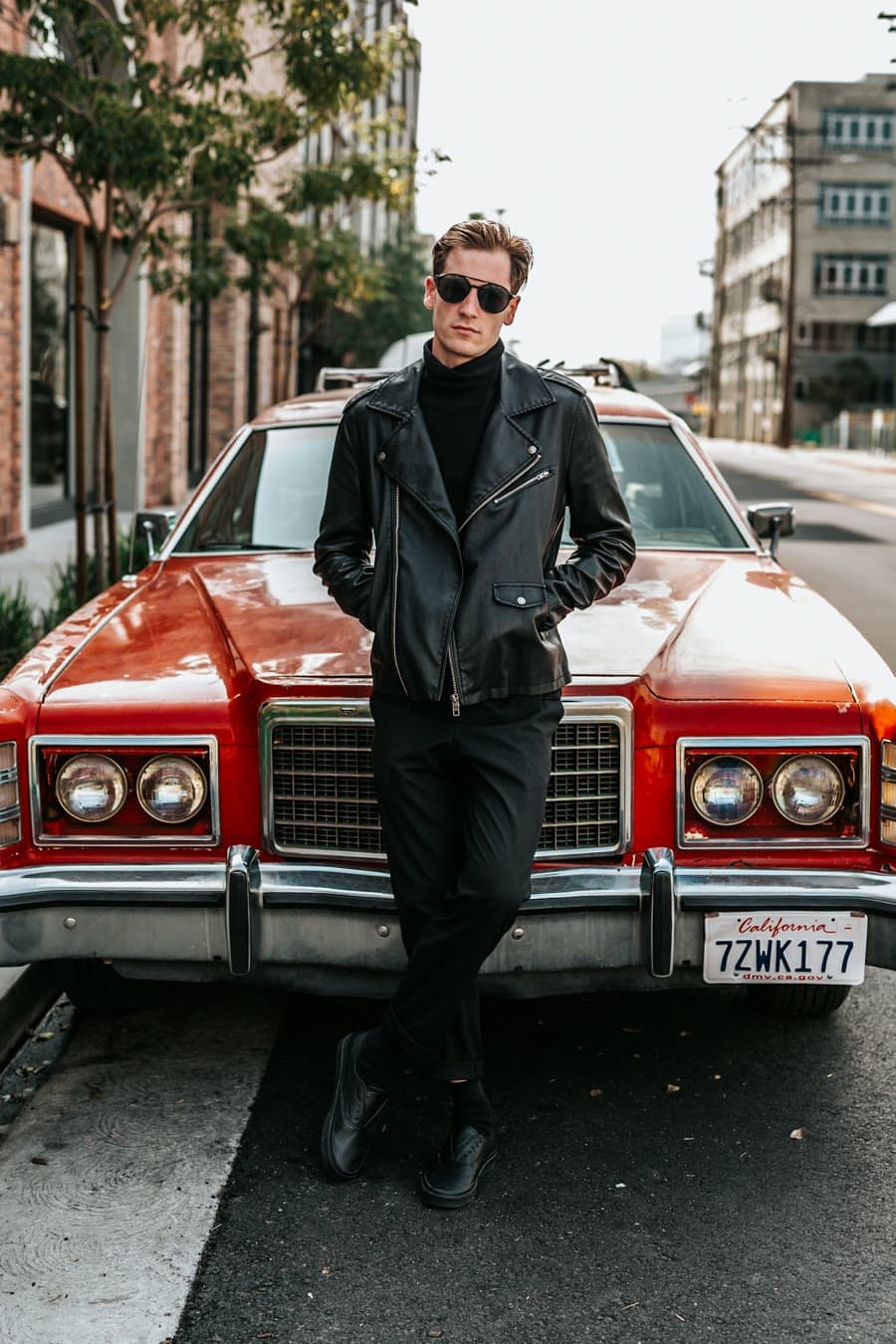
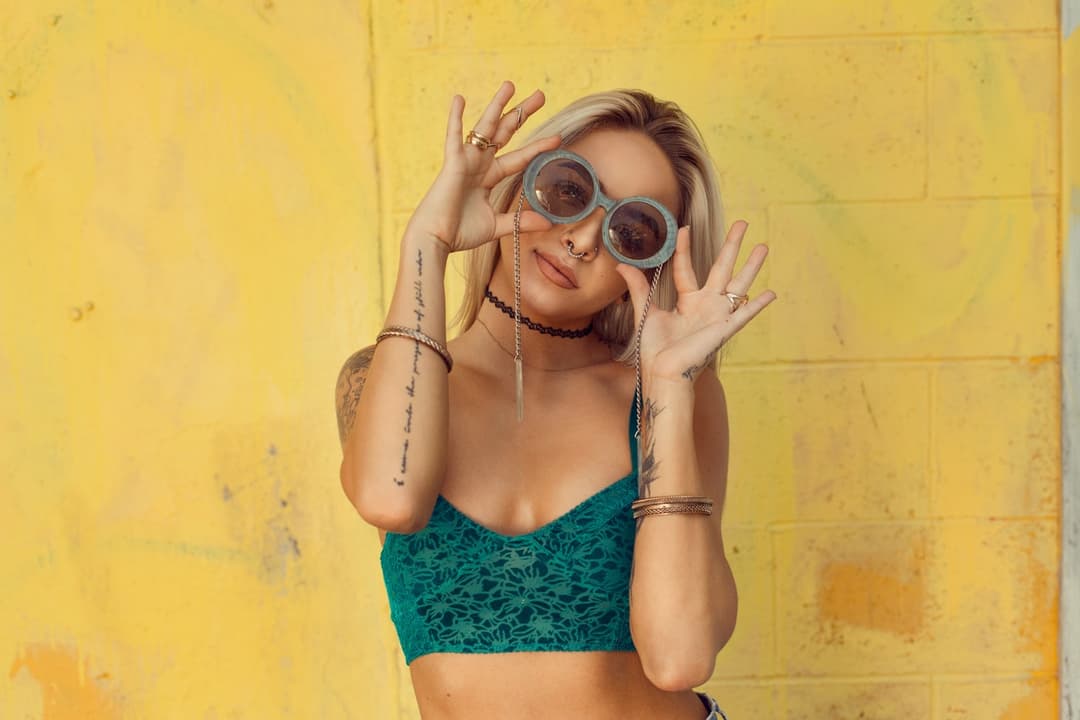
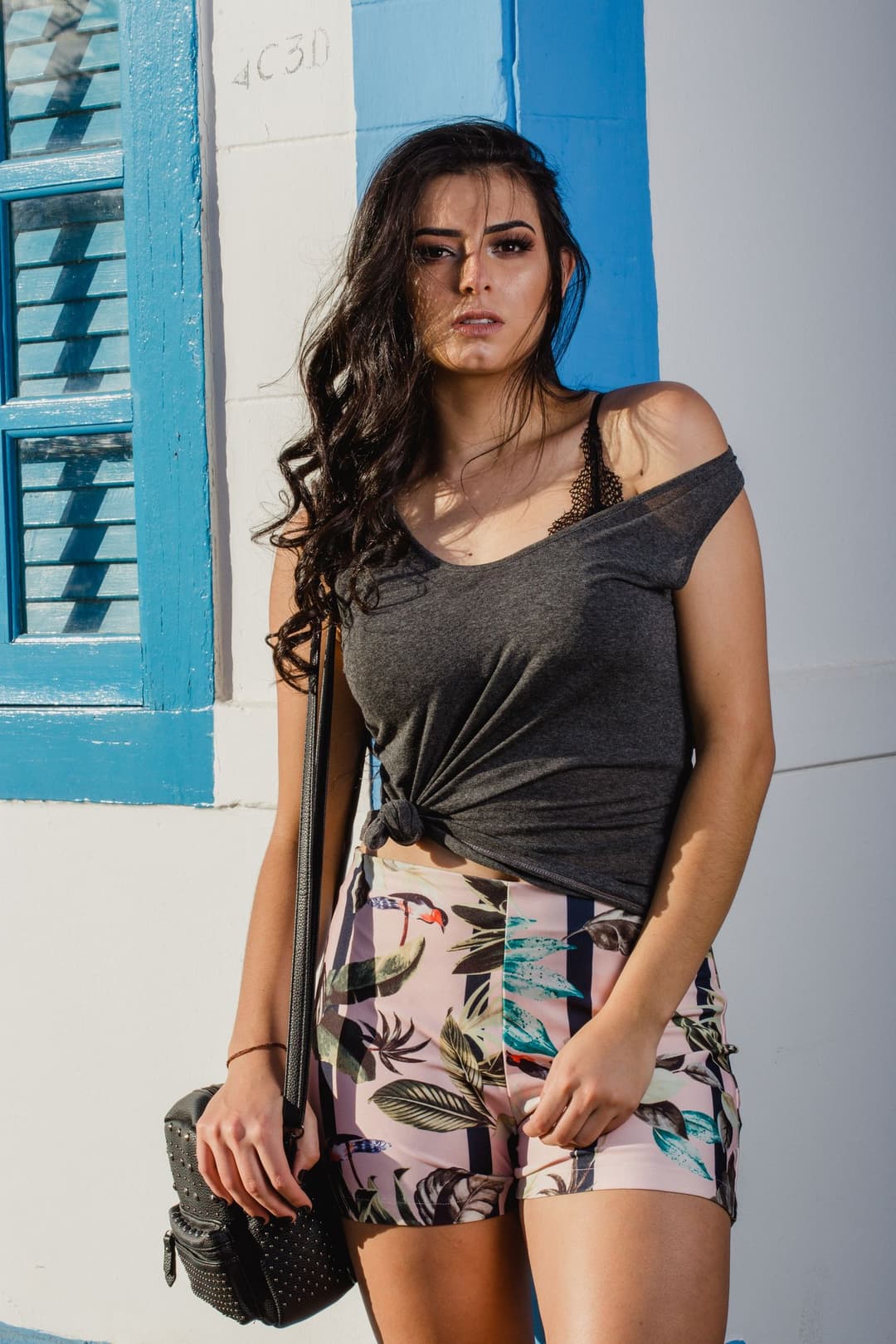
Examples made with Dromana. Tap one to start from that look.
How to use the 80s photo filter
Step 1
Upload a selfie or portrait
A clear JPG, PNG or WebP up to 8 MB. Waist-up works best for the outfit.
Step 2
Choose an 80s look
Polka night, Leather ride, If I was in the ’80s or Miami off-shoulder, or name your own 80s scene.
Step 3
Generate
Sign in and press Generate. The included engine costs 10 credits; downloads as a JPG.
The 80s look, decoded
Photos from the 1980s have a very particular glow. Studio portraits used colored gels and soft haze; nightlife shots were lit by neon signs; magazine covers pushed saturated pinks, teals and purples. Fashion was just as loud, with polka dots, shoulder pads, oversized sunglasses, leather and denim jackets, off-shoulder tops and hair with serious volume.
The filter recreates the light and styling together, so the grain, color cast and outfit all belong to the same decade. The result looks like a portrait someone actually shot in 1986, not a colored overlay.
Four 80s moods to start from
Polka night is pure pop: black-and-white dots, bright lipstick and a party flash. Leather ride goes cooler and moodier with a jacket, shades and a motorcycle edge. If I was in the ’80s is the all-rounder: neon color and classic styling on any selfie. Miami off-shoulder heads to the coast with pastel tones and sunset light.
You can also write your own scene, for example “80s mall portrait, teal backdrop, windbreaker”, and the look adapts while keeping your face.
From 80s still to 80s clip
Once you have a portrait you love, bring it to AI Video. Polka night and Leather ride are also available as video looks, so you can get a 5-second clip with a head turn, a smile or a slow push-in, which makes a strong retro opener for short-form video.
Getting a more authentic 80s result
Small prompt details make the decade land. Ask for a mottled studio backdrop or laser-beam background for a school-portrait feel, a neon sign or arcade glow for nightlife, or a sun-faded poolside for Miami. Mentioning soft focus or a light film grain pushes the image toward real 1980s print photography, while “hard pink rim light” gives a music-video edge.
Tips for better results
- Photos with the whole head and shoulders in frame give the hair and outfit room to change.
- Avoid heavy existing filters; a natural photo restyles more cleanly.
- Name one signature item in the prompt: “polka dots”, “leather jacket” or “neon sign”.
- Try the same selfie in two looks to compare pop and moody versions.
FAQ
Is the 80s photo filter free?
Yes, to start. New accounts get 70 free credits, and an 80s portrait starts at 10 on the included engine. Free results include a small watermark; paid plans don't.
Does the 80s filter keep my face?
Yes. The looks are designed to keep you recognizable while changing the era's light, color and styling. Clear, front-facing photos match best.
Can I make an 80s video instead of a photo?
Yes. Open AI Video and pick the Polka night or Leather ride look, or upload the 80s portrait you just made to animate it into a 5-second clip.
What sizes can I download?
Vertical 9:16 for Stories and profile pictures, or wide 16:9 for banners and thumbnails.
Can I use a photo of a friend?
Only with their permission. See our safety guidelines for which photos you can use.
How is 80s style different from 70s style?
70s photos lean warm and earthy, with brown and orange tones, flares and soft natural light. 80s photos are brighter and more synthetic: neon and pastel color, bold patterns, shiny fabrics and dramatic studio lighting.
Only use photos you have the right to use. See our safety guidelines.
Guides for this look
- Halloween photoshoot ideas: 30 looks from cute to creepy30 Halloween photoshoot ideas for solo pics, friend groups and couples: spooky light at home, cheap props, ghost and witch shots, captions and a moving Halloween clip.
- The 80s AI photo trend: how to make your own retro portrait and posterHow to do the viral 80s AI photo trend: big hair, studio glamour shots, neon movie posters and VHS clips made from one selfie, with prompts and posting tips.
- Vintage aesthetic photos: 40s noir to 90s camcorder, decade by decadeVintage aesthetic photos decade by decade: 1940s film noir, 70s disco and roller rinks, 80s neon and 90s camcorder, with the edits and AI shortcuts for each.
- Y2K photo ideas: outfits, props, poses and editsY2K photoshoot ideas: butterfly clips, tracksuits, flip phones, low-rise jeans, harsh flash and candy colors, with poses and edits that make photos look like 2003.