Digicam photo filter — the 2000s point-and-shoot look, no camera needed
The Dromana digicam photo filter turns a phone photo into a frame that looks like it came off a cheap 2000s digital compact: flash fired straight at you, a cool blue-green cast, slightly soft low-megapixel detail and a light leak at the edge. Upload one photo, keep your face, and skip the secondhand camera hunt. New accounts get 70 free credits.
AI Photo Restyle
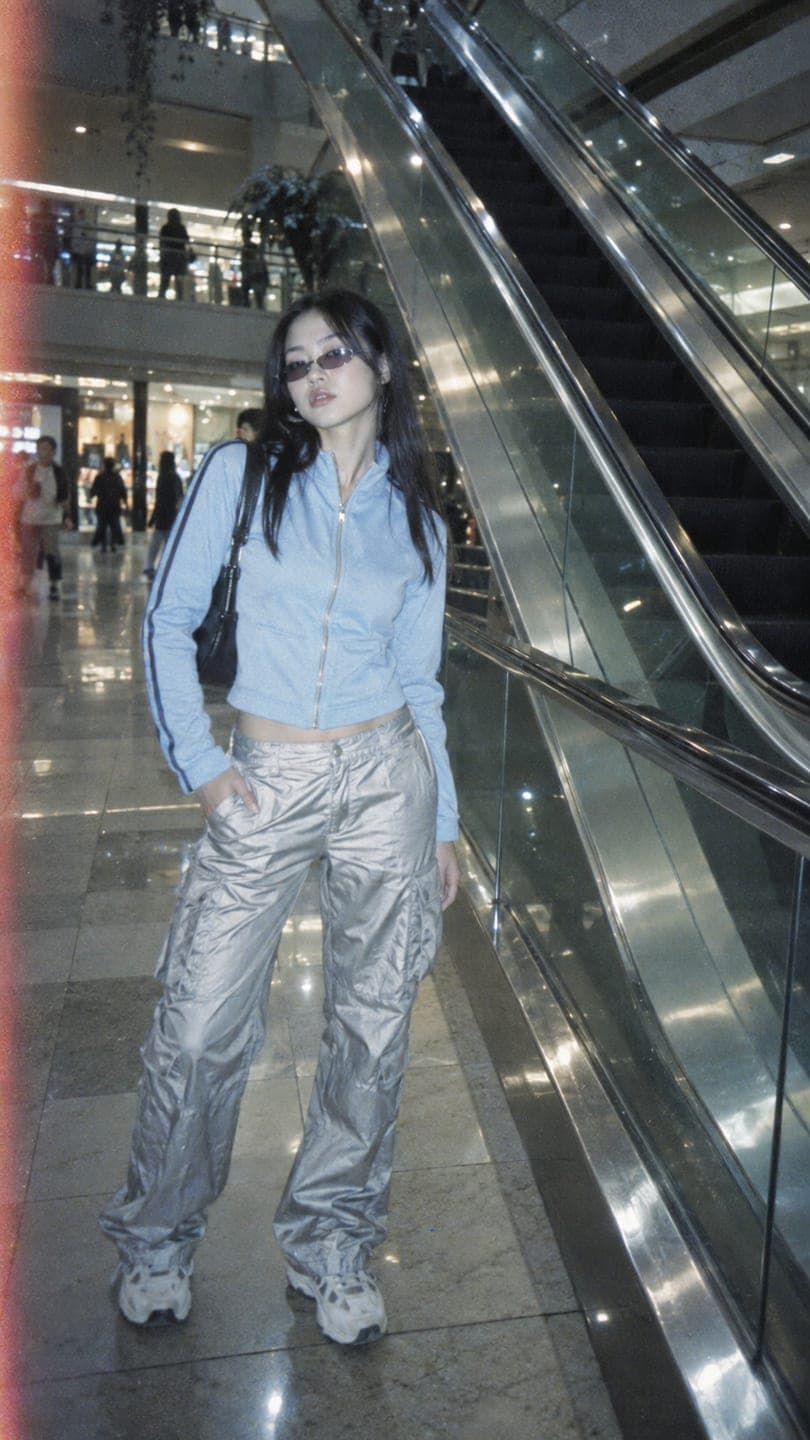 Chrome mall
1 Pick a look · optional
We put you into this example and keep everything else the same.
Failed renders refund credits
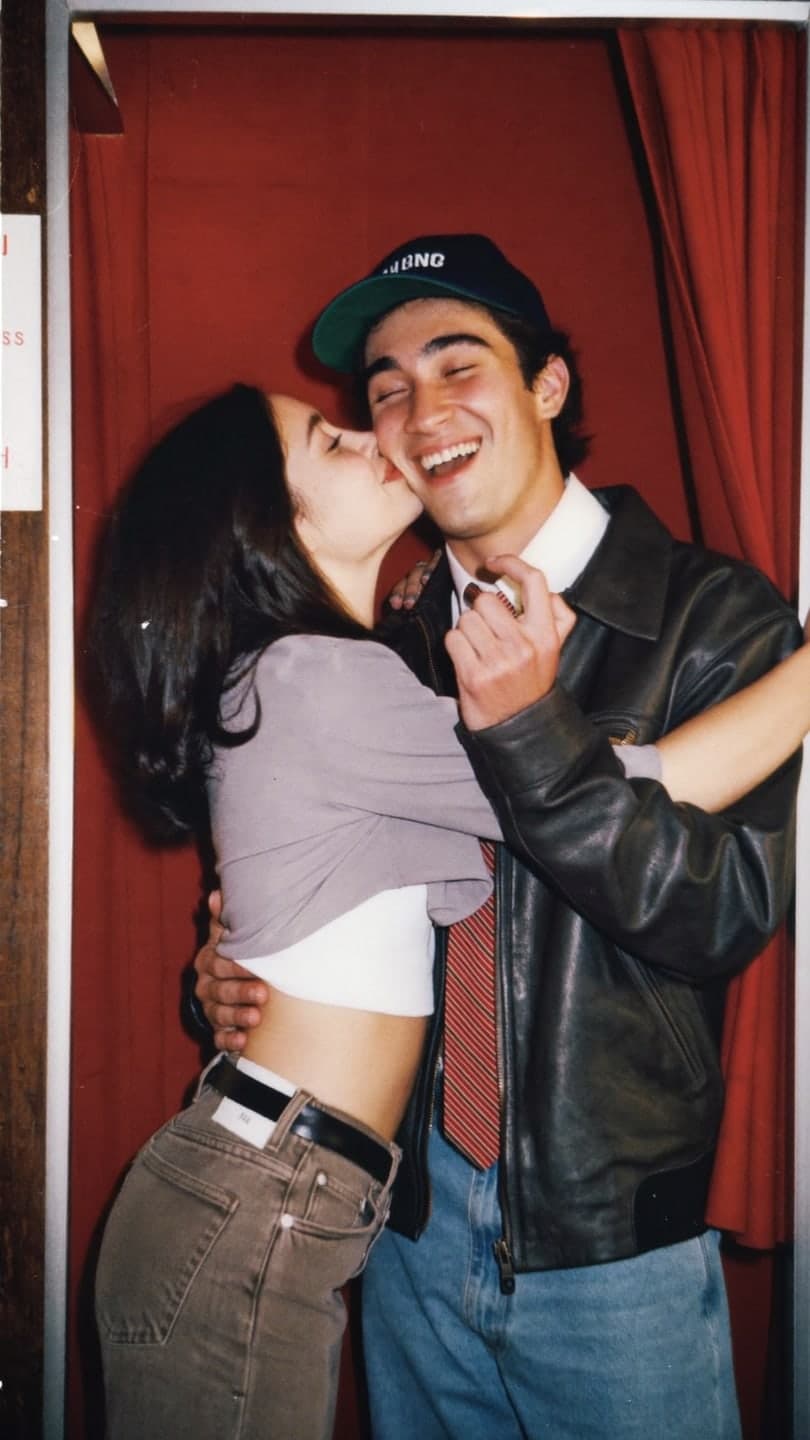
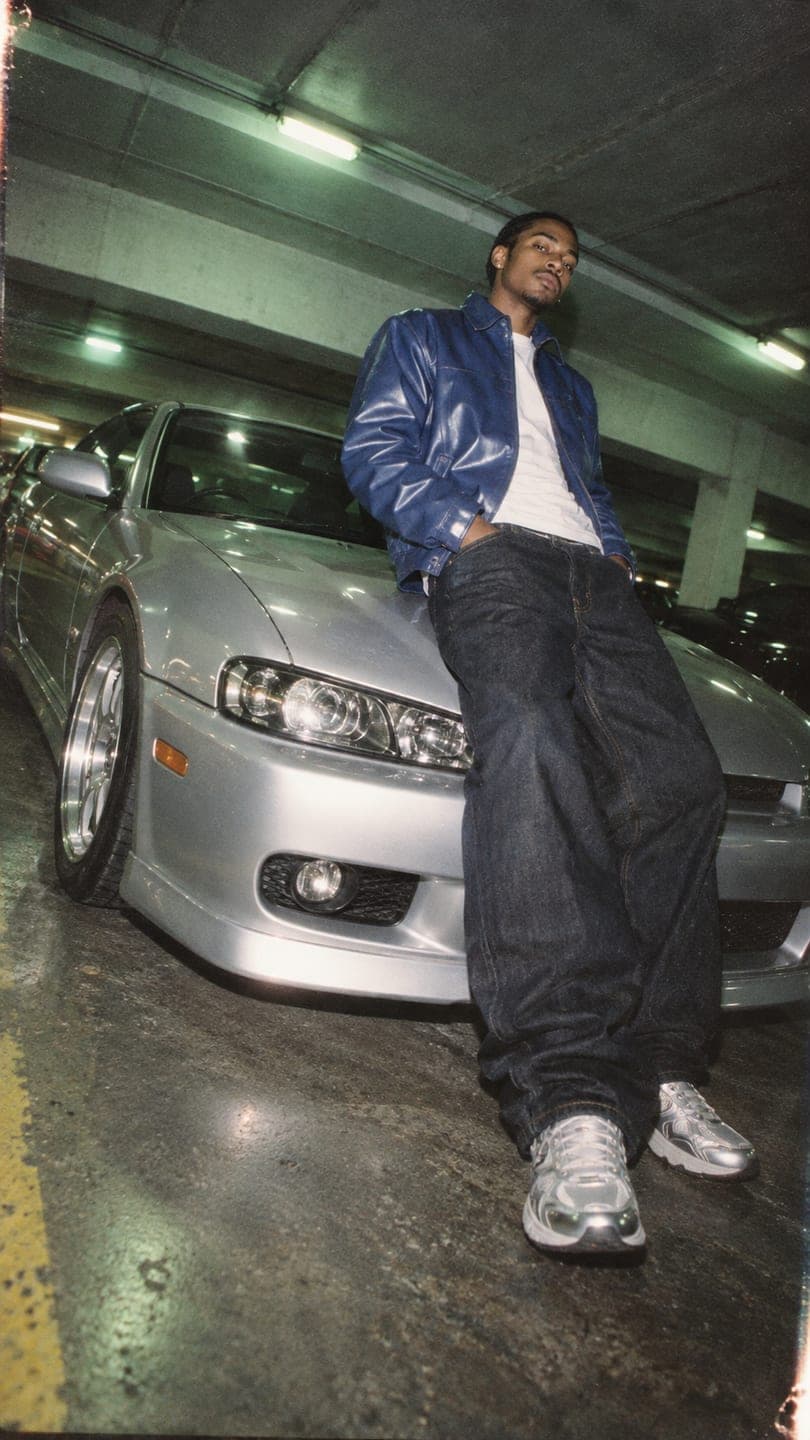
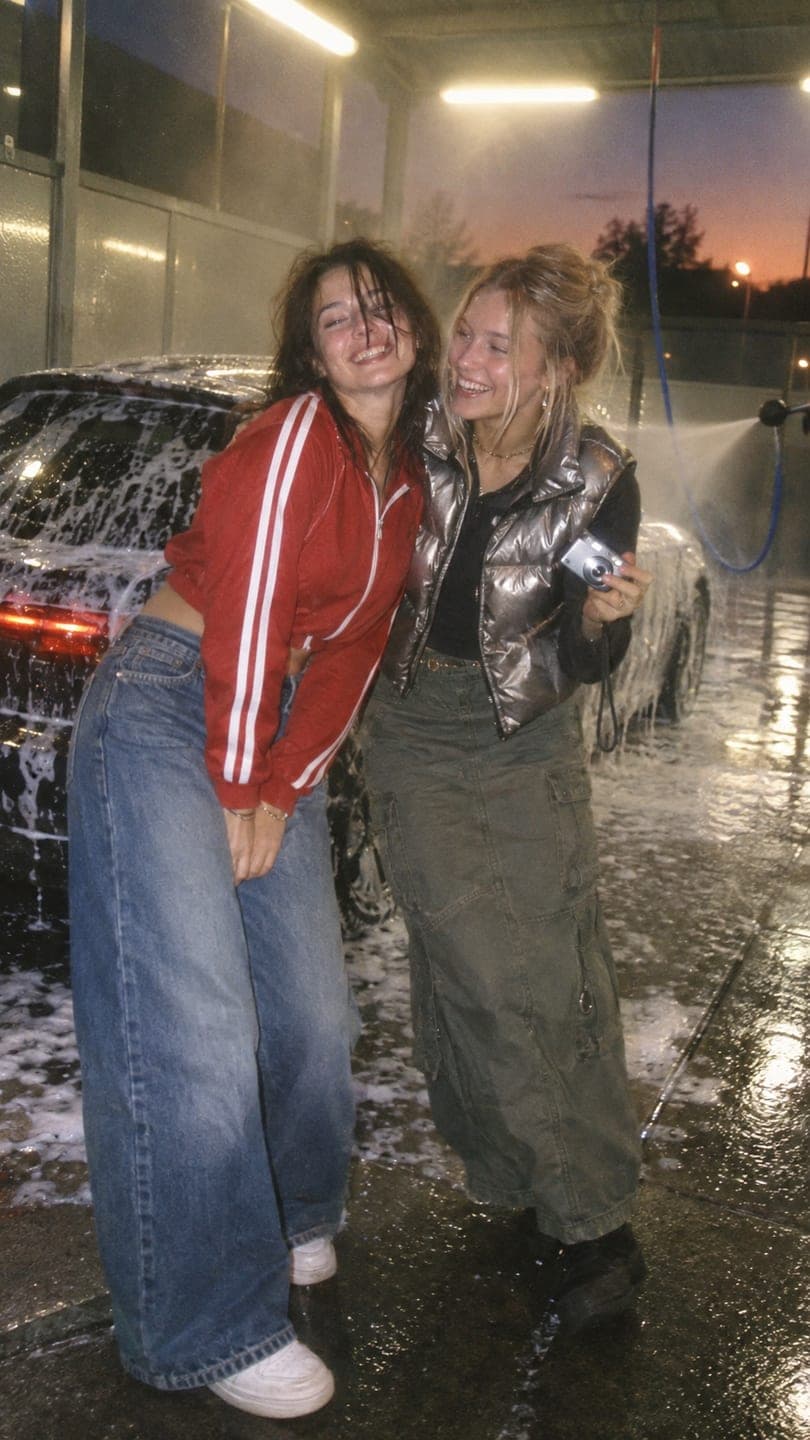
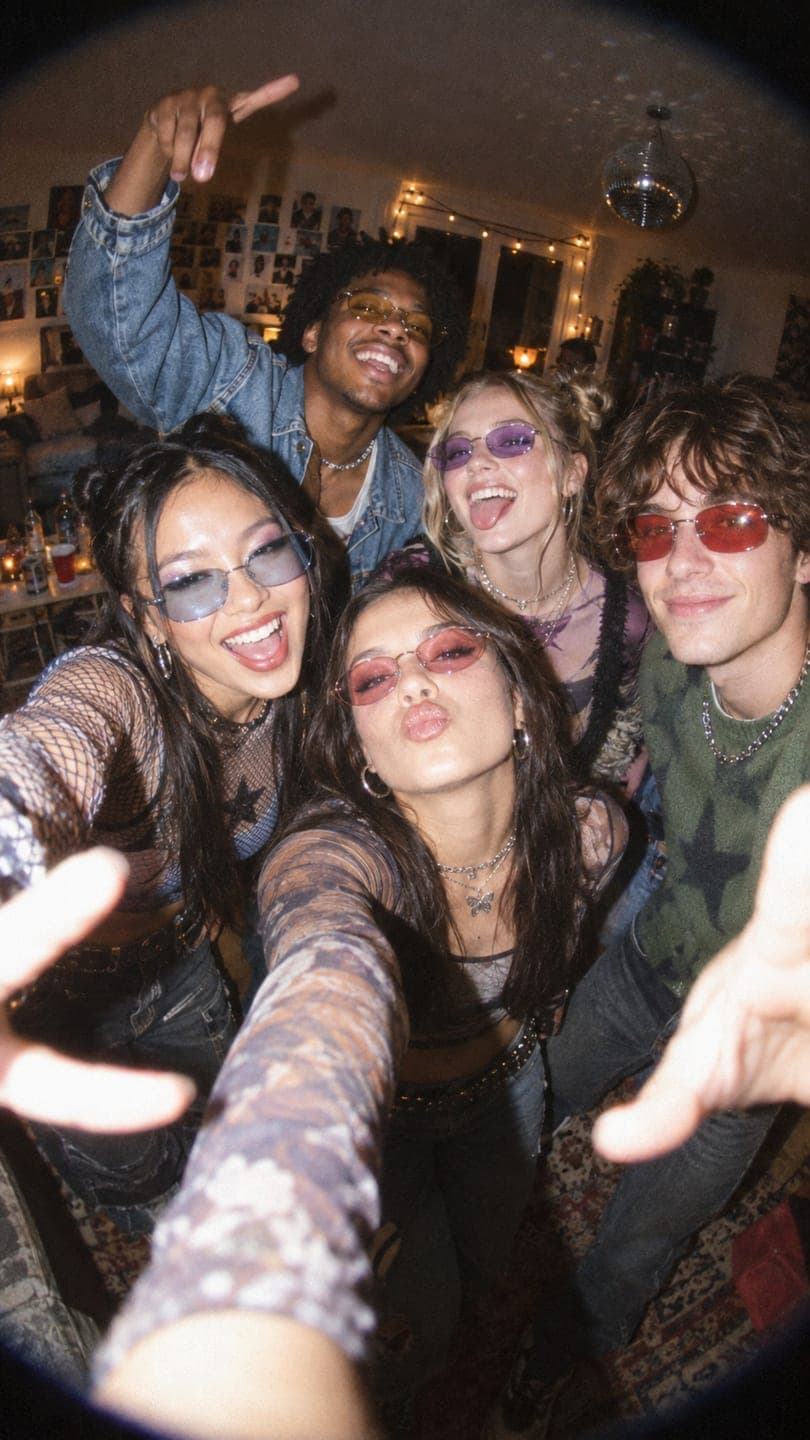
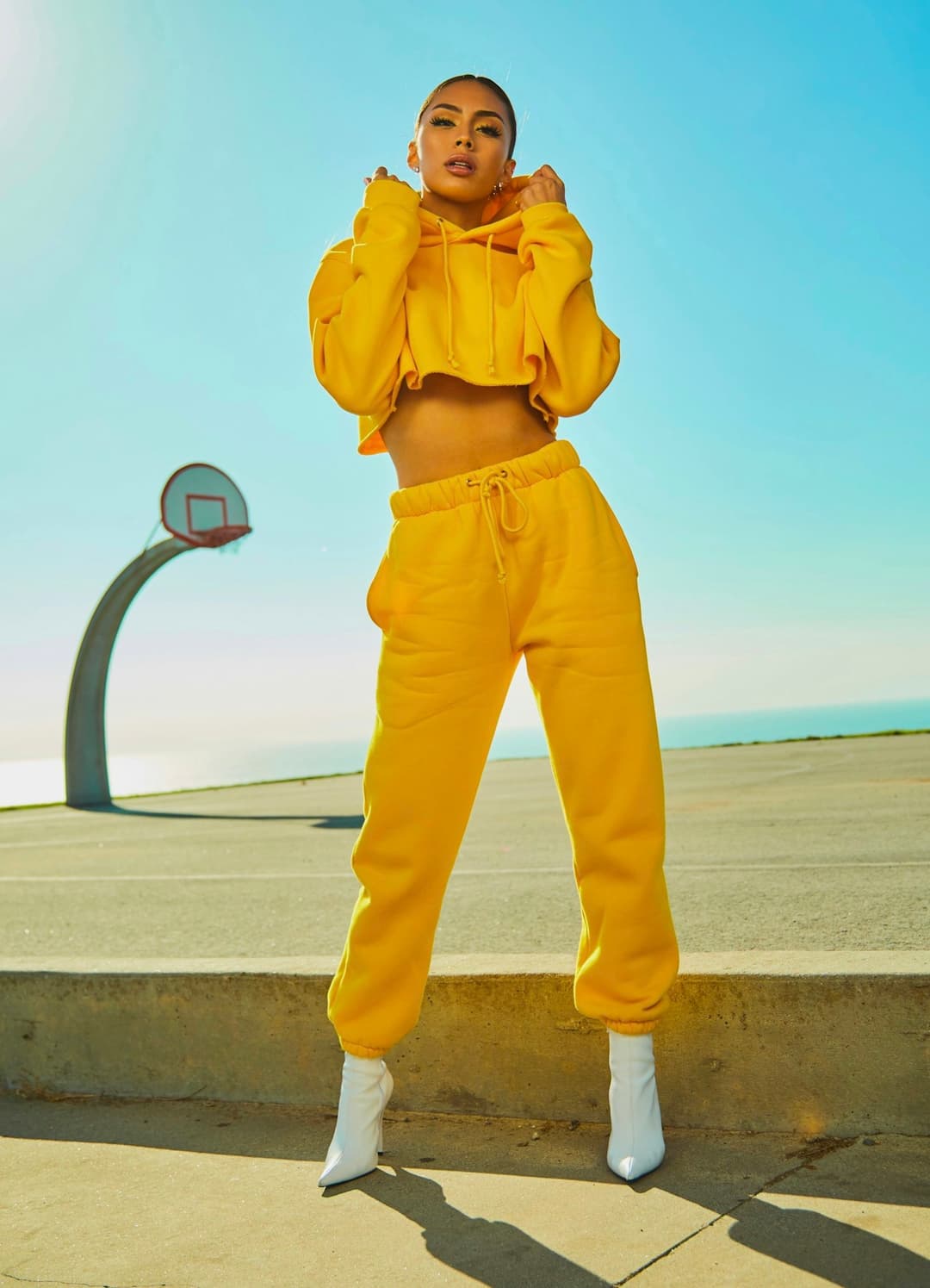
Examples made with Dromana. Tap one to start from that look.
How to use the digicam photo filter
Step 1
Upload a photo
Any clear JPG, PNG or WebP of you. Full-body and waist-up shots both work; the face just needs to be visible.
Step 2
Pick a digicam look
Start from Chrome mall, Parking garage or Car wash, or write the scene you want, like a sleepover or a mall food court.
Step 3
Generate and save
Sign in and press Generate. The included engine costs 10 credits per image, and you can download the JPG straight away.
What a digicam photo actually looks like
Compact digital cameras from roughly 2003 to 2010 had tiny sensors, weak processors and a flash that fired at full power whenever the room was even slightly dim. The result is a recognisable fingerprint: faces bright and a little shiny, backgrounds a step darker, highlights that clip to pure white, and color that drifts cool under fluorescent light or green under shop lighting.
Detail is the other giveaway. Those cameras recorded five or six megapixels and then compressed hard, so edges look soft and shadows carry a fine, blotchy noise. Phones do the opposite, sharpening and brightening everything, which is why a modern photo with a filter on top still reads as modern. The digicam filter rebuilds the light and the texture together rather than adding a tint.
Digicam looks to start from
Chrome mall puts you by the escalators in baby blue and silver cargos, lit by a flash that bounces off every glossy surface. Parking garage is the low-angle car shot with a glossy bomber and green fluorescent light overhead. Car wash and House party bring friends into the frame for the candid group-photo version.
All of them keep your face, hair and build, and change the outfit, setting and camera character. If you only want the camera look and not new clothes, write that in the box: keep my outfit, just make it look like a 2000s digital camera photo.
Digicam, Y2K and disposable: which one you want
Digicam is about the camera: cool, crisp-but-soft digital flash. Y2K is about the styling of the same years, with candy colors, tracksuits and butterfly clips. A disposable camera look is film rather than digital, so it comes out warmer and grainier. They overlap, and many people combine them, but naming the one you mean gets a closer result.
Our longer guide to the digicam aesthetic covers real cameras and phone settings if you want to shoot it yourself, and the disposable camera guide covers the film version.
Tips for better results
- Photos taken in ordinary indoor light give the flash effect the most room to work.
- Ask for one era detail at most, like a flip phone or a date stamp, so it doesn't look like a costume.
- Group photos work best with two to four people close to the camera.
- Keep the frame vertical for stories and a profile picture crop.
- If the result looks too clean, add 'more noise, slight motion blur' and run it again.
FAQ
What is a digicam photo filter?
It makes a modern phone photo look like it was taken on a 2000s compact digital camera: direct flash, clipped highlights, a cool color cast, soft detail and candid framing.
Do I need a real digital camera for the digicam aesthetic?
No. A real camera is fun but secondhand ones are getting expensive and batteries are hard to find. Restyling a phone photo gives you the same look in seconds.
Will it keep my face?
Yes. The looks are built to keep your identity while changing the light, color, texture and outfit. A sharp photo with your face clearly visible gives the closest match.
Is the digicam filter free?
Yes, to start. New accounts get 70 free credits and each image on the included engine costs 10. Free images carry a small watermark that a paid plan removes.
Can I add a date stamp?
Yes. Write 'orange date stamp in the corner' in the box. Use it on one or two photos in a set rather than all of them.
Can I make it a video?
Yes. Take the digicam image into AI Video and add small motion, like a laugh or a camera shake, for a short vertical clip.
Only use photos you have the right to use. See our safety guidelines.
Guides for this look
- Best AI photo apps to restyle a selfie in 2026: aesthetics, portraits and editsThe best AI photo apps for restyling a selfie: aesthetics, AI photoshoots, portraits and headshots, compared on face accuracy, ease, free tiers and privacy.
- The digicam look: how to get that 2000s digital camera vibeGet the digicam look: harsh flash, blown highlights and a date stamp like a 2006 point-and-shoot. Whether to buy an old camera, phone tricks that fake it, or an AI edit.
- The disposable camera aesthetic: how to get the film-flash party lookHow to get the disposable camera aesthetic: harsh flash, grain, warm color shifts and candid framing, with phone settings, edit steps and a one-photo AI shortcut.
- Profile picture ideas: 25 aesthetic pfps that still look like youAesthetic pfp ideas for Instagram, TikTok and Discord: crops that survive the circle, light and color that pop at tiny sizes, poses, and how to restyle one selfie.