Animate landscape photos — clouds, water, mist and fire that move
Dromana animates landscape and travel photos. Upload a mountain, beach, forest, cabin or skyline shot and get a vertical or horizontal video where clouds drift, waves roll in, mist moves or a fire flickers, while the landmarks stay put. Ask for a still camera and only the parts you name move. New accounts get 70 free credits, enough for one 5-second clip.
AI Photo to Video
 World moves
1 Pick a look · optional
Describe what happens, in your own words. To change outfit or place, pick a look or switch on New outfit or scene.
Failed renders refund credits
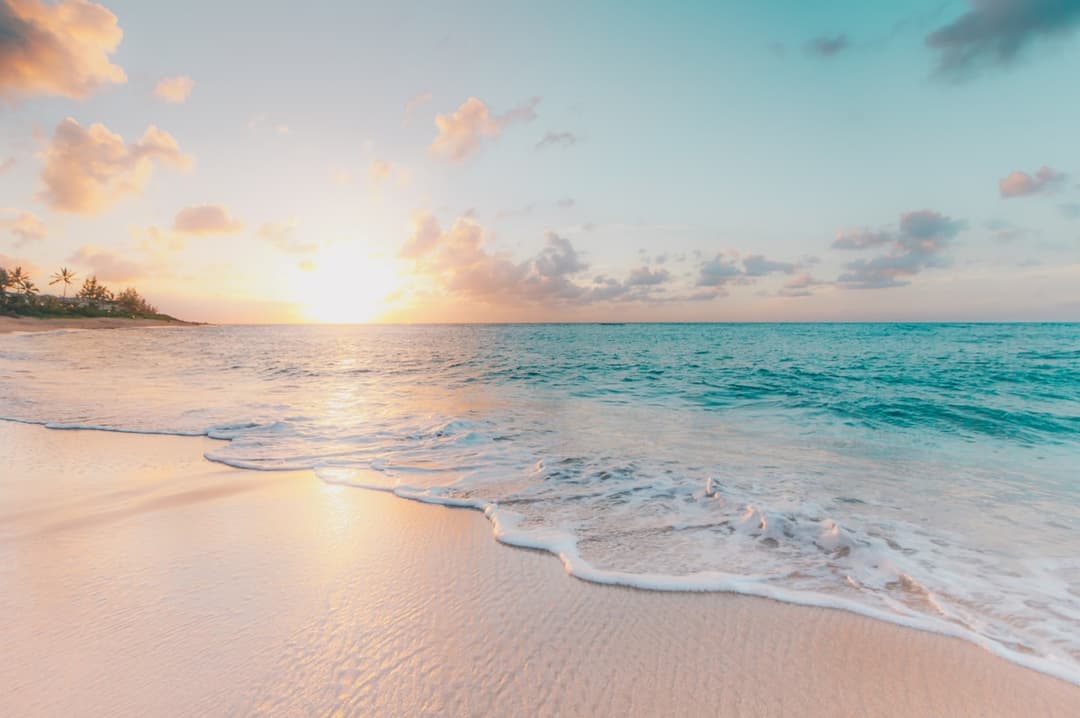
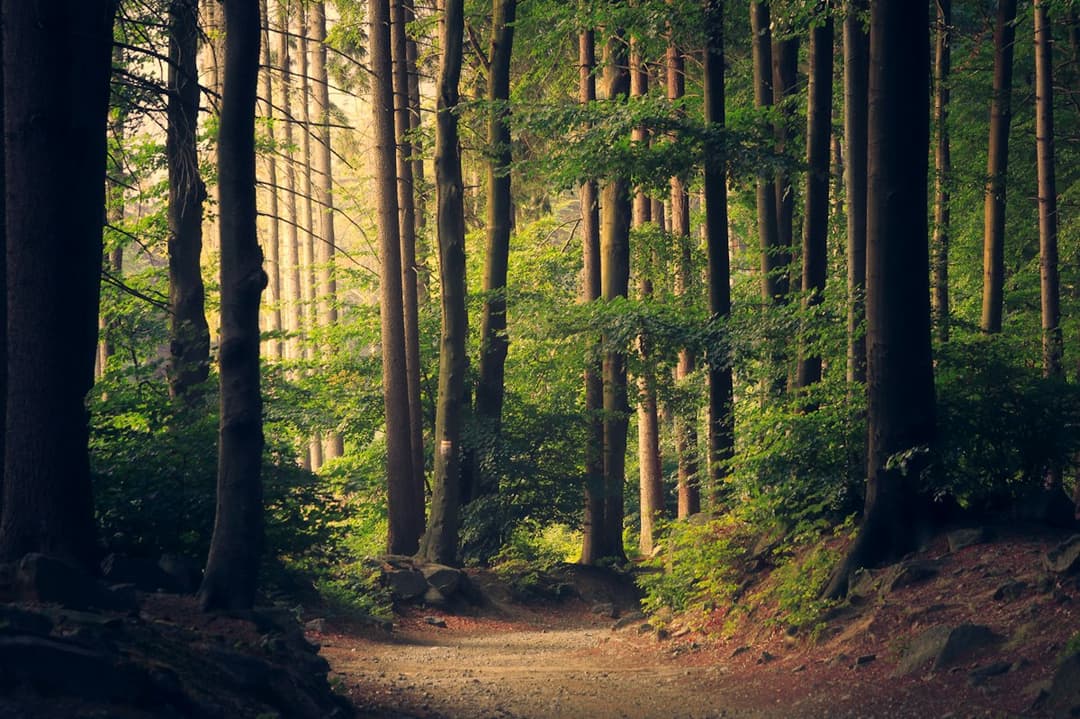
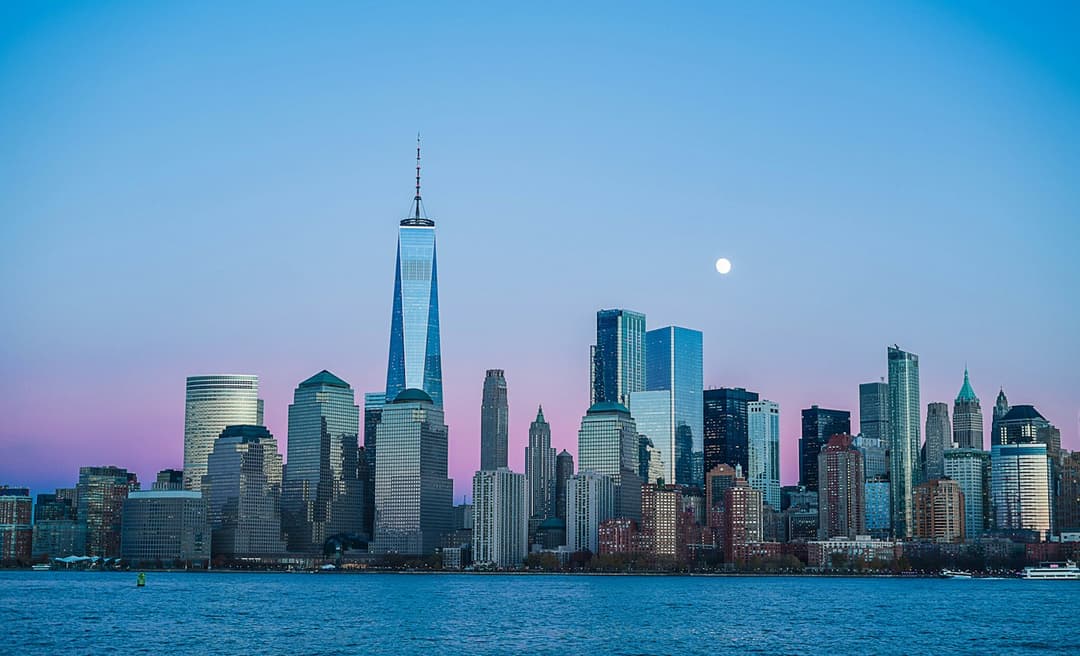
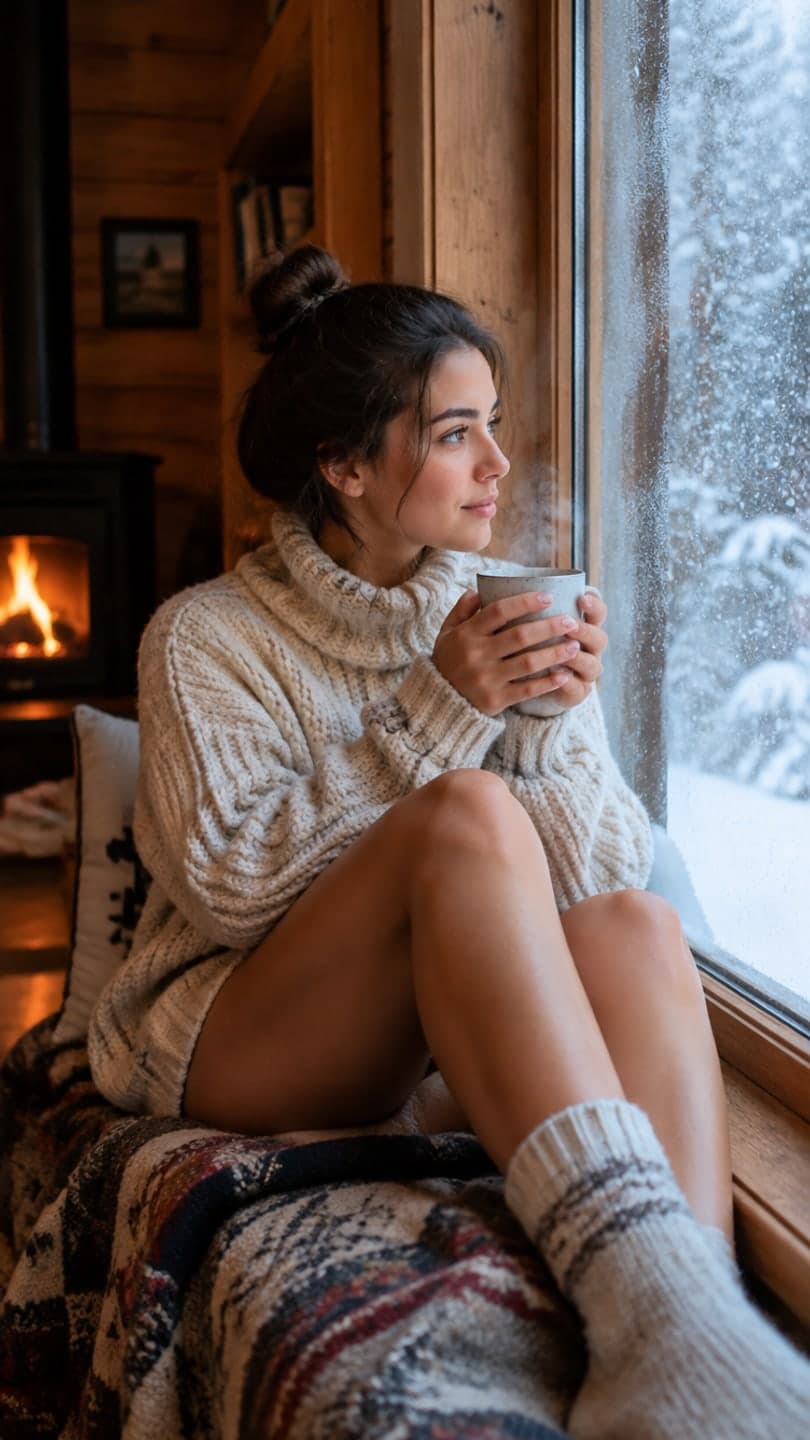
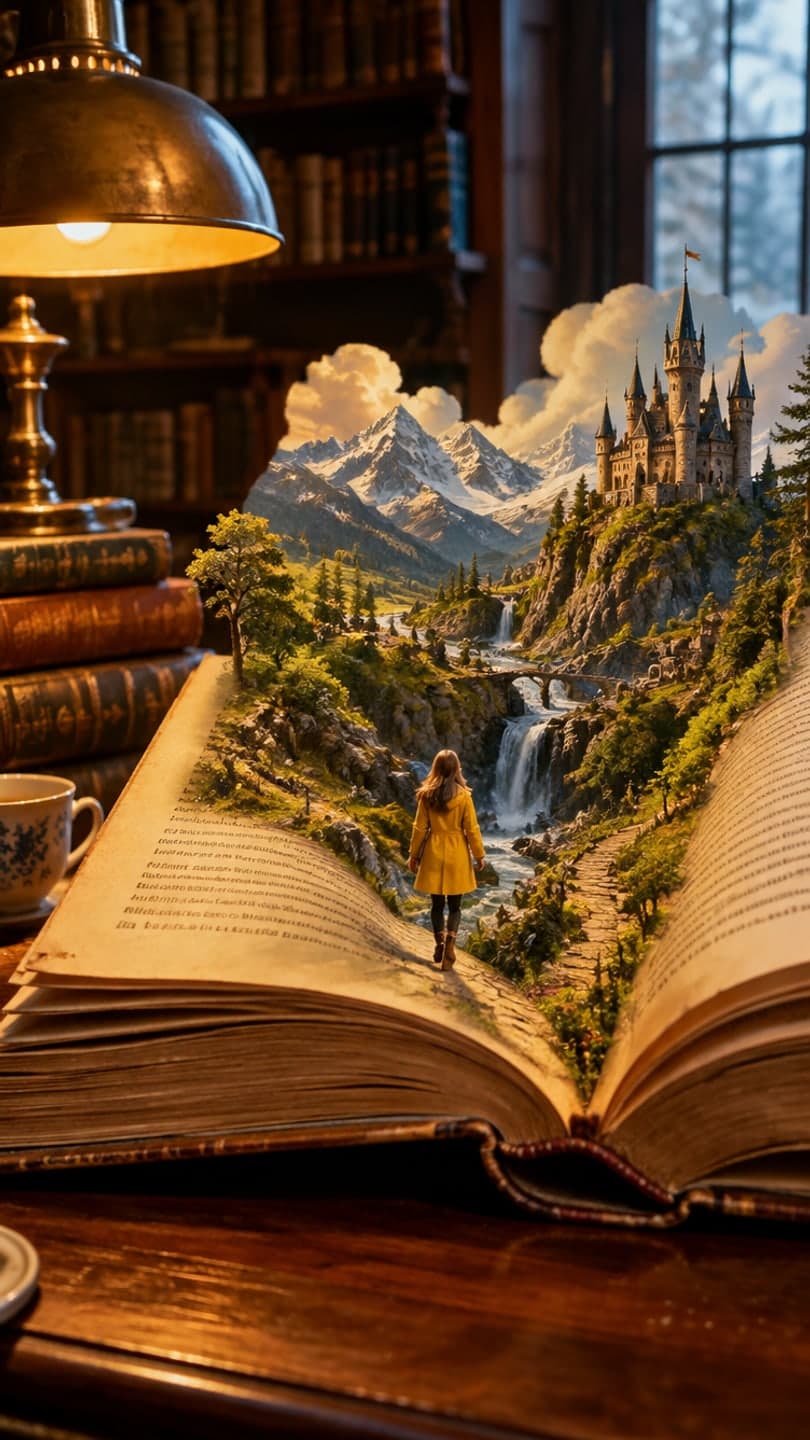
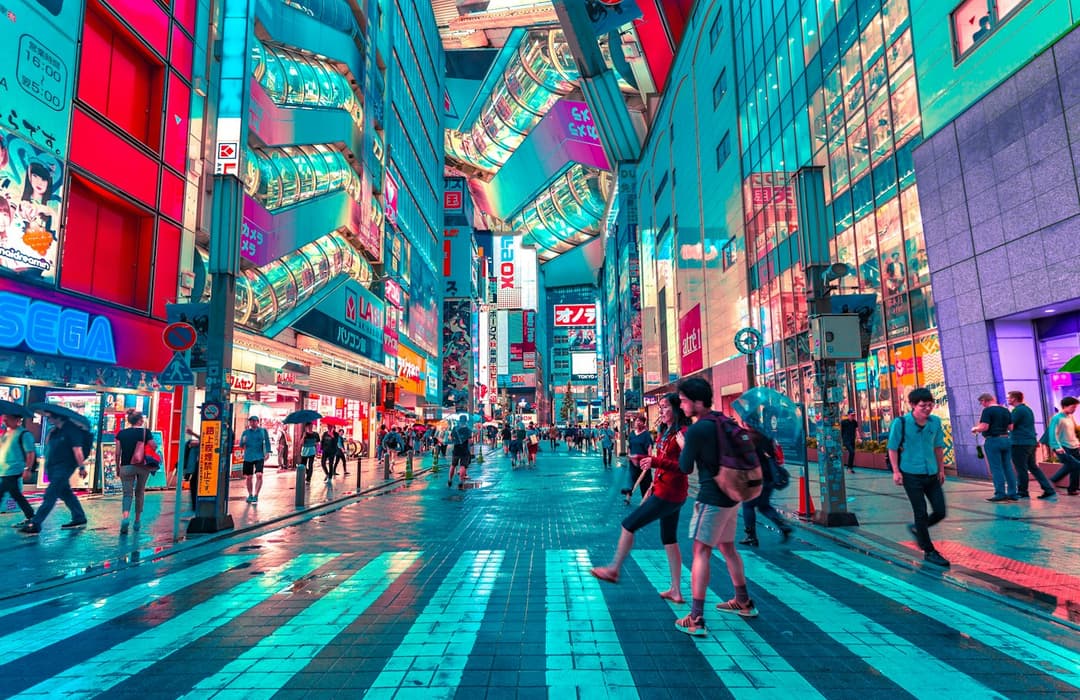
Examples made with Dromana. Tap one to start from that look.
How to use the animate landscape photos
Step 1
Upload a landscape
A JPG, PNG or WebP up to 8 MB. Wide shots with sky, water, foliage or a fire give the motion the most to work with. Pick vertical or horizontal before you generate.
Step 2
Say what should move
Start from World moves, Trees breathing or Coast drift, or write it yourself: “Camera completely still. Only the clouds drift slowly to the left.”
Step 3
Generate the clip
Sign in and press Generate. A 5-, 8- or 10-second silent MP4 is usually ready in a minute or two.
How landscape animation works
A landscape photo freezes things that never really stand still. The AI looks at what is in the frame, such as sky, water, grass, trees, mist, smoke, flames or streetlights, and adds the movement each of those would naturally have. Clouds slide and change shape, water rolls and sparkles, branches sway and light warms or cools a little over the clip.
Unlike a Ken Burns pan, the content itself moves. The horizon and the main landmarks stay where they are, and you decide whether the camera glides forward or holds perfectly still. Clips come out vertical 9:16 for TikTok, Reels and Shorts, or horizontal 16:9 for YouTube, a website header or a listing page.
Make only one part of the photo move
You don't have to animate everything. Name the parts that should move and say that everything else stays put: “Completely stationary camera. Fireplace flames flicker at a natural speed. Distant mist drifts very slowly. The building, furniture and mountains do not move.” That's the cinemagraph look, without masking anything by hand.
Keep the moving parts to one or two, describe their speed (“very slowly”, “gently”), and repeat that the camera doesn't move. If something you wanted still moves anyway, say so in the next try, such as “the trees stay still”, and generate again. The animate part of a photo page has more recipes for fire, water, smoke and sky.
Scenes that animate best
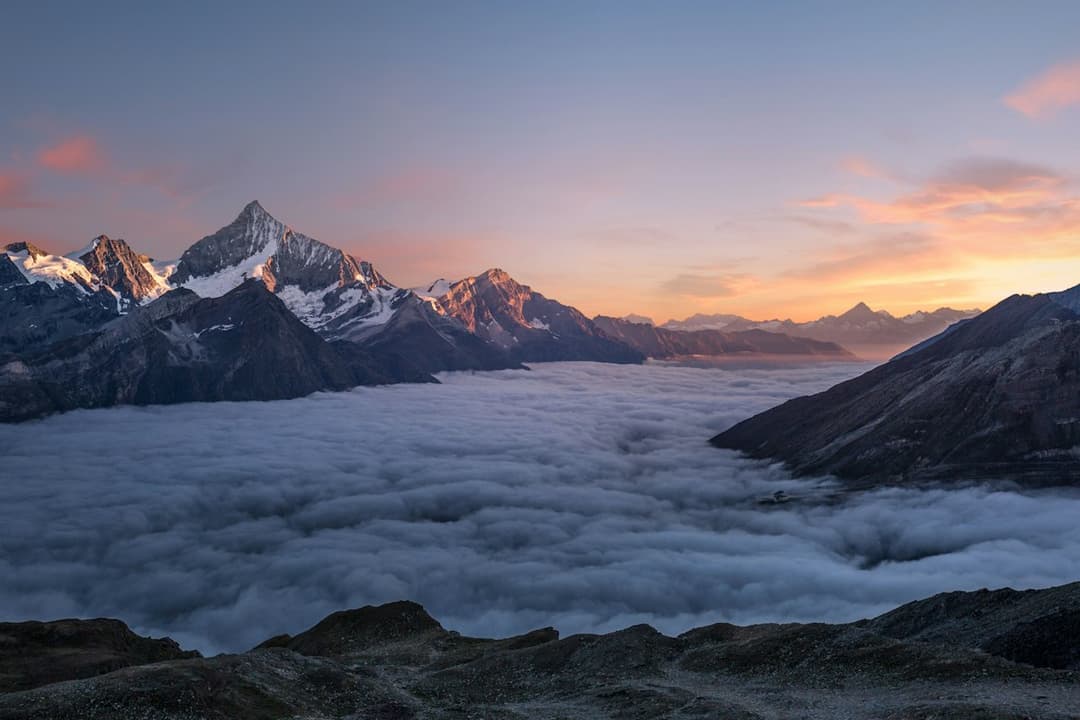
Mountains with a big sky, beaches and rocky coasts, forest paths, lakes, waterfalls, fields of long grass and cabins with a fire going all give clear, satisfying motion. World moves shows a mountain valley coming alive, Trees breathing adds wind to a woodland path and Coast drift sends waves up the sand.
City scenes work too. Night city turns a still street into a clip with wet asphalt and neon reflections, while skylines at dusk suit slow cloud movement and lights switching on. If a city shot looks flat, run it through the cinematic photo filter first and animate the graded still.
What to do with an animated landscape
Moving travel photos make calm openers and transitions for trip recaps. A slow loop also works as a background for quotes, lyric videos, playlist covers or a stream starting screen. Photographers turn a portfolio favourite into a teaser, and hosts and agents bring a view, a fireplace or a pool to life for a listing; see animate real estate photos for how to keep that honest.
Results made on a paid plan, or with credits you bought, can be used commercially, and plans remove the watermark. Starter's first month is $4.99 if you have never paid.
Length, sharpness and cost
Dromana renders 5, 8 or 10 seconds at 768p; a 5-second clip uses 70 credits. For the sharpest result, pick the 1080p model in the studio, and for longer shots the other models go up to 30 seconds. Every model shows its price before you generate, and a failed render gives its credits straight back.
Tips for better results
- Use a sharp, high-resolution photo; noise and compression artefacts become visible once the scene moves.
- Leave some sky, water or fire in the frame, since they carry the most visible motion.
- Describe direction and speed: “slow clouds drift right” beats just “clouds”.
- Say “completely stationary camera” when you want the shot locked and only the scene moving.
- Choose horizontal for wide views and websites, vertical for phone feeds.
FAQ
Can I animate a landscape photo for free?
Yes. New accounts get 70 free credits, enough for one 5-second video at 768p, plus 35 more each day you visit. Free clips carry a small watermark that a paid plan removes.
Can I make only part of the photo move?
Yes. Ask for a completely stationary camera, name what should move (flames, mist, clouds, water) and say what stays still. Keep it to one or two moving parts for the most natural result.
Can I keep the camera completely still?
Yes. Write “completely stationary camera” or “locked-off camera” in the prompt. Without it, the clip may include a slow glide forward, which suits wide views.
Can the video be horizontal?
Yes. Pick 16:9 for a horizontal clip or 9:16 for vertical before you generate. The photo is cropped to that shape from its center, so keep the best part of the view in the middle.
How long can the clips be?
Dromana makes 5, 8 or 10 seconds. Other models in the studio go up to 15 or 30 seconds and show their price first. Clips are silent, so add music or ambient sound in your editor.
Can I use it for a business or a listing?
Yes, if you made it on a paid plan or with credits you bought. Only animate what is really there: moving water, sky or a fire that exists in the photo, not features the place doesn't have.
Only use photos you have the right to use. See our safety guidelines.
Guides for this look
- Fall photoshoot ideas: 25 autumn looks for leaves, layers and golden hourFall photoshoot ideas to shoot this weekend: leaf piles, café corners, layered outfits, golden-hour and rainy-day light, poses with movement and an autumn clip.
- Best free AI video generators in 2026: what you actually get for freeWhich AI video generators are actually free in 2026? We compare free tiers: daily refills, one-time credits, watermarks, resolution limits and commercial use.
- Best apps to animate old photos with AI in 2026The best apps for animating old family photos with AI: face animation, restoration first, gentle motion and full scenes, compared on realism, ease, cost and privacy.
- Luma Dream Machine alternatives: 7 AI video tools for photo-to-videoLooking for a Luma Dream Machine alternative? Seven AI video tools compared for photo-to-video: cinematic control, trend templates, effects, free tiers and pay-as-you-go.