Colorize black-and-white photos — see them the way they really looked
Dromana colorizes black-and-white and sepia photos with realistic skin tones, period-true clothes, rooms and landscapes, and lightly cleans dust and scratches while it works. Upload a scan or a phone photo of the print and get a color version in about a minute, with every face, age and expression left exactly as it was. New accounts get 70 free credits, no card needed.
AI Photo Restyle
 Colorize black and white
1 Pick a look · optional
Failed renders refund credits
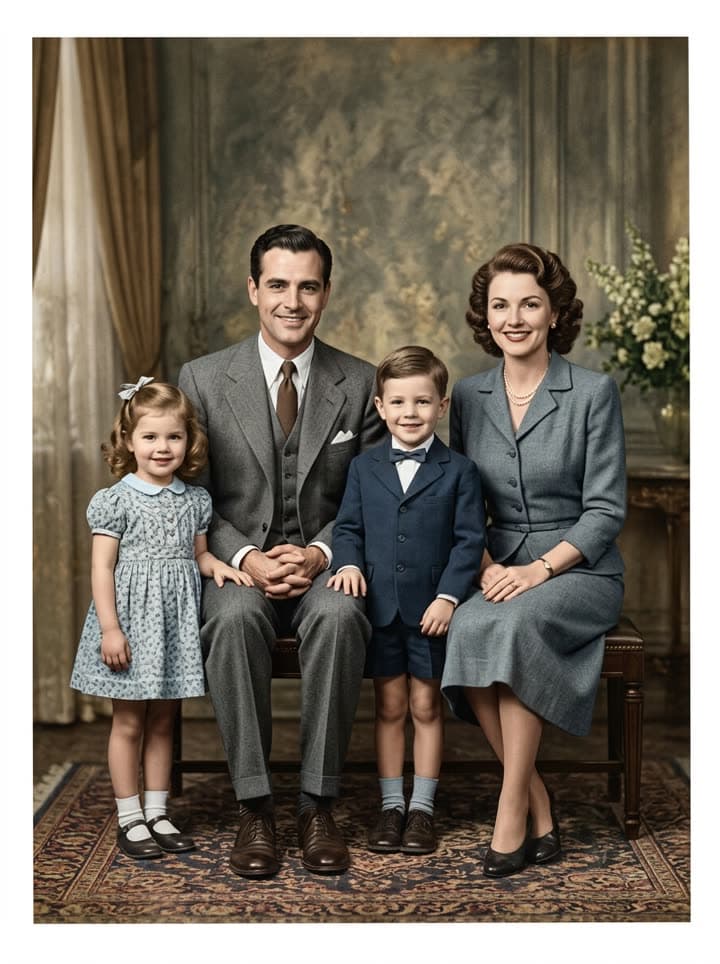
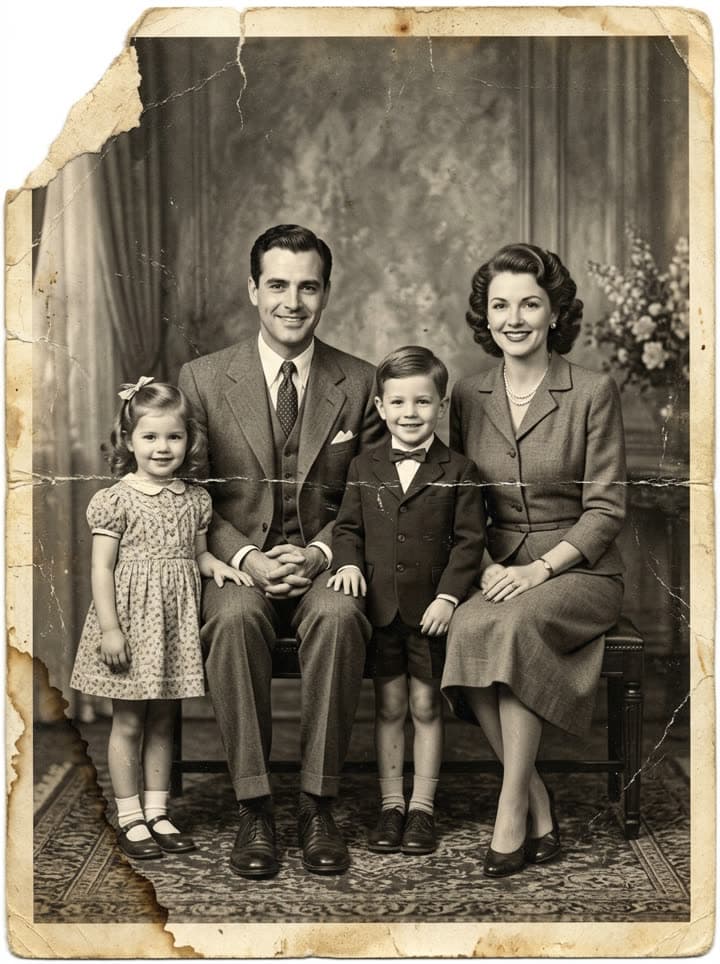 BeforeAfter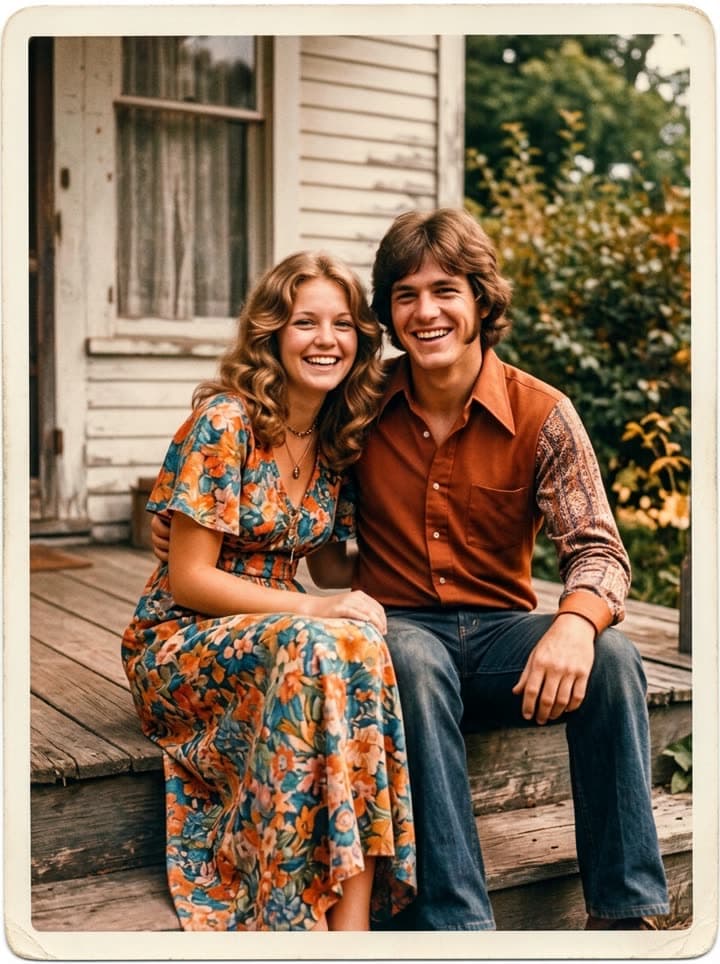
Examples made with Dromana. Tap one to start from that look.
How to use the colorize black-and-white photos
Step 1
Upload the black-and-white photo
A scan or a straight-on phone photo of the print, JPG, PNG or WebP up to 8 MB. Sepia and toned prints work too.
Step 2
Add what you know
The prompt starts ready. If you remember a detail, write it: “her dress was pale blue, the car was dark red, he had grey eyes”.
Step 3
Check and keep the original
Compare the color version with the scan and keep both. Generate again for a different take on the colors.
Why colorized photos feel so close
A black-and-white photo puts a distance between us and the people in it: it reads as history. Color takes that distance away. Grandparents suddenly look like people you could meet, a wedding from 1952 looks like a summer afternoon, and children recognize their own features in a great-grandparent's face. That's why colorized family photos are so often the ones that make people stop and say nothing for a moment.
Colorizing works on any monochrome print: studio portraits, snapshots, wedding photos, military portraits, school photos, old houses and street scenes. Sepia and cyanotype-toned prints are treated the same way.
How the colors are chosen
A black-and-white photo doesn't record color, so every colorization is an informed reconstruction. The model reads the era, the fabrics, the light and the setting and picks colors that are plausible for the time: muted wools in the 1940s, pastel prints in the 1950s, warm interiors with wood and wallpaper. Skin tones are kept natural rather than doll-like.
Family memory beats any model. If you know grandpa's eyes were blue or the front door was green, say so in the prompt and the result follows it. Ask an older relative before you colorize; the conversation about what color things were is often as precious as the picture.
Colorize, restore or both
This page keeps the cleanup light: dust and small scratches go, but the photo's character stays. If the print is creased, torn, stained or badly faded, use restore old photos instead, which repairs damage and colorizes in one go.
For the most natural result, start from the best scan you can make. Grain and soft focus are fine and part of the period; heavy glare from a glossy print or a phone shadow across the photo is what really hurts the colors.
Honest about what color adds
Because the colors are reconstructed, label colorized photos as such when you share them, especially for family history, genealogy or anything presented as a historical record. Keep the black-and-white original alongside the color version in your archive, and note who is in the photo and when it was taken while someone still remembers.
Then, if you like, let the picture move: bring old photos to life turns the colorized still into a short clip where the people blink and smile again.
What it costs
Each colorization uses 20 credits on the model this page starts on. New accounts get 70 free credits with no card, enough for about 3 photos, and 35 more each day they visit. Free results carry a small watermark; Starter removes it and costs $4.99 for the first month if you've never paid.
Tips for better results
- Ask older relatives what colors things really were and put it in the prompt.
- Use the restore page instead for creased, torn or stained prints.
- Keep the black-and-white original next to the color version.
- Label colorized photos when sharing them as family history.
- Avoid glare on glossy prints; it shows up as false color.
FAQ
How do I colorize a black-and-white photo for free?
Upload it here and keep the ready-made prompt. New accounts get 70 free credits with no card, and each colorization uses 20.
Are the colors historically accurate?
They are plausible for the era, chosen from the clothes, setting and light, but black-and-white film never recorded color, so treat them as a reconstruction. Add details you know, like eye or dress color, to the prompt.
Will colorizing change the faces?
No. The prompt keeps every face, age, expression and hairstyle exactly as in the original and only adds color and light cleanup. Compare the two before you share.
Can I colorize sepia photos?
Yes. Sepia, toned and faded monochrome prints are colorized the same way.
Can I colorize a damaged photo?
Light dust and scratches are cleaned automatically. For creases, tears, stains or heavy fading, use the restore page, which repairs and colorizes together.
Can the colorized photo move?
Yes. Take the color version to the bring old photos to life page for a gentle 5-second clip with blinking, breathing and soft smiles.
Only use photos you have the right to use. See our safety guidelines.
Guides for this look
- How to restore old photos with AI: bring back the faces in the family albumRestore old, scratched, creased or faded family photos with AI in a minute: how to scan them, what to ask for, how to keep every face true, and how to print or share.
- Animate old photos of loved ones: see them blink and smile again, gentlyHow to animate an old photo of a parent, grandparent or someone you've lost: picking the photo, restoring it, keeping the motion gentle and sharing it with care.
- Día de los Muertos photo tribute: restored and moving photos for your ofrendaHonor your loved ones this Día de los Muertos: restore their photos for the ofrenda, add color, make a gentle moving portrait and share a tribute with family far away.
- How to colorize black-and-white photos with AI so they look realColorize old black-and-white and sepia family photos with AI: natural skin tones, period-true colors, using what relatives remember, and keeping the original safe.
More effects


Ready when you are
Browse free. Sign in only when you press Generate.
Try the Colorize black-and-white photos