Cinematic photo filter — turn city and travel shots into film stills
The Dromana cinematic photo filter regrades a city or travel photo like a frame from a movie: neon reflections on wet streets, blue-hour skylines, golden sunrise flare or a moody night wash. The buildings, streets and framing stay the same while the light and color change completely. New accounts get 70 free credits, enough for several images on the included engine.
AI Photo Restyle
 Neon crossing
1 Pick a look · optional
Failed renders refund credits
Film noir
Broomstick flight
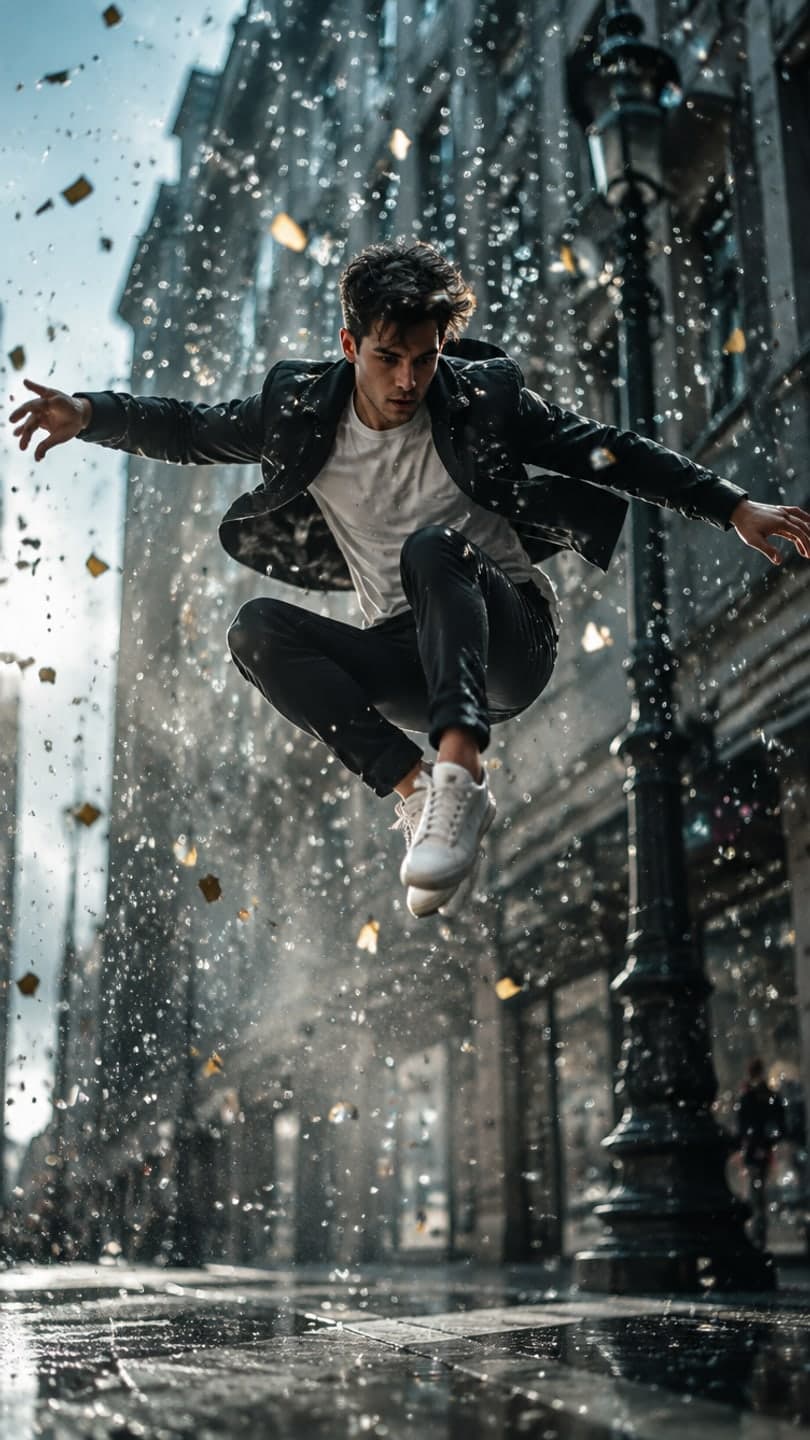
Bullet time
Neon crossing
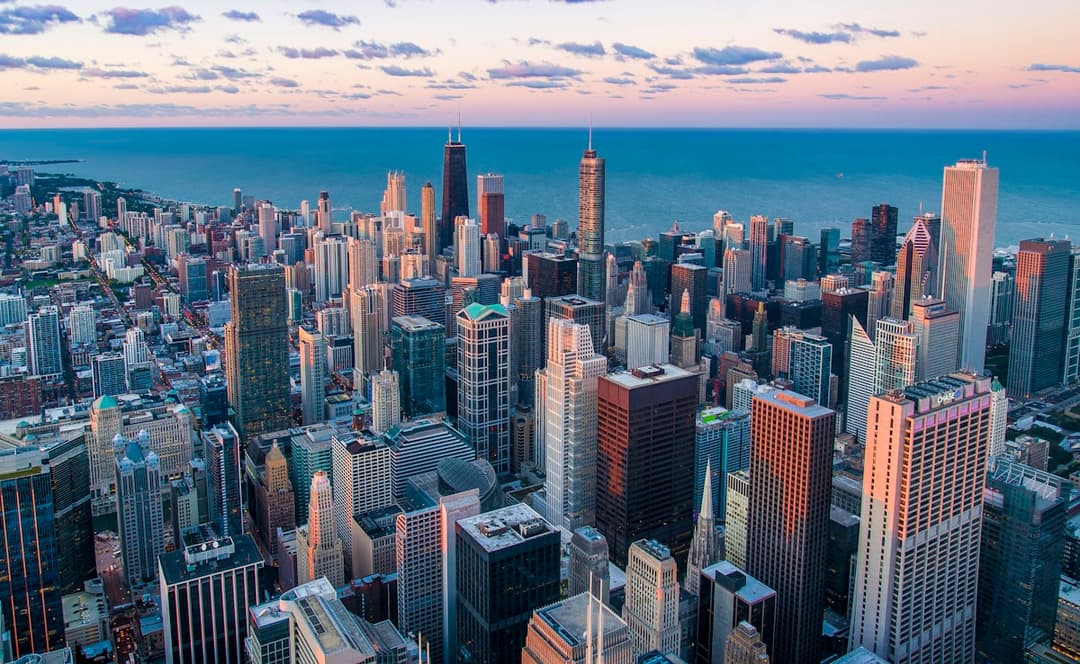
Night city grade
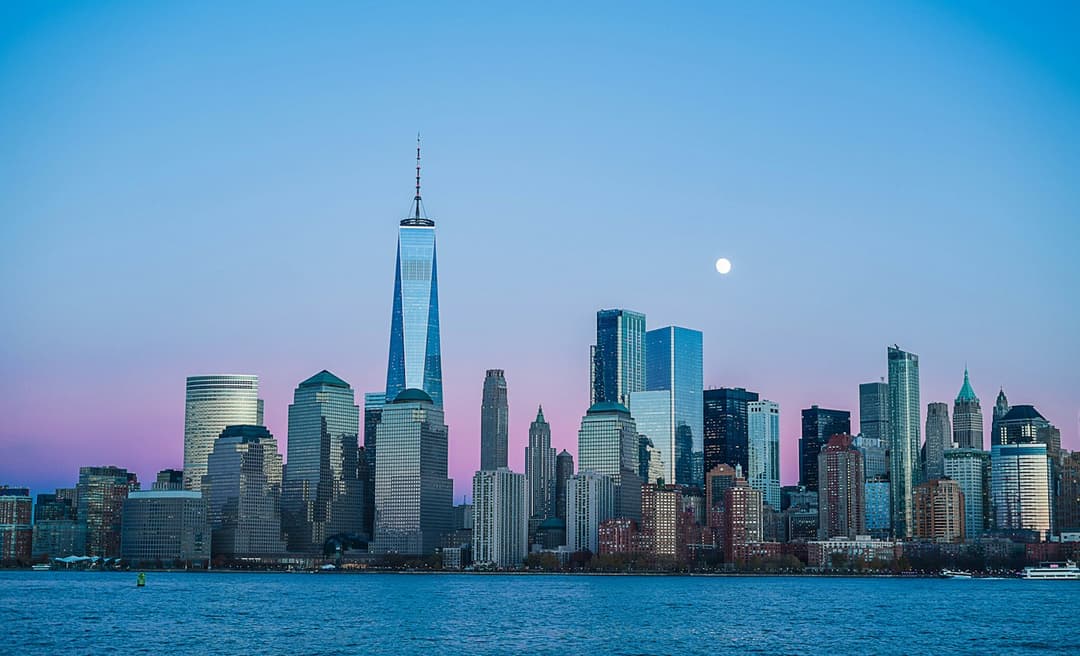
Dusk skyline
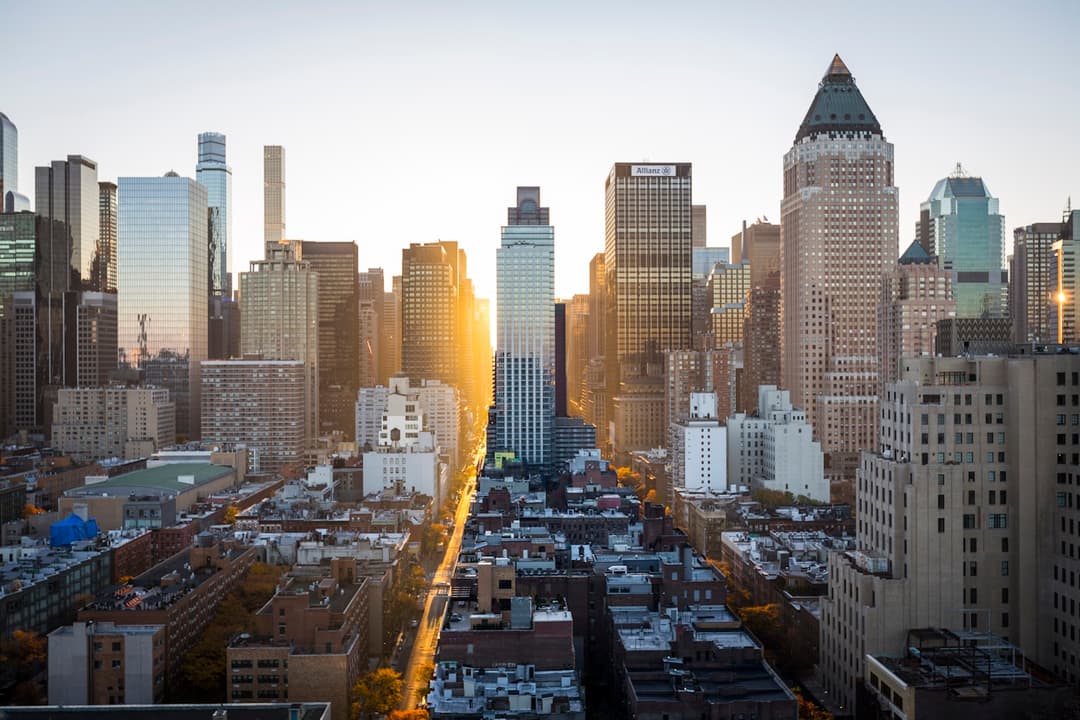
Midtown sun
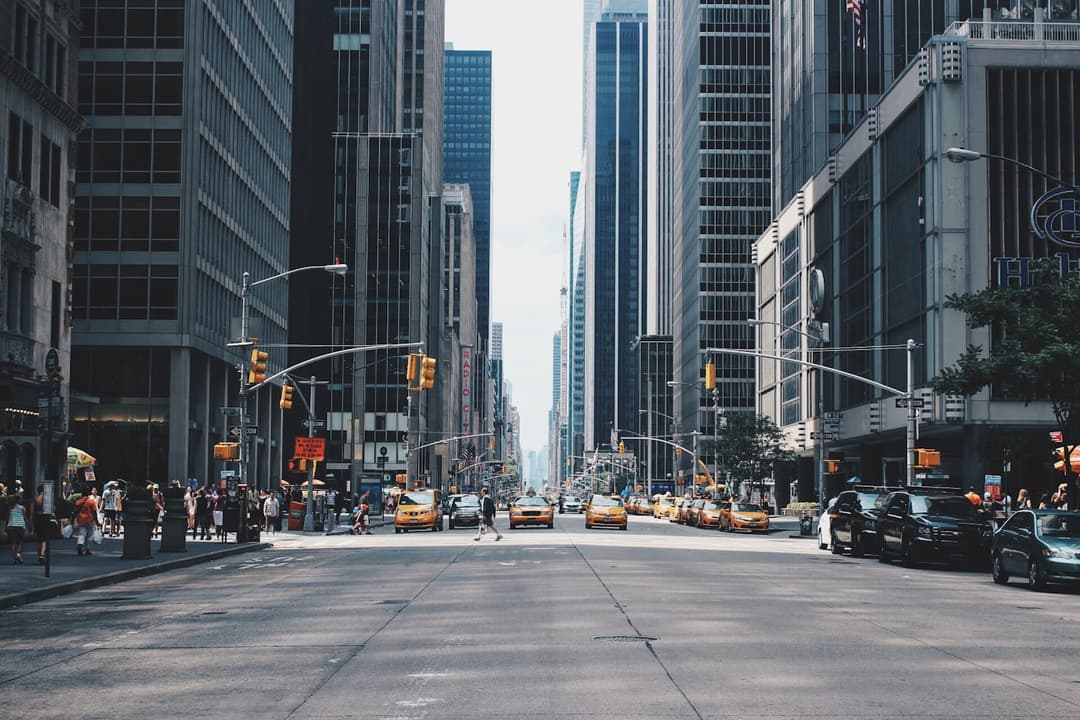
Yellow cabs
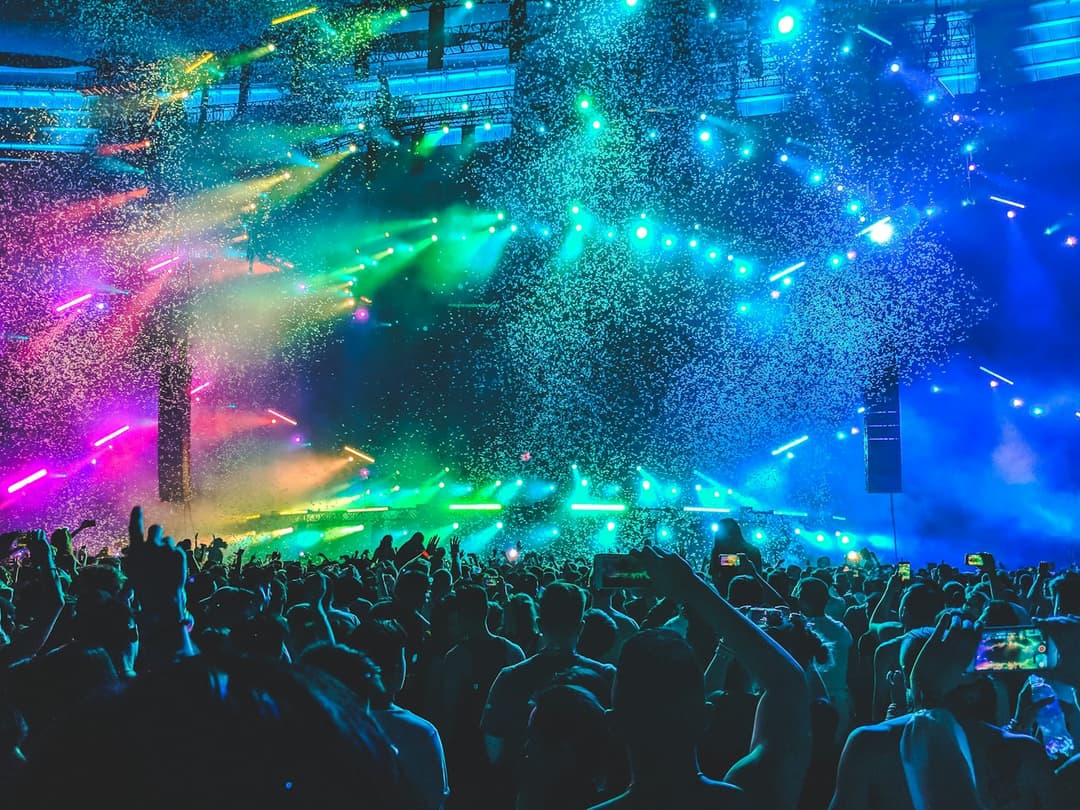
Night wash
Examples made with Dromana. Tap one to start from that look.
How to use the cinematic photo filter
Step 1
Upload a place
A street, skyline, crossing or travel shot as a JPG, PNG or WebP up to 8 MB.
Step 2
Choose a grade
Neon crossing, Night city grade, Dusk skyline, Midtown sun or Yellow cabs, or describe the mood you want.
Step 3
Generate and download
Sign in and press Generate. The included engine costs 10 credits and downloads as a JPG.
What makes a photo feel cinematic
Film stills rarely look like what a phone captures. Cinematographers pick a time of day on purpose, light scenes with strong practical sources like neon and streetlamps, and grade color so shadows and highlights push in opposite directions, often teal against orange or cyan against magenta. Wet ground doubles every light source, and haze gives depth.
A phone photo of the same street is usually flat and evenly exposed. The filter rebuilds the light and grade so the picture has a clear time, weather and mood, but it keeps your architecture, street layout and vanishing point, so it still shows the place you were actually standing in.
Grades to start from
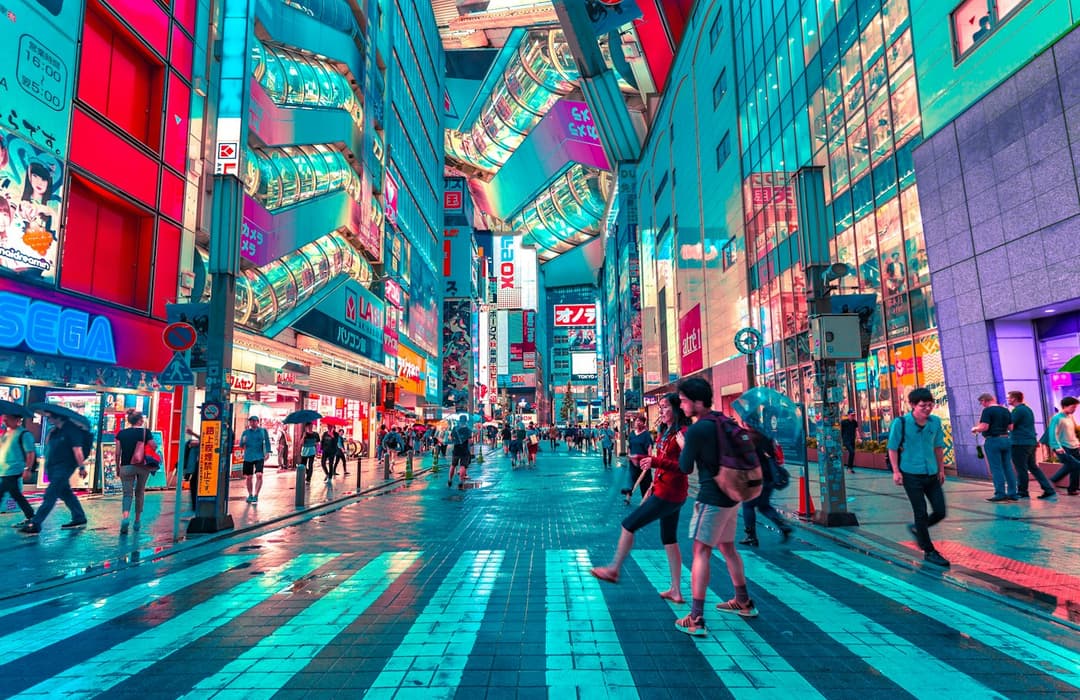
Neon crossing gives a busy intersection a cyan, rain-soaked night look. Night city grade adds wet asphalt and neon bounce to any downtown street. Dusk skyline cools the water and adds a soft moon over the towers, while Midtown sun does the opposite with a long street glowing in gold sunrise flare.
Yellow cabs leans into the classic avenue shot with a deep glass canyon, and Night wash turns a concert or event photo into a confetti-lit movie moment. Each prompt is editable, so you can move a scene from day to night, or from summer to a misty winter evening.
From still to scene
A graded city photo is also a great starting frame for motion. Take it into AI Video and animate the landscape so traffic lights flicker, clouds cross the skyline and reflections shimmer on the street, giving you a five-second establishing shot for a travel edit.
Where cinematic edits shine
Use them to give a trip photo dump one consistent look, make thumbnails and channel banners that feel like a movie poster, or create wallpapers from your own travel shots. Musicians and DJs can turn a gig photo into cover art, and small hotels, cafes and tour guides can show how a place feels at night without waiting for the perfect weather.
Tips for better results
- Straight, level photos with a clear vanishing point give the most film-like results.
- Name a time and weather: “blue hour after rain” or “hazy golden sunrise”.
- Ask to keep the composition so landmarks do not move or multiply.
- Photos without close-up faces keep attention on the place itself.
FAQ
Is the cinematic photo filter free to try?
Yes. New accounts get 70 free credits; each image starts at 10 on the included engine. Free images include a small watermark, which a paid plan removes.
Can it turn a daytime photo into night?
Yes. Describe the night look you want, like neon signs and wet streets, and the scene is relit while the buildings and layout stay the same.
Will it add fake landmarks or signs?
The grades are written to keep the original architecture and composition. Adding “no extra signage” or “keep the skyline” to your prompt helps even more.
Does it work on travel photos with people in them?
Yes, though the grade is built for places. For portraits, the AI fashion portrait or retro filters usually suit the subject better.
What is the difference from a normal photo filter?
A normal filter shifts colors on top of your photo. This rebuilds light, reflections, weather and atmosphere, so a flat midday street can become a rainy neon night.
Which photos work best?
Level street, skyline and travel shots with a clear subject and some depth. Very dark, blurry or heavily zoomed phone photos give the grade less detail to rebuild.
Only use photos you have the right to use. See our safety guidelines.
Guides for this look
- Halloween AI photo trends 2026: the late-night call, ghost besties, video store horror and moreThe Halloween AI photo and video trends of 2026: the 90s phone call, bedsheet ghost besties, video store horror, mummy wraps and skeleton dances, and how to make each.
- The scary phone call AI trend: how to make the 90s horror call photo and videoHow to do the viral scary phone call AI trend: a grainy 90s flash photo of you on a landline with a masked figure behind you, plus the video where it steps forward.
- Fall photoshoot ideas: 25 autumn looks for leaves, layers and golden hourFall photoshoot ideas to shoot this weekend: leaf piles, café corners, layered outfits, golden-hour and rainy-day light, poses with movement and an autumn clip.
- Thanksgiving photo ideas: 25 shots for the table, the family and FriendsgivingThanksgiving photo ideas for the table, family portraits and Friendsgiving: overhead food shots, warm light, group photos that work and a cozy clip for stories.