Animate hotel and vacation rental photos for booking pages and Reels
Dromana turns hotel, resort, cabin and vacation rental photos into short videos. Upload a room, the pool, the view or the lobby, keep the camera still or gliding slowly, and let what's really there move: pool water, a fire, curtains, clouds, steam from breakfast. Horizontal for booking pages, vertical for Reels, 5 to 10 seconds. Paid plans allow commercial use.
AI Photo to Video
 Sky drift
1 Pick a look · optional
Describe what happens, in your own words. To change outfit or place, pick a look or switch on New outfit or scene.
Failed renders refund credits
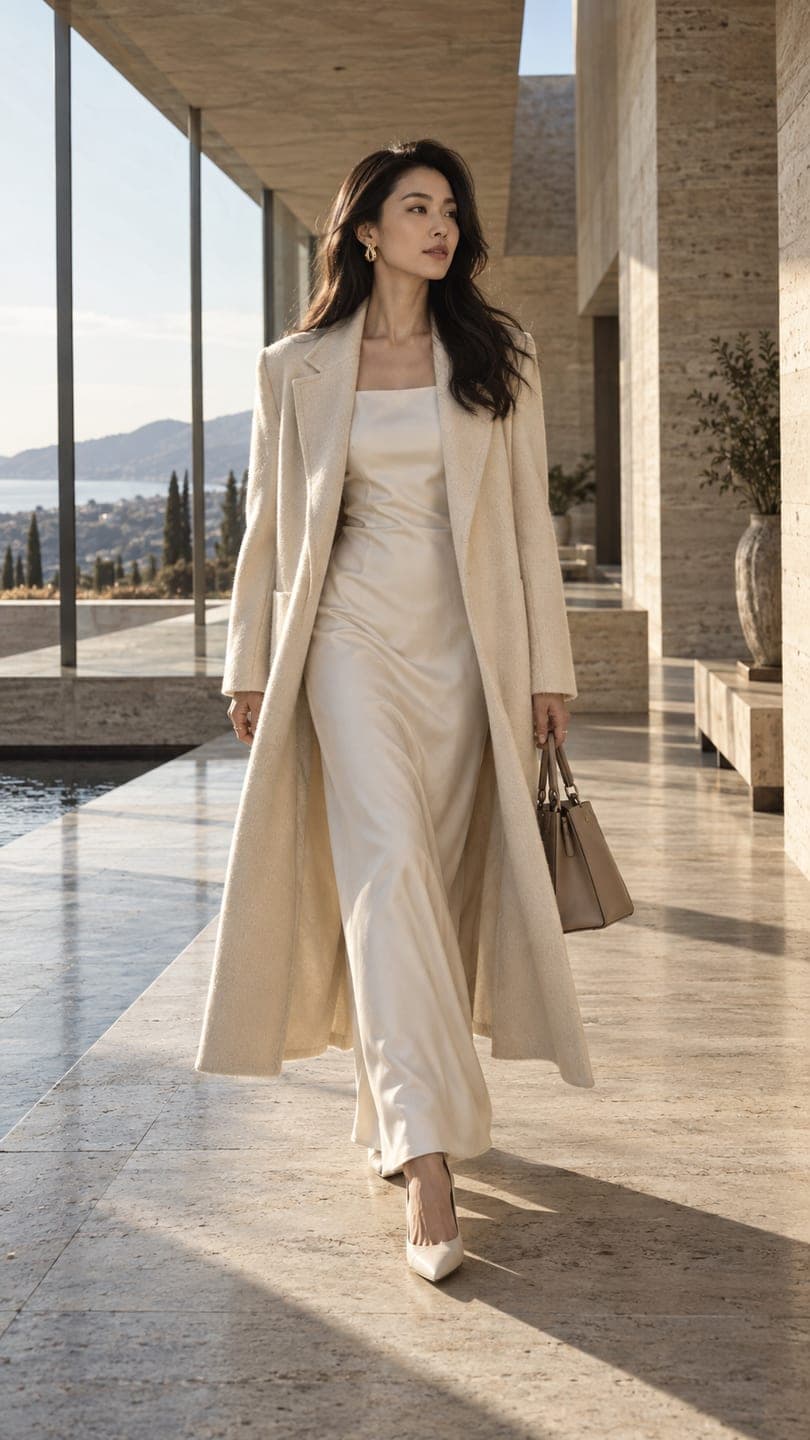
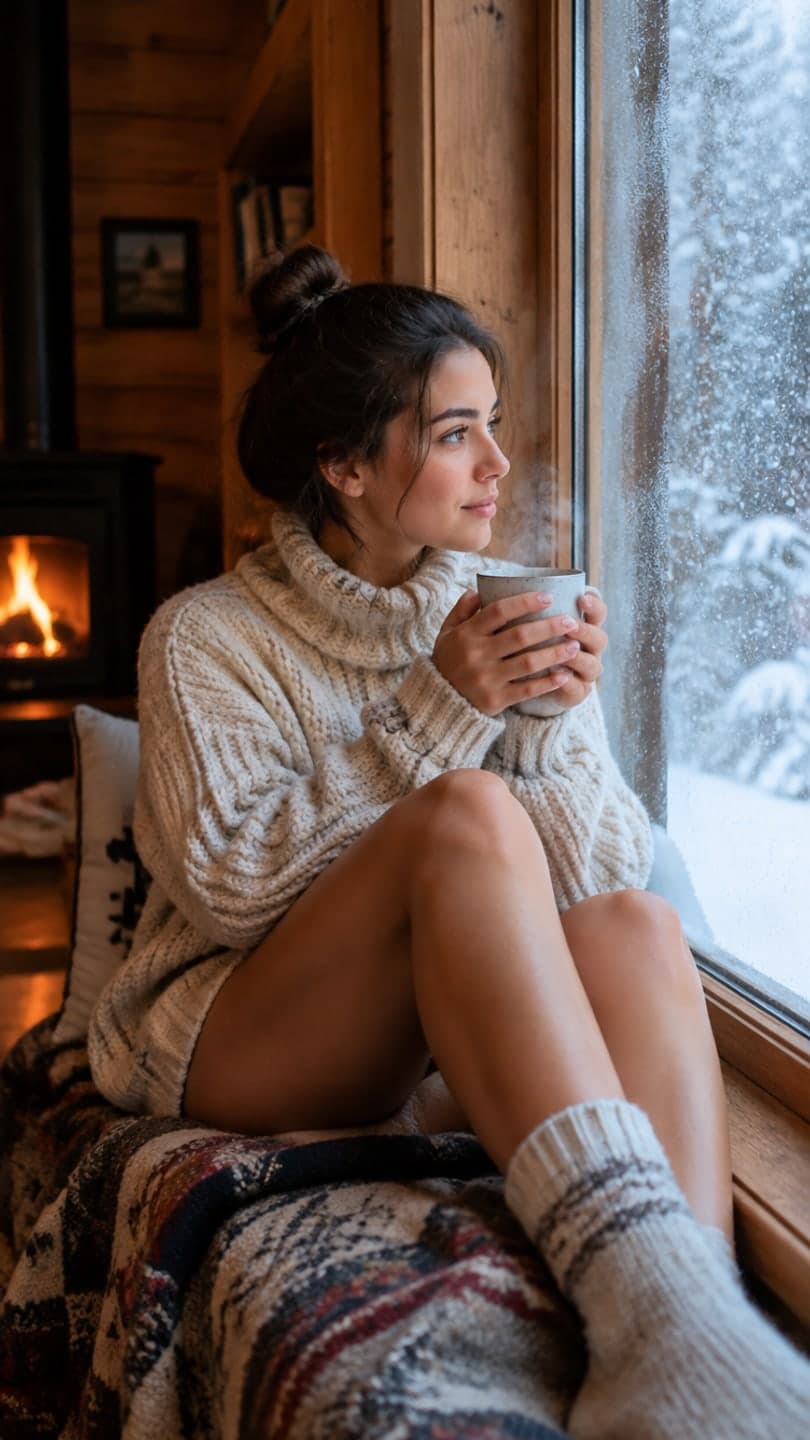
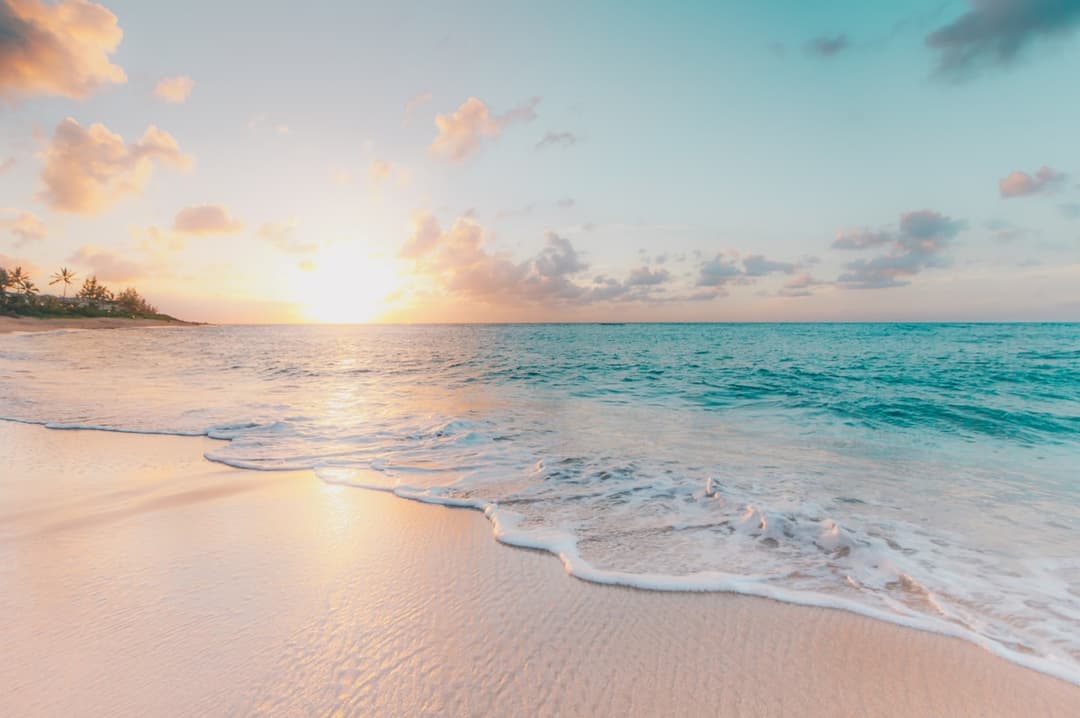
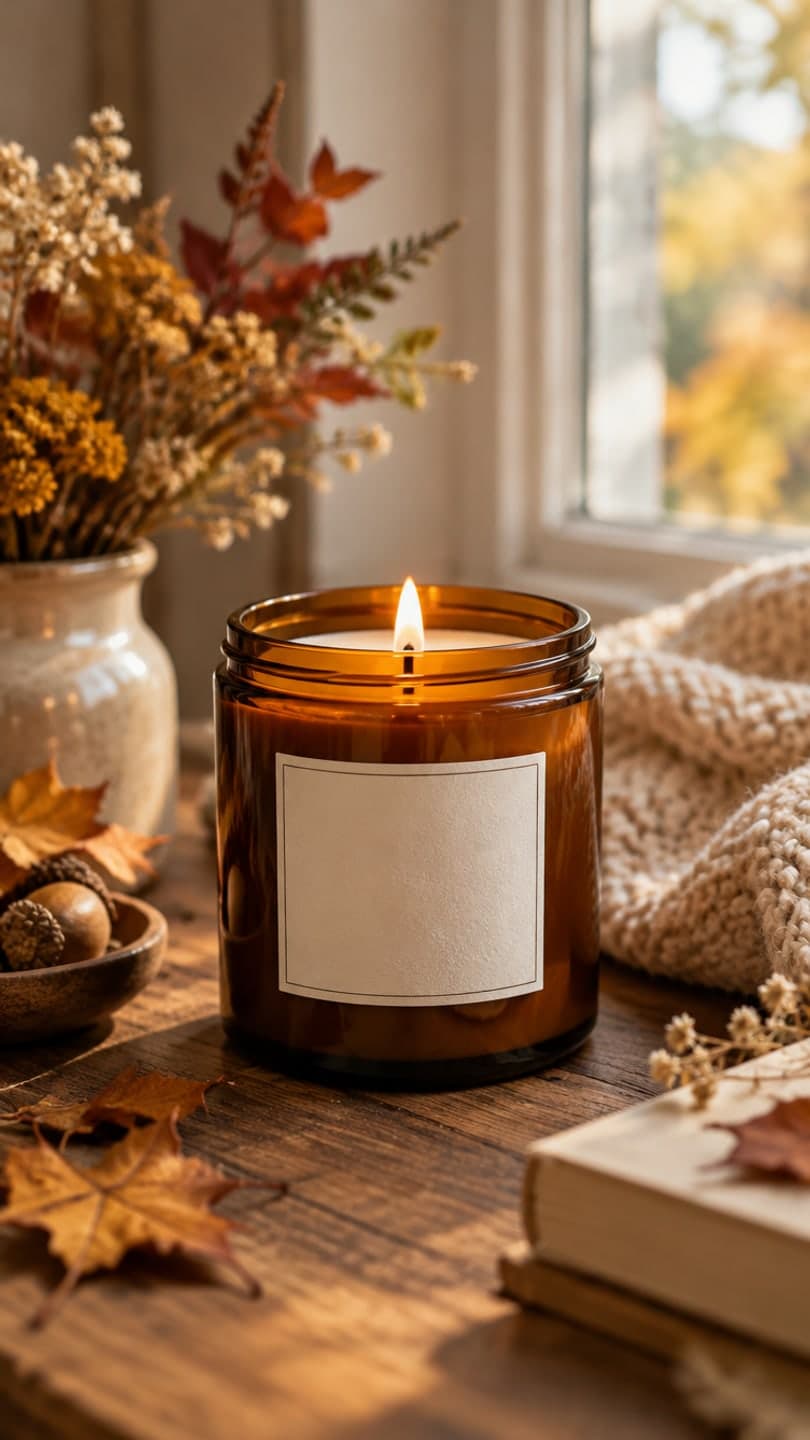
Examples made with Dromana. Tap one to start from that look.
How to use the animate hotel and vacation rental photos
Step 1
Upload a property photo
A sharp JPG, PNG or WebP up to 8 MB: a guest room, the pool, a terrace with a view, the lobby or a cabin at dusk. Pick 16:9 for booking sites, 9:16 for Reels.
Step 2
Describe the atmosphere
For example: “Stationary camera. Sheer curtains move in a breeze and sunlight shifts on the bed; the room does not change.”
Step 3
Generate a set
Make one clip per photo and cut three or four together for a short property teaser.
What a moving photo does for a booking
Guests choose a stay by feeling, and photos only half deliver it. A pool that ripples in the sun, a fire crackling in the cabin, curtains lifting in a sea breeze or steam rising from breakfast on the terrace turns a gallery into a glimpse of being there. Hotels, B&Bs, cabins and vacation rentals use these clips on their own booking pages, social channels and ads, and on platforms that accept video.
You start from the photography you already paid for. No drone, no film crew, no reshoot: one strong photo per space and a sentence about what should move.
Scenes worth animating
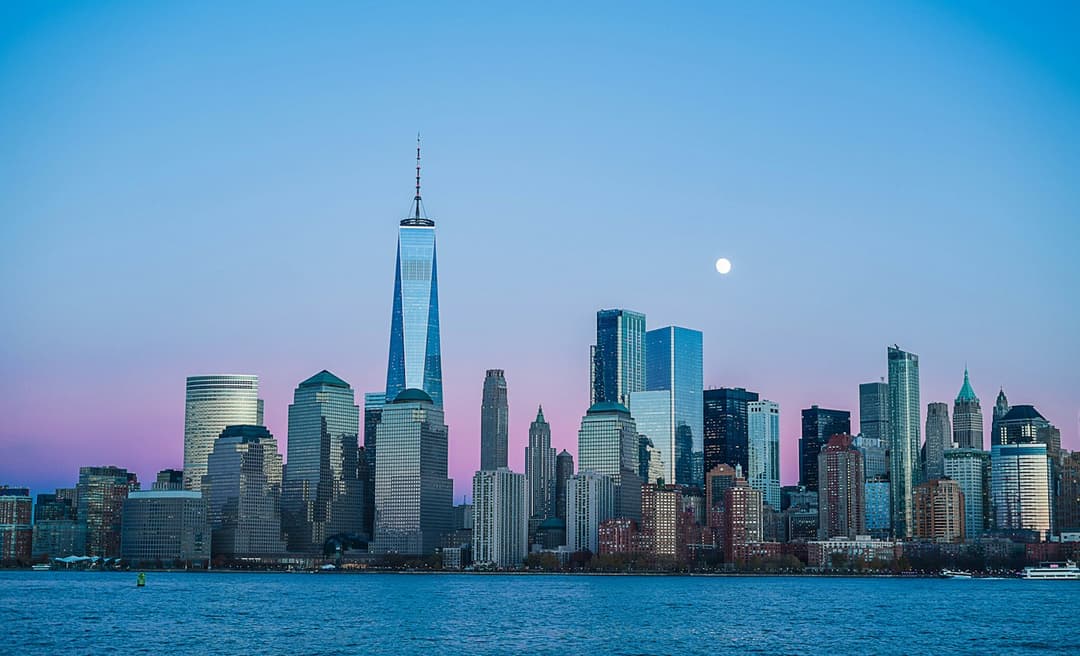
The pool and the view sell most stays, so start there: water rippling, clouds passing over the sea or the mountains. Then the signature room, with soft window light or curtains moving; the fireplace or the hot tub steaming in a cabin; breakfast with steam rising from coffee; and the exterior at dusk with warm windows and slow clouds.
Lobbies and restaurants work too with gentle light changes, but keep people out of the motion: guests in the photo who suddenly move tend to look staged.
Show the real stay
Animate the property as it is. Moving water, light, fire and fabric that are really there make the photo feel alive; adding a pool, a view, a hot tub or furniture the place doesn't have misleads guests and can break booking-platform rules. Keep the original photos in the listing and use the clips alongside them.
Ask for walls, beds and furniture to stay unchanged and check each clip before it goes live. Where a platform or local rule asks for AI-edited media to be labelled, label it.
Camera moves that feel premium
A completely still camera with one moving element feels calm and expensive, which suits spas, boutique hotels and cabins. A very slow glide forward toward the view or the bed suits a walkthrough feel. Fast moves and spins look cheap and bend straight lines, so keep it slow, and keep one clip per photo rather than asking a single photo to become a tour.
For homes and apartments for sale or rent, the animate real estate photos page covers listings, and animate water in a photo has prompts for pools and sea views.
Commercial use, quality and price
Clips made on a paid plan, or with credits you bought, can be used commercially on booking pages, websites and ads, and plans remove the watermark. Starter is $10 a month for 900 credits, about 12 clips, with the first month at $4.99 if you have never paid. Pick the 1080p model in the studio for website hero videos.
Tips for better results
- Start with the pool and the view; they sell most stays.
- Keep the camera still or gliding slowly so walls and lines stay straight.
- Name one or two moving elements: water, curtains, fire, steam or clouds.
- Say “the room does not change” to keep beds and furniture in place.
- Never add amenities the property doesn't have.
FAQ
Can I turn hotel or Airbnb photos into videos?
Yes. Each photo becomes a short clip where the water, light, curtains, fire or clouds move while the room stays put. Join several clips in any editor for a teaser.
Is it allowed to post AI-animated photos on booking platforms?
Animating what's really there is generally fine, but adding amenities, views or furniture the property doesn't have is misleading and can break platform rules. Check each platform's policy and label AI-edited media where required.
Can I use the clips in ads and on my website?
Yes, as long as they were made on a paid plan or with bought credits; those are cleared for commercial use and, on a plan, carry no watermark. Clips from free credits stay personal. Starter's first month is $4.99.
Which aspect ratio should I use?
16:9 for booking pages, websites and YouTube; 9:16 for Reels, TikTok and Stories. The photo is cropped from its center, so keep the key feature in the middle.
How long and how sharp are the clips?
5, 8 or 10 seconds at 768p on Dromana; pick the 1080p model in the studio for website heroes. Clips are silent, so add music in your editor.
Can I try before paying?
Yes. New accounts get 70 free credits, enough for one 5-second clip. Use them to test, then make the versions you publish on a paid plan.
Only use photos you have the right to use. See our safety guidelines.