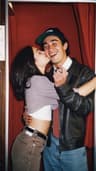
Y2K photo filter — turn any selfie into 2000s flash
The Dromana Y2K photo filter restyles your selfie as an early-2000s shot: harsh on-camera flash, glossy skin, low-slung tracksuits, butterfly clips and candy colors. Upload one photo, pick a Y2K look and get a new portrait that keeps your face. New accounts get 70 free credits, enough for several images on the included engine.
AI Photo Restyle
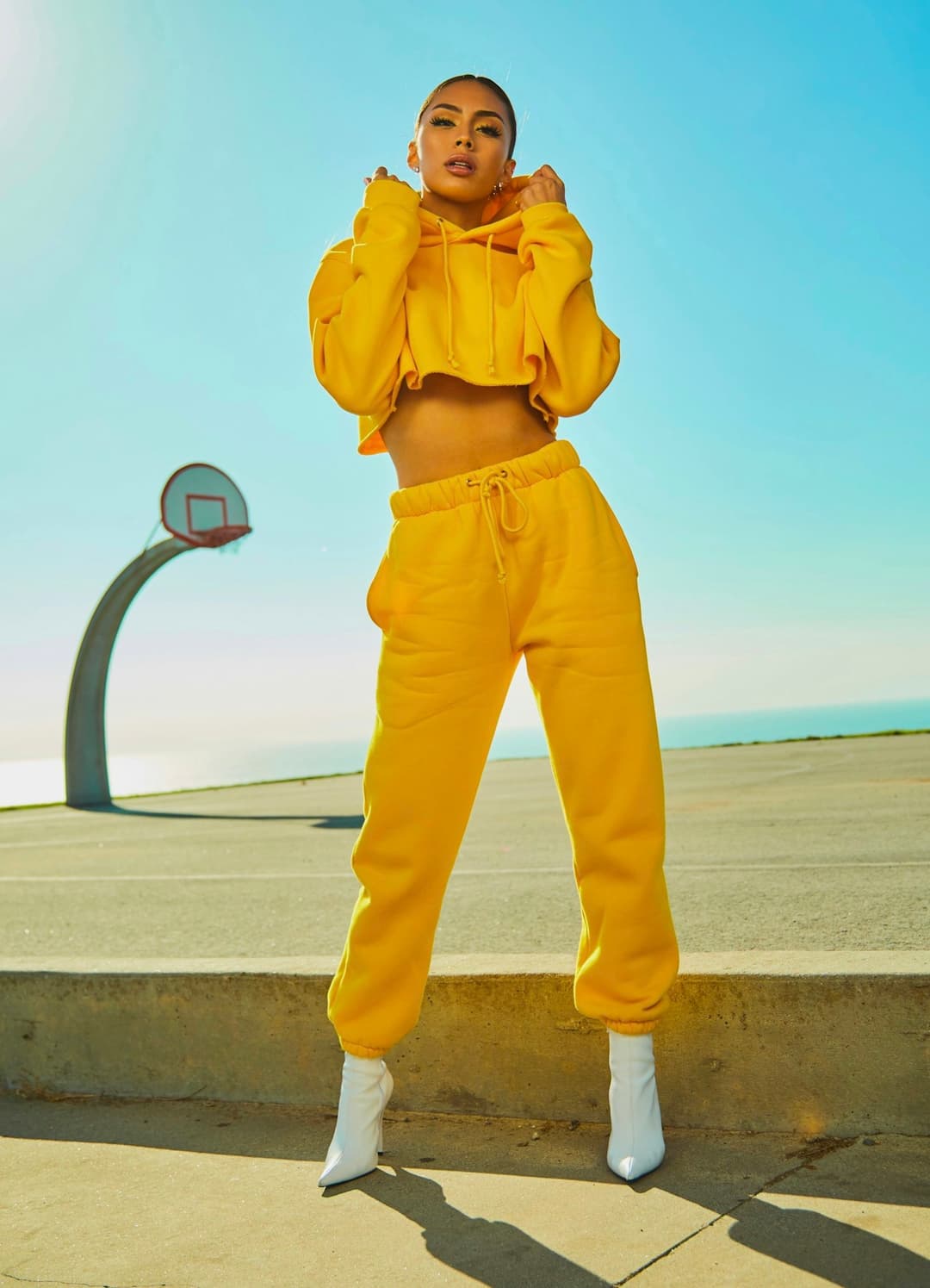 Y2K flash
1 Pick a look · optional
Failed renders refund credits
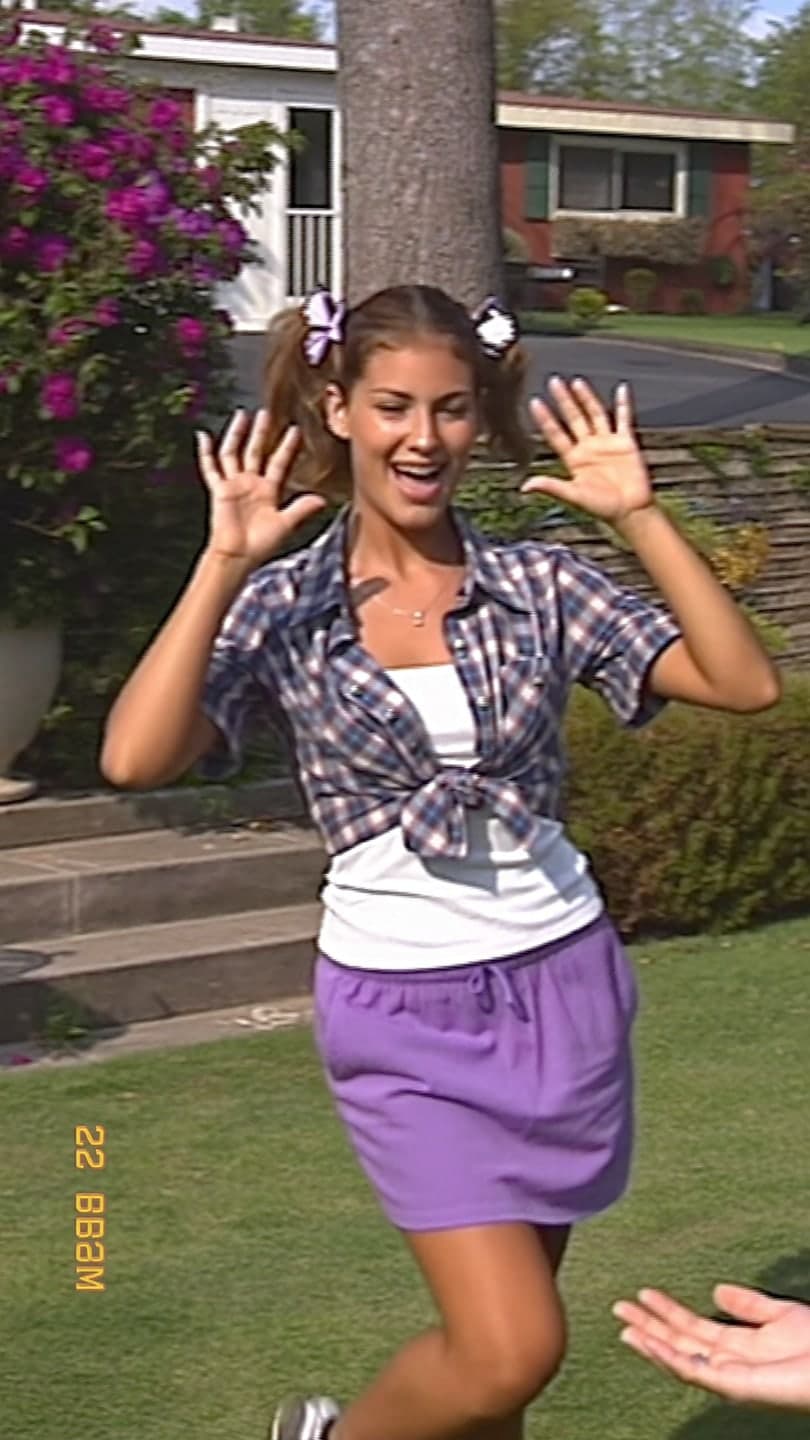
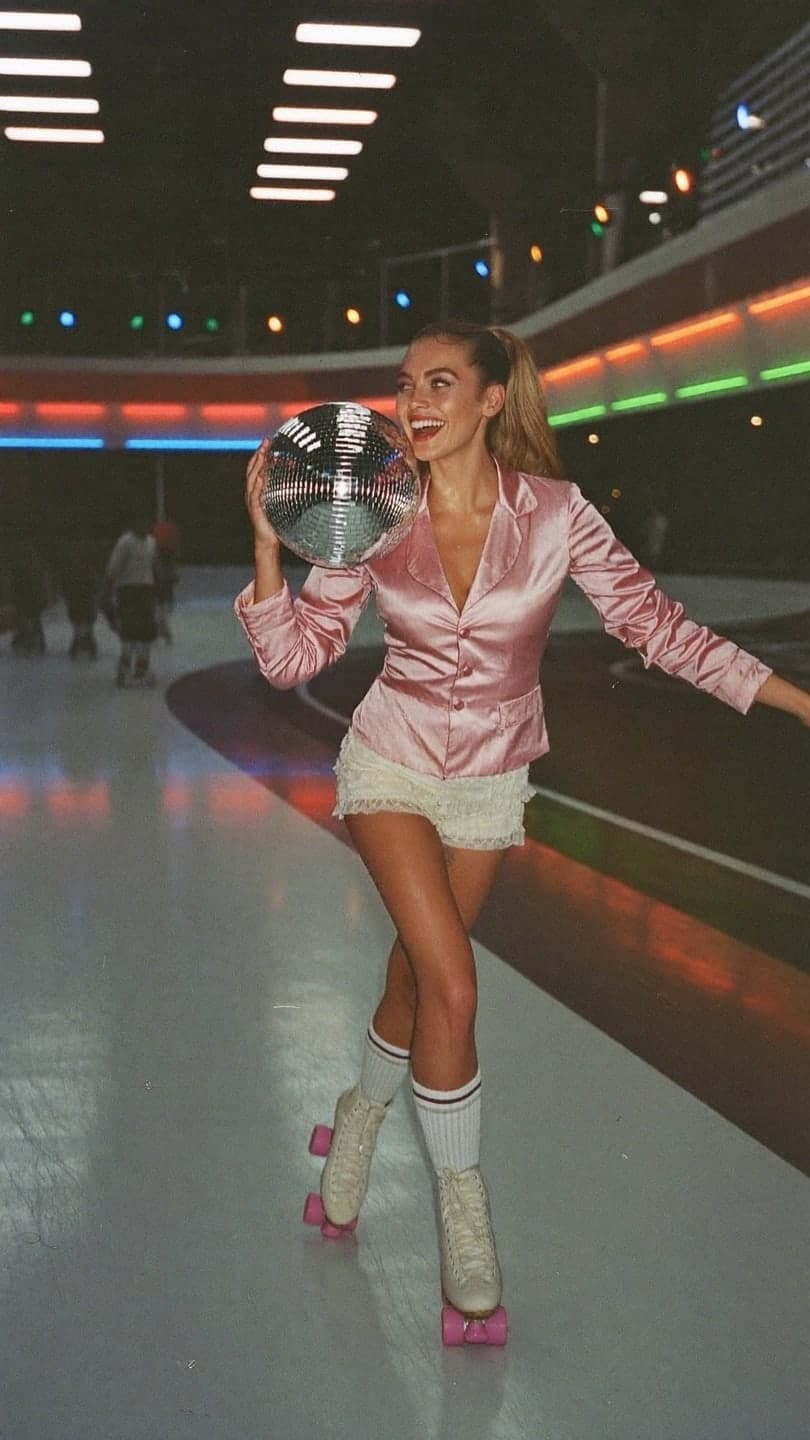
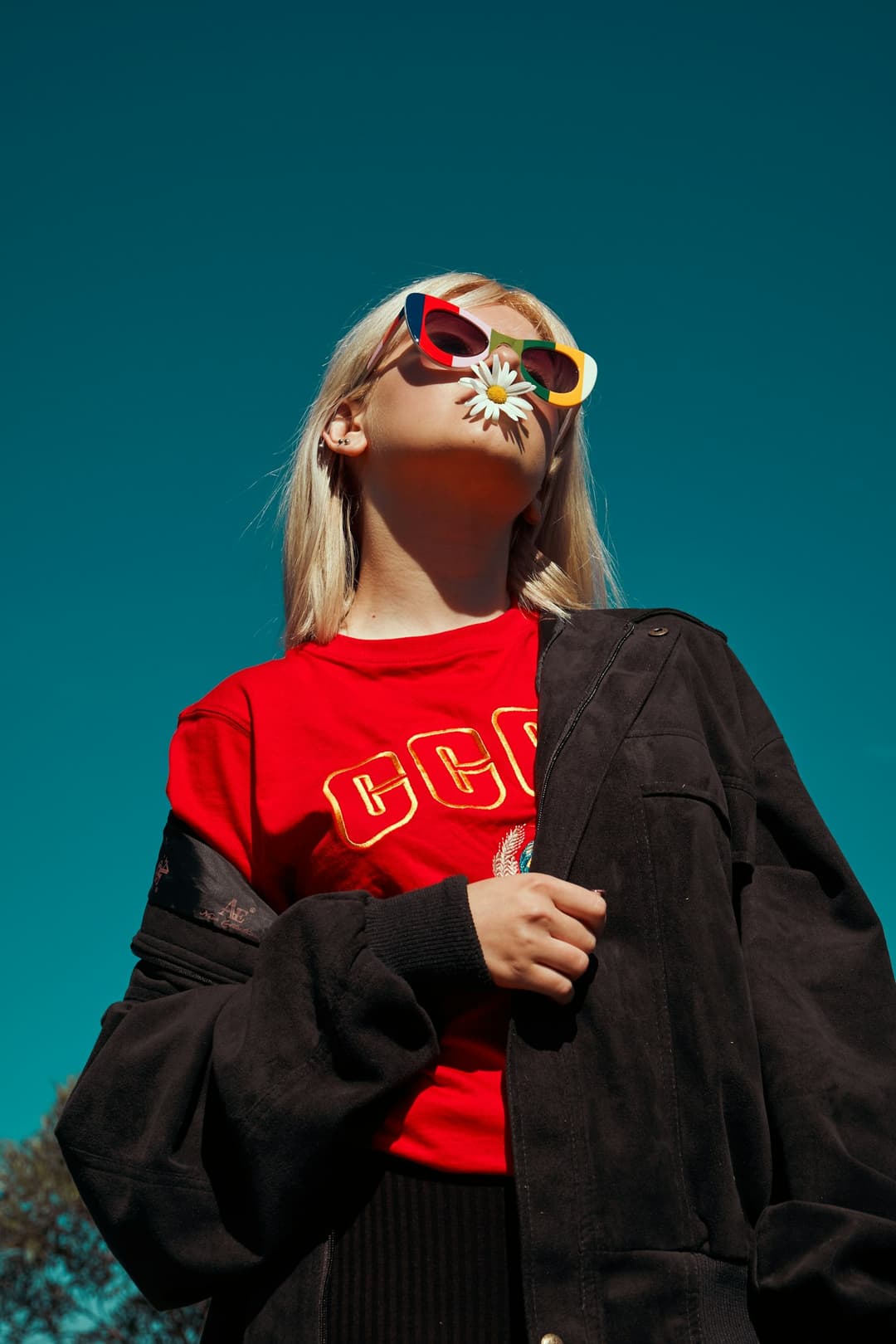
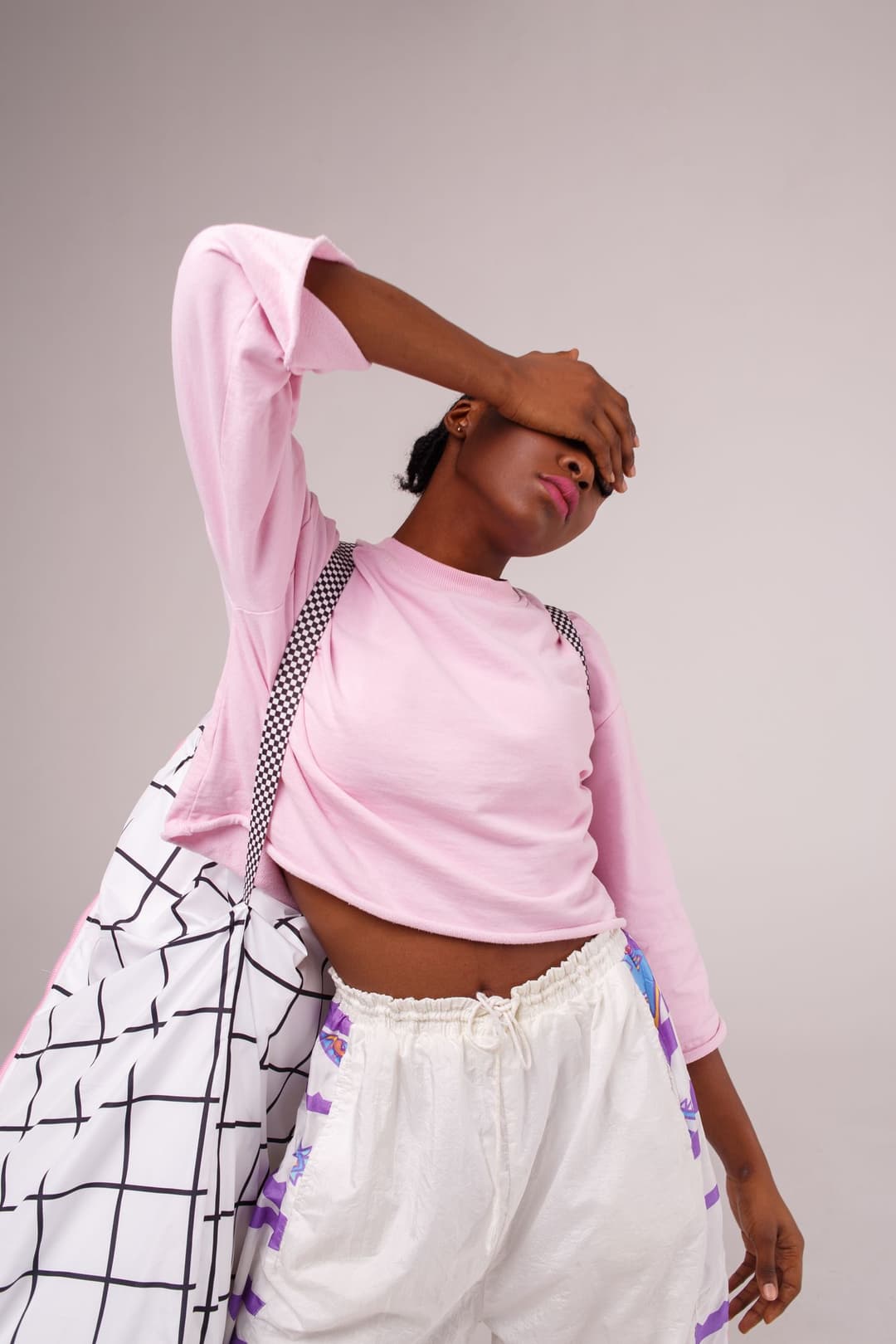
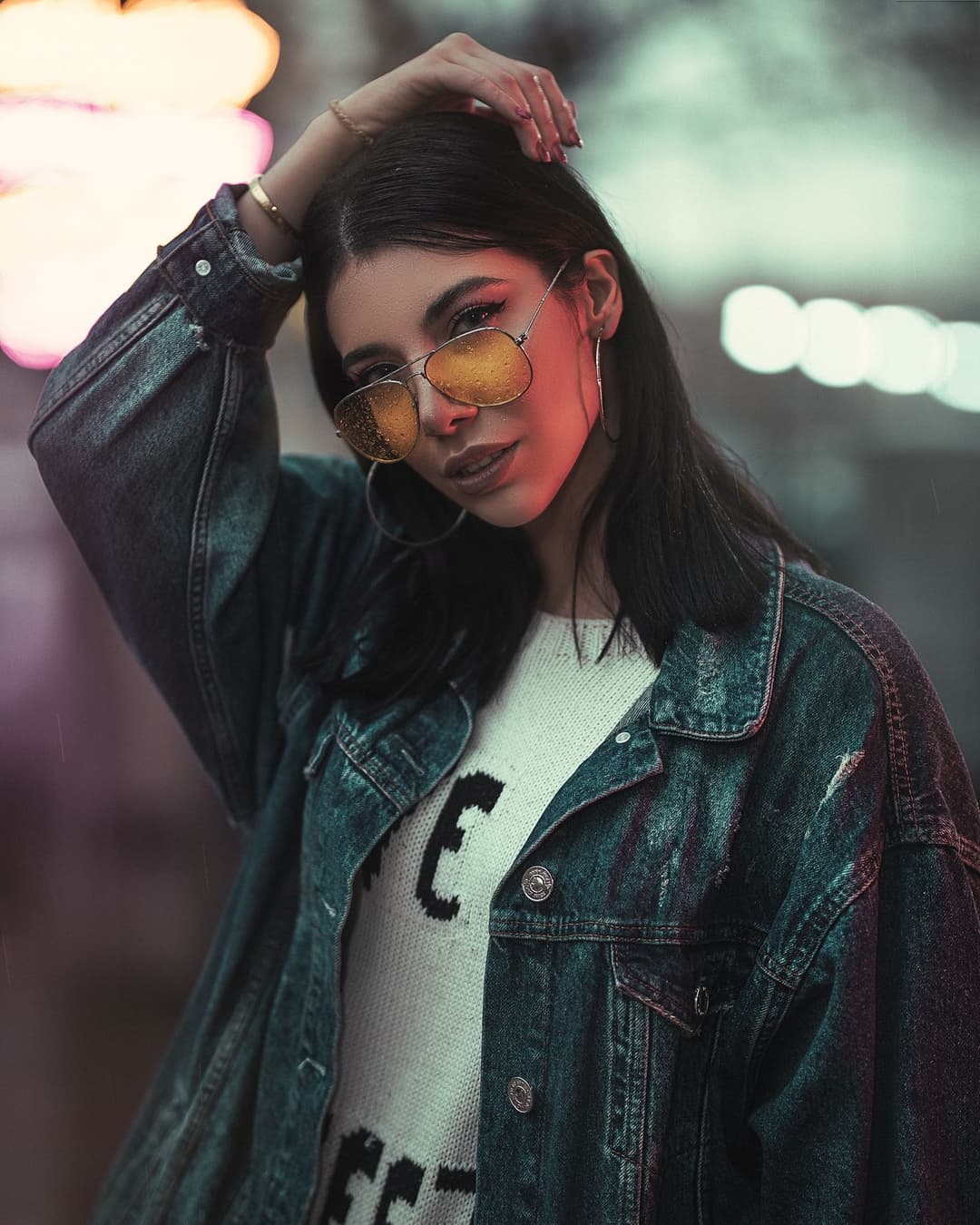
Examples made with Dromana. Tap one to start from that look.
How to use the y2k photo filter
Step 1
Upload a selfie
A clear JPG, PNG or WebP up to 8 MB. Waist-up shots leave room for the outfit to change.
Step 2
Pick a Y2K look
Start from Y2K flash, Daisy era or Check + pink, or describe your own 2000s moment in a few words.
Step 3
Generate and save
Sign in, press Generate and download your JPG. The included engine costs 10 credits; sharper ones cost more.
What makes a photo look Y2K
The Y2K aesthetic comes from how photos were taken around 2000 to 2005 as much as from the clothes. Point-and-shoot cameras fired a hard flash straight at the face, which flattened shadows, made skin look glossy and left the background a little darker than the subject. Colors leaned toward baby pink, butter yellow, powder blue and chrome.
Styling finishes the look: velour or nylon tracksuits, tube tops, tiny tinted sunglasses, butterfly clips, frosted lip gloss, chunky sneakers and low-rise everything. The filter changes the light, color and outfit mood together, so the result reads as a real photo from that era instead of a sticker laid over your selfie.
Y2K looks you can start from
Y2K flash turns your photo into a sunny tracksuit shot with that unmistakable flash glare. Daisy era leans soft and playful with flowers and pastel tones. Check + pink goes bold with checkerboard prints and bubblegum color, and Night-out flash moves the scene to a city street after dark.
Every look keeps your face and general pose, so you still recognise yourself. Try the same selfie in two or three looks and keep the one that suits your feed.
Turn your Y2K photo into a video
Want it to move? Take the still you just made into AI Video and add subtle motion: a wave, a smile, hair catching the light. A 5-second clip works well as a TikTok or Reels opener, and Say hi shows the kind of movement you can expect.
Where a Y2K photo works best
Y2K portraits are made for profile pictures, photo dumps and “if I was in 2003” posts. Put the original and the restyle side by side in a carousel so people can see the jump, or post three looks from the same selfie and let followers vote. The square-ish flash look also crops cleanly into a circular avatar.
Tips for better results
- Face the camera or turn slightly; a clearly visible face keeps the likeness strongest.
- Bright, even light gives the flash effect more to work with than a dim room.
- Add one or two details to the prompt, like “butterfly clips, frosted lip gloss”.
- Use 9:16 for Stories and profile pictures, 16:9 for banners.
FAQ
Is the Y2K photo filter free?
Yes, to start. New accounts get 70 free credits; a Y2K image starts at 10 on the included engine. Free images carry a small Dromana watermark. A paid plan removes it.
Will the Y2K filter keep my face?
Yes. The looks are built to keep your identity recognizable while changing the light, color and outfit mood. A sharp, well-lit, front-facing photo gives the closest match.
What’s the difference between Y2K and 90s style?
90s photos tend to look softer and more film-like, with muted color and grunge or minimal outfits. Y2K is glossier and brighter: direct flash, shiny fabrics, pastel and chrome, and playful accessories.
Can I turn my Y2K photo into a video?
Yes. Download the still, open AI Video and upload it. You'll get a 5-second clip with subtle motion like a wave or a smile.
What photo works best?
A single person, waist-up or full body, with the face clearly visible and not cropped at the edge of the frame.
Only use photos you have the right to use. See our safety guidelines.
Guides for this look
- Halloween photoshoot ideas: 30 looks from cute to creepy30 Halloween photoshoot ideas for solo pics, friend groups and couples: spooky light at home, cheap props, ghost and witch shots, captions and a moving Halloween clip.
- Christmas photoshoot ideas: 30 cozy, glam and funny looksChristmas photoshoot ideas for solo pics, couples, friends and pets: cozy setups at home, fairy-light bokeh, outfits that photograph well, captions and a holiday clip.
- Best AI avatar generators in 2026: profile pictures, styles and moving avatarsThe best AI avatar generators for profile pictures: realistic restyles, illustrated avatar packs and moving profile clips, compared on likeness and privacy.
- The digicam look: how to get that 2000s digital camera vibeGet the digicam look: harsh flash, blown highlights and a date stamp like a 2006 point-and-shoot. Whether to buy an old camera, phone tricks that fake it, or an AI edit.