40 image-to-video prompts that actually work
By Peter Huang, AI video technology · Updated · 4 min read
the short version
The best image-to-video prompts describe motion, not a new scene. Name who or what moves, how it moves, and how the camera behaves, in one short sentence: "She slowly turns to the camera and smiles, hair moving in the breeze, camera still." Keep it to one or two actions for five seconds.
AI Photo to Video
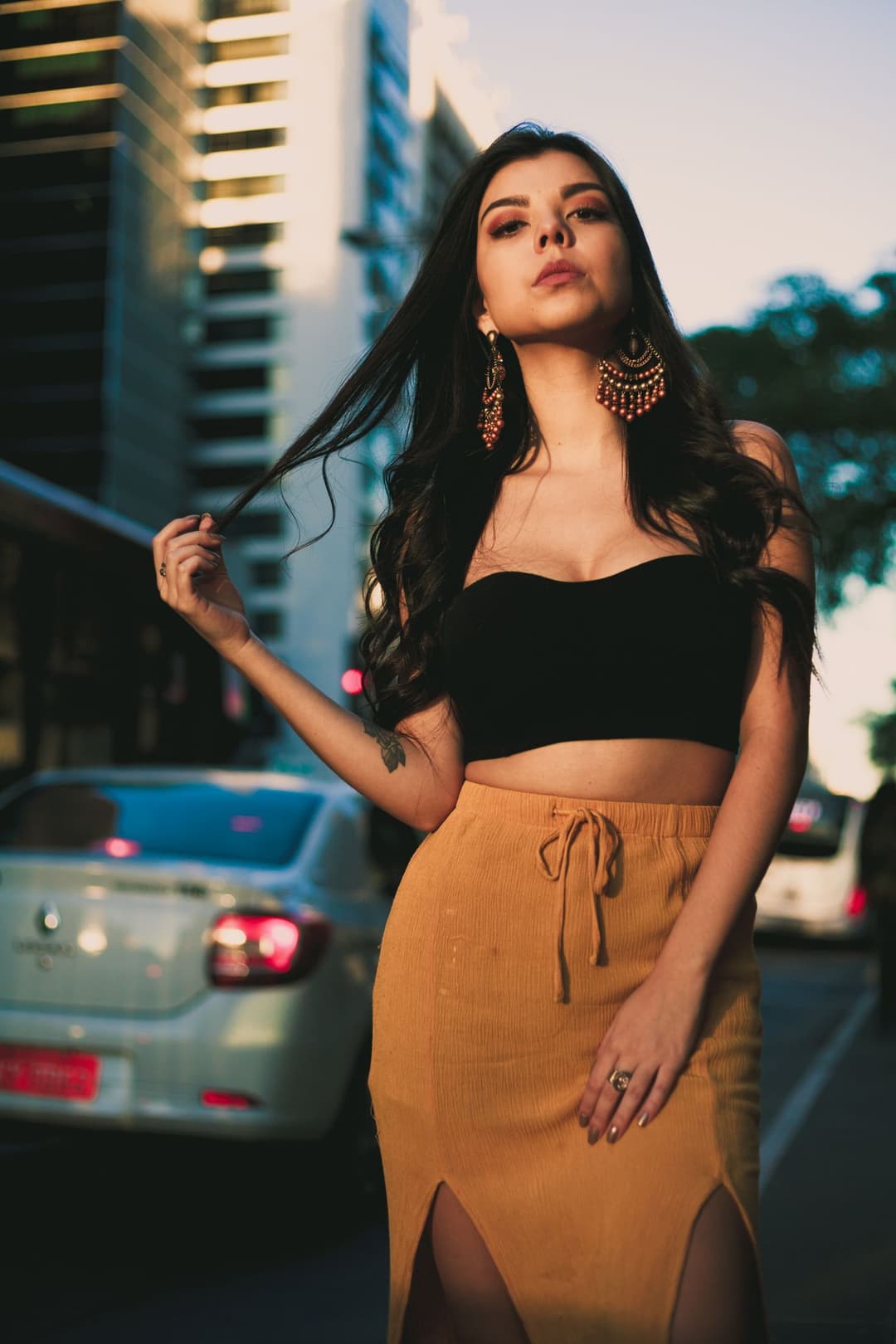 Street energy
1 Pick a look · optional
Describe what happens, in your own words. To change outfit or place, pick a look or switch on New outfit or scene.
Failed renders refund credits
How do I write an image-to-video prompt?
Image-to-video is different from text-to-video. Your photo already decides who is in the shot, what they wear and where they are. The prompt only has one job: tell the AI what happens next. When prompts fail, it is usually because they try to change the scene ("on a beach in Bali") instead of describing movement.
Use this pattern and you'll be right most of the time:
- Subject: who or what moves. "She", "the dog", "the waves".
- Motion: one or two actions with a speed. "Slowly turns and smiles", "tail wags twice".
- Camera: what the camera does. "Camera still", "slow push-in", "handheld feel".
What prompts work for selfies and portraits?
- Slow blink, soft smile, looks straight into the camera. Camera still.
- Turns head from the side to face the camera, then raises one eyebrow.
- Laughs like someone just said something funny off camera, shoulders move.
- Hair lifts gently in a warm breeze, eyes stay on the lens.
- Tucks hair behind one ear and glances down, then back up.
- Subtle breathing and a small nod, natural and calm.
- Puts on sunglasses slowly, tiny smirk. Camera slowly pushes in.
- Waves hello with one hand and smiles. Background stays still.
Try this look on your own photo.
Make it with my photoWhat prompts work for fit checks and outfits?
For outfit shots, movement should show off the clothes: how fabric falls, how a coat swings, how a skirt moves. More ideas live in our guide to making a fit check video from photos.
- Does a slow half turn to show the back of the outfit, then turns back.
- Walks two steps toward the camera, coat swinging with each step.
- Shifts weight from one leg to the other, adjusts jacket collar.
- Spins once, skirt flares out and settles.
- Leans against the wall, crosses arms, looks away from the camera.
- Street style: walks past the camera at dusk, city lights blur behind.
- Pulls sleeves down and smooths the front of the shirt.
- Pose change: hands in pockets, then one hand to hair.
What prompts work for friends, couples and groups?
- Both people laugh and lean toward each other. Camera still.
- Friends turn toward the camera at the same time and wave.
- Clink glasses, smile, a little confetti drifts down.
- One friend whispers to the other, both burst out laughing.
- Arms around shoulders, sway side to side to music.
- Slow walk away from the camera together, looking back once.
What prompts work for pet photos?
- The dog tilts its head, ears perk up, tail wags.
- The cat blinks slowly and looks away, whiskers twitch.
- The puppy yawns, then settles its head back down.
- The dog pants happily, fur moves in the wind.
What prompts work for landscapes and travel photos?
Places don't need a subject; the scene itself is the star. See the animate landscape photos effect for examples of each.
- Clouds drift slowly to the right, light shifts across the mountains.
- Waves roll in and wash up the sand, sparkles on the water.
- Wind moves through the trees and long grass, soft sunlight.
- Mist slowly rises off the lake, camera gently pushes forward.
- City at night: traffic lights flicker, reflections shimmer on wet streets.
- Snow falls gently, breath of wind in the pine trees.
- Sunset: the sun sinks a little, sky colors deepen, water glows.
- Rain starts, drops ripple across puddles, neon signs glow.
What prompts give a retro or aesthetic look?
- Y2K: flash pops, she laughs and covers her face, camera slightly shaky.
- 80s: turns toward the camera with big shades on, neon light flickers.
- Film look: soft grain, slow smile, light leak drifts across the frame.
- Editorial: holds the pose, only the eyes move to the camera, hair lifts.
- Night-out: camera flash, confetti falls, looks back over the shoulder.
- Dreamy: slow motion hair toss, soft focus background, golden light.
What image-to-video prompt mistakes should I avoid?
- Changing the setting. "Put her in Paris" fights the photo. Restyle the still first with AI Image, then animate it.
- Too many actions. Pick the one move that sells the moment.
- No speed words. "Slowly", "gently" and "quickly" change the whole feel.
- Forgetting the camera. If you want a steady shot, say "camera still".
- Asking for text or logos. AI video isn't good at writing words on screen; add captions in your editor instead.
Paste any prompt from this list into AI Video, swap in your own details and generate. Dromana also has ready-made looks with tested prompts built in if you would rather tap than type.
Questions people ask
How long should an image-to-video prompt be?
One or two sentences is plenty. Dromana allows up to 400 characters, but most great prompts are under 150.
Do I need a prompt at all?
No. Ready-made looks already include a tested prompt. Write your own when you want a specific movement.
Why does my video look glitchy?
Usually the prompt asks for too much or describes a different scene than the photo. Simplify to one action, add a speed word, and keep the camera still.
Can I make someone talk in the video?
Clips are silent, and lip-sync isn't the goal. Add a voiceover or trending sound when you edit instead.
Do these prompts work for landscapes?
Yes. Describe what should move, like clouds, water or trees, and how fast, and leave people out of it.
Effects from this guide
 Make a photo moveUpload one photo, get a 5-second video in a minute or two: a smile, a head turn, wind in the trees, waves rolling in. Works on portraits and landscapes, free to try.
 Animate landscape photosBring a landscape photo to life: drifting clouds, rolling waves, mist, wind in the trees or a flickering fire, with the camera still or gliding. Vertical or horizontal.
Keep reading
 How to make a photo move: 4 ways, ranked4 min read
 The AI time-travel vlog trend: how to vlog from ancient cities with one selfie4 min read
 AI dance video from one photo: how to make yourself dance (and keep your face)4 min read
 Viral AI video effects explained: bullet time, rides, snow globes and more6 min read
- Best AI video generators for beginners in 2026: easy tools that just work4 min read
Ready to make yours?
Add one photo and get the look from this guide.