Summer photo filter — a coast holiday from one selfie
The Dromana summer photo filter restyles a selfie as a warm-weather shot: low coastal sun, salt haze on the horizon, linen and floral styling, and the slightly washed color of a photo taken in bright light. Upload one photo, pick a summer look and keep your own face. Signing in gives you 50 free credits a day.
AI Photo Restyle
Upload Image
Engine
Same look, different renderer
Hints
Credits: 20
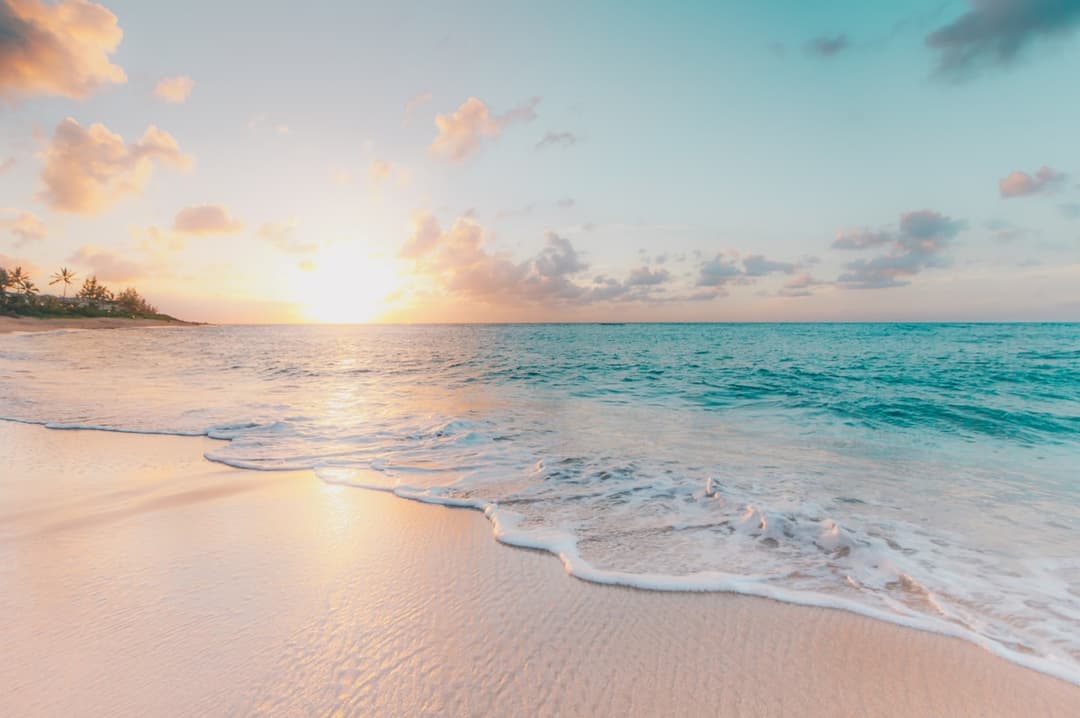
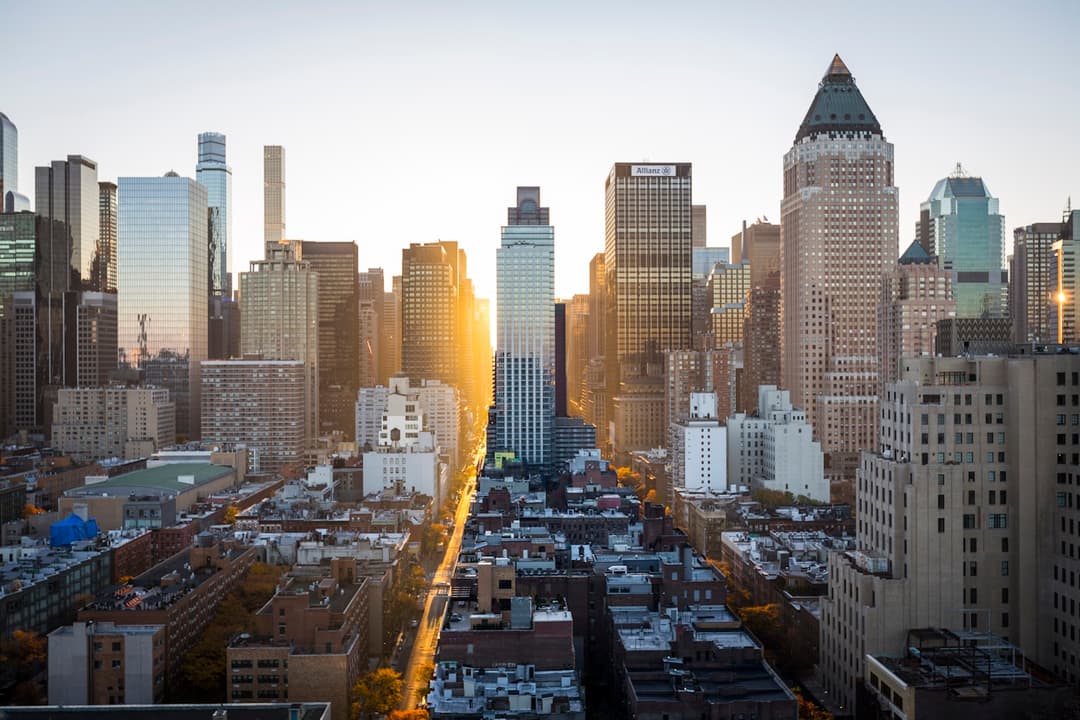
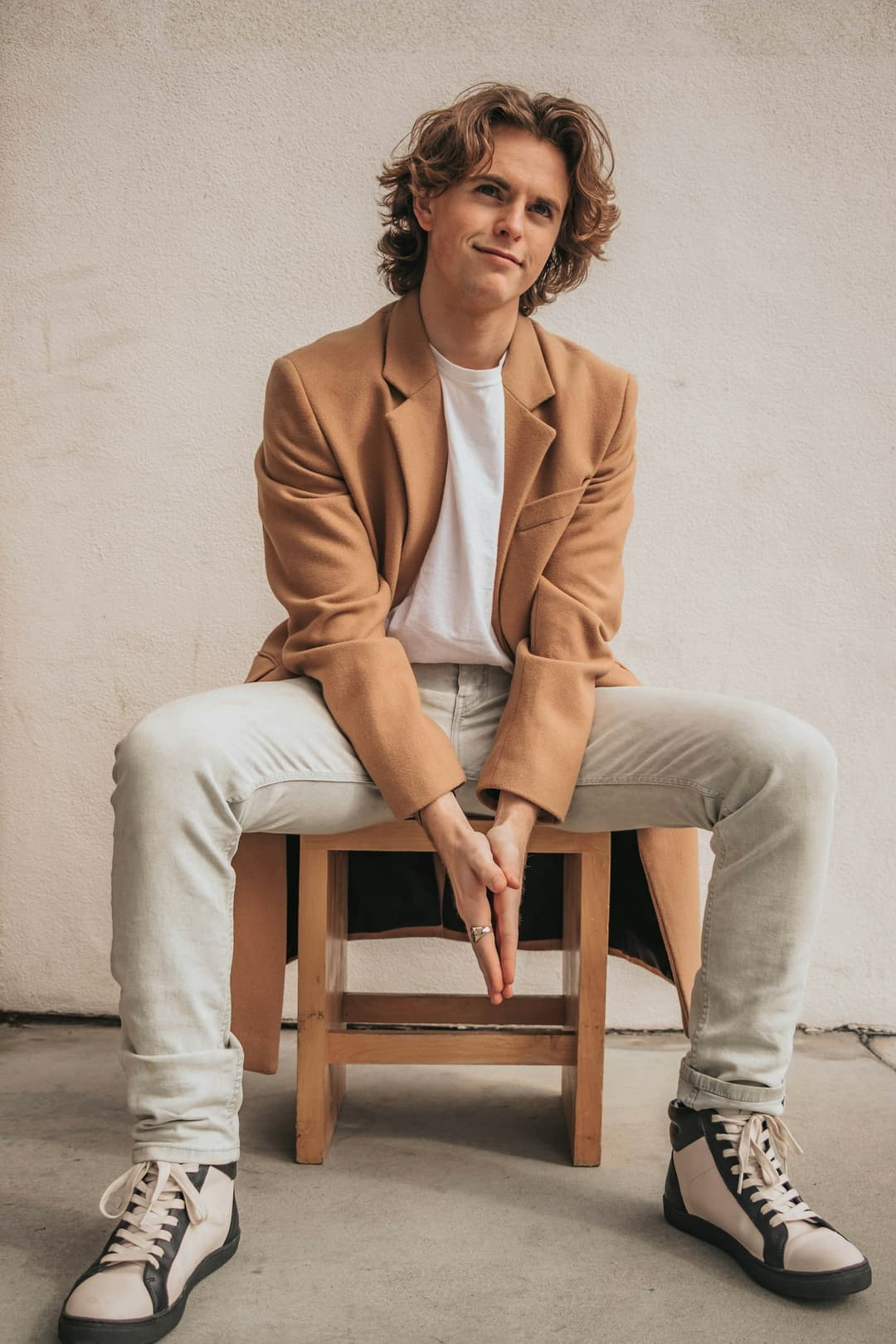
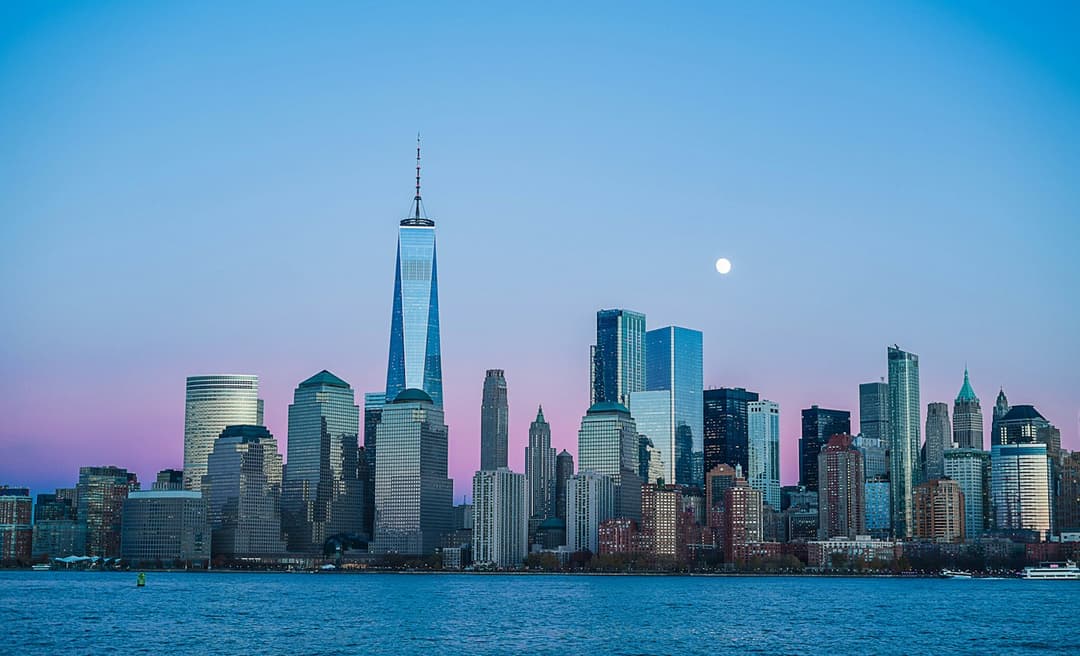
Examples made with Dromana. Tap one to start from that look.
How to use the summer photo filter
Step 1
Upload a photo
A clear JPG, PNG or WebP up to 8 MB. Waist-up shots leave room for the styling to change.
Step 2
Pick a summer look
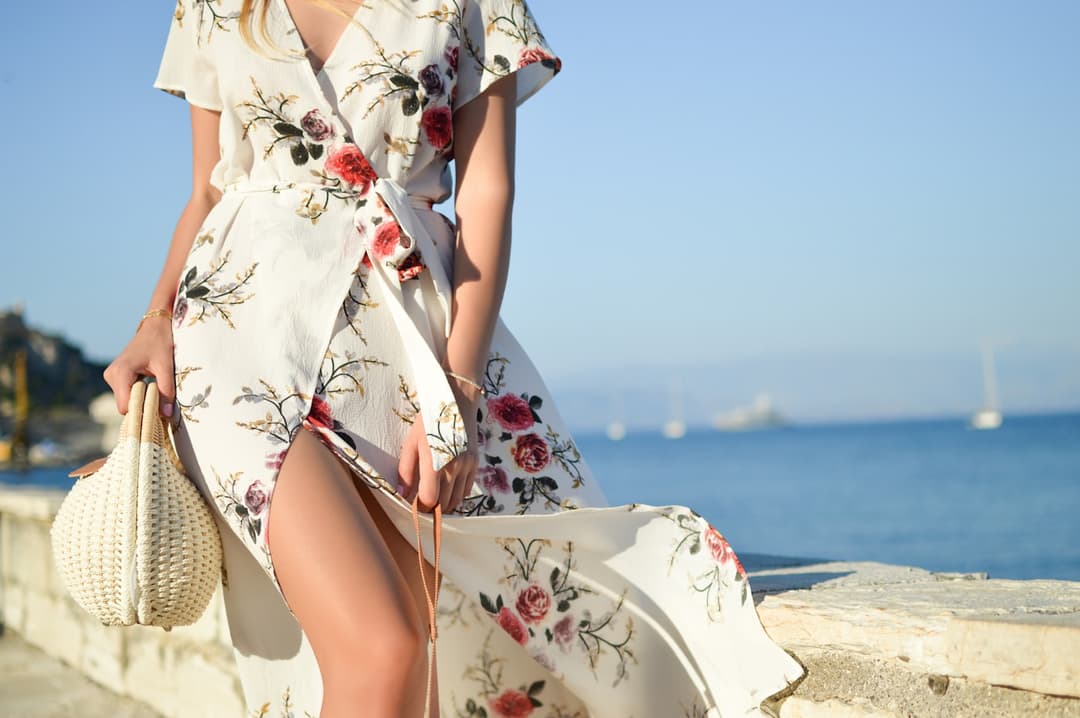
Start from Riviera dress, Coast restyle or Midtown sun, or write a short note about the place you want.
Step 3
Generate and save
Sign in and press Generate. The included engine costs 20 credits; sharper ones cost more.
What makes a photo read as summer
Summer light is high and hard, and that shows up in specific ways: short shadows under the nose and chin, bright specular highlights on skin and hair, and a sky that sits close to white near the horizon rather than deep blue. Photos taken near water pick up a second, softer light bouncing up from the surface, which fills in the shadows the sun just carved.
Color does the rest. Sun-heavy photos drift warm in the highlights and slightly cyan in the shadows, and fabric reads lighter and more open — linen, cotton, loose weaves. The filter moves light, color and styling together, which is why the result feels like a different day rather than a warm-toned version of the same one.
Summer looks you can start from
Riviera dress puts you in floral and open fabric against a coastal backdrop. Coast restyle is quieter and more natural, closer to a real holiday photo than a styled one. Midtown sun keeps the heat but moves it into a city, with hard sun bouncing off buildings instead of water.
All three keep your face and general pose. The fastest way to find the one you want is to run the same photo through two looks and compare, rather than trying to write the perfect description first time.
Getting believable results
Start from a photo where the light is already coming from roughly one direction. Summer looks add a strong key light, and a source photo lit evenly from the front accepts that more cleanly than one lit from below or from a screen. Indoor daylight near a window is close to ideal.
Keep the request to one place. Asking for a beach, a boat, a cliff path and a sunset in one prompt tends to produce a background that belongs to none of them. Name the setting and let the look handle the light.
Tips for better results
- Name one setting: 'stone terrace by the sea' lands better than 'summer vibes'.
- Loose, light fabric restyles more convincingly than a heavy coat or a structured jacket.
- Photos taken in flat indoor daylight relight better than ones already in direct sun.
- Ask for the time of day — 'late afternoon' and 'midday' give very different results.
- Sunglasses hide the eyes, which is the part that keeps a result looking like you.
FAQ
Do I need a photo taken outdoors?
No. An indoor photo in even daylight is often the best source, because the filter adds the sun rather than working around one that is already there.
Will my face change?
No. Identity and pose are kept; the light, color, styling and background are what move. Clearer, front-facing source photos hold up best.
Is it free?
Yes, to start. Signing in gives you 50 free credits a day, and a summer look starts at 20 credits on the included engine. Free results carry a small watermark that a paid plan removes.
Can I keep my own outfit?
Ask for it. Say 'keep the same shirt' in the prompt and the filter changes the light and setting around it instead of restyling what you are wearing.
What if the background looks wrong?
Name the place more precisely and run it again. One concrete setting produces a far steadier background than an adjective.
Can I make it move?
Yes. Send the finished image into AI Video for a 5-second clip with a light breeze or a slow camera drift.
Only use photos you have the right to use. See our safety guidelines.