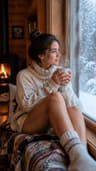
Animate only part of a photo — the rest stays perfectly still
Dromana can animate just one part of a photo. Upload it, ask for a completely stationary camera and name what should move, such as fireplace flames, a waterfall, drifting mist or clouds, and what must stay still. You get a 5-, 8- or 10-second video, vertical or horizontal, with no masking by hand. New accounts get 70 free credits, enough for one trie.
AI Photo to Video
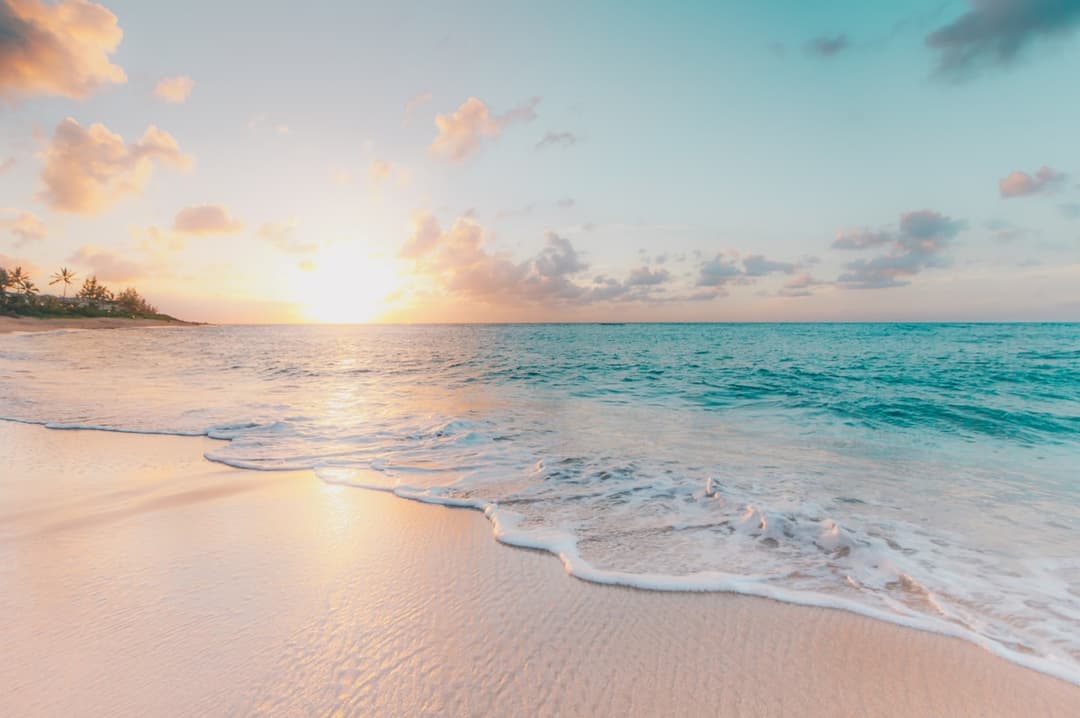 Coast drift
1 Pick a look · optional
Describe what happens, in your own words. To change outfit or place, pick a look or switch on New outfit or scene.
Failed renders refund credits
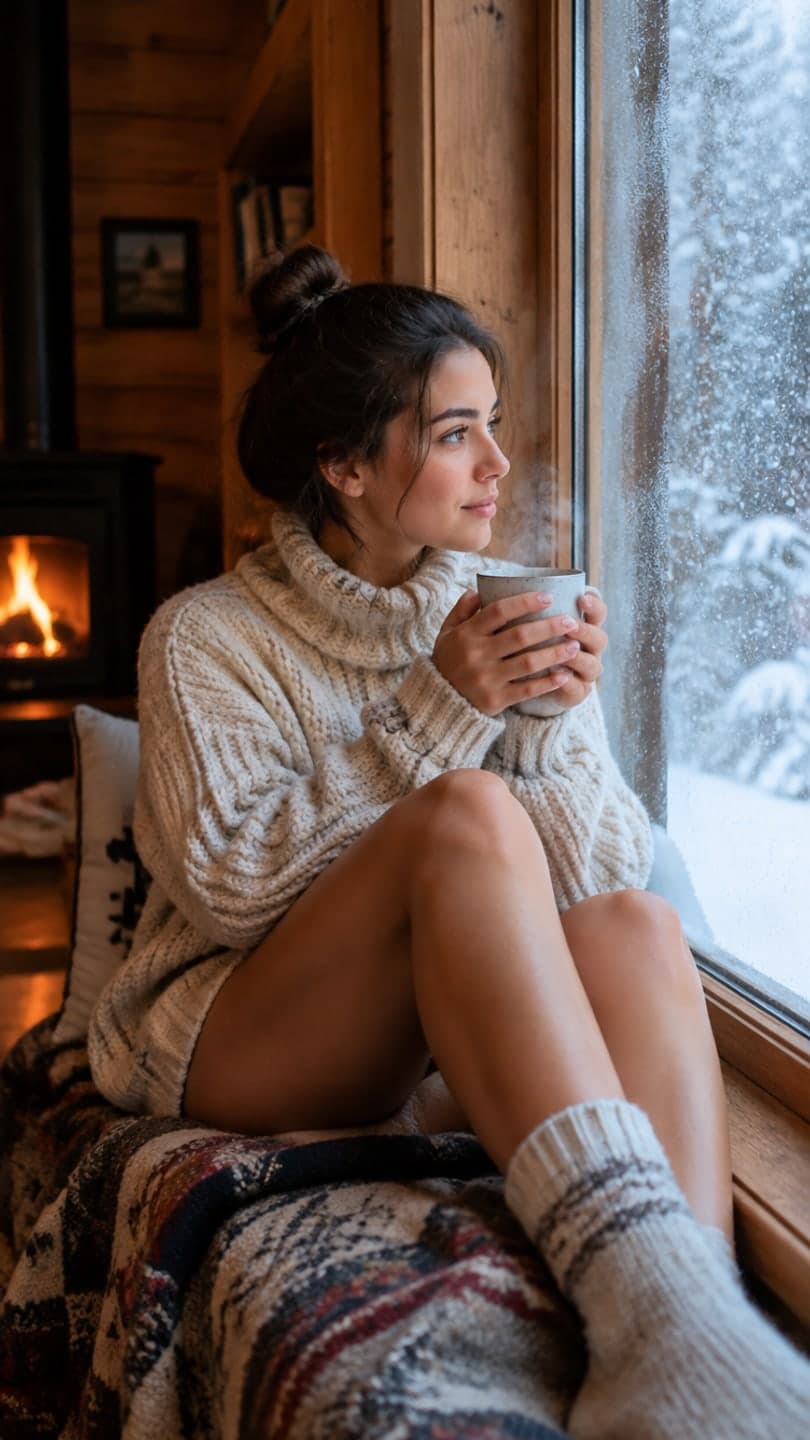
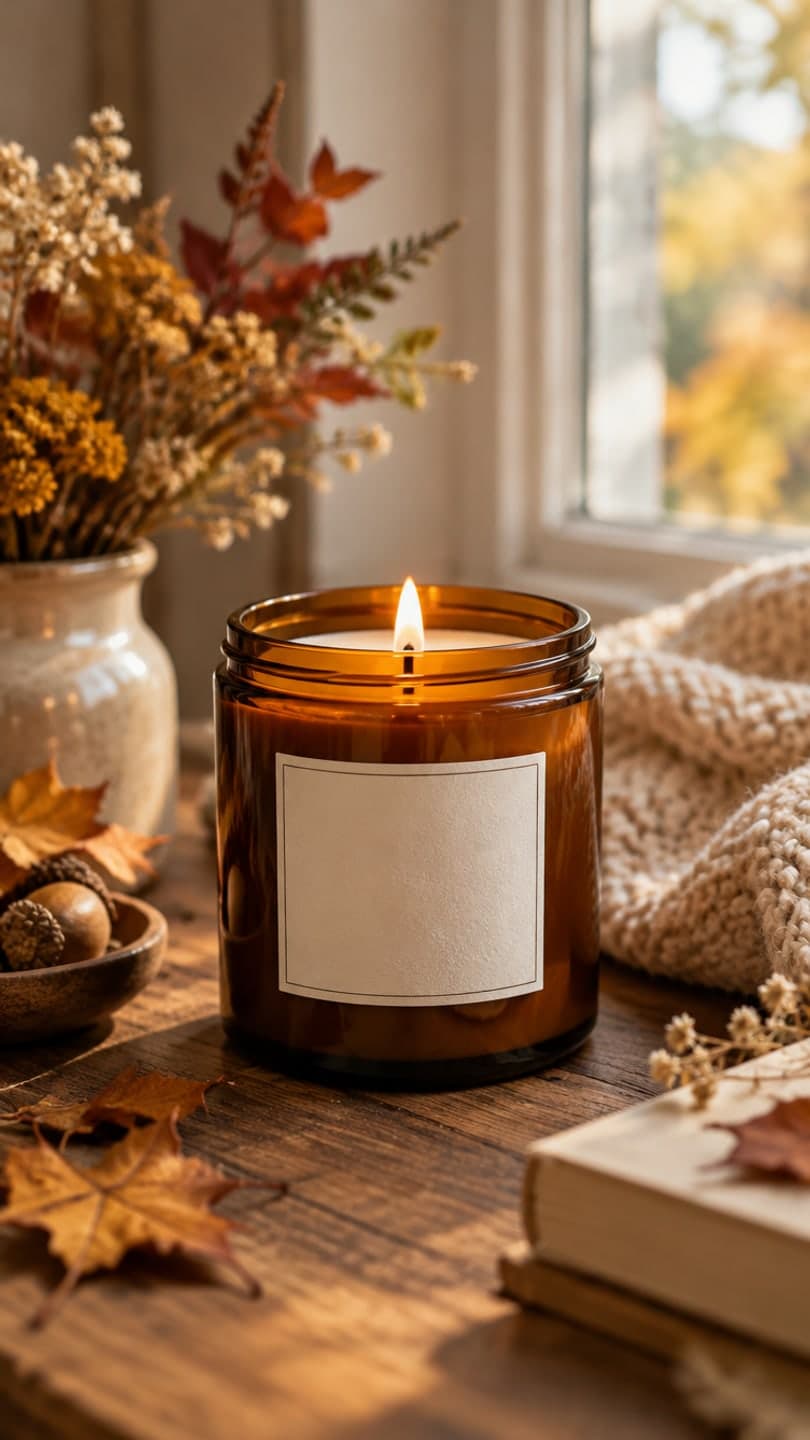
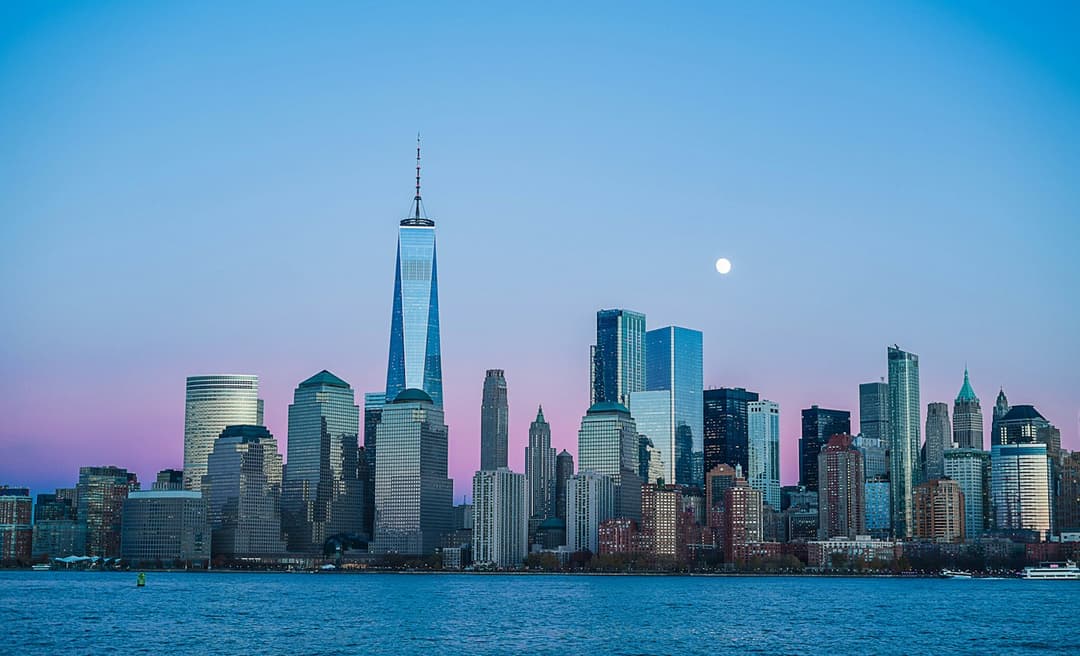
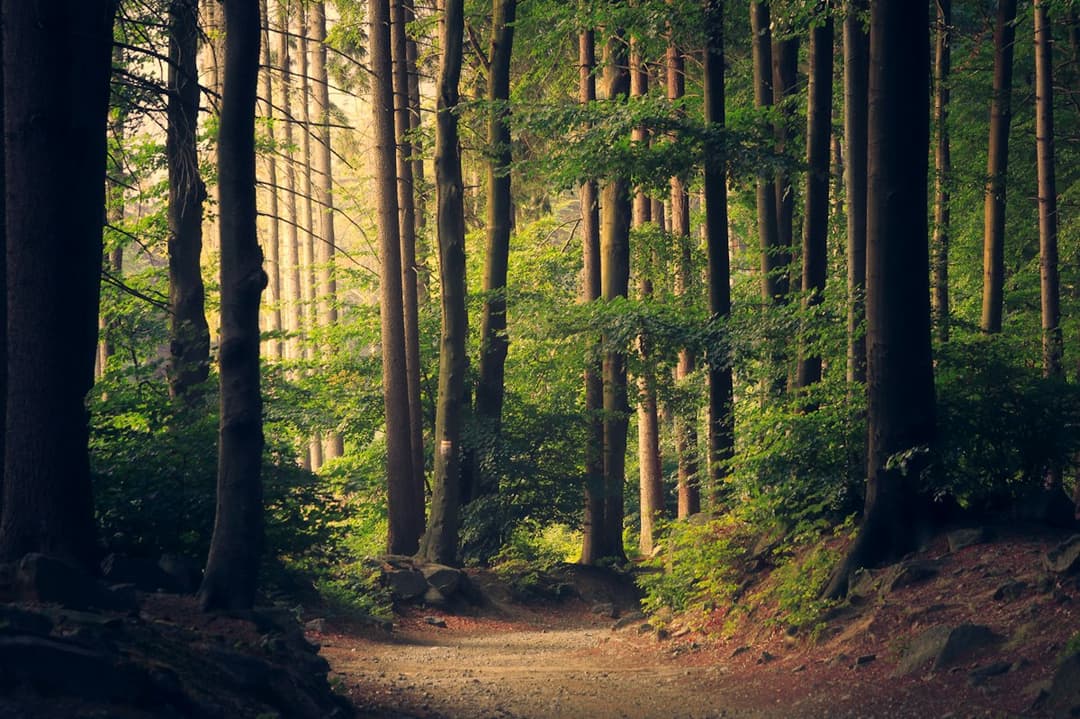
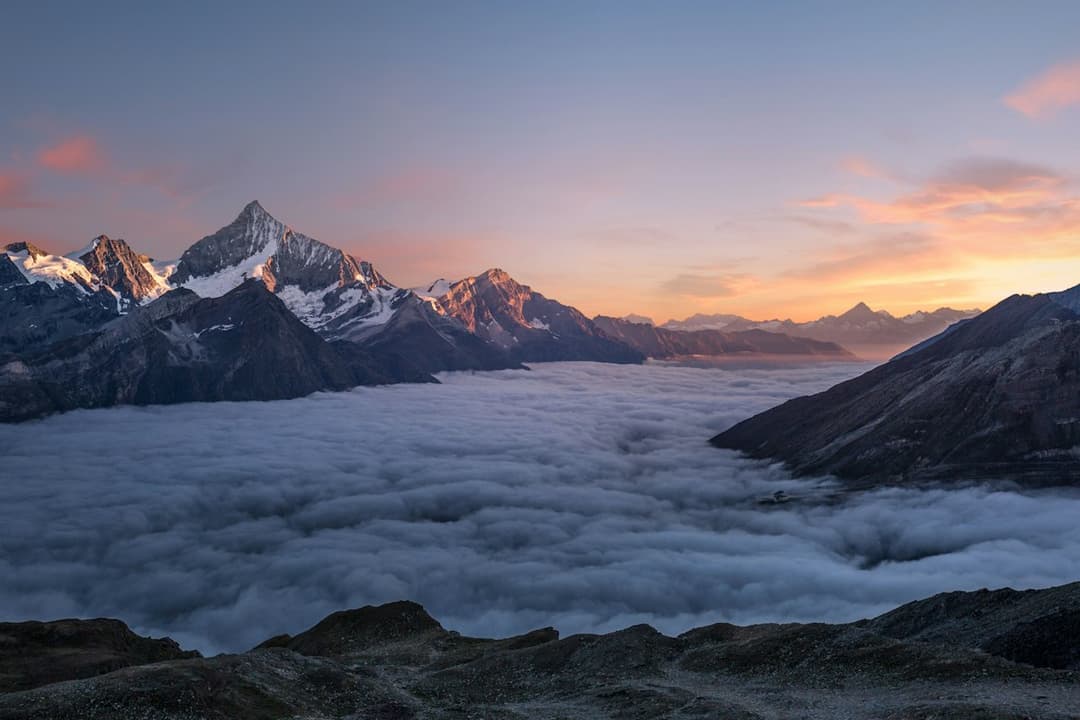
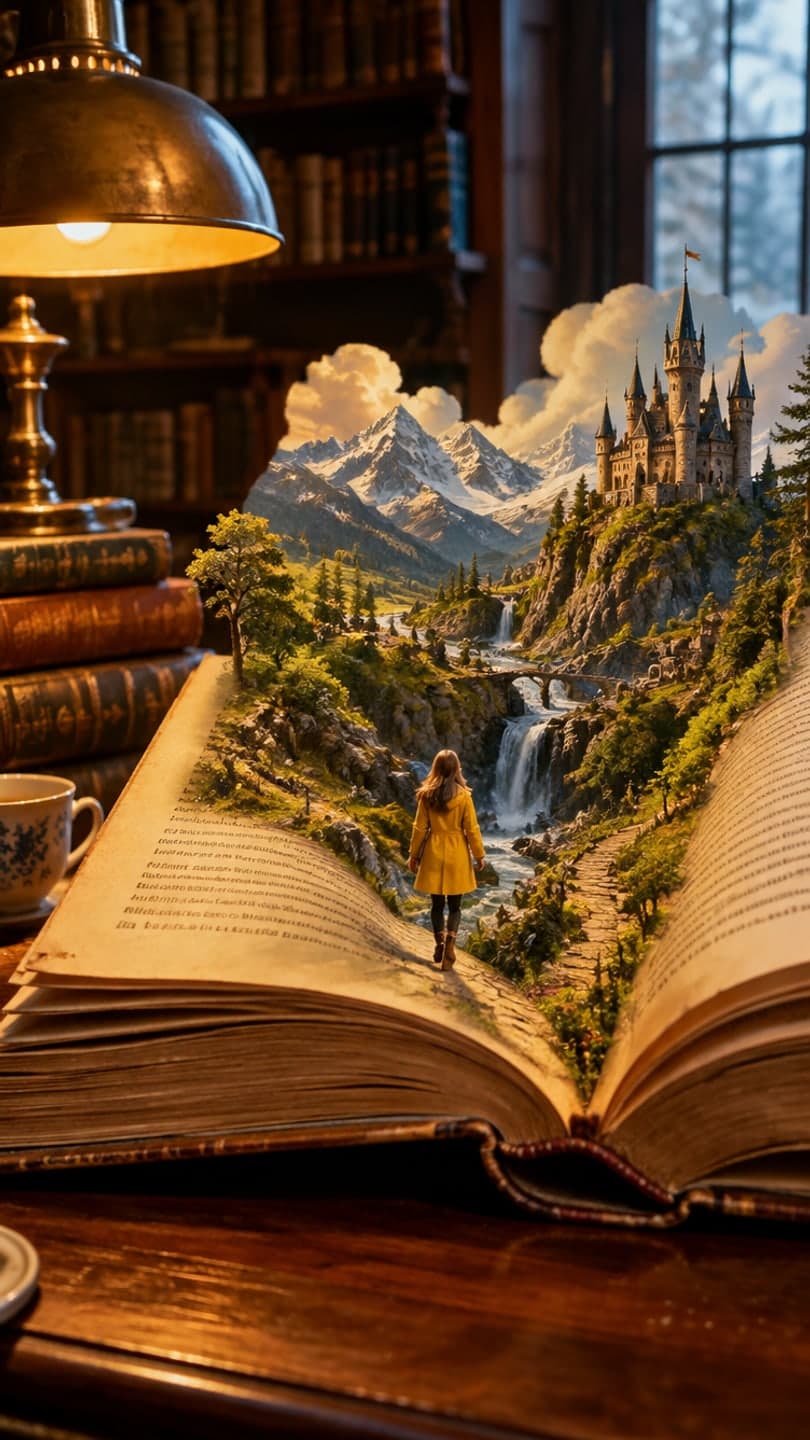
Examples made with Dromana. Tap one to start from that look.
How to use the animate part of a photo
Step 1
Upload the photo
A sharp JPG, PNG or WebP up to 8 MB. Choose vertical 9:16 or horizontal 16:9 before you generate.
Step 2
Name what moves and what doesn't
For example: “Completely stationary camera. Only the fireplace flames flicker. The room, furniture and windows do not move.”
Step 3
Generate and refine
Press Generate. If something you wanted still moves, add it to the “does not move” list and try again.
Selective motion without masking
Classic cinemagraphs are made by filming a video, masking the part that should move and freezing the rest by hand. Here you start from one photo and describe the split in words. The model keeps the frame locked and puts motion only where you ask for it: flames, steam, smoke, water, mist, clouds, curtains, hair or leaves.
It works because the prompt does two jobs. One sentence pins the camera and the scene (“completely stationary camera, the building and mountains do not move”), the next says exactly what moves and how fast (“the fire flickers at a natural speed, distant mist drifts very slowly”). The clearer both halves are, the stiller the rest of the picture stays.
Prompt recipes that work
Fireplace or candle: “Completely stationary camera. The flames flicker naturally and a little smoke rises. Nothing else in the room moves.” Waterfall or river: “Locked-off camera. Only the water flows and foams; the rocks, trees and sky stay still.” Mountain view: “Camera does not move. Low mist drifts slowly across the valley; the peaks and the house stay fixed.”
Sky over a building: “Static shot. Clouds move slowly from left to right; the building and street do not move.” Steaming drink or food: “Stationary camera. Steam rises gently from the cup; the table and hands stay still.” Window light: “Fixed camera. Curtains sway softly in a breeze; the room stays still.”
Keeping the rest of the frame still
Ask for one or two moving things, not five. Every extra moving part gives the model a reason to move something else. Speed words help a lot: “very slowly”, “gently” and “at a natural speed” keep motion believable, and repeating that the camera does not move stops the slow push-in many clips start with.
Photos with a clear separation between the moving part and the rest, like a fire against a dark hearth or water against rock, give the cleanest result. Busy scenes where the moving part touches everything, such as a crowd or a tree covering the whole frame, are harder to hold still.
Where it's used
Living photos of a cosy room or a view work as listing teasers, website headers, ambient backgrounds for music and streams, wedding and travel keepsakes, and product shots with a candle flame or steam. Results made on a paid plan or with bought credits can be used commercially, and plans remove the watermark; Starter's first month is $4.99 if you have never paid. For property photos, read animate real estate photos first.
Length, quality and price
Dromana renders 5, 8 or 10 seconds at 768p, 70 credits for five seconds. Pick the 1080p model in the studio when you need extra detail, for example a 10-second ambient loop for a big screen. Each model shows its price before you generate, and a failed render gives its credits back automatically.
Tips for better results
- Start the prompt with the camera: “Completely stationary camera.”
- List what must not move as well as what should.
- Keep it to one or two moving parts and say how fast they move.
- Choose a photo where the moving part is clearly separate from the rest.
- If you plan to loop it, a slow, even motion like mist or water loops best.
FAQ
Can AI animate only one part of a photo?
Yes. Describe a stationary camera, name the part that should move and say what stays still. The rest of the frame usually holds; if something else drifts, add it to the “does not move” list and try again.
Do I need to paint a mask or select the area?
No. You describe the area in words, such as “the fireplace flames” or “the water in the river”, and the model finds it in the photo.
Is this the same as a cinemagraph?
It gives the same look: a still picture with one moving element. The difference is you start from a single photo and a sentence instead of filming and masking a video.
What moves most convincingly?
Flames, candle light, steam, smoke, flowing water, waves, mist, clouds, curtains and leaves. Faces and bodies can move too, but a person usually moves more than just one part.
Can I try it for free?
Yes. New accounts get 70 free credits, enough for one 5-second trie at 768p, and 35 more each day you visit. Free results carry a small watermark.
Can the clip be horizontal and longer than 5 seconds?
Yes. Choose 16:9 or 9:16, and 5, 8 or 10 seconds on Dromana. Other models in the studio go longer and show their price before you generate.
Only use photos you have the right to use. See our safety guidelines.