Christmas photoshoot ideas: 30 cozy, glam and funny looks
By Liam Walker, Social media and creator strategy · Updated · 5 min read
the short version
Great Christmas photos come from one clear mood (cozy, glam, retro or funny), warm light from fairy lights or a lamp instead of the ceiling light, and two or three props rather than a whole store aisle. Shoot a few close-ups, one wide shot of the scene and one candid laugh, then turn your favorite into a short moving clip for stories.
AI Photo to Video
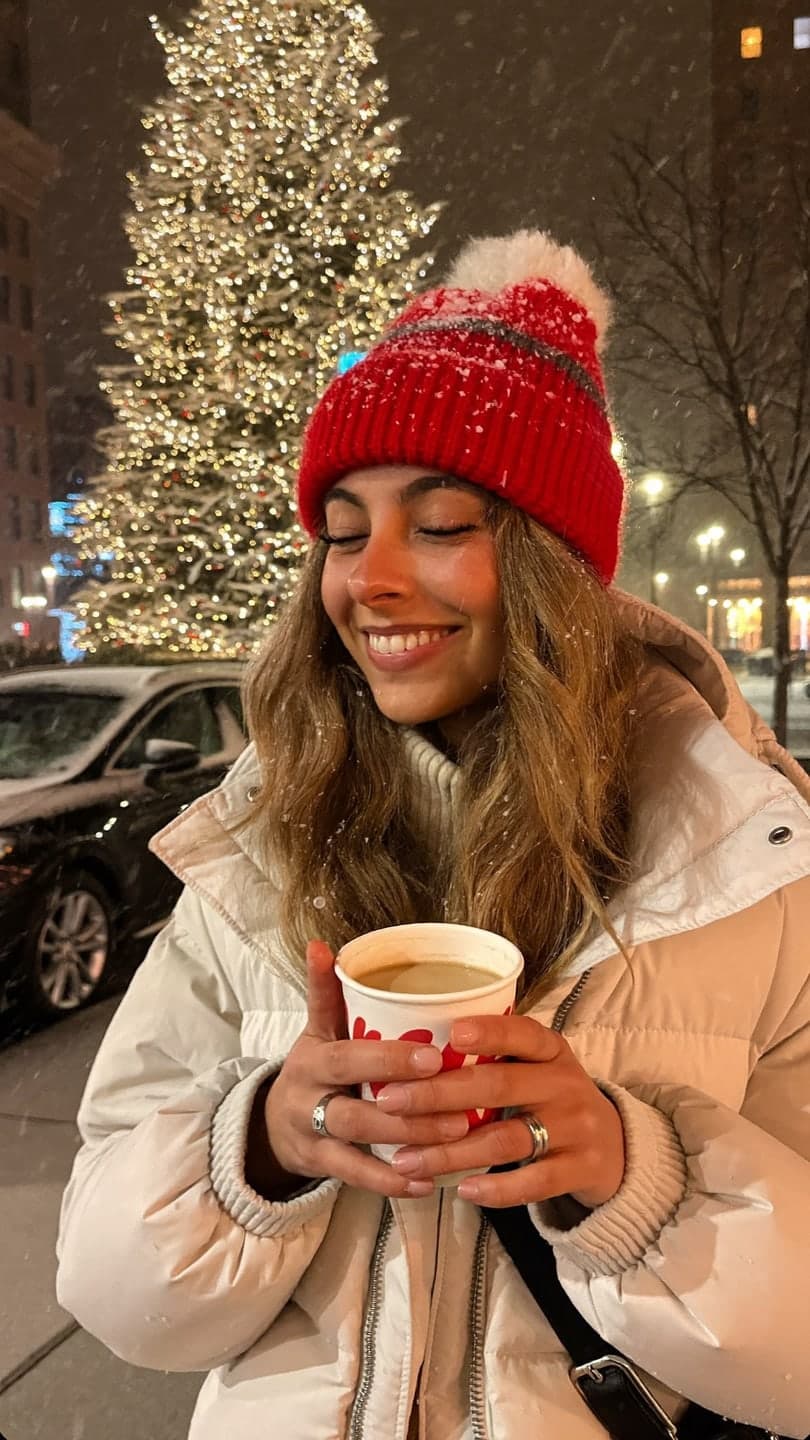 Christmas lights
1 Pick a look · optional
We put you into this example — everything else stays as it is — then it moves like the example, at no extra cost.
Failed renders refund credits
Choose one Christmas mood
Holiday photos fall apart when every idea goes into one frame: tinsel, reindeer ears, a tree, a mug and a sweater all fighting for attention. Pick a single mood and let everything else support it.
More holiday looks: Christmas market, gingerbread baking, holiday ice rink, Nutcracker stage and, for two, under the mistletoe.
Three ready-made holiday looks skip the setup entirely: Christmas lights (snowy street, cocoa, fairy lights), ugly sweater party (flash photo, reindeer sweater) and Christmas morning (pajamas, presents, tree glow). Upload one photo and each one comes back as a short video.
- Cozy at home: knit sweaters, a blanket, warm lamp light and a mug held with both hands.
- Glam party: satin, sequins, red lips, direct flash and a dark background.
- Retro holiday: an 80s or 2000s family-photo feel with a slightly faded color grade.
- Snow and streets: a puffer jacket, falling snow or city lights, shot on a walk.
- Funny: matching pajamas, a deadpan face next to an overdecorated tree, or a pet in a tiny hat.
If you want the era version without digging out old props, a selfie can be restyled into an 80s look or a Y2K flash shot in a few seconds.
Cozy setups you can build in an hour
You don't need a studio or a perfect living room. One corner, cleared of clutter, is enough. Work with what is already in the house:
- Tree corner: sit on the floor beside the tree, lights on, room lights off, and shoot from slightly above.
- Window seat: a blanket, a book or a mug, and soft daylight from the side.
- Kitchen bake: flour on the counter, cookie cutters, an apron and a candid mid-laugh.
- Gift wrap chaos: paper, ribbon and tape everywhere, shot from directly above.
- Bed with fairy lights: string lights along the headboard and a cozy close-up.
Try this look on your own photo.
Make it with my photoMake the lights do the work
Christmas lights are the cheapest lighting kit you will ever own. Used well, they give you glowing skin and soft, blurry dots of light in the background.
Step 1
Put space behind you
Stand a few steps in front of the tree or a wall of fairy lights, not right against it. Distance is what turns the lights into soft circles.
Step 2
Use portrait mode or zoom
Portrait mode, or the 2x lens from a little further back, blurs the background more than the wide lens up close.
Step 3
Light your face separately
Hold a short string of lights near your face, or put a lamp to one side, so you are not a silhouette against the tree.
Step 4
Try flash once
A burst of direct flash in a dark room gives the glossy party look that friend groups love for the camera-roll shot.
Photos with a lot of depth like this also animate well later. Our guide to the best photos for AI video explains why layered backgrounds move more naturally.
Outfits that photograph well
Holiday prints look fun in person and noisy on camera. Solid colors and textures read better in photos, especially in low light.
- Chunky knits in cream, forest green or burgundy.
- Red satin or velvet for the glam version; one shine is enough.
- A long coat and a scarf for outdoor and street shots.
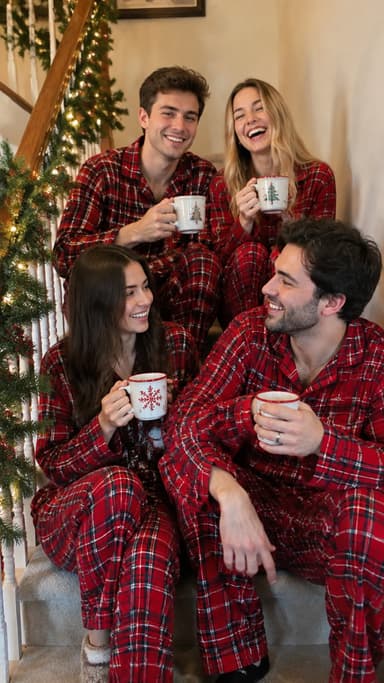
- Matching pajamas for couples, roommates or families, ideally one color.
- A single accessory: a bow in the hair, a beret, gold earrings or a Santa hat worn slightly off-center.
Can't decide? Upload a selfie to AI Image and describe the outfit and setting to see a few options before you buy anything. Each image uses 10 credits, and new accounts get 70 free credits.
Couples, friends and pets
Group shots are where most holiday photos get stiff. Give people something to do instead of something to pose.
- Couples: forehead touch under the lights, sharing one scarf, or a walk away from the camera holding hands.
- Friends: a gift swap mid-reaction, a flash group photo on the sofa, or everyone in the same ugly sweater.
- Families: one generation per row on the stairs, or kids decorating while adults pretend to supervise.
- Pets: get down to their level, hold a treat right above the lens and keep costumes to a collar bow.
Turn a holiday photo into a clip
A still that suddenly moves stops the scroll better than a carousel of near-identical photos. You can make one from a single picture.
Step 1
Pick a photo with room to move
A face clearly lit, lights or snow in the background, and nothing important cut off at the edges.
Step 2
Open AI Video
Upload it to AI Video for a short vertical clip.
Step 3
Describe the motion
Try "snow falls, she looks up and smiles, lights twinkle" or "steam rises from the mug, slow push-in". More wording ideas are in our image-to-video prompts.
Step 4
Add music and post
Clips come back silent, so add a song in your editor and use it as the first slide of your holiday photo dump.
Caption ideas
- "sleigh all day"
- "on the nice list (allegedly)"
- "cozy is a personality"
- "merry everything"
- "tis the season to be extra"
- "home for the holidays, wearing the same sweater as last year"
Questions people ask
How do I take Christmas photos at home?
Clear one corner, turn off the ceiling light, use the tree, fairy lights or a lamp as your light, add two or three props and shoot a mix of close-ups and one wider scene.
How do I get blurry Christmas lights in the background?
Stand a few steps in front of the lights, use portrait mode or the 2x lens from further back, and light your face separately so you are not a silhouette.
What should I wear for a Christmas photoshoot?
Solid colors and textures photograph better than busy prints: chunky knits, velvet or satin, a long coat outdoors, or matching one-color pajamas for groups.
Can I make a Christmas photo into a video?
Yes. Upload the photo to AI Video and describe the motion, such as falling snow, twinkling lights or steam from a mug, to get a short vertical clip.
Can I try a holiday look on a selfie first?
Yes. Upload a selfie to AI Image and describe the outfit and setting. Each image uses 10 credits, and new accounts get 70 free credits.
Effects from this guide
 Y2K photo filterTurn a selfie into an early-2000s flash photo: glossy skin, tracksuits, butterfly clips and candy color. Same face, new era. Free to try, works in your browser.
 Night out photo filterTurn an ordinary selfie into a night-out shot: hard flash, neon wash, dark background, sweat-and-glitter energy. Same face, new night. 70 free credits to start.
Keep reading
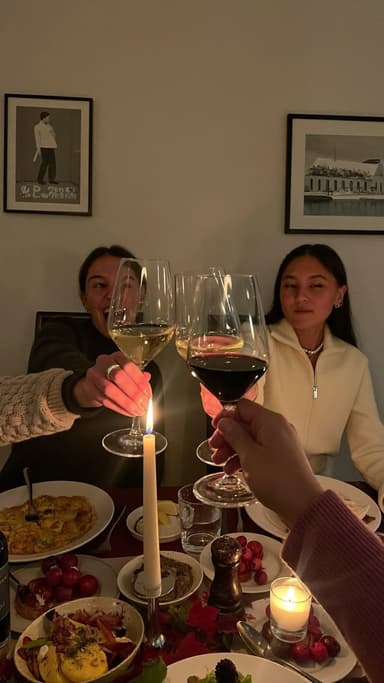 Thanksgiving photo ideas: 25 shots for the table, the family and Friendsgiving4 min read
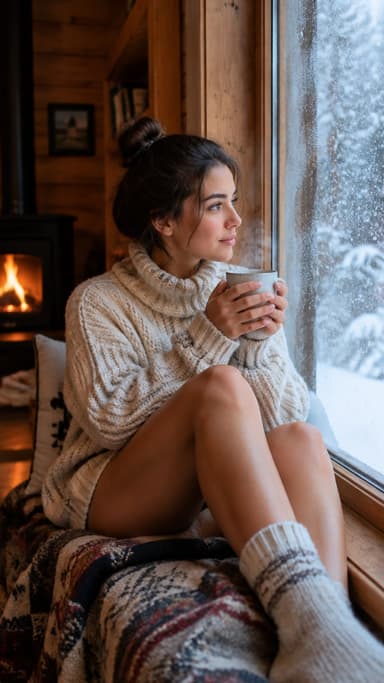 Winter photoshoot ideas: 25 snowy, cozy and city looks4 min read
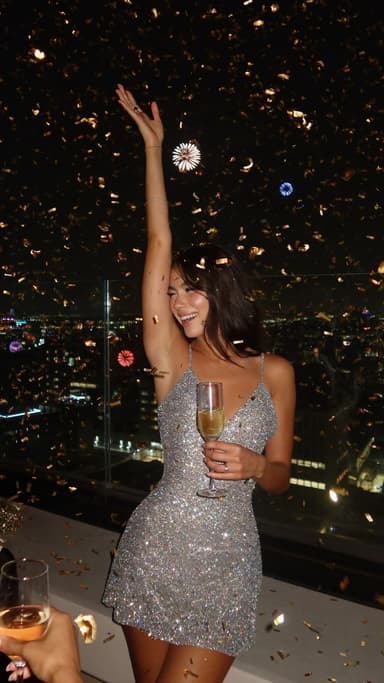 New Year's Eve photo ideas: 25 shots for the party, the countdown and after4 min read
 Christmas card photo ideas for families, couples, friends and pets4 min read
 Best AI Christmas video apps in 2026: elf videos, snow globes and cards4 min read
Ready to make yours?
Add one photo and get the look from this guide.