Outfit video from a photo — a fit check without filming
Dromana turns a single outfit photo into a short fit check. Upload one standing shot and get a 5-second vertical clip where you shift your weight, turn slightly or take a step, and the fabric moves with you. No tripod, no reshoot, no filming yourself. Signing in gives you 50 free credits a day.
AI Photo to Video
Upload Image
Engine
Same look, different renderer
Hints
Credits: 50
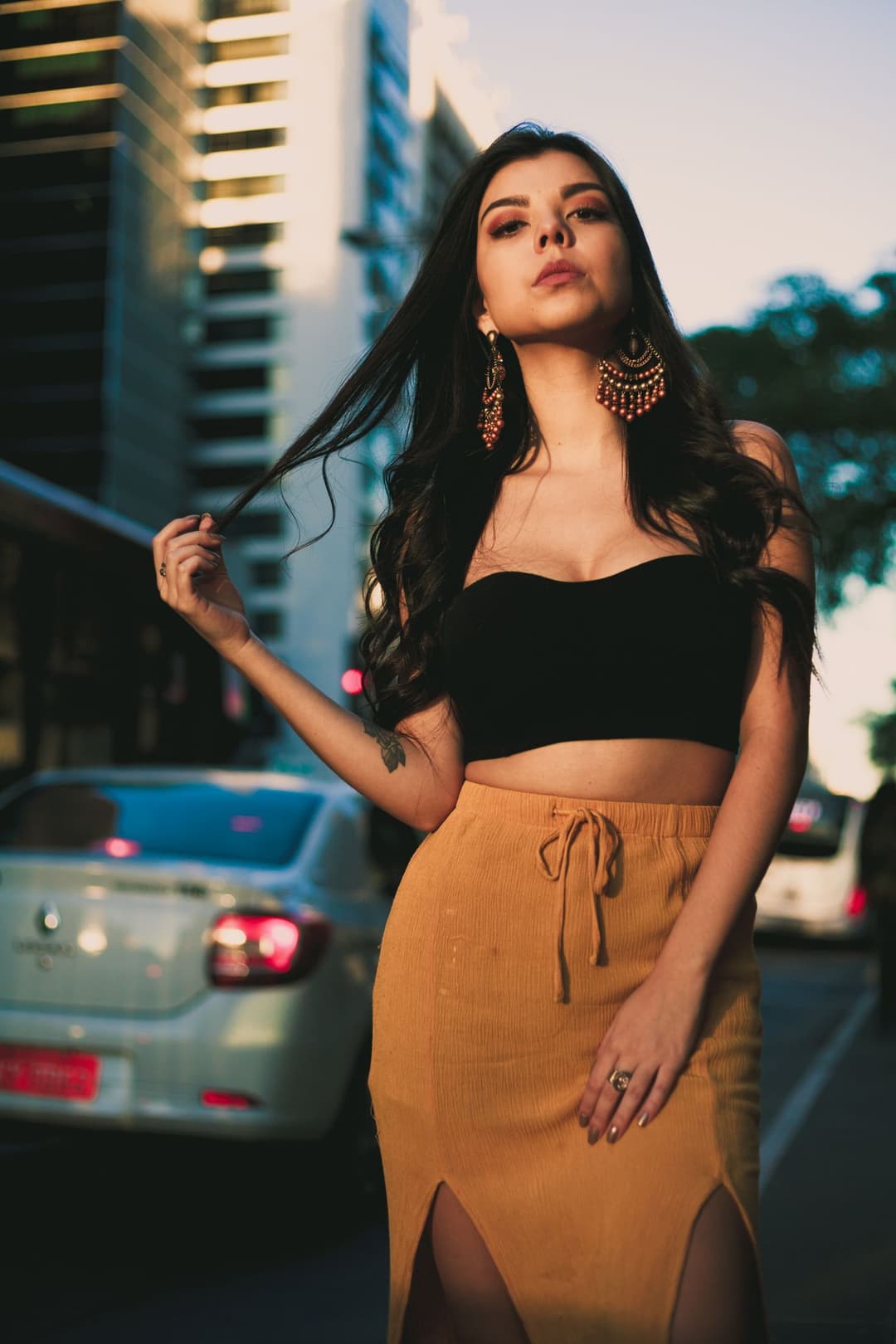
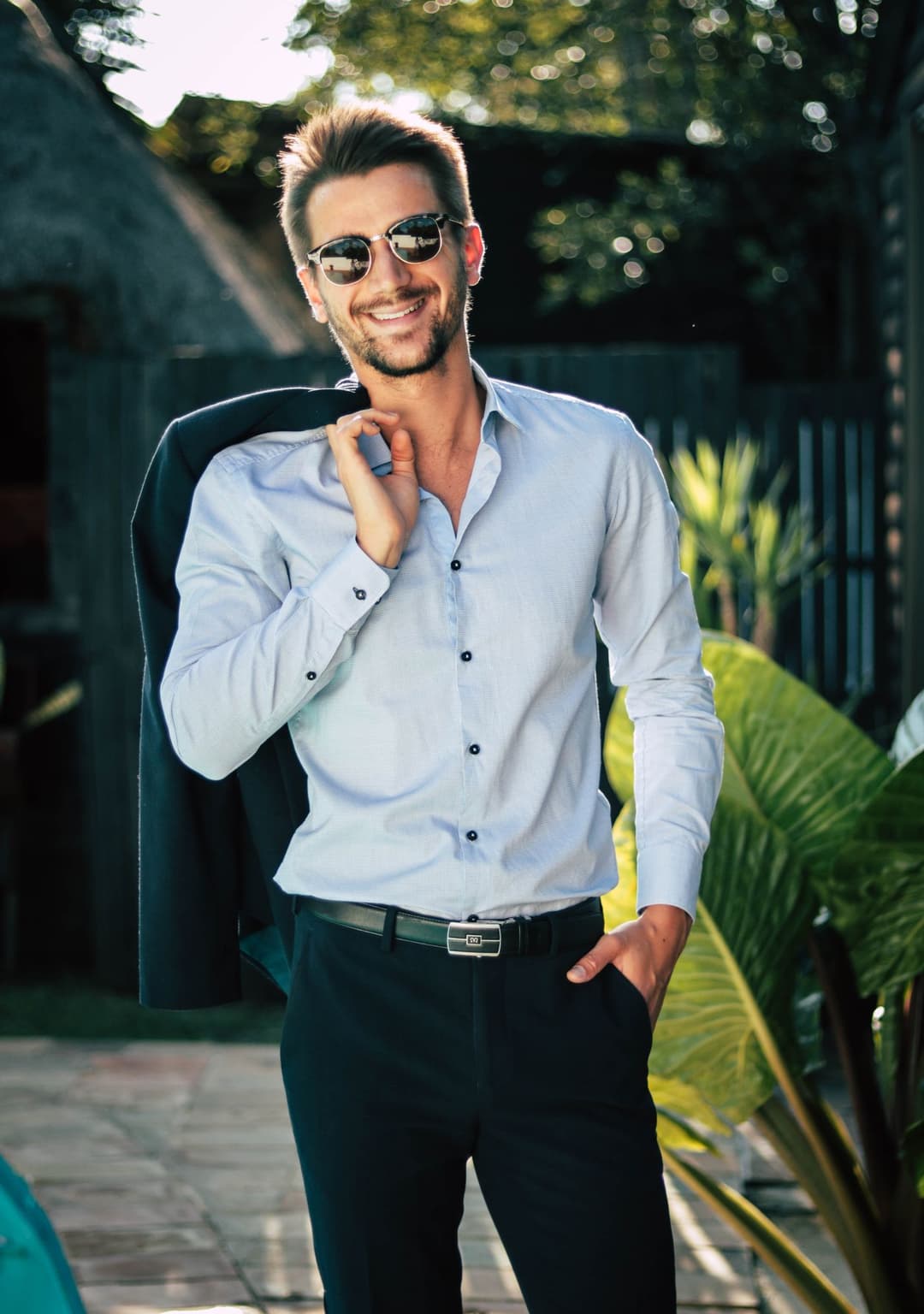
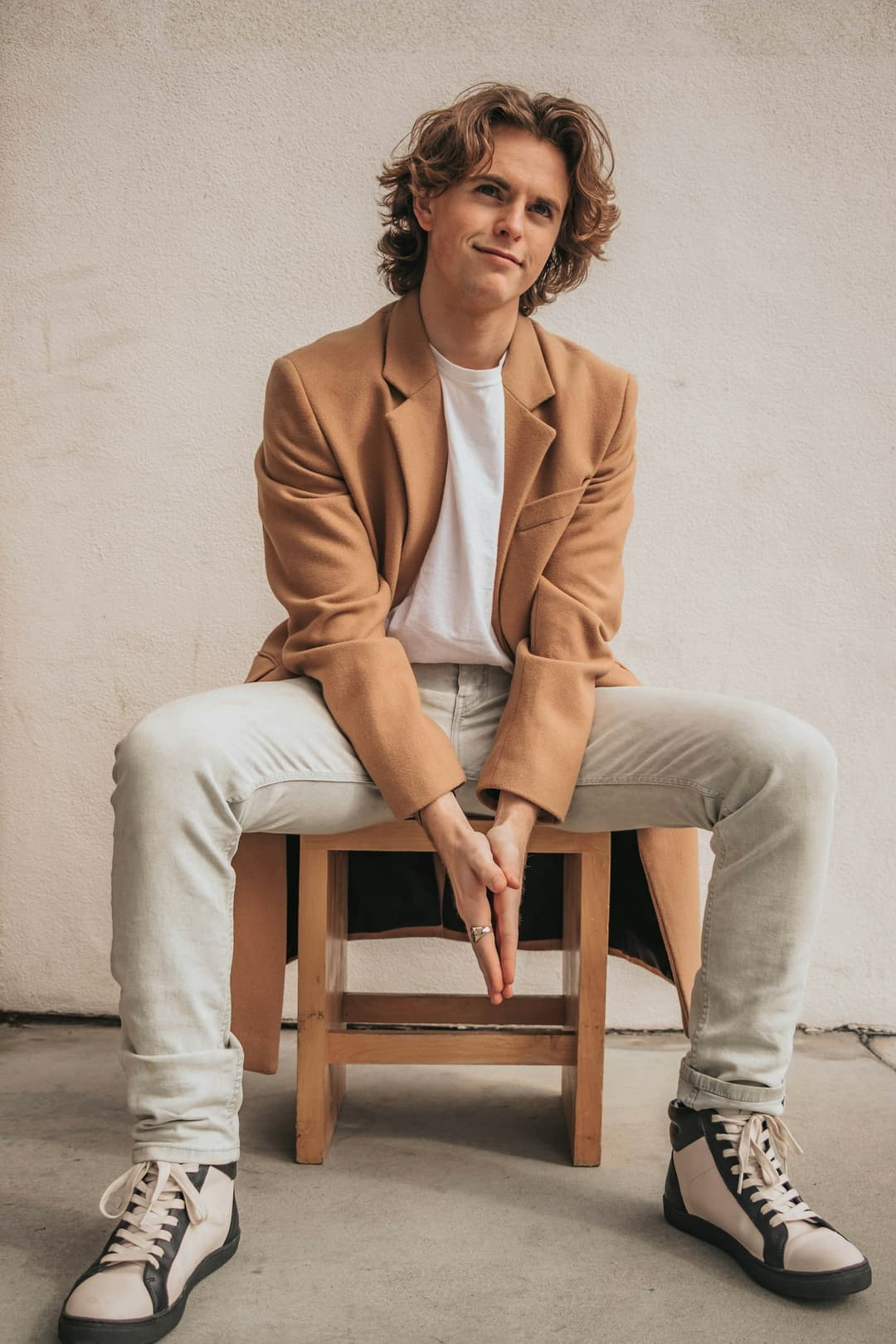
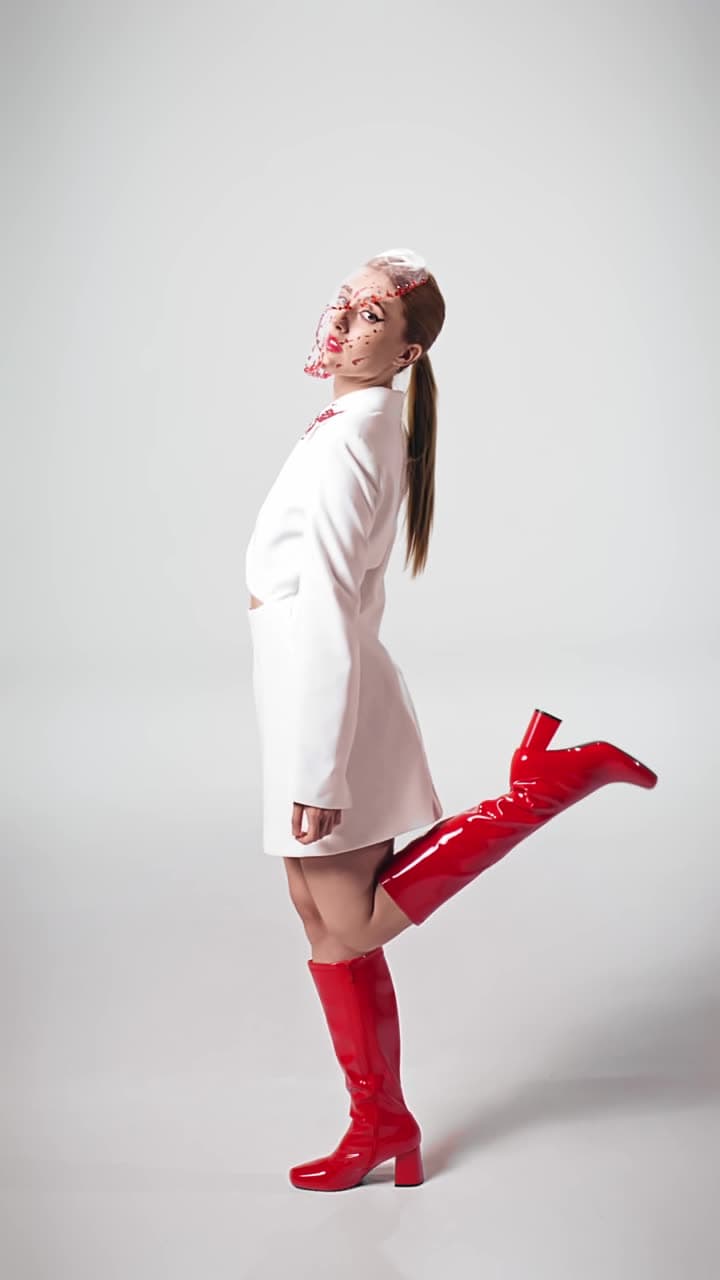
Examples made with Dromana. Tap one to start from that look.
How to use the outfit video from a photo
Step 1
Upload one outfit photo
A standing, full-length or waist-up shot. The more of the outfit that is visible, the more of it can move.
Step 2
Pick the motion
Choose a look, or write a short note — a slow turn, a step toward the camera, a shift of weight.
Step 3
Generate and download
Sign in and press Generate. You get a 5-second vertical MP4, usually in a minute or two.
Why a still outfit photo is hard to judge
Clothes are designed to be seen moving. A hem that looks stiff in a photo often falls properly the moment you take a step, and a jacket that looks boxy standing square reads completely differently when the shoulder turns. That is why fit checks are filmed rather than photographed, and why a still shot can make a good outfit look worse than it is.
Animating the photo recovers some of that. A small turn or a single step shows how fabric hangs, where it catches and how the silhouette changes off-axis — the information a still frame throws away. It is not a substitute for filming, but it answers the question a photo leaves open.
Shots that move convincingly
Stand naturally with a little space around you. Motion needs somewhere to happen, and a photo cropped tight to the body leaves no room for a turn without the edges of the clothing running out of frame. A metre or two between you and the camera, shot from around chest height, is the most reliable setup.
Loose fabric moves best. Coats, skirts, wide trousers and anything with a hem give the clip visible movement, while a fitted knit has very little to show. If the outfit is close-fitting, ask for a step or a weight shift rather than a turn, so the motion comes from the body rather than the cloth.
What comes back
Every clip is 9:16, five seconds and silent, which is the shape these posts want anyway. Wide photos are cropped to the centre, so stand near the middle of the frame when you shoot. Paid members can upgrade a finished clip to HD, which is worth doing when the fabric has fine texture like tweed, knit or pleating.
The clip keeps your face and the outfit recognisable. It is a fit check of the clothes you actually own, not a restyle — if you want the outfit itself changed, start in AI Image and bring the result back here to make it move.
Tips for better results
- Leave room around you; a tight crop has nowhere to put the movement.
- Ask for one motion. A turn and a walk and a hair flip in one prompt fight each other.
- Loose hems show the most. For fitted clothes, ask for a step rather than a spin.
- Shoot from chest height — high angles shorten the silhouette the clip is meant to show.
- Plain floors and walls keep attention on the outfit and animate more cleanly.
FAQ
Do I need to film anything?
No. One standing photo is the whole input. The motion is generated from that frame.
Will it change my outfit?
No. This keeps the clothes you are wearing and adds movement. To change the outfit itself, restyle it in AI Image first, then animate the result.
Is it free?
Yes, to start. Sign in for 50 free credits a day, which covers one clip on the included engine. Free clips carry a small watermark that a paid plan removes.
Why does the hem look strange?
Usually the photo was cropped too tight, so the edge of the garment had to be invented. Re-shoot with more space around you and it holds together.
Can I get a longer clip?
The included engine makes 5 seconds. Other engines in the picker go longer — up to fifteen seconds on one and thirty on another.
Does it work for menswear?
Yes. Tailoring animates well because the shoulder and the trouser break both show movement clearly. Off-duty suiting is one of the example looks.
Only use photos you have the right to use. See our safety guidelines.