Best AI video apps for TikTok and Reels creators in 2026
By Sebastian Ward, Reviews and comparisons editor · Updated · 4 min read
the short version
The best AI video app for TikTok is the one that gets you from idea to posted clip fastest. Template apps like Dromana and Higgsfield turn one photo into a trend-ready vertical clip; Pika and Viggle are best for memes and dance motion; Hedra makes talking characters; Canva finishes clips with captions. Add the trending sound inside TikTok itself.
AI Photo to Video
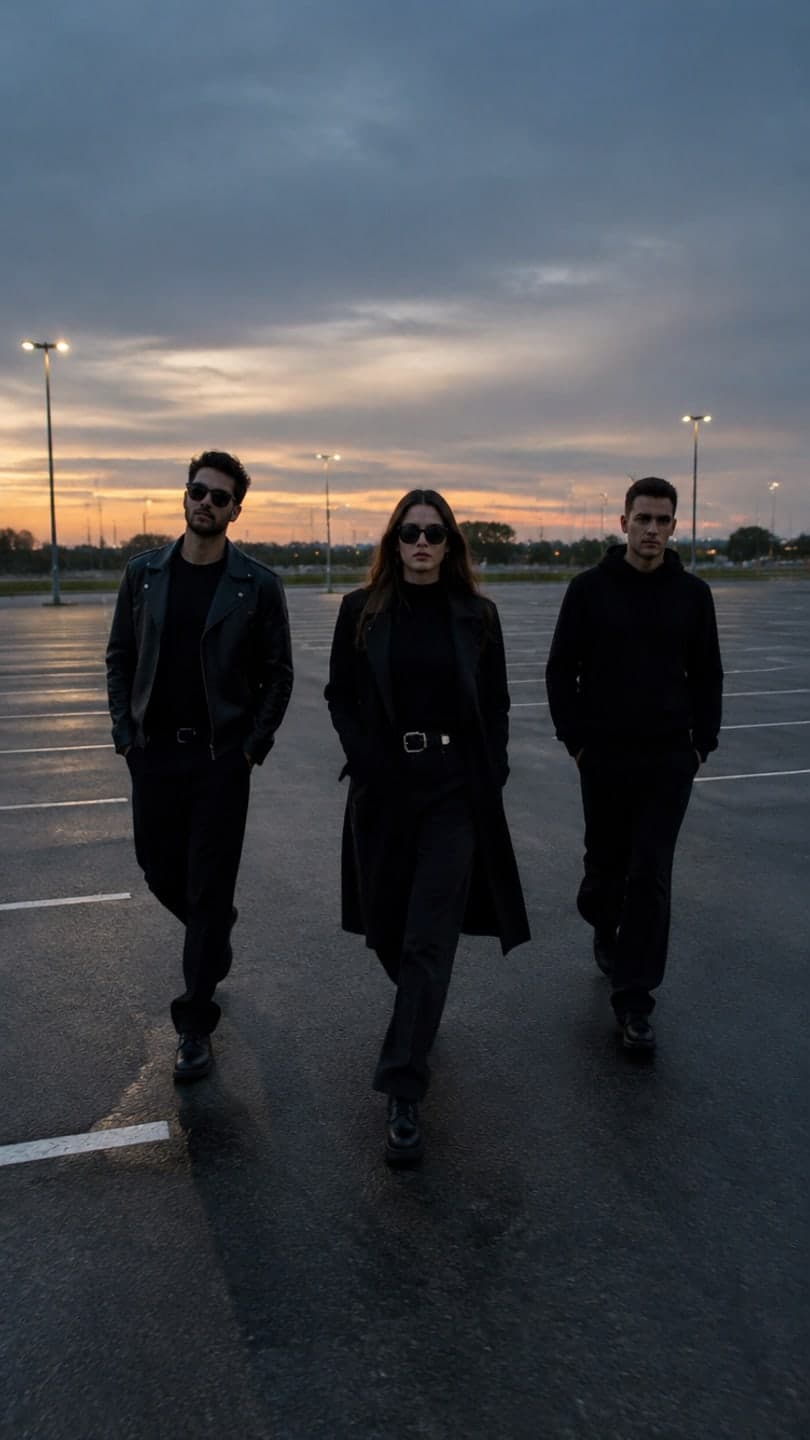 Slow-mo squad walk
1 Pick a look · optional
We put you into this example — everything else stays as it is — then it moves like the example, at no extra cost.
Failed renders refund credits
What should a TikTok creator look for in an AI video app?
On TikTok, speed beats perfection. A trend has a window of days, not weeks, so the app that helps you post while the format is hot is worth more than one that makes a slightly prettier clip next month. The features that matter most are vertical 9:16 output, ready-made trend formats, short render times and results that leave room for the sound and caption you'll add in the app.
- Vertical 9:16 output by default.
- Templates that match current trends, updated often.
- Render times of a few minutes, not hours.
- A strong first frame: the hook has to land in one second.
- Free or cheap enough to post every day.
Disclosure: Dromana is our product. It's listed first for one-photo trend templates, which is what it's built for.
Which AI video apps are best for TikTok?
- Dromana: one-photo trend looks such as the costume reveal walk, slow-mo squad walk, fan transition and snow globe.
- Higgsfield: a large, frequently updated library of viral presets and camera moves.
- Pika: quick, funny effects for memes and reaction content.
- Viggle: puts a character from your photo into a dance or motion from a template, popular for meme dances.
- Hedra: talking or singing characters lip-synced to your audio.
- Canva: adds captions, stickers and branding to finish a clip.
- Adobe Firefly: generative clips inside Premiere for creators who edit longer pieces.
Try this look on your own photo.
Make it with my photoWhich app is best for joining a trend with my own face?
A template app that recreates you in the trend's exact shot. On Dromana, every look is a finished example of a trend format, filmed the way the trend is filmed: the low-angle costume reveal, the three-friend slow-motion walk, the overhead fan-blade outfit swap. You add one photo, and the shot is rebuilt with you in it. It's the closest thing to filming the trend without the setup, the friends or the costume.
- New trend looks are added every week; the newest are marked NEW on the home page.
- A look video uses 70 credits; new accounts get 70 free credits, no card.
- Clips are silent so you can use the trend's sound in TikTok.
See this month's formats in our Halloween TikTok trends and Christmas TikTok trends guides.
Which app is best for memes and dance videos?
For memes, effects-first apps like Pika are fast and silly by design. For dance trends, motion-transfer apps like Viggle are built for it: they copy movement from a template onto your character. If you'd rather keep your face and outfit realistic, Dromana's dance looks, like the hallway dance and trio dance, give you dance energy in a realistic scene, though not the exact choreography of a specific song. Our AI dance video guide explains the options.
How do I make AI videos that do well on TikTok?
- Post while the trend is rising: the first week matters most.
- Use the trend's original sound; it's how TikTok groups trend videos.
- Keep it short: 5 to 8 seconds is enough for most formats.
- Put the payoff early; viewers decide in the first second.
- Label realistic AI content with TikTok's AI-generated toggle.
- Post a series: the same look on different photos, one a day.
Are AI video apps for TikTok free?
Most have a free tier with limits: watermarks, small daily or one-time credit allowances, and personal use only. Dromana gives 70 credits on sign-up and 35 more each day you visit; free results carry a small dromana.app badge, which any paid plan removes. Our comparison of the best free AI video generators covers the free tiers in more detail, and you can start right now in AI Video.
Questions people ask
What is the best AI video app for TikTok?
For trends with your own face, a template app like Dromana; for memes, Pika; for dance motion, Viggle; for talking characters, Hedra.
How do I make an AI TikTok from a photo?
Pick a trend look, upload a clear photo, generate the clip, then add the trending sound and caption in TikTok.
Do AI TikTok videos need a label?
TikTok asks creators to label realistic AI-generated content. Turn on the AI-generated label when you post.
What size should an AI TikTok video be?
Vertical 9:16, ideally 1080x1920. Most AI video apps export 9:16 by default.
Can I make AI TikToks for free?
Yes, within limits. Dromana gives 70 free credits on sign-up, enough for a first trend video.
How long should an AI TikTok be?
Five to eight seconds works for most trend formats; make a series rather than one long clip.
Effects from this guide
 Make a photo moveUpload one photo, get a 5-second video in a minute or two: a smile, a head turn, wind in the trees, waves rolling in. Works on portraits and landscapes, free to try.
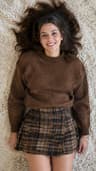 Outfit video from a photoTurn one outfit photo into a 5-second fit check video: a turn, a walk, fabric moving. No tripod, no filming. 70 free credits to start.
Keep reading
 Halloween TikTok trends 2026: what's blowing up and how to make each one9 min read
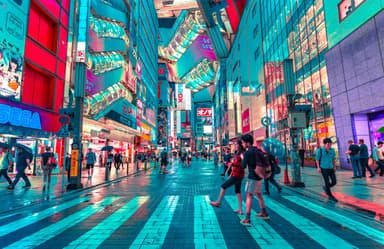 How to turn photos into a TikTok or Reel people actually watch4 min read
 The 10 best AI image-to-video and photo-to-video tools in 2026, by what you want to make6 min read
 Pika alternatives: 7 AI video tools for effects, trends and memes4 min read
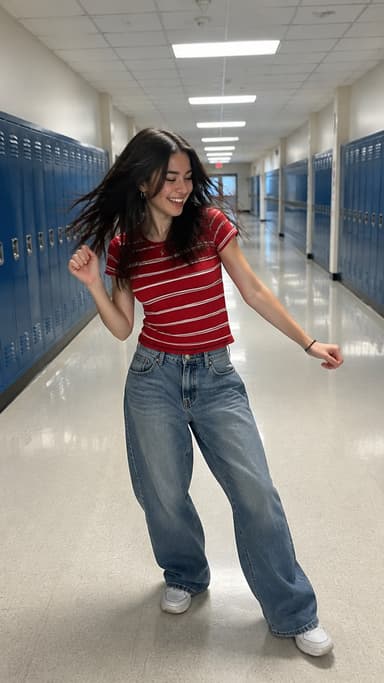 Best AI dance video apps in 2026: make anyone dance from a photo4 min read
Ready to make yours?
Add one photo and get the look from this guide.