Animate food and drink photos — steam, pours and sizzle
Dromana turns a food or drink photo into a short video. Upload a coffee, plate, pastry or cocktail shot and ask for real motion: steam rising, coffee pouring, sauce dripping, bubbles fizzing. Keep the camera still and the dish exactly as it is, and you get a 5- to 10-second clip for menus, delivery apps and social posts. New accounts get 70 free credits.
AI Photo to Video
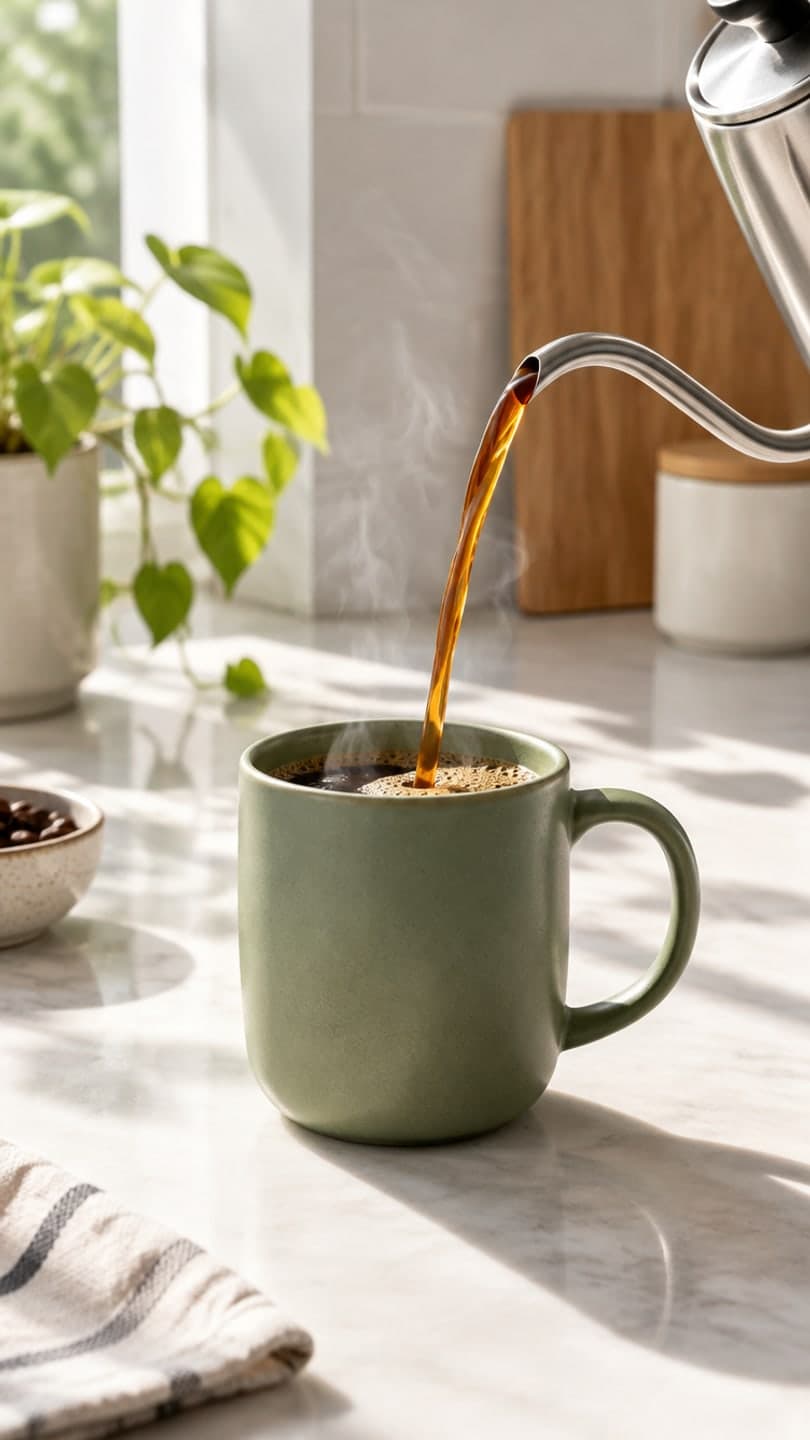 Morning pour
1 Pick a look · optional
We put your product into this example — everything else stays as it is — then it moves like the example, at no extra cost.
Failed renders refund credits
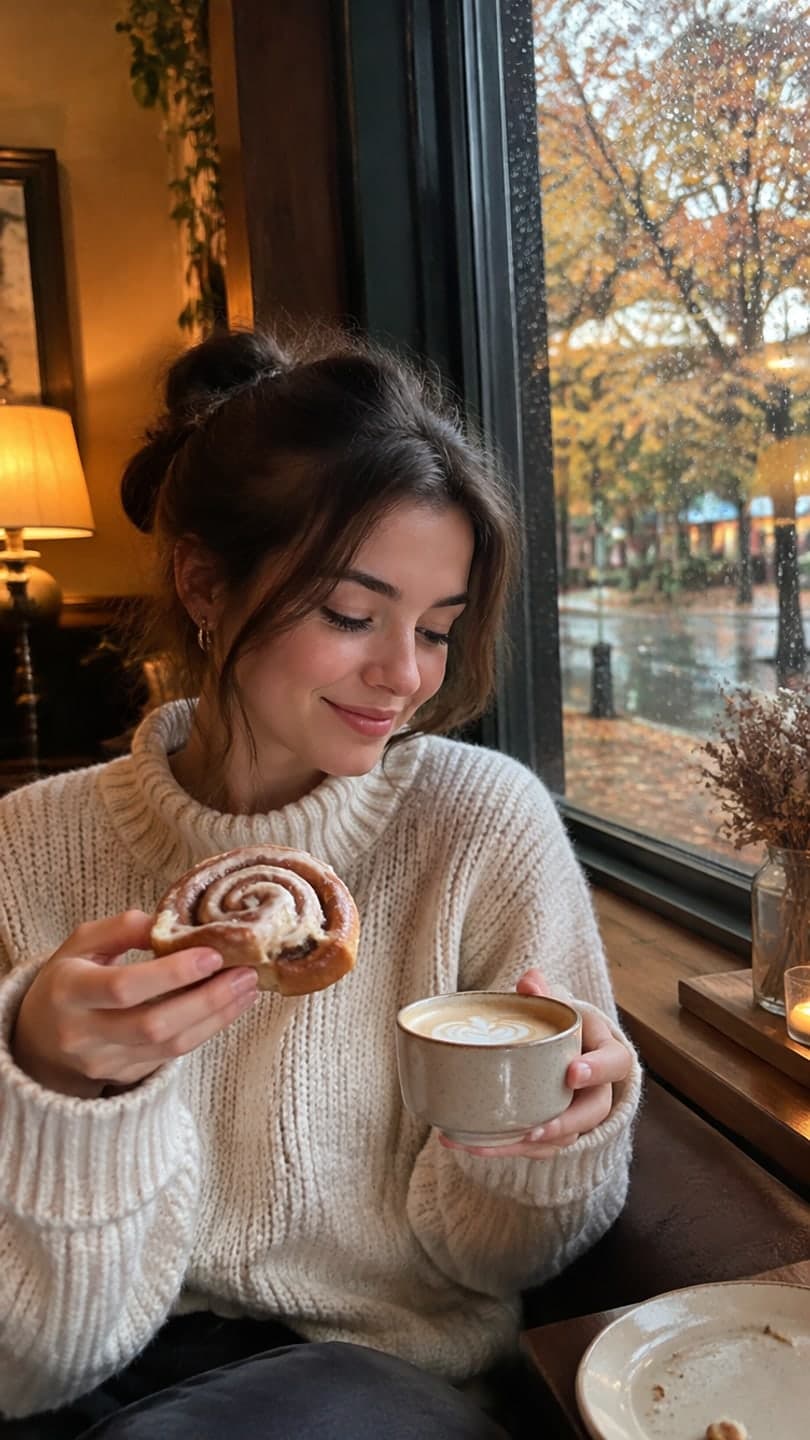
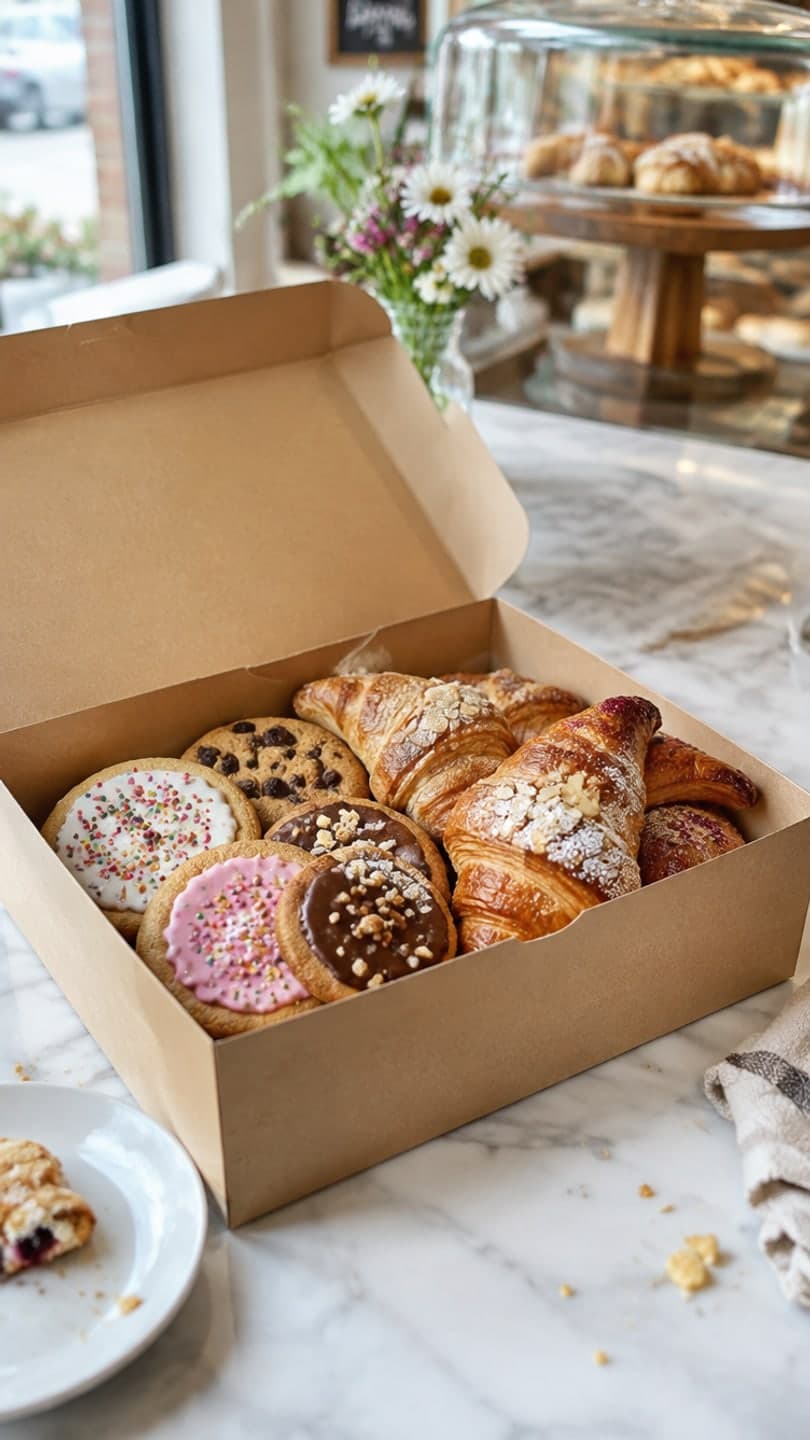
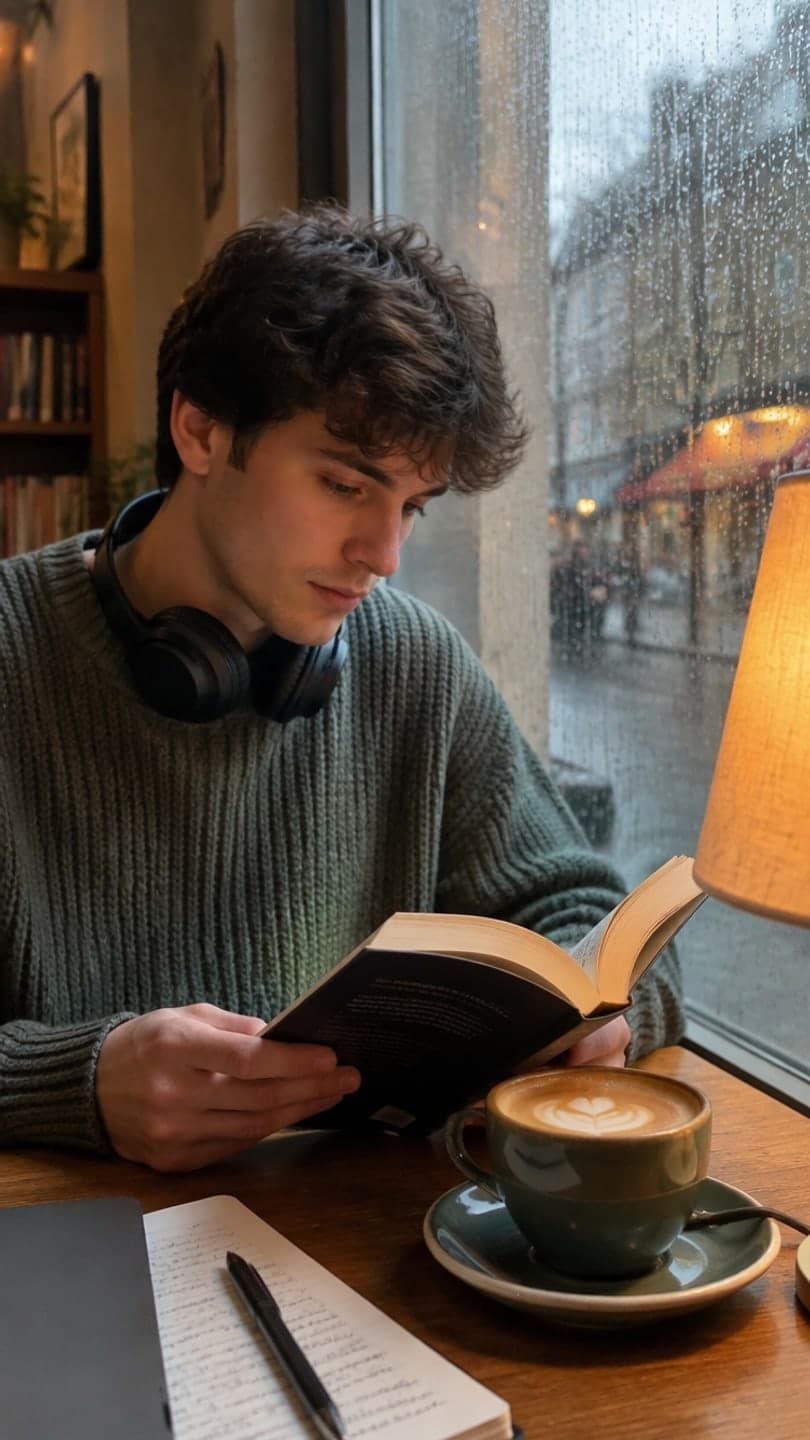

Examples made with Dromana. Tap one to start from that look.
How to use the animate food and drink photos
Step 1
Upload a food or drink photo
A sharp JPG, PNG or WebP up to 8 MB. Square-on and 45-degree shots work best. Pick 9:16 for Reels and Stories or 16:9 for a website or menu screen.
Step 2
Say what moves
For example: “Stationary camera. Steam curls up from the latte; the cup, saucer and pastry do not move.”
Step 3
Generate and post
Press Generate and download the silent MP4 for your menu, delivery listing or social post.
Why moving food sells
Food photos are everywhere; a cup that steams or a pour that keeps going makes people stop and feel the temperature and the taste. Cafés and restaurants use short loops like these on Instagram and TikTok, on digital menu boards, on delivery-app listings that accept video and on their own websites, often from the same photos they already shot for the menu.
The motion that works is small and specific: steam, a pour, a drip, bubbles, a sizzle. You don't need a food stylist or a slow-motion camera for that, just one good photo and one sentence.
Prompts that work for food and drink
Coffee or tea: “Stationary camera. Steam rises slowly from the cup and curls in the light; the cup does not move.” Pour: “Fixed camera. Coffee pours from the pot into the mug and the surface swirls; the table stays still.” Cocktail or soda: “Locked-off camera. Bubbles rise in the glass and condensation glistens; nothing else moves.”
Hot food: “Stationary camera. Steam rises from the noodles and the broth shimmers; the bowl and chopsticks stay still.” Pizza or melted cheese: “Camera does not move. A slice lifts slowly with a stretch of melted cheese.” Dessert: “Static shot. Chocolate sauce drips slowly down the side; the plate does not move.”
Keep the dish honest
Animate the dish you actually serve. Ask for the plate, portion and garnish to stay exactly as they are, and don't add ingredients, toppings or sizes that aren't on the menu: customers and delivery platforms expect the food to look like what arrives. Steam, pours and bubbles add appetite without changing what's on the plate.
Check every clip before you post it. If the portion grows, a garnish appears or the cup changes shape, try again with “the plate and portion stay exactly as they are” at the start of the prompt.
Shots that animate best
Hot drinks against a darker background, where steam is easy to see; pours caught mid-stream; noodle and soup bowls; pizza and grilled dishes; glasses with ice and bubbles; pastries in warm window light. Cluttered tables with many dishes are harder, because the model may move the wrong one, so crop to the hero item first.
For packaged goods like snacks, sauces or coffee bags, the product photo to video page has camera moves built for packshots.
Commercial use and cost
Clips made on a paid plan, or with credits you bought, can be used commercially on menus, ads and delivery apps, and plans remove the watermark. Starter is $10 a month for 900 credits, with the first month at $4.99 if you have never paid. A 5-second clip at 768p uses 70 credits, and a failed render refunds them.
Tips for better results
- Shoot or pick the photo against a darker background so steam shows up.
- Crop to one hero dish or drink before you upload.
- Start the prompt with “Stationary camera” and end it with “the plate stays exactly as it is”.
- One kind of motion per clip: steam, a pour, bubbles or a drip.
- Use 9:16 for Reels and Stories, 16:9 for menu screens and websites.
FAQ
Can I make steam rise from a coffee photo?
Yes. Upload the photo, ask for a stationary camera and steam rising slowly from the cup. Darker backgrounds make the steam easier to see.
Will it change the food?
It shouldn't if you say the plate and portion stay exactly as they are and keep the motion to steam, a pour or bubbles. Check each clip, and retry if anything on the plate changes.
Can restaurants use these videos in ads and on delivery apps?
Yes, if you made them on a paid plan or with credits you bought. Free results are for personal use and carry a watermark. Starter's first month is $4.99.
What size should I use for a menu board or Instagram?
Pick 16:9 for horizontal screens and websites, 9:16 for Reels, Stories and TikTok. The photo is cropped from its center, so keep the dish in the middle.
Can I try it for free?
Yes. New accounts get 70 free credits, enough for one 5-second clip at 768p, and 35 more each day you visit.
How long are the clips?
5, 8 or 10 seconds on Dromana, longer on other models in the studio. They are silent, so add music or a sizzle sound in your editor.
Only use photos you have the right to use. See our safety guidelines.