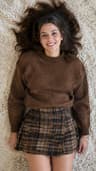
Make a photo move — AI photo animation in 5 seconds
Dromana makes a still photo move. Upload one portrait, outfit shot or landscape, choose a look and get a 5-second video with natural motion: a smile, a head turn, hair in the wind, drifting clouds or rolling waves. New accounts get 70 free credits, which covers one clip on the included engine.
AI Photo to Video
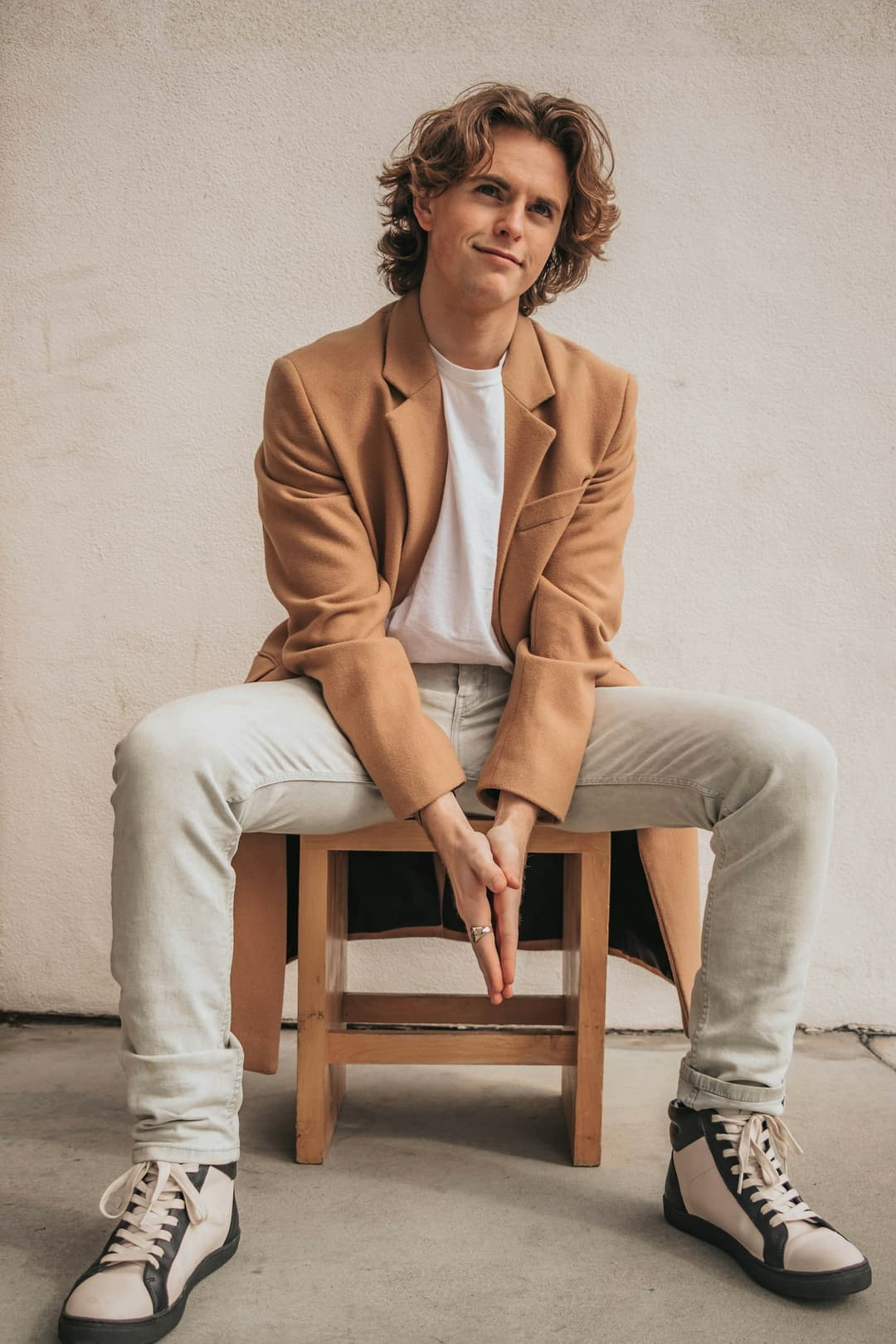 Main character
1 Pick a look · optional
Describe what happens, in your own words. To change outfit or place, pick a look or switch on New outfit or scene.
Failed renders refund credits
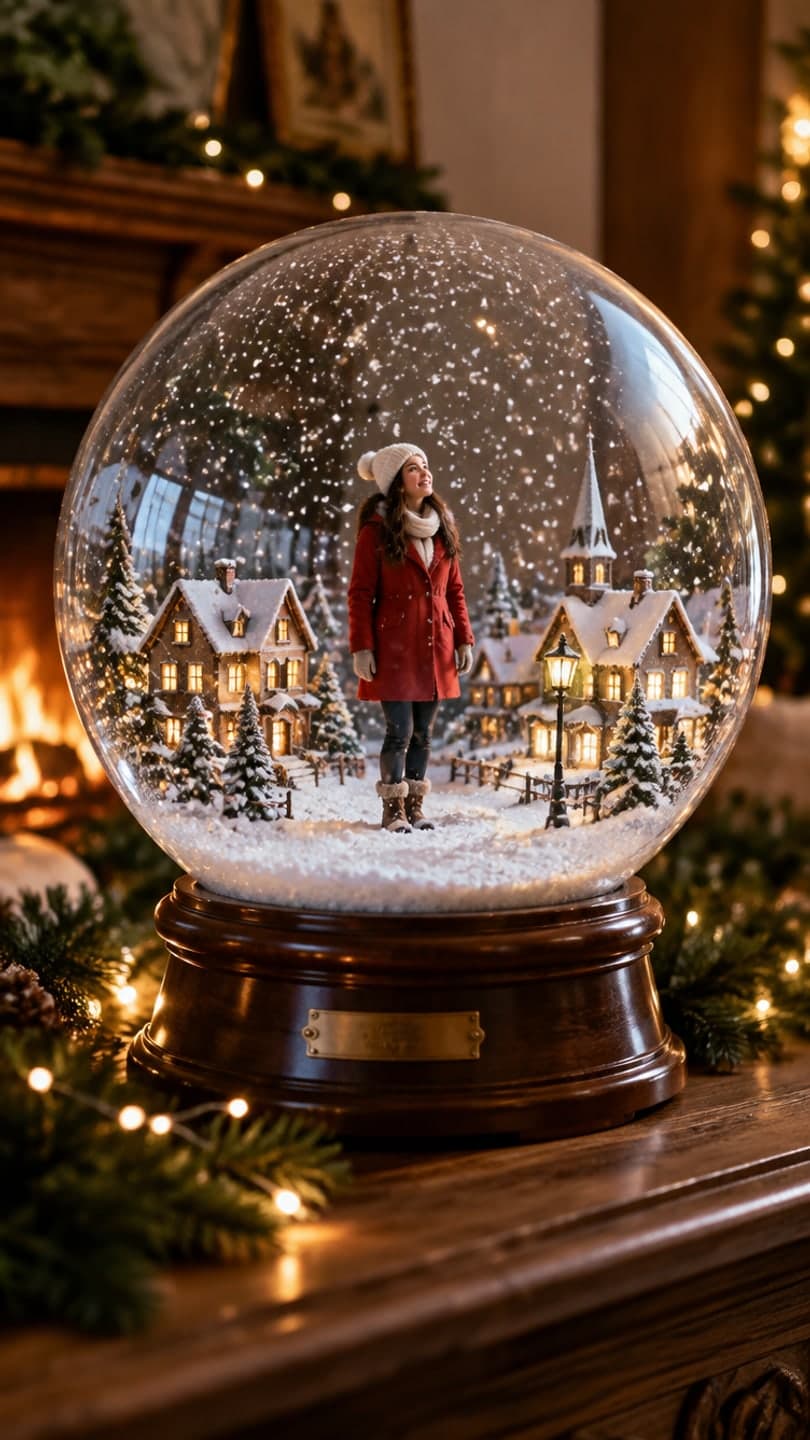
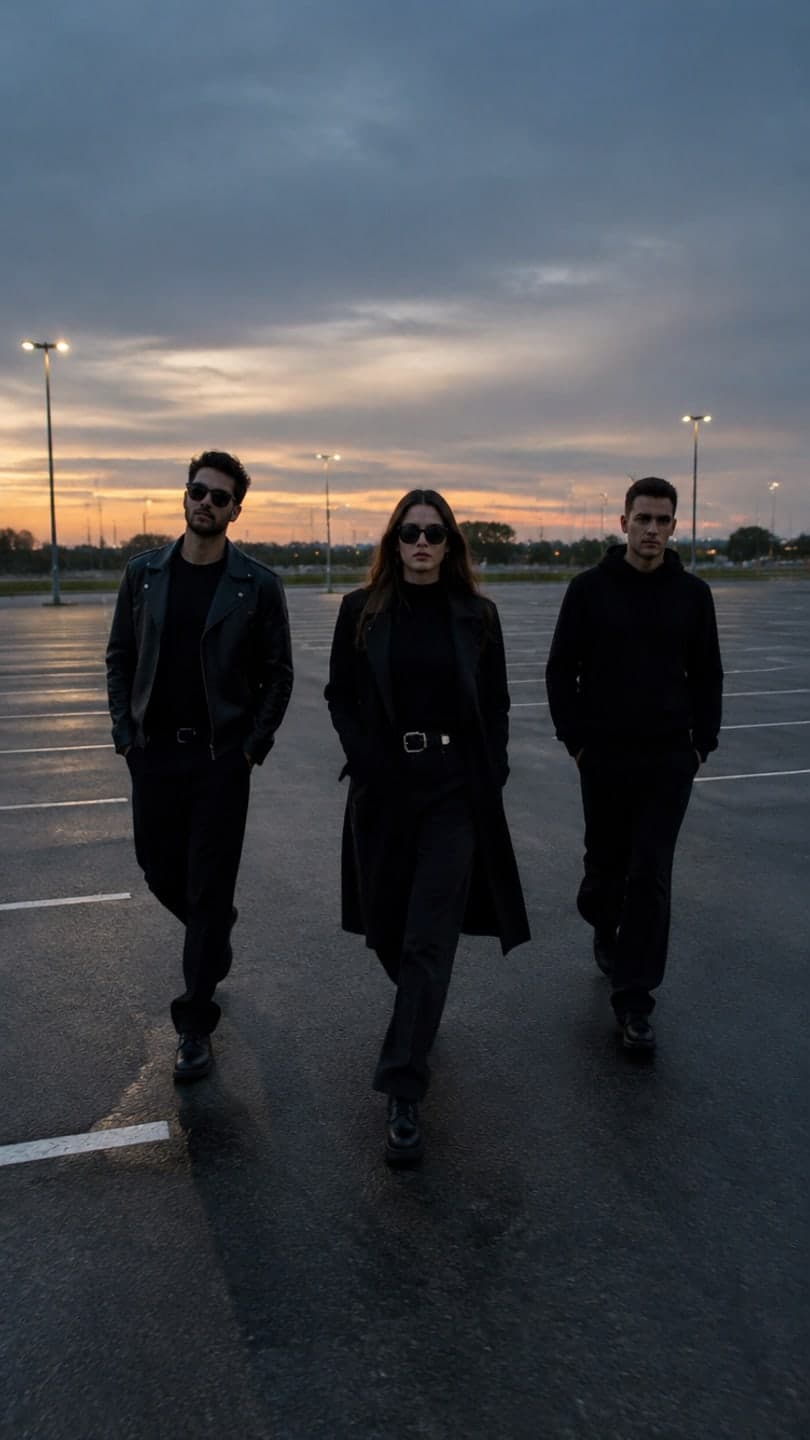
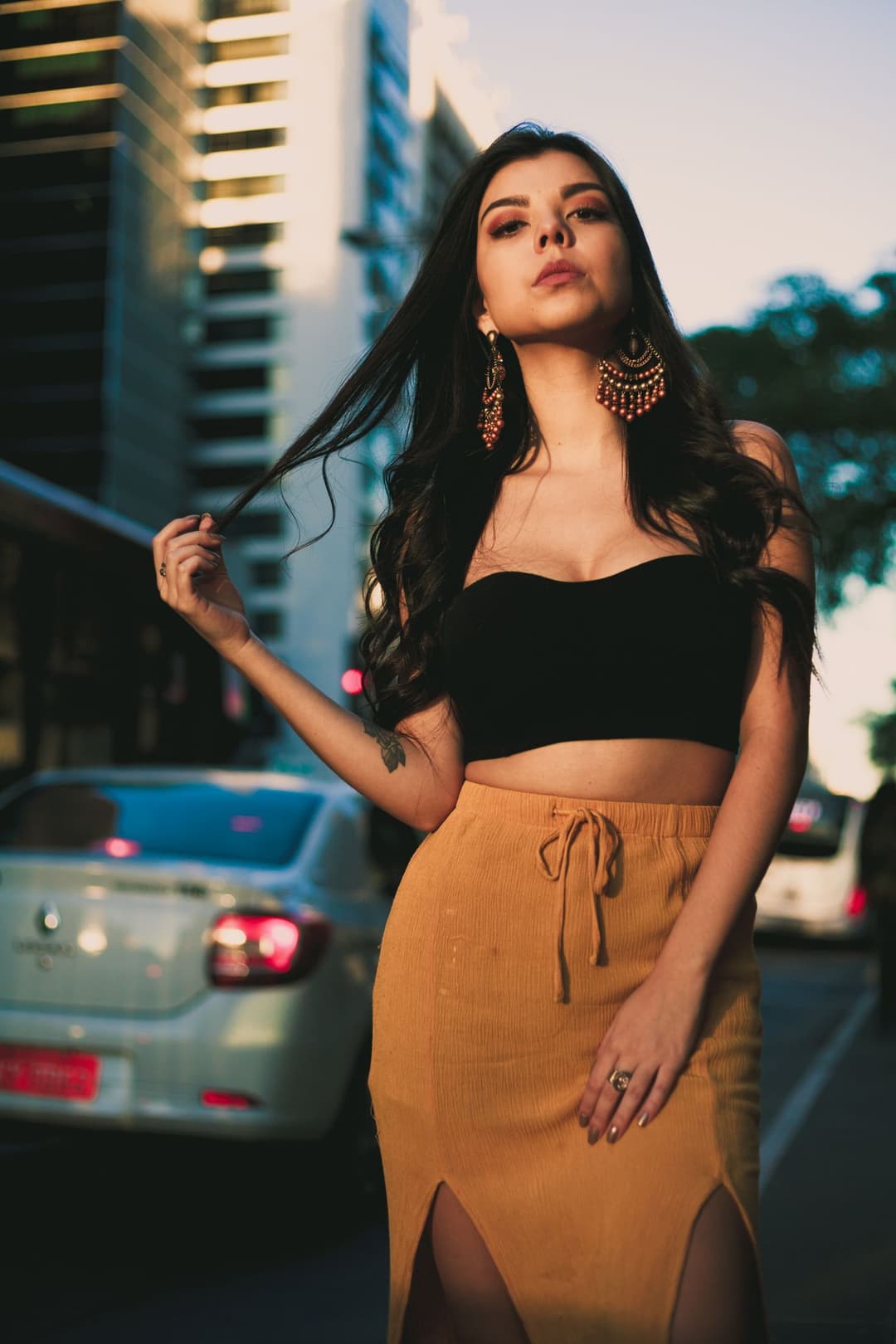
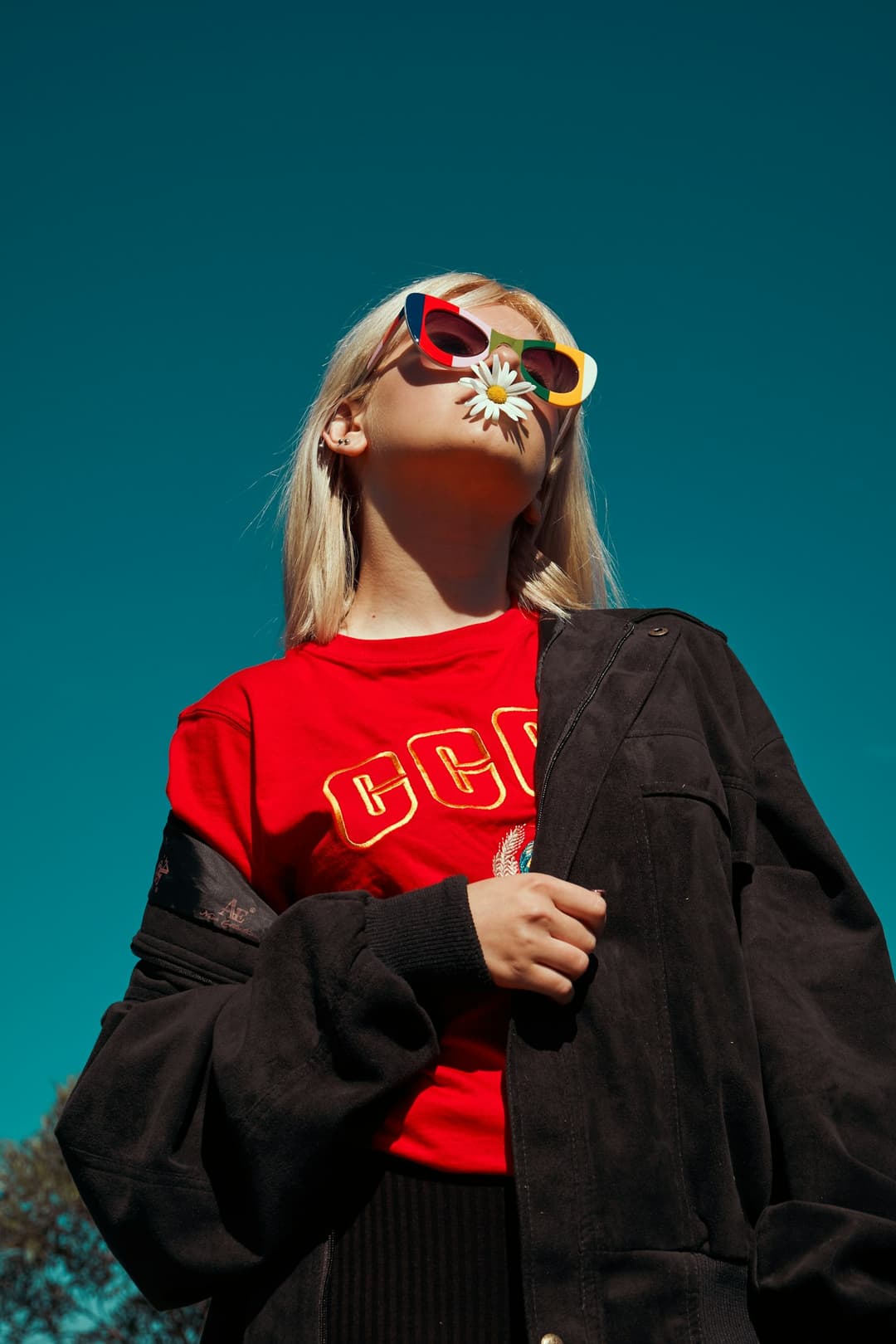
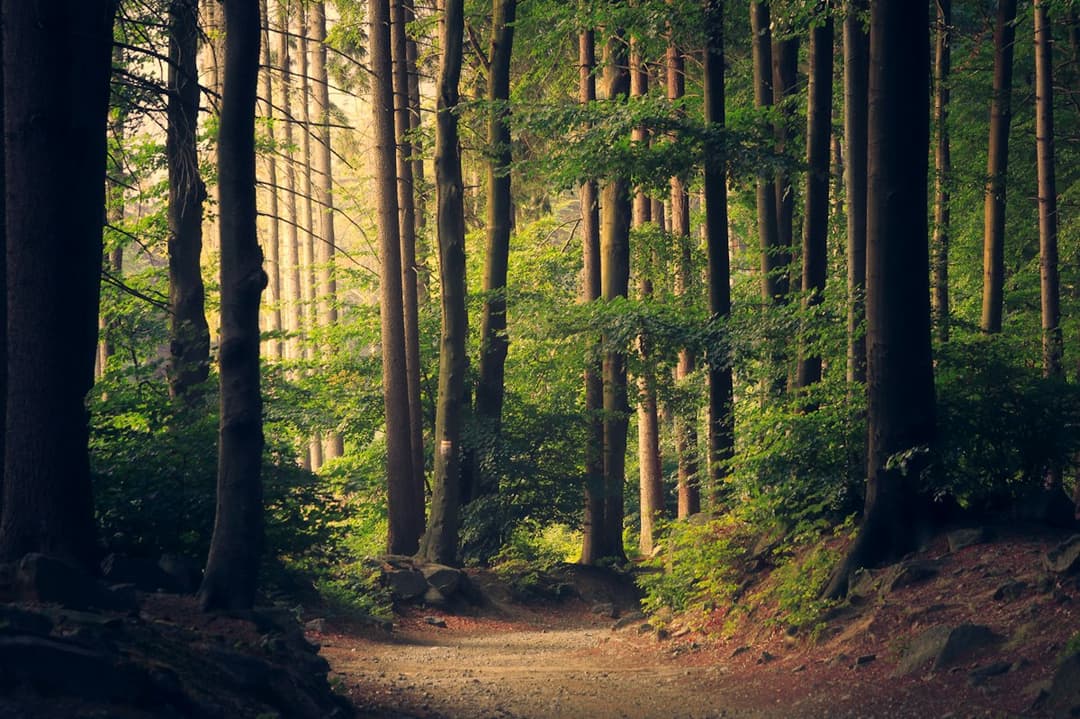
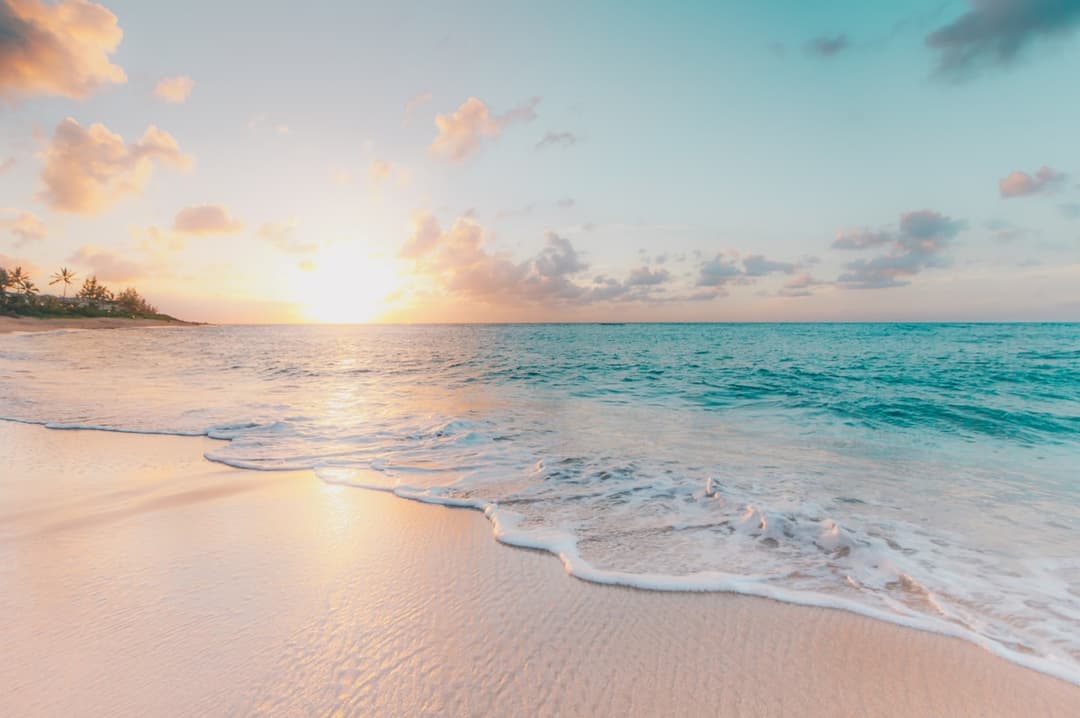
Examples made with Dromana. Tap one to start from that look.
How to use the make a photo move
Step 1
Upload a photo
A JPG, PNG or WebP up to 8 MB: a portrait, an outfit shot or a landscape.
Step 2
Pick the motion
Choose a look like Main character, Street energy or Say hi, or describe the movement in a short prompt.
Step 3
Generate
Sign in and press Generate. Your 5-second MP4 is usually ready in a minute or two, ready to download or share.
What “making a photo move” means here
Instead of a simple zoom or parallax slideshow, the AI builds a short piece of motion that fits your photo. People blink, breathe, smile and shift their weight; fabric and hair move with them; the camera can drift slightly. In landscapes, leaves sway, water rolls and clouds slide across the sky.
The goal is a clip that feels like the moment kept going for a few seconds after the photo was taken. It works for selfies you want to post as a moving profile video, travel shots, outfit photos and old favorites that deserve a second life.
Portraits, outfits and places
Main character gives a portrait a confident, cinematic moment. Street energy adds a walking, city-at-dusk feel to outfit shots. Say hi adds a friendly wave and smile that works well as a video intro.
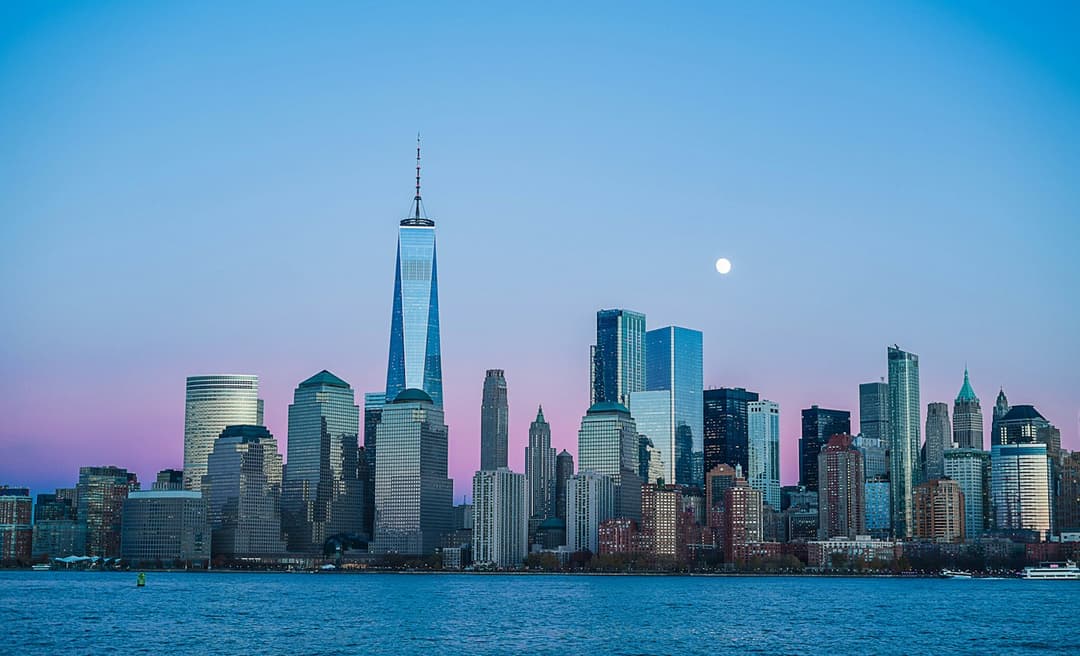
For places, Trees breathing, Coast drift and Sky drift bring gentle, looping motion to nature and skyline photos. They make good backgrounds and calm transitions.
Posting your clip
Clips are 5, 8 or 10 seconds on the default model, up to 30 seconds on others, and silent. Pick vertical 9:16 for TikTok, Reels and Shorts or horizontal 16:9 for YouTube and websites; the photo is cropped from its center, so keep the subject near the middle. Paid members can upgrade a clip to HD for a sharper result.
Ideas for animated photos
A moving portrait makes a stronger profile video or story opener than a static selfie. Outfit shots with a little movement show how fabric falls, which suits fit checks and lookbook posts. Travel photos with drifting clouds or rolling waves make calm transitions between clips, and a throwback photo that suddenly smiles is a simple way to stop the scroll.
Tips for better results
- Choose a sharp photo; blur and heavy compression show more once things move.
- Keep people fully in frame, since cropped heads and hands limit natural movement.
- Describe motion, not a new scene: “slow smile, looks to camera” beats “on a beach”.
- Simple backgrounds give cleaner motion than busy crowds.
- For landscapes, mention what should move: “waves roll in, clouds drift”.
FAQ
How do I make a photo move for free?
Sign in to Dromana and you get 70 free credits when you sign up, which covers one 5-second video on the included engine. Upload your photo, pick a look and press Generate. Free clips include a small watermark.
How long is the video?
5, 8 or 10 seconds on the default model and up to 30 seconds on others, silent, delivered as an MP4.
Can I animate an old photo?
Yes, as long as the face is reasonably clear. Scan or photograph the print in good light first; very small or blurry faces give weaker results.
Can I animate landscapes, not just people?
Yes. Trees, water, skies and city lights all animate well. Mention what should move in the prompt.
Will the person still look like themselves?
The looks are built to keep faces, clothing and backgrounds recognizable. Results vary with photo quality, so a clear, well-lit shot works best.
Can I get a higher-quality version?
Paid members can upgrade a finished clip to HD from the result page.
Does the video have sound?
No. Clips are silent so you can add music or a voiceover in TikTok, Instagram, CapCut or any editor before posting.
Only use photos you have the right to use. See our safety guidelines.
Guides for this look
- Halloween TikTok trends 2026: what's blowing up and how to make each oneThe Halloween TikTok trends of 2026 explained: costume reveal walks, pumpkin head illusions, skull glam transitions, slow-mo squads and more, with how to make each.
- Halloween AI photo trends 2026: the late-night call, ghost besties, video store horror and moreThe Halloween AI photo and video trends of 2026: the 90s phone call, bedsheet ghost besties, video store horror, mummy wraps and skeleton dances, and how to make each.
- The scary phone call AI trend: how to make the 90s horror call photo and videoHow to do the viral scary phone call AI trend: a grainy 90s flash photo of you on a landline with a masked figure behind you, plus the video where it steps forward.
- AI influencer photos from a selfie: shoot-free content that still looks like youHow to make influencer-style photos and short videos from one selfie: picking looks that fit your feed, keeping your face consistent, posting them and labelling AI.