Animate a city photo — traffic, neon and sky in motion
Dromana animates city and skyline photos. Upload a street, rooftop or night-crossing shot and get a 5-second vertical video where traffic moves, signs flicker, cloud drifts across the skyline and light shifts, while the buildings and horizon stay exactly where you shot them. Signing in gives you 50 free credits a day.
AI Photo to Video
Upload Image
Engine
Same look, different renderer
Hints
Credits: 50
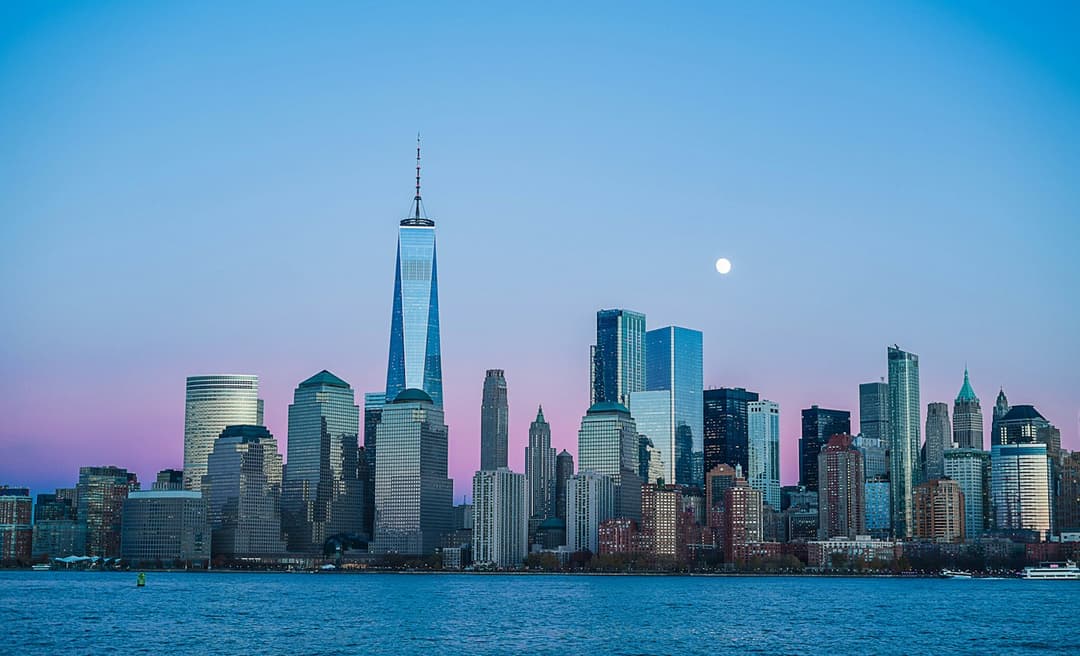
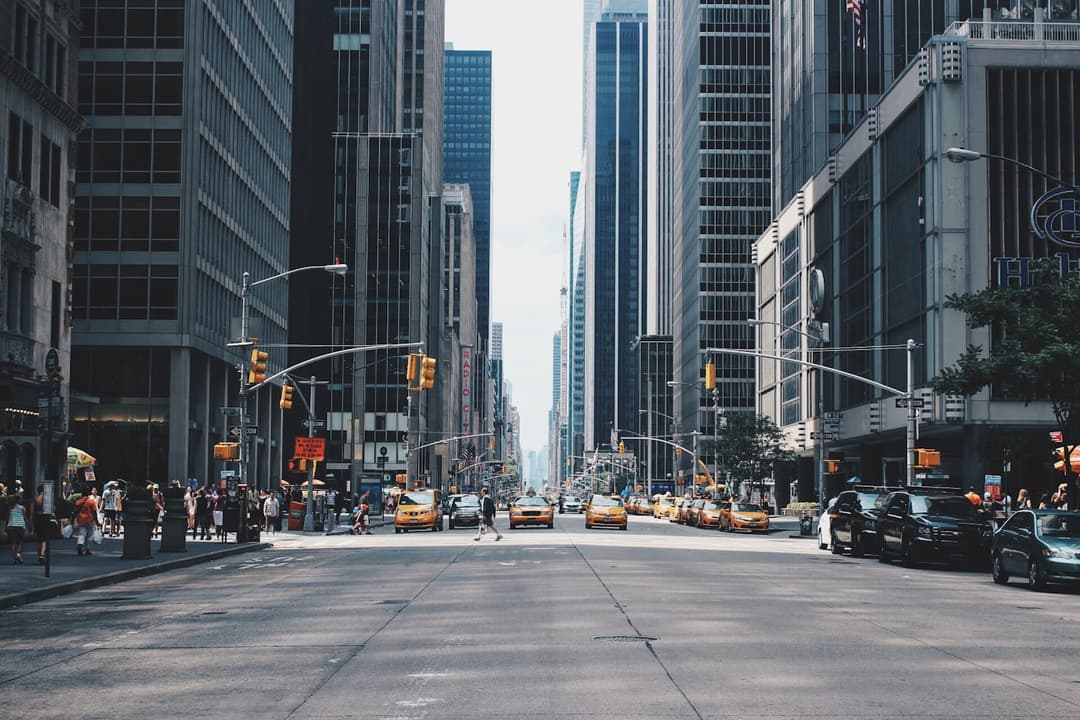
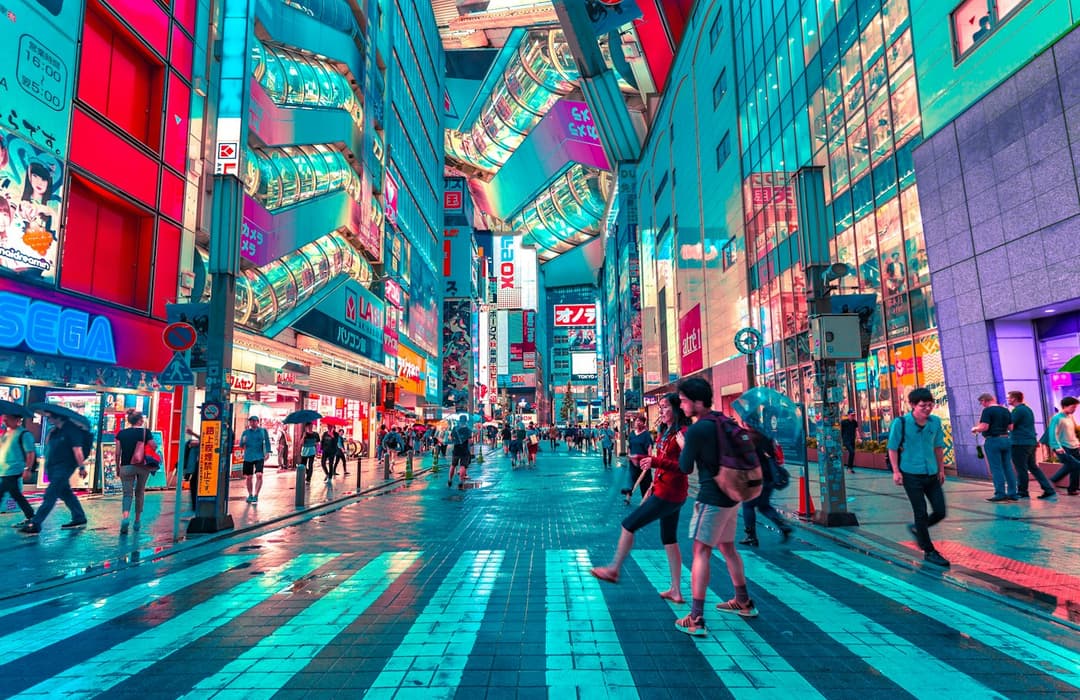
Examples made with Dromana. Tap one to start from that look.
How to use the animate a city photo
Step 1
Upload a city photo
A street, rooftop, bridge or skyline shot. Vertical framing fills the clip; wide photos are cropped to the centre.
Step 2
Pick the motion
Choose a scene look and, if you want, name what should move in a few words — traffic, cloud, the water in the foreground.
Step 3
Generate and download
Sign in and press Generate. The included engine costs one clip's worth of your daily credits and returns a 5-second MP4.
What moves in a city and what must not
Cities are mostly rigid. Buildings, roads, bridges and signage have to hold their shape for the clip to read as a real place, and any drift in a roofline or a window grid is obvious immediately because the eye uses straight lines as a reference. The parts that should move are the ones that were already moving when you took the photo: vehicles, people, water, cloud and light.
That split is what makes city animation different from landscape animation. A forest can bend everywhere and still look right; a skyline cannot bend anywhere. Keeping the architecture locked while letting traffic and sky move is the whole job, so it is worth naming the moving element rather than asking for motion in general.
Photos that animate well
Shots with a clear foreground and a deep background work best, because depth gives the motion somewhere to go. A street receding toward a vanishing point, a river running under a bridge, a crossing seen from a corner — all of these have a direction built into the frame that the motion can follow.
Night shots are especially strong. Reflections on wet tarmac, moving headlights and sign glow all read as motion with very little movement, so a night clip can feel busy while the scene itself stays almost perfectly still.
Every clip is vertical
Clips come out at 9:16, five seconds and silent, ready to drop straight into TikTok, Reels or Shorts with your own sound. Wide photos are cropped to the centre, so if a landmark sits near the left or right edge of your shot it may not survive the crop — recompose before you upload, or pick a frame where the subject is already central.
Because there is no audio, these clips work well as a background layer under a voiceover or a track. Paid members can upgrade a finished clip to HD for a sharper result.
Tips for better results
- Name one moving thing: 'traffic streaks along the avenue' beats 'make the city busy'.
- Straight lines are the giveaway — if a roofline bends, try a frame with less perspective distortion.
- Wet streets and night signage give the most motion for the least actual movement.
- Keep your landmark near the centre; the clip is cropped to vertical.
- Avoid photos with heavy lens flare; it tends to smear once the scene starts moving.
FAQ
Do the buildings stay still?
That is what the look is tuned for. Architecture holds its shape while traffic, cloud, water and light move. If a building drifts, choose a frame with less extreme perspective and try again.
How long is the clip?
Five seconds, vertical and silent on the included engine. Other engines in the picker can run longer — up to thirty seconds on the longest one.
Is it free?
Yes. Sign in and you get 50 free credits every day, which covers one clip on the included engine. Free clips carry a small watermark that a paid plan removes.
Can I use a photo I took years ago?
Yes, as long as it is reasonably sharp. Motion is added from the content of the frame, not from any data about when it was taken.
Why was part of my photo cut off?
Clips are 9:16 and wide photos are cropped to the centre. Recompose so the landmark sits near the middle, or start from a vertical shot.
Can I add sound?
The clip comes back silent, which makes it easy to drop under your own track or voiceover in whatever app you post from.
Only use photos you have the right to use. See our safety guidelines.