Best AI background changer apps: put yourself anywhere, realistically
By Sebastian Ward, Reviews and comparisons editor · Updated · 4 min read
the short version
To change a photo's background, you can cut out and paste (Canva, Photoroom, Remove.bg-style tools), or rebuild the whole scene around you so the light matches (Dromana, Adobe Firefly). Cut-outs are fast and clean for products; scene rebuilds look more natural for people, because the lighting on your face changes to fit the new place.
AI Photo Restyle
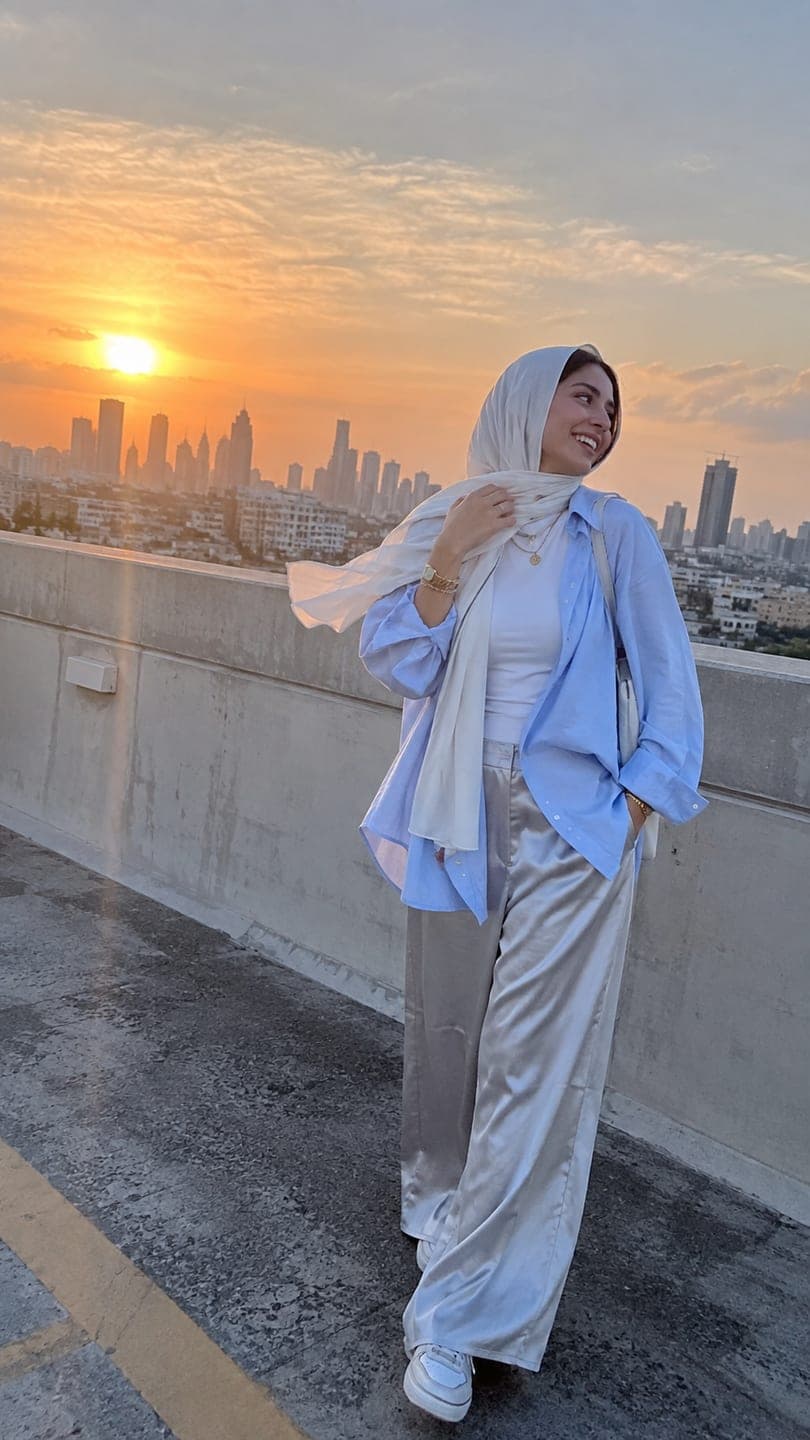 Rooftop sunset
1 Pick a look · optional
We put you into this example and keep everything else the same.
Failed renders refund credits
What are the two ways to change a background?
Most background changers work in one of two ways. The first cuts you out and places you on a new background. It's quick and precise, but the light on you stays the same as in the original photo, so a selfie lit by a desk lamp looks pasted onto a sunny beach. The second regenerates the whole picture around you, relighting your face and clothes to match the new place. It looks far more natural for people, at the cost of small changes elsewhere in the image.
Worth knowing before you read on: Dromana is our own product, and it takes the second approach.
Which AI background changer apps are best?
- Dromana: rebuilds the scene around you with matching light, from one photo, and can make it move.
- Adobe Firefly and Photoshop: generative fill for precise, area-by-area background changes.
- Canva: one-click background removal and templates for posts.
- Photoroom: background removal and studio backdrops, popular with product sellers.
- Picsart: background swaps and effects in a mobile editor.
Try this look on your own photo.
Make it with my photoWhich app looks most realistic for people?
For portraits, a scene rebuild almost always wins, because mismatched lighting is the giveaway of a fake background. Upload to AI Image and describe the place and the light: "on a rooftop at golden hour, city skyline behind, warm sunset light on my face, same face". Dromana relights you to fit, and each image uses 10 credits; new accounts get 70 free. Looks like the rooftop sunset, Neo-Tokyo and Christmas market do the same with a ready-made scene.
Which app is best for product backgrounds?
For products on a marketplace, a clean cut-out on white or a simple studio backdrop is often what the platform requires, and tools like Photoroom and Canva do it in seconds. For lifestyle and ad shots, a rebuilt scene that keeps the product's shape, label and color looks more premium: try Dromana's cozy candle, water ripple or watch on wet rock looks. See the best AI product photography tools for more.
Can I make the new background move?
Yes. A still with a new background can become a short clip: clouds drift over the rooftop, neon flickers in the city, snow falls at the market. Animate a photo in AI Video with one sentence about what moves, or use a look that rebuilds and animates the scene in one step. Moving backgrounds are a good fit for profile videos and Reels covers.
What should I avoid when changing backgrounds?
- Mismatched light direction between you and the new scene.
- Places you'd obviously never be, used in a way that could mislead, like fake travel claims.
- Very busy backgrounds behind a small face; keep the subject large in frame.
- Background changes on photos of other people without their consent.
Label realistic AI edits when platforms ask; our labeling AI content guide explains how.
How do I take a photo that's easy to put somewhere new?
The source photo decides how convincing the new background will be. Stand a few steps away from the wall so there's no hard shadow behind you, face soft light such as a window, and keep your whole head and shoulders in frame with some space around them. Avoid busy patterns behind your hair, because they're the hardest part to separate cleanly. If you know the new scene in advance, match the light: shoot facing a window for a sunny place, or in shade for an overcast street.
Which background changer should I choose?
- A natural-looking portrait in a new place: Dromana.
- Precise edits to part of the background: Adobe Firefly or Photoshop.
- Fast cut-outs for posts: Canva.
- Product backdrops for marketplaces: Photoroom.
- Phone edits with effects: Picsart.
Questions people ask
What is the best AI background changer?
Dromana for natural-looking portraits with matching light; Photoroom or Canva for quick cut-outs; Adobe Firefly for precise edits.
Why does my changed background look fake?
Usually the lighting doesn't match. Tools that rebuild the scene relight you to fit the new place.
Can I change the background of a photo for free?
Most tools have a free tier. Dromana's sign-up credits cover about ten background changes at 10 credits each.
Can AI change a background without changing my face?
Yes. Keep "same face" in the prompt and use a sharp, front-facing photo.
Which background changer is best for products?
Photoroom or Canva for clean marketplace cut-outs; Dromana's product looks for lifestyle and ad scenes.
Can I turn the new background into a video?
Yes. Animate the photo with one sentence about what moves in the scene.
Effects from this guide
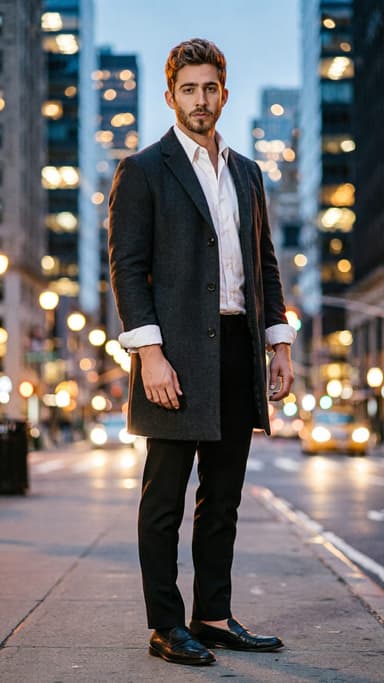
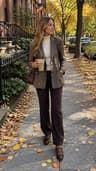 Street style photoLook like a fashion week street style shot from one plain selfie: tailoring, city pavement, show-season light. Same face, new wardrobe. Free to try, no app to download.
 Animate a city photoTurn a city or skyline photo into a 5-second video in a minute or two: traffic streaks, neon flicker and drifting clouds, buildings held still. Free to try, no app.
Keep reading
 Best AI photo apps to restyle a selfie in 2026: aesthetics, portraits and edits4 min read
 Best AI product photography tools: studio shots and lifestyle scenes from one photo4 min read
 How to make your pics look cinematic (even on a phone)4 min read
 Best AI headshot generators in 2026: one selfie vs. training packs5 min read
 Best AI photoshoot generators: a full shoot from your selfies4 min read
Ready to make yours?
Add one photo and get the look from this guide.