Best AI headshot generators in 2026: one selfie vs. training packs
By Sebastian Ward, Reviews and comparisons editor · Updated · 5 min read
the short version
AI headshot generators come in two kinds. Training-pack services like Aragon, HeadshotPro and BetterPic ask for 10 to 20 selfies, train on your face and return dozens of corporate portraits for a one-time fee. One-selfie tools like Dromana, Adobe Firefly and Canva restyle a single good photo in minutes. Pick a pack for a big batch; pick one-selfie for speed and low cost.
AI Photo Restyle
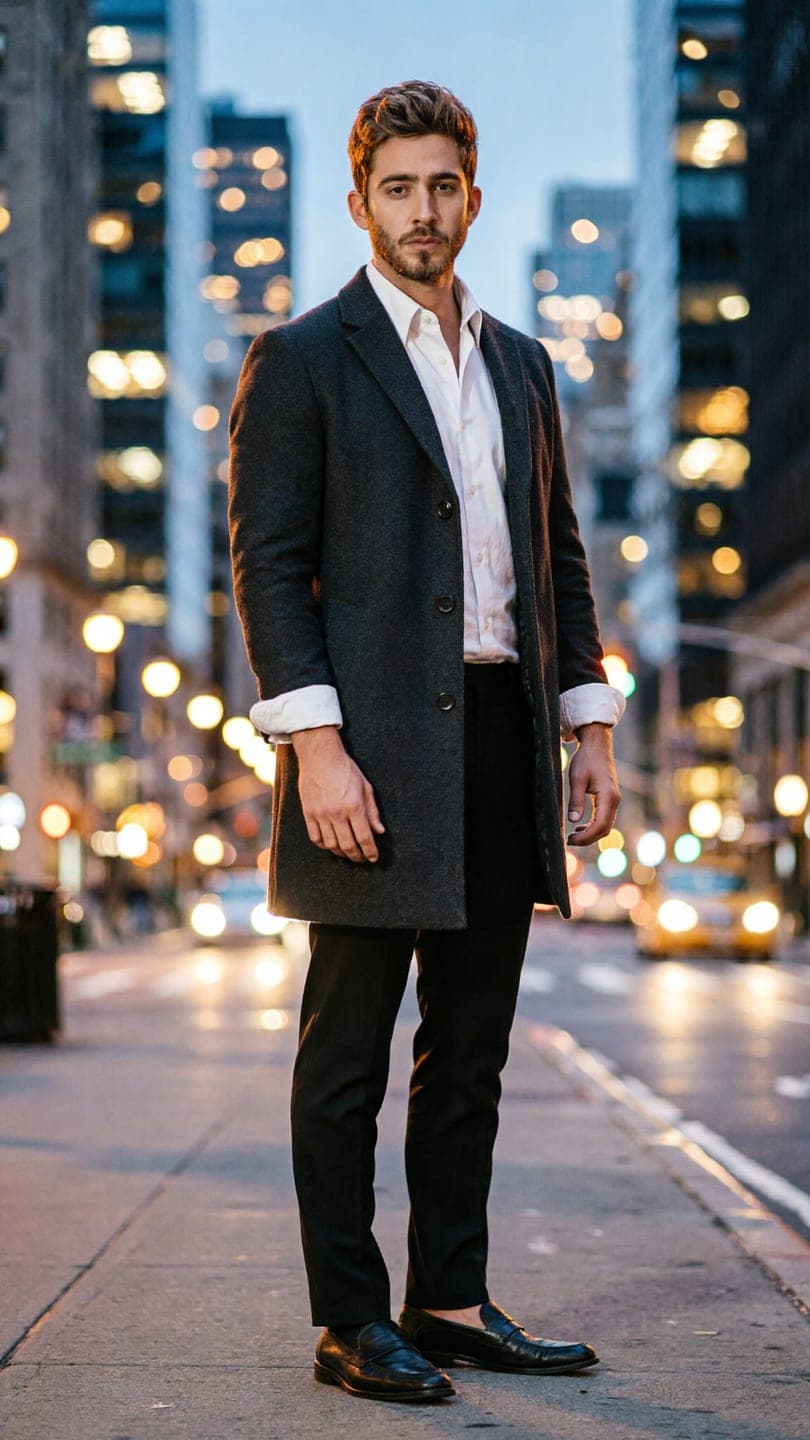 City full-length
1 Pick a look · optional
We put you into this example and keep everything else the same.
Failed renders refund credits
What are the two types of AI headshot generator?
The biggest difference between headshot tools isn't the price, it's how they learn your face. Training-pack services ask you to upload a set of selfies, usually 10 to 20, then build a model of your face and generate a large batch of portraits in different outfits and backgrounds. One-selfie tools work from a single photo: you upload one good picture, describe the headshot you want, and get a result in about a minute.
- Training packs: more consistent likeness across many images, a one-time fee, results in minutes to hours.
- One-selfie tools: much faster and cheaper, best when you start from a good photo, easy to retake.
A note on bias: Dromana is our product and it's a one-selfie tool. We've described both kinds fairly so you can choose the right one for you. Prices and package sizes change, so check each service's current offer.
Which AI headshot generators are worth considering?
- Aragon: a popular training-pack service aimed at professionals, with a large batch of corporate-style portraits.
- HeadshotPro: training-pack headshots with team options for companies that want matching staff photos.
- BetterPic: training-pack headshots with a focus on realistic, editorial-quality results.
- Dromana: one selfie to a restyled portrait or headshot in about a minute, 10 credits per image.
- Adobe Firefly: generative edits on your own photo, handy if you already use Photoshop.
- Canva: background removal and AI edits inside templates for profile banners and cards.
- Remini: photo enhancement and AI portrait styles in a mobile app.
Try this look on your own photo.
Make it with my photoHow good is Dromana for headshots?
Dromana is a fit when you have one decent selfie and want a professional-looking portrait fast, without uploading a dozen photos of your face. Upload the photo to AI Image and describe the result: "professional headshot, navy blazer, plain light grey studio background, soft key light, natural skin, same face". Each image uses 10 credits, and new accounts get 70 free, so you can try several variations before deciding.
- Good at: keeping your face from one photo; quick retakes with a different outfit or background.
- Also does: creative portraits, like the AI fashion portrait, and moving profile clips.
- Less good at: generating a large, perfectly consistent batch in one go; training packs do that better.
- Privacy: photos and results are private and deleted after 30 days, sooner if you delete them.
Our step-by-step AI headshot from a selfie guide covers the exact prompts and the photo to start from.
What makes an AI headshot look real?
- A sharp source photo with your whole face visible, taken in soft daylight.
- Natural skin texture, not airbrushed; heavy smoothing is the biggest giveaway.
- A simple background: plain studio grey, soft office blur or an outdoor bokeh.
- Clothes you'd actually wear to work.
- A gentle, real expression; a slight smile reads better than a posed grin.
How do I make an AI headshot from one selfie?
Step 1
Take the selfie
Face a window, phone at eye level, arm's length, no filter, neutral background.
Step 2
Describe the headshot
Outfit, background, light and "same face" in one sentence.
Step 3
Generate three versions
Change one thing at a time: the blazer color, the background, the light.
Step 4
Check the details
Ears, teeth, glasses and hairline should look right at full size.
Step 5
Crop for each platform
Square for LinkedIn and email; vertical for profile pages.
Is it OK to use an AI headshot for work?
For most profiles, yes, as long as it still looks like you. The point of a headshot is that people recognize you when you meet. Avoid using AI headshots where an authentic, unedited photo is required, such as ID documents, some government or legal profiles, or anywhere a platform's rules say otherwise. If you're unsure, a light restyle of a real photo is safer than a fully generated one.
Results made on a Dromana paid plan or with a bought credit pack can be used commercially, for example on a company website; free results are for personal use.
Which AI headshot generator should I choose?
- You need 50 consistent corporate photos for one profile refresh: a training-pack service like Aragon, HeadshotPro or BetterPic.
- You need a whole team to match: HeadshotPro's team options.
- You have one good selfie and want a headshot today: Dromana.
- You already edit in Photoshop: Adobe Firefly.
- You want a designed banner or card with your photo: Canva.
For more selfie-restyling apps, see the best AI photo apps to restyle a selfie, and our profile picture ideas for non-work profiles.
Questions people ask
What is the best AI headshot generator?
For a big consistent batch, a training-pack service like Aragon, HeadshotPro or BetterPic. For a quick headshot from one selfie, Dromana.
Can I make an AI headshot from one photo?
Yes. Upload one sharp, front-facing selfie and describe the outfit, background and light, keeping "same face" in the prompt.
How much does an AI headshot cost?
Training packs charge a one-time fee per batch. On Dromana each image uses 10 credits, and new accounts get 70 free.
Are AI headshots OK for LinkedIn?
Generally yes, if the result still clearly looks like you. Avoid AI photos where an authentic photo is required.
How do I make an AI headshot look real?
Start from a sharp daylight selfie, keep natural skin texture, use a simple background and check ears, teeth and hairline.
Do AI headshot sites keep my photos?
Policies differ. On Dromana, photos and results are private and deleted after 30 days, sooner if you delete them.
Effects from this guide
 AI fashion portraitSkip the photographer: get a magazine-style fashion portrait from one selfie. Quiet-luxury coats, street editorial, studio light. Same face, new shoot. Free to try.
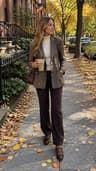 Street style photoLook like a fashion week street style shot from one plain selfie: tailoring, city pavement, show-season light. Same face, new wardrobe. Free to try, no app to download.
Keep reading
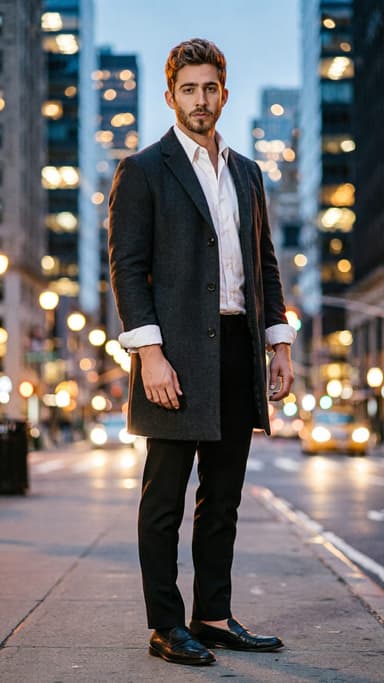 AI headshot from a selfie: a clean, work-ready photo without a photographer4 min read
 Best AI photo apps to restyle a selfie in 2026: aesthetics, portraits and edits4 min read
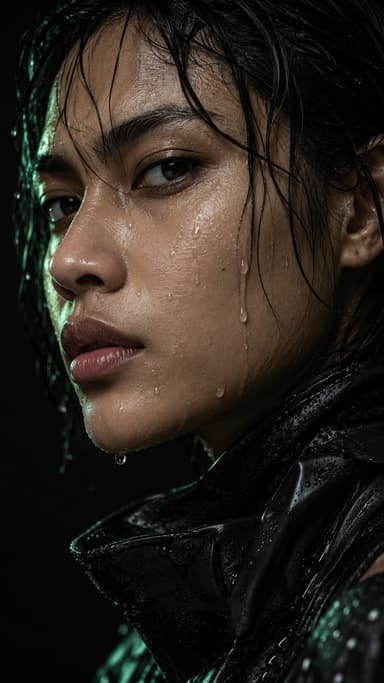 Profile picture ideas: 25 aesthetic pfps that still look like you4 min read
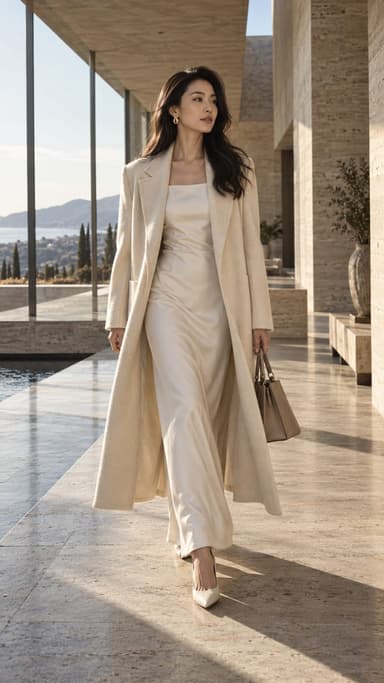 Best AI influencer generators in 2026: virtual influencers, AI creators and you in every trend5 min read
- Best AI avatar generators in 2026: profile pictures, styles and moving avatars4 min read
Ready to make yours?
Add one photo and get the look from this guide.