Best AI avatar generators in 2026: profile pictures, styles and moving avatars
By Sebastian Ward, Reviews and comparisons editor · Updated · 4 min read
the short version
AI avatar generators fall into three groups. Avatar packs like Lensa and Picsart turn 10 or so selfies into dozens of illustrated styles. One-selfie tools like Dromana restyle a single photo into a realistic portrait in a new outfit, place or era, and can make it move. Design apps like Canva add frames and backgrounds. Choose by realism, how many photos you want to upload, and privacy terms.
AI Photo to Video
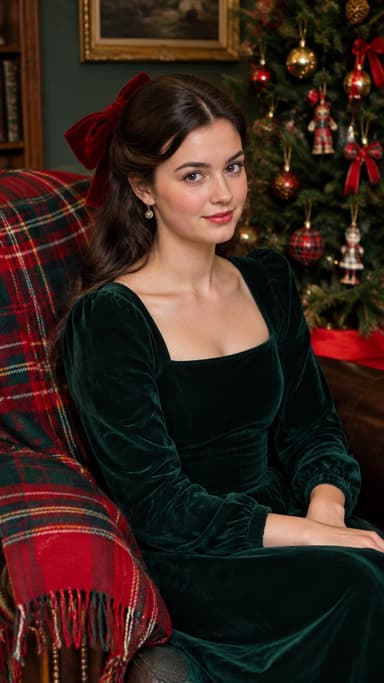
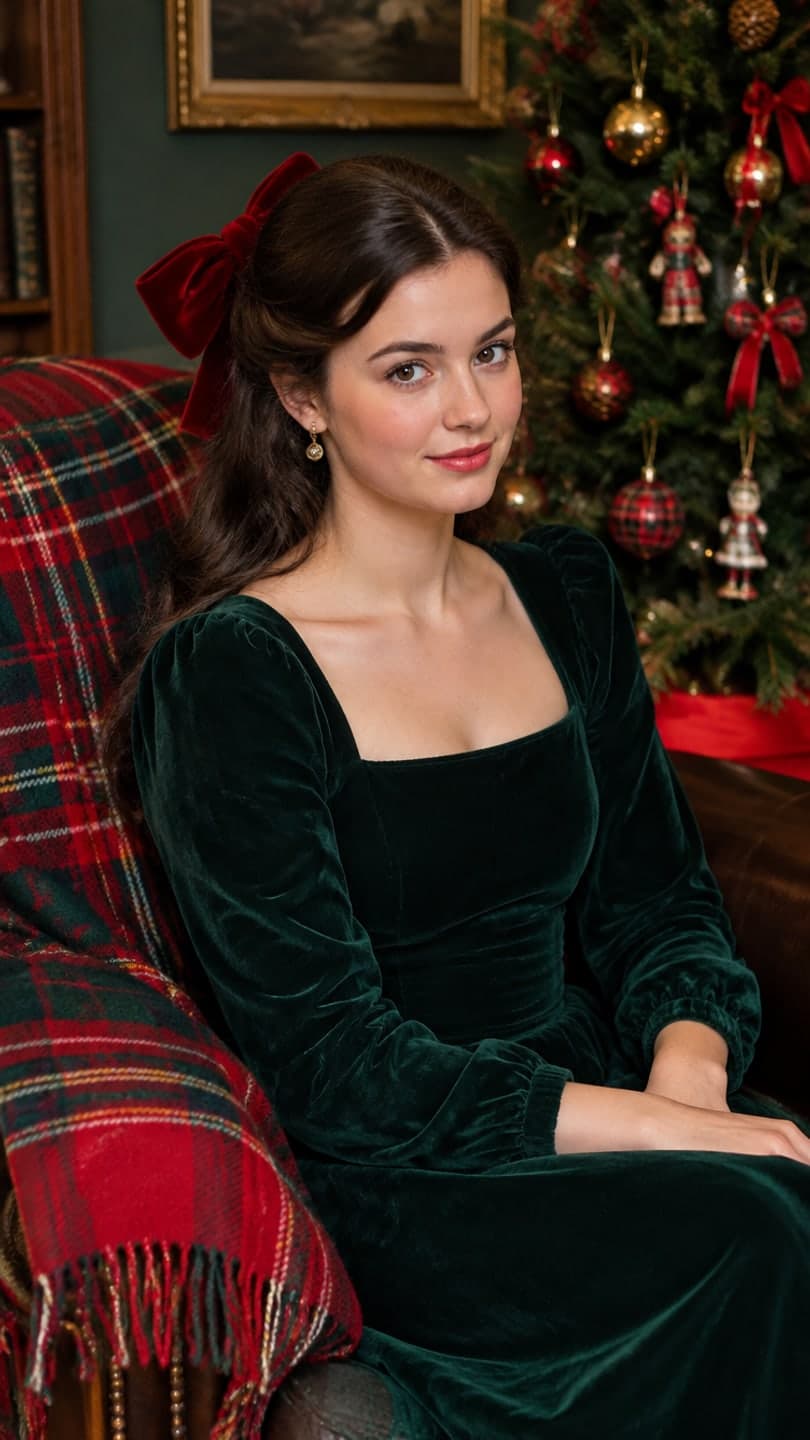 Velvet bow portrait
1 Pick a look · optional
We put you into this example — everything else stays as it is — then it moves like the example, at no extra cost.
Failed renders refund credits
What is an AI avatar?
An AI avatar is a picture of you made by AI from your own photos: a realistic portrait in a new style, an illustrated or anime version, a fantasy character, or a short moving clip for a profile. People use them as profile pictures, for gaming and Discord, for dating apps (carefully), and as a fun way to see themselves in a new era or aesthetic.
Disclosure: Dromana is our product and is included below, in the realistic one-selfie category.
Before picking a tool, decide where the avatar will be seen. A profile picture is shown tiny, often as a circle, so a clear face, simple background and strong contrast matter more than detail. A banner or a gaming profile has room for a whole scene. A dating profile should look like you on a good day, not like a fantasy character, or the first meeting gets awkward. And a work profile needs to pass the "would a colleague recognize me" test. The same tool can serve all of these, but the style you ask for should change.
Which AI avatar generators are best?
- Lensa: avatar packs in many illustrated and fantasy styles from a set of selfies.
- Picsart: AI avatars alongside a full mobile photo editor.
- Remini: AI photo styles and enhancement from your selfies.
- Dromana: one selfie to a realistic portrait in a new outfit, place, era or aesthetic, plus moving versions.
- Canva: frames, backgrounds and text to finish a profile picture or banner.
- Midjourney: highly artistic, stylized portraits for illustrated looks.
- Krea: real-time creative exploration of avatar styles.
Try this look on your own photo.
Make it with my photoWhich avatar generator looks most like me?
Likeness depends on the approach. Realistic restyles that change the scene but keep your face, like Dromana's, tend to look most like you because they start from your actual photo. Illustrated packs trade likeness for style, which is fine for a fun avatar but not for a profile where people need to recognize you. Whatever the tool, a sharp, front-facing photo in soft light makes the biggest difference; our selfie tips for AI photos show what works.
How do I make a realistic AI avatar from one selfie?
Step 1
Pick a recent selfie
Face visible, even light, no filter, plain background.
Step 2
Choose a style
An aesthetic like the velvet bow portrait, or describe one in AI Image.
Step 3
Generate a few versions
Each image uses 10 credits; new accounts start with 70 free, no card.
Step 4
Crop for each platform
A centered square works for most profile pictures.
Which styles are popular for avatars right now?
- Seasonal: Halloween costumes, a snow globe or a Christmas lights portrait.
- Aesthetic: dark academia, coquette, old money and digicam.
- Retro: 90s camcorder, 80s prints and film noir.
- Fantasy: witches, vampires and fairytale scenes.
- Professional: clean headshots for work profiles.
Our profile picture ideas guide has more, and the best AI headshot generators comparison covers work photos.
Are AI avatar apps safe?
Avatar packs often ask for 10 to 20 photos of your face, so read the privacy terms: how long photos are kept, whether they train models, and whether you can delete them. On Dromana, photos and results are private, deleted after 30 days or sooner if you delete them, and never shown publicly unless you share a link. Only make avatars of yourself or people who agreed. Our AI photo app privacy checklist works for any app.
Which AI avatar generator should I choose?
- Dozens of illustrated styles at once: Lensa or Picsart.
- A realistic avatar from one selfie, which can also move: Dromana.
- Artistic, stylized portraits: Midjourney.
- Finishing touches like frames and text: Canva.
Questions people ask
What is the best AI avatar generator?
Lensa or Picsart for illustrated avatar packs; Dromana for a realistic avatar from one selfie that can also move.
Can I make an AI avatar from one photo?
Yes. One-selfie tools like Dromana restyle a single photo; avatar packs usually ask for 10 or more.
Are AI avatars free?
Many tools have free tiers. Dromana gives 70 credits on sign-up with no card; each image uses 10.
Which AI avatar looks most like me?
Realistic restyles that keep your face from a sharp, front-facing photo look most like you.
Can I make a moving AI avatar?
Yes. Turn your avatar into a short loop with a gentle motion, such as a smile or a slow head turn.
Are AI avatar apps safe?
Check how long photos are kept and whether they train models. On Dromana, photos are private and deleted after 30 days.
Effects from this guide
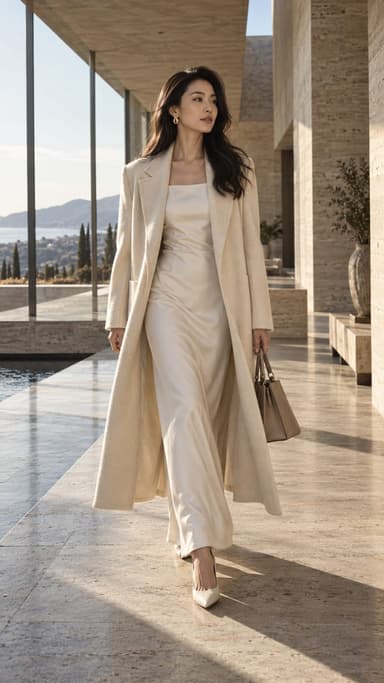
 AI fashion portraitSkip the photographer: get a magazine-style fashion portrait from one selfie. Quiet-luxury coats, street editorial, studio light. Same face, new shoot. Free to try.
 Y2K photo filterTurn a selfie into an early-2000s flash photo: glossy skin, tracksuits, butterfly clips and candy color. Same face, new era. Free to try, works in your browser.
Keep reading
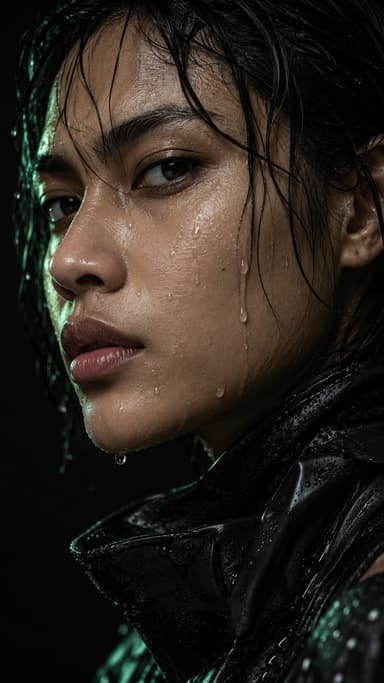 Profile picture ideas: 25 aesthetic pfps that still look like you4 min read
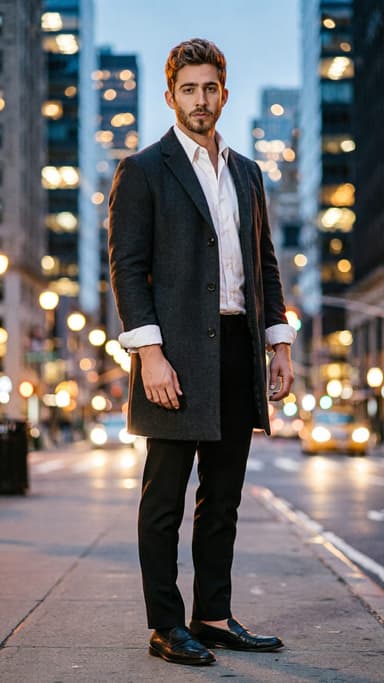 Best AI headshot generators in 2026: one selfie vs. training packs5 min read
 Best AI photo apps to restyle a selfie in 2026: aesthetics, portraits and edits4 min read
 Best AI influencer generators in 2026: virtual influencers, AI creators and you in every trend5 min read
- AI profile picture generator: make a PFP from one selfie that still looks like you4 min read
Ready to make yours?
Add one photo and get the look from this guide.