How to take a selfie AI tools love: 12 tips
By Sophia Miller, Fashion and aesthetics editor · Updated · 4 min read
the short version
For AI portraits that still look like you, start with a sharp, front-facing selfie in soft daylight, taken at arm's length or with a timer so the lens doesn't distort your face. Keep your face unobstructed, your expression natural, the background simple and your head and shoulders in frame. Upload the original file, not a filtered screenshot.
AI Photo Restyle
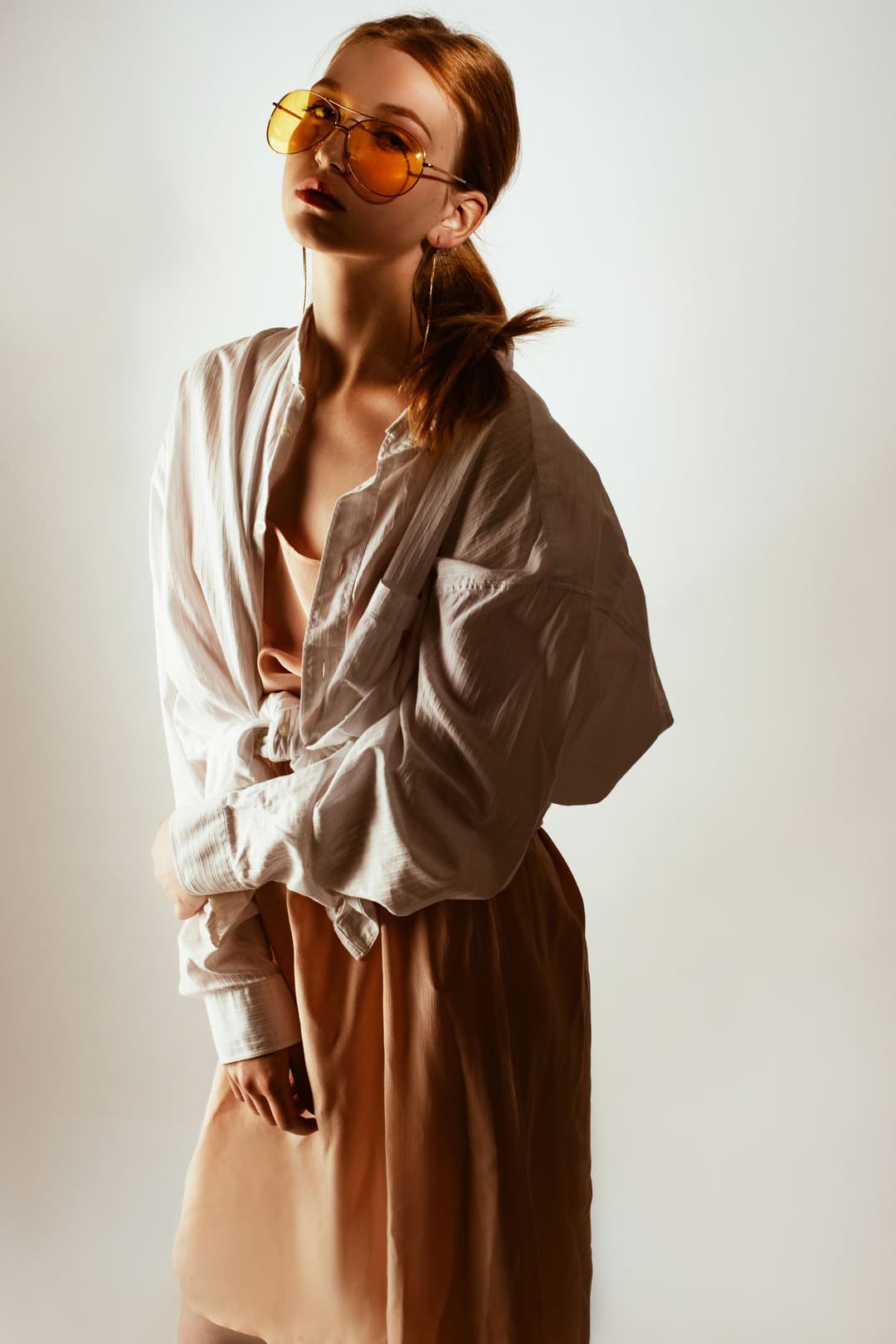 Wild gaze
1 Pick a look · optional
Failed renders refund credits
Why the selfie decides the result
AI photo restyles keep your identity by reading your face from the photo you upload. If half your face is in shadow, the lens is squeezing your nose, or a beauty filter already changed your features, the AI is working from a version of you that isn't quite you. A few seconds of setup before you tap the shutter makes a huge difference.
Light
- 1. Face a window. Soft daylight on the front of your face is the single biggest upgrade.
- 2. Avoid overhead lights. Ceiling bulbs throw shadows under your eyes and nose.
- 3. No strong backlight. A bright window behind you turns your face into a silhouette.
Try this look on your own photo.
Make it with my photoAngle and distance
- 4. Hold the phone at eye level or slightly above, not from below.
- 5. Step back. Phones held very close make noses bigger and ears disappear; arm's length or a timer on a shelf keeps proportions true.
- 6. Face the camera, or turn just slightly. Strong profiles give the AI less of your face to preserve.
Face and expression
- 7. Keep your face unobstructed: hair off the eyes, no hands over your mouth, no big sunglasses.
- 8. Choose a natural expression. A relaxed face or a soft smile restyles better than an extreme pout or a mid-laugh squint.
- 9. Skip face filters. Smoothing, slimming and big-eye effects change your features before the AI even starts.
Glasses you always wear are fine; they are part of how people recognize you. Just avoid glare on the lenses by angling slightly away from the window.
Framing and background
- 10. Include your head and shoulders with a little space above your hair. Waist-up is even better if you want the outfit restyled.
- 11. Use a simple background. A plain wall or an uncluttered room lets the new setting replace it cleanly.
The file
- 12. Upload the original photo from your camera roll. Screenshots and photos saved from chat apps are compressed and lose detail. A JPG, PNG or WebP under 8 MB is perfect.
Want a vertical story or a wide banner? In AI Image you can choose 9:16 or 16:9 before generating.
Selfie or a photo from a friend?
Front-camera selfies are convenient, but a photo taken by a friend from a couple of meters away is often better for AI portraits. The extra distance keeps your features in natural proportion, you can include more of your outfit, and your friend can catch a relaxed expression instead of your practiced selfie face. If you're alone, prop the phone on a shelf at eye level, use the rear camera for extra sharpness and set a three-second timer.
Either way, take a few versions and pick the one where you look most like yourself. That's the photo the AI should learn your face from.
Now pick the vibe
Once you have a good selfie, the fun part is trying it in different styles. Some ideas:
- A 2000s flash shot with the Y2K photo filter.
- Neon or pastel drama with the 80s photo filter.
- A magazine-style editorial with an AI fashion portrait.
Try the same selfie in two or three looks and keep the one that feels most like you. If you want a full set rather than a single image, our guide to an AI photoshoot from one selfie shows how to build a consistent series.
Troubleshooting
- Doesn't look like me: use a sharper, front-facing photo in softer light, without filters.
- Weird hands: crop so hands are fully out of frame, or keep them relaxed and visible.
- Outfit didn't change enough: upload a waist-up photo and describe the outfit in the prompt.
- Background looks messy: start from a plainer background or name the new setting clearly.
Questions people ask
What kind of selfie works best for AI photos?
A sharp, front-facing photo in soft daylight, taken at arm's length, with your face unobstructed, a natural expression and a simple background.
Should I use a filter on my selfie before using AI?
No. Beauty and face-shape filters change your features, so the AI result looks less like you. Upload the original photo.
Can I wear glasses in my AI selfie?
Yes, if you usually wear them. Avoid glare on the lenses and keep your eyes visible.
Why doesn't my AI portrait look like me?
Usually the source photo: harsh shadows, a close-up wide-angle distortion, a strong side angle, or a filter. Retake the selfie in soft, even light.
Does it work with a selfie from my front camera?
Yes. Use good light and hold the phone at arm's length; modern front cameras are plenty sharp.
Effects from this guide
 AI fashion portraitSkip the photographer: get a magazine-style fashion portrait from one selfie. Quiet-luxury coats, street editorial, studio light. Same face, new shoot. Free to try.
 Y2K photo filterTurn a selfie into an early-2000s flash photo: glossy skin, tracksuits, butterfly clips and candy color. Same face, new era. Free to try, works in your browser.
Keep reading
 AI headshot from a selfie: a clean, work-ready photo without a photographer4 min read
 Profile picture ideas: 25 aesthetic pfps that still look like you4 min read
 Mirror selfie poses: 15 ideas that don't look stiff, plus where to look6 min read
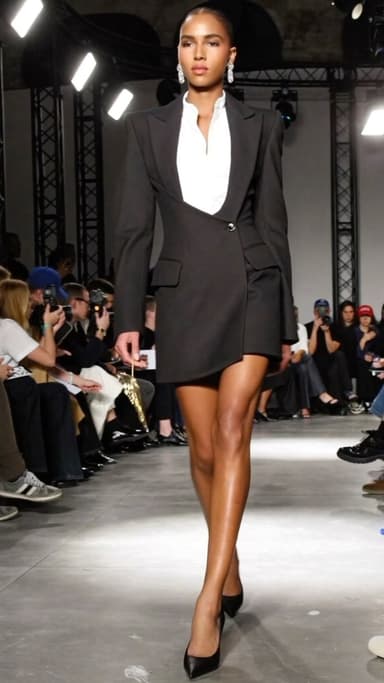 AI influencer photos from a selfie: shoot-free content that still looks like you4 min read
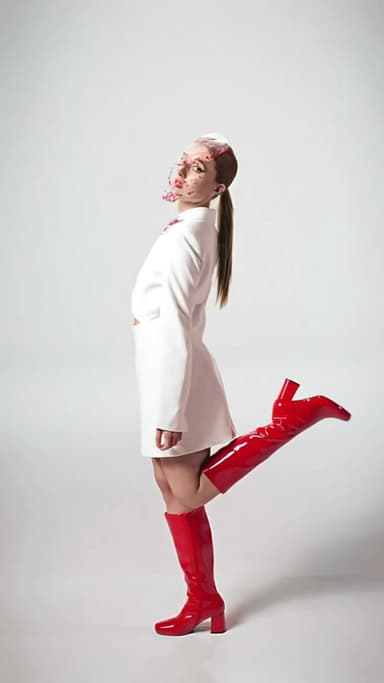 AI video generators that keep your face: which tools look most like you4 min read
Ready to make yours?
Add one photo and get the look from this guide.