AI photoshoot from one selfie: pics that don't look fake
By Sophia Miller, Fashion and aesthetics editor · Updated · 4 min read
the short version
To get an AI photoshoot that doesn't look fake, start from a sharp, well-lit selfie, pick one style direction, and describe the outfit, light and setting in plain words. Generate a small series with the same palette and light, keep only the most natural results, and skip anything with warped hands, plastic skin or impossible backgrounds.
AI Photo Restyle
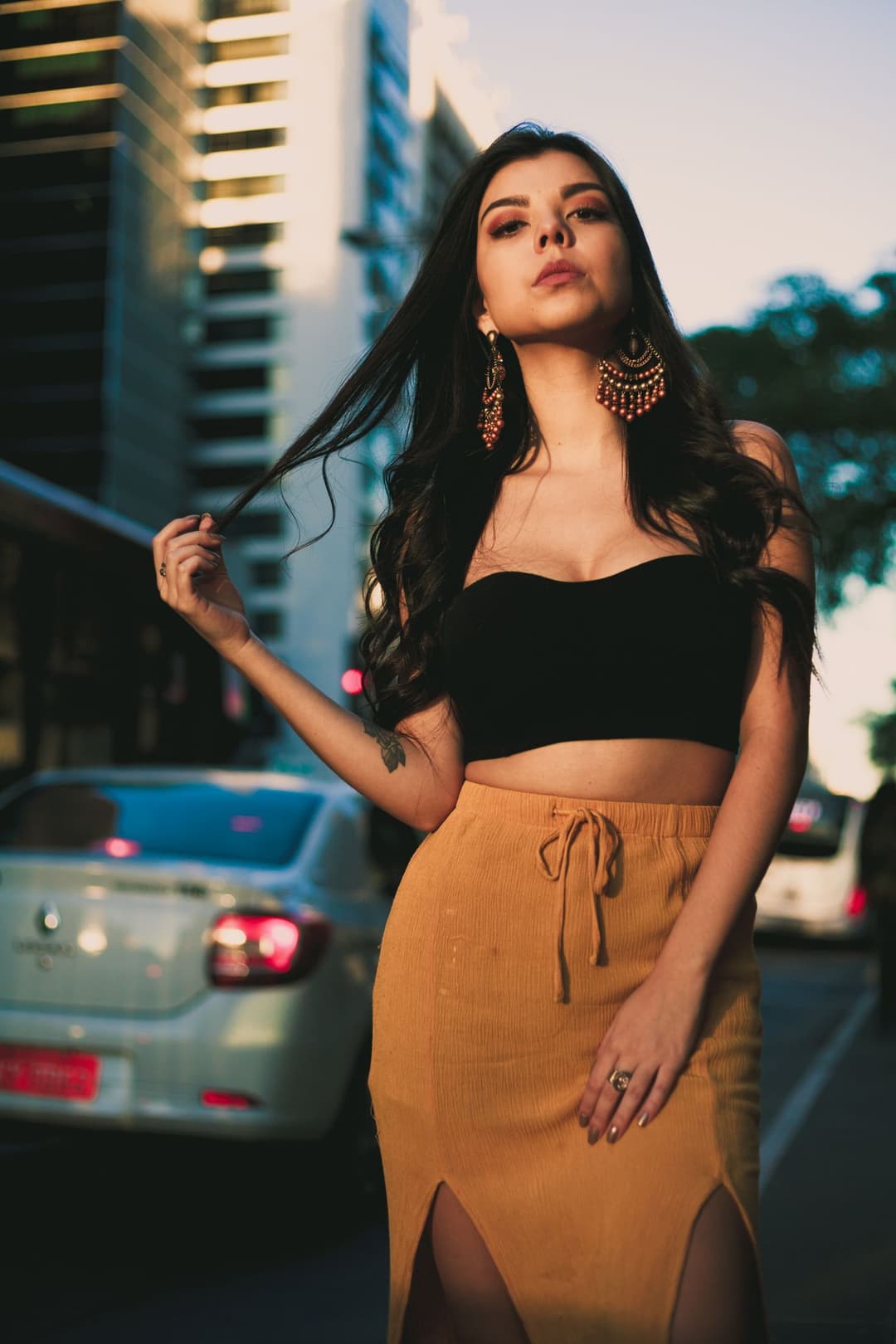 Split hem
1 Pick a look · optional
Failed renders refund credits
What an AI photoshoot actually is
An AI photoshoot restyles photos of you into images that look like they came from a professional shoot: a styled outfit, deliberate light, a location, a color grade. You keep your face and general pose; the AI rebuilds what's around you. Done well, it's a fast way to test looks, refresh profile pictures or plan a real shoot. Done badly, it's the uncanny, over-smoothed stuff everyone scrolls past.
Step 1: Start with the right selfie
The source photo sets the ceiling for everything that follows. You want a sharp photo, soft light on your face, no beauty filter, and your head and shoulders comfortably in frame. Waist-up works even better if you want the outfit to change. Our 12 selfie tips for AI photos break this down.
Try this look on your own photo.
Make it with my photoStep 2: Pick one direction
A real shoot has a concept, and a good AI set does too. Choose one and stick to it for the whole series:
- Street editorial: city at dusk, tailored outfit, cars and lights behind you.
- Quiet luxury: camel and cream, soft daylight, stone and greenery. See old money aesthetic photos.
- Studio magazine: plain backdrop, hard key light, one bold outfit.
- Retro era: Y2K flash or 80s neon with the Y2K or 80s filters.
- Night out: on-camera flash, city smear, going-out outfit.
Step 3: Write prompts like a photographer
Vague prompts get generic images. Describe what a stylist and photographer would decide: outfit pieces with colors and fabrics, the light, the setting and the mood. Keep the instruction to preserve your face and pose.
- "Cream wool coat, black turtleneck, standing on a wet city street at dusk, soft neon reflections, editorial, same face and pose."
- "Oversized white shirt, amber sunglasses, plain grey studio backdrop, hard key light from the left, magazine cover."
- "Linen shirt, navy trousers, sitting on stone steps, warm afternoon light, muted colors, candid."
Step 4: Generate a consistent series
Step 1
Choose the base look
Open AI Image and start from an editorial look like Camel coat, Split hem or Wild gaze, or the AI fashion portrait effect.
Step 2
Lock the palette and light
Keep the same colors and lighting words in every prompt so the images feel like one shoot.
Step 3
Vary one thing at a time
Change the pose, the crop or one outfit piece between versions, not everything at once.
Step 4
Pick the frame
Choose 9:16 for stories and TikTok, 16:9 for banners and headers.
Step 5: Edit ruthlessly
A professional photographer might shoot hundreds of frames and deliver twenty. Treat AI the same way. Delete anything with these tells:
- Hands with the wrong number of fingers or melted jewelry.
- Skin so smooth it looks airbrushed.
- Text, logos or signs that turn into nonsense.
- Lighting on your face that doesn't match the background.
- Your face drifting away from how you actually look.
Three natural, consistent images beat ten obviously generated ones.
Bring the shoot to life
Editorial shoots now come with motion. Take your favourite frame into AI Video for a 5-second clip where your coat moves as you walk or you turn to the camera; our fit check video guide has prompts that show off clothes.
Keep it honest
Use only photos of yourself or of people who have agreed, follow our safety guidelines, and label realistic AI images where platforms ask for it; our guide to labeling AI content explains the rules on TikTok, Instagram and YouTube. Don't use AI portraits somewhere they could mislead, like dating profiles or ID photos.
Questions people ask
Can I get a professional-looking photoshoot from one selfie?
Yes. Start from a sharp, well-lit selfie, pick one style direction, describe outfit, light and setting, and keep only the most natural results.
How do I make AI photos not look fake?
Use a good source photo, name specific light, keep the palette consistent, and delete images with warped hands, plastic skin or garbled text.
Will the AI keep my face?
Portrait looks are built to keep your identity. A clear, front-facing photo without filters gives the most faithful results.
Can I use AI photos as my profile picture?
On social media, yes. Avoid them anywhere a real photo is expected, like dating apps, professional IDs or verification.
How much does an AI photoshoot cost?
The included engine costs 10 credits an image, and sharper engines cost more. New accounts get 70 free credits, and a paid plan adds monthly credits and removes the watermark.
Effects from this guide
 AI fashion portraitSkip the photographer: get a magazine-style fashion portrait from one selfie. Quiet-luxury coats, street editorial, studio light. Same face, new shoot. Free to try.
 80s photo filterStep into the 1980s: neon light, polka dots, big shades and leather. Turn one selfie into a retro 80s portrait that keeps your face.
Keep reading
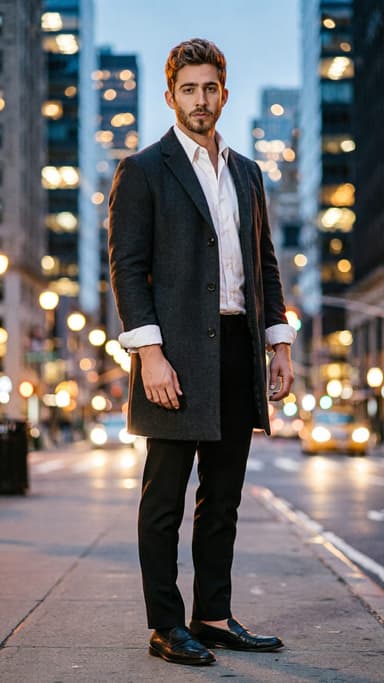 AI headshot from a selfie: a clean, work-ready photo without a photographer4 min read
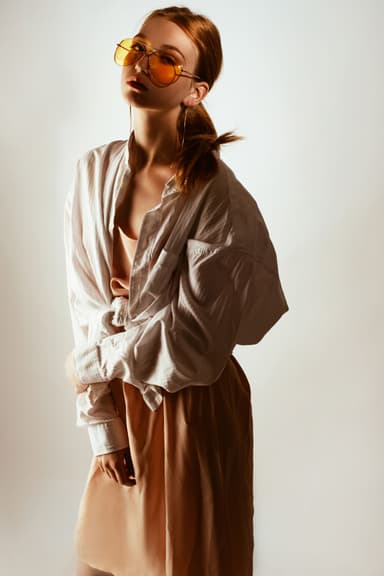 How to take a selfie AI tools love: 12 tips4 min read
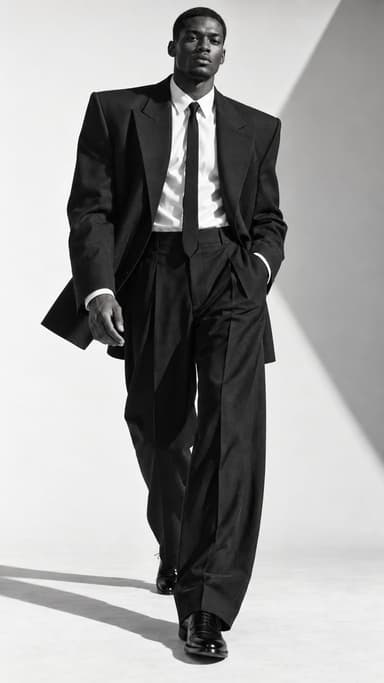 Self-portrait ideas at home: 25 shots you can take alone5 min read
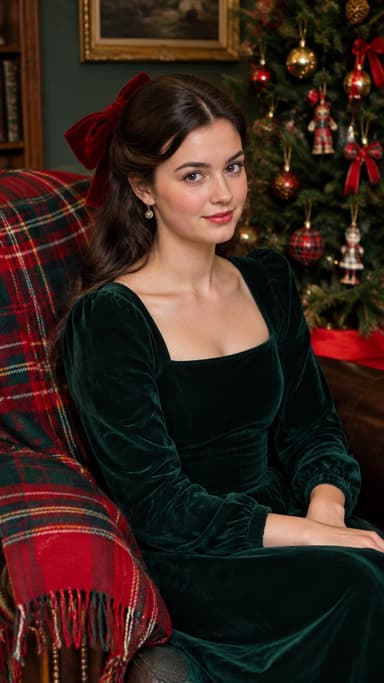 Best AI photo apps to restyle a selfie in 2026: aesthetics, portraits and edits4 min read
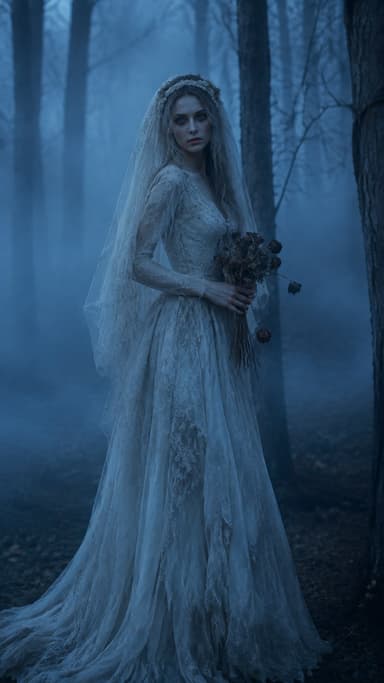 Midjourney alternatives for putting yourself in the picture4 min read
Ready to make yours?
Add one photo and get the look from this guide.