How to make a fit check video from just photos
By Claire Ye, Editor-in-chief, AI imaging · Updated · 4 min read
the short version
You can make a fit check video without filming: shoot three to five outfit photos (full look, details, back), animate the best full-length shot into a 5-second clip with AI, then cut it together with the stills to a beat. Movement shows how the fabric falls, which is what people actually want from a fit check.
AI Photo to Video
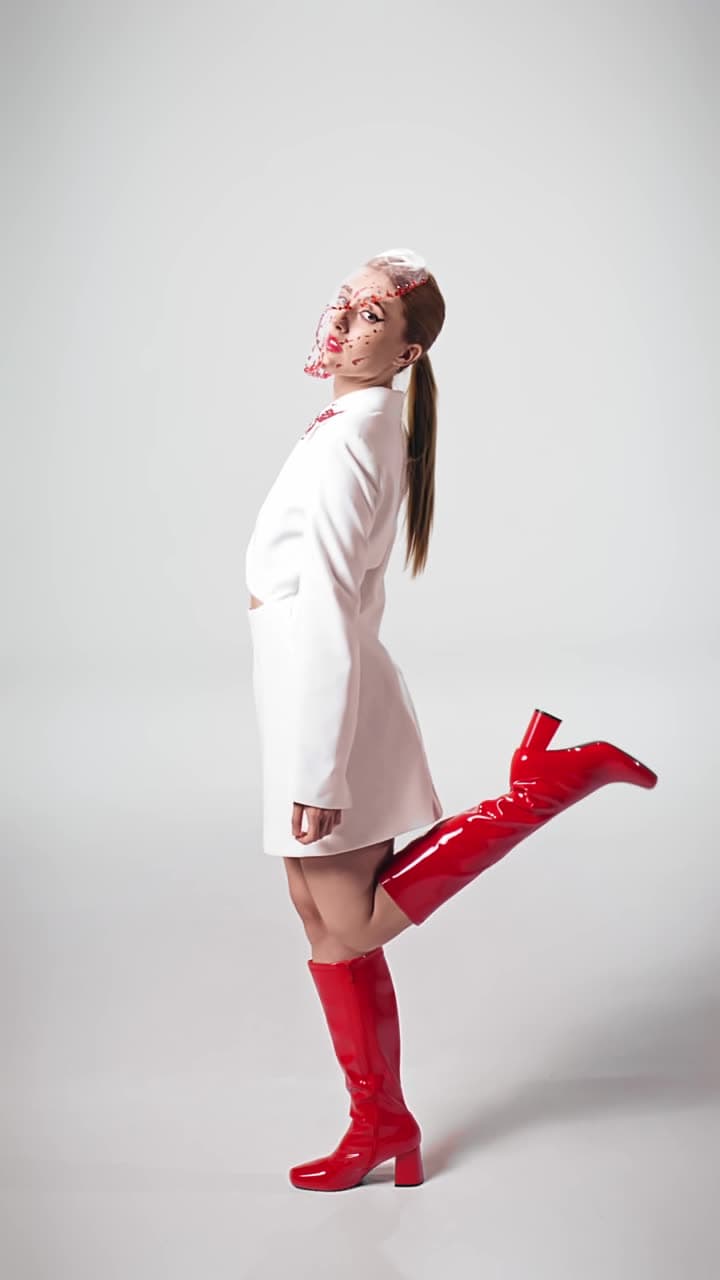 Outfit moves
1 Pick a look · optional
Describe what happens, in your own words. To change outfit or place, pick a look or switch on New outfit or scene.
Failed renders refund credits
What makes a good fit check video?
A fit check has one job: show the outfit clearly and make it look good. The best ones answer three questions in seconds. What's the full look? What are the details? How does it move? Most people nail the first two with photos and skip the third, because filming yourself spinning in a hallway is awkward.
That third part is where AI helps. One still can become a short clip where you shift your weight, turn, or walk toward the camera, so your fit check gets real movement without anyone holding a phone.
Which photos do I need for a fit check?
- Full length, front. Head to shoes, phone at hip height so your legs don't shrink.
- Full length, side or three-quarter angle. Shows the silhouette.
- The back. Coats, open backs and hair all count.
- Two detail shots. Shoes, bag, jewelry, the texture of a knit.
Try this look on your own photo.
Make it with my photoHow should I light outfit photos?
Daylight from a window beside you, not behind you, is the easiest flattering light there is. Overcast days are secretly perfect because shadows are soft. If you shoot at night, a bright ring light at face height or a direct phone flash both work; flash gives a glossy, editorial party look that suits going-out outfits.
Avoid mixed light, like a yellow lamp plus blue daylight, because it makes colors look muddy and gives AI less clean information to animate.
How do I turn an outfit photo into a video?
Step 1
Pick the hero shot
Choose the sharpest full-length photo where nothing important is cut off at the edges.
Step 2
Open AI Video
Upload it to AI Video and pick a look made for people, or write the movement yourself.
Step 3
Describe how the outfit moves
Try "slow half turn to show the back, coat swings" or "walks two steps toward the camera". There are more options in our image-to-video prompts.
Step 4
Generate
You get a 5-second silent clip, usually in a minute or two. Paid members can upgrade it to HD for crisper fabric detail.
Can I restyle the outfit photo first?
Sometimes the outfit is great but the photo isn't: messy room, bad light, boring wall. Run the picture through an AI fashion portrait first to put the look in editorial light or on a street at dusk, then animate the styled still. You keep your face and your fit, and the setting finally matches the effort you put into the outfit.
How do I edit a fit check video?
Now cut it together in CapCut, the TikTok editor, Instagram Edits or whatever you already use. A structure that works:
- 0–1s: the animated clip as your hook. Movement stops the scroll.
- 1–4s: quick cuts between the side, back and detail photos, one per beat.
- 4–7s: end on the full look again, or loop back into the start.
- On-screen text: brand names or where each piece is from, big and short.
What fit check mistakes should I avoid?
- Cropping off your shoes. The shoes are half the outfit, and cropped feet also make motion look strange.
- A messy mirror. Wipe it, and check what's reflected behind you.
- Too many photos. Six strong shots beat fifteen similar ones.
- Motion that fights the outfit. A slow turn suits a long coat; a spin suits a skirt. Match the move to the clothes.
- Tiny text. If people can't read the brand names in one second, they won't.
What are good fit check captions?
- "Fit check for [place or occasion]"
- "Rate the fit, be nice"
- "Thrifted everything except the shoes"
- "Outfit details below" and then actually list them
Tag the brands if you want them to find it, and pin a comment with links if people will ask. Captions that answer the obvious question (where is that from?) keep the comments useful.
Questions people ask
Can I make a fit check video without filming?
Yes. Shoot a few outfit photos, animate the best one into a short clip with AI, and edit it together with the stills to a sound.
What's the best photo for an animated fit check?
A sharp full-length shot against a simple background, with your head and shoes fully in frame and even light on the outfit.
Will the AI change my outfit?
Looks made for people are built to keep your clothes, face and background recognizable, and only add motion. Clear photos keep details like prints most faithful.
How long should a fit check video be?
Most land between 5 and 15 seconds. Hook with movement in the first second and don't let any single photo sit on screen for too long.
Is it free?
New accounts get 70 free credits, which covers one 5-second clip on the included engine. Free clips have a small watermark that a paid plan removes.
Effects from this guide
 Make a photo moveUpload one photo, get a 5-second video in a minute or two: a smile, a head turn, wind in the trees, waves rolling in. Works on portraits and landscapes, free to try.
 AI fashion portraitSkip the photographer: get a magazine-style fashion portrait from one selfie. Quiet-luxury coats, street editorial, studio light. Same face, new shoot. Free to try.
Keep reading
 40 image-to-video prompts that actually work4 min read
 Mirror selfie poses: 15 ideas that don't look stiff, plus where to look6 min read
 How to turn photos into a TikTok or Reel people actually watch4 min read
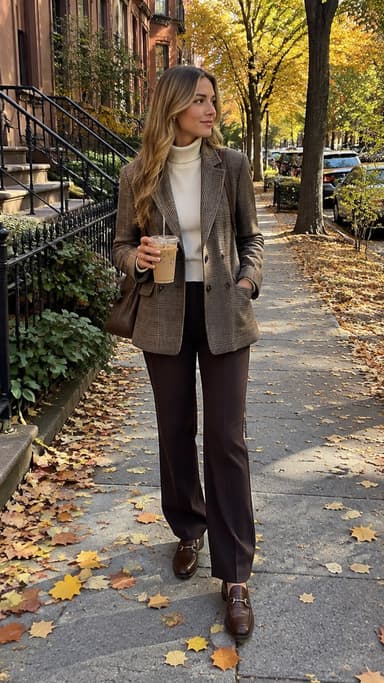 Best AI outfit changer apps: try on clothes and new looks from one photo4 min read
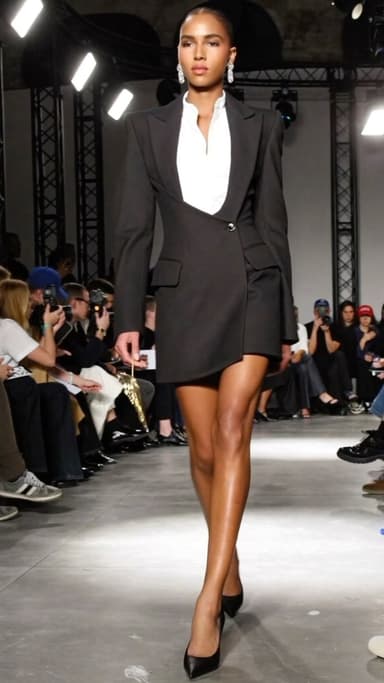 Best AI fashion video apps: outfit clips, catwalks and fit checks4 min read
Ready to make yours?
Add one photo and get the look from this guide.