Best AI outfit changer apps: try on clothes and new looks from one photo
By Sebastian Ward, Reviews and comparisons editor · Updated · 4 min read
the short version
An AI outfit changer swaps what you're wearing in a photo while keeping your face and body. Dromana changes the outfit and the whole scene from one photo, and can make it move; Picsart and Fotor offer quick outfit edits in mobile editors; Adobe Firefly lets you repaint just the clothes; Canva adds the result to a post. Results show style and color, not exact fit.
AI Photo to Video
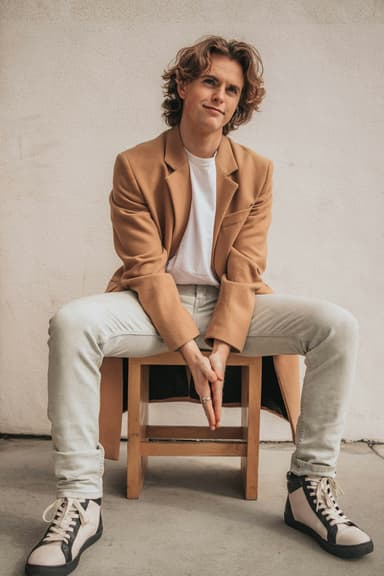
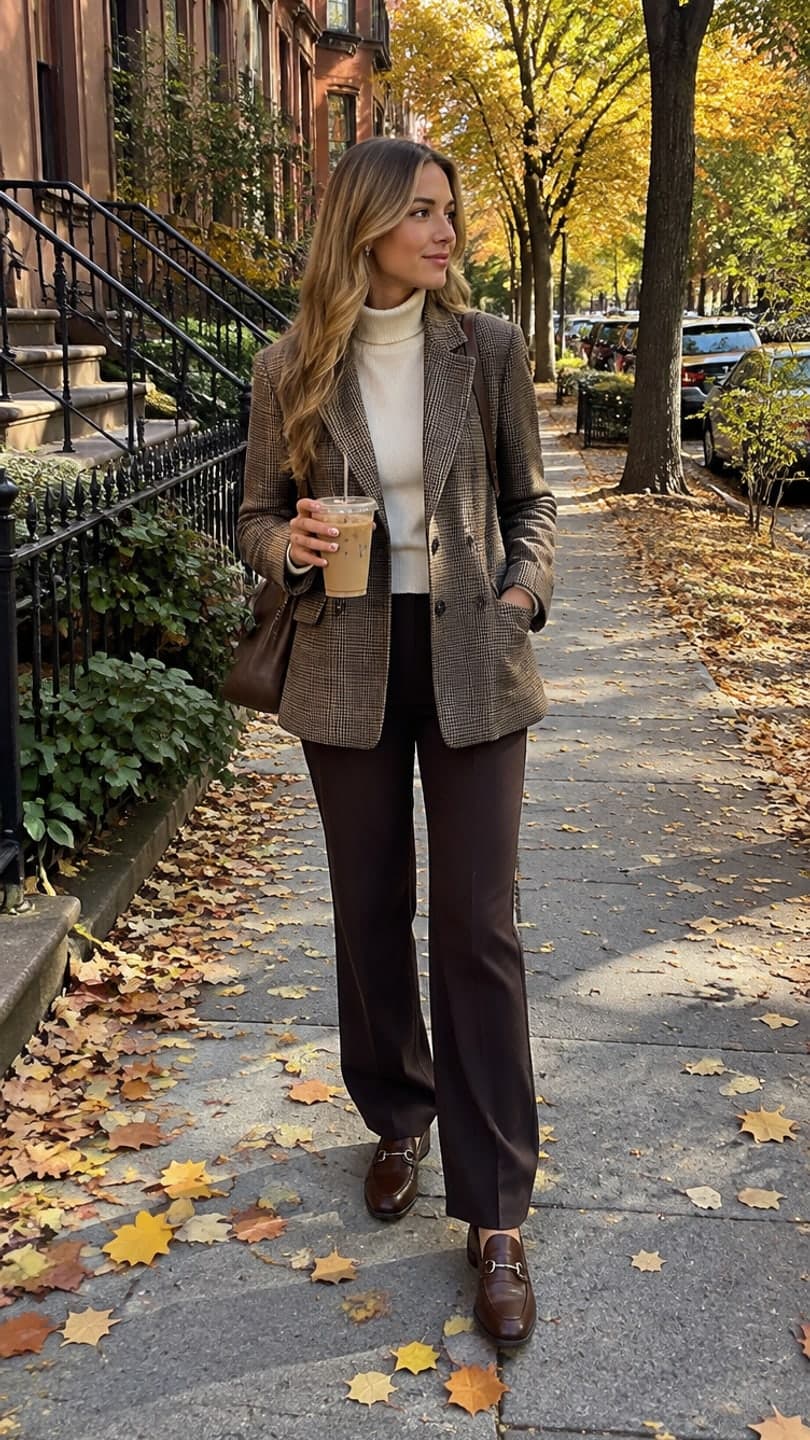 October fit check
1 Pick a look · optional
We put you into this example — everything else stays as it is — then it moves like the example, at no extra cost.
Failed renders refund credits
What does an AI outfit changer actually do?
You upload a photo of yourself and describe or pick new clothes; the AI redraws your outfit while keeping your face, pose and body shape. Some tools change only the clothing and leave the background as it was; others restyle the whole picture, so a hoodie in your bedroom can become a camel coat on a leafy street. People use it to preview an outfit before buying, try a costume, plan a photoshoot or simply see themselves in a different style.
Full disclosure up front: Dromana is our own product, one of several compared here.
Which AI outfit changer apps are best?
- Dromana: new outfit and a matching scene from one photo, with an option to turn it into a short video.
- Picsart: outfit and style edits inside a popular mobile photo editor.
- Fotor: quick AI clothing changes and style filters.
- Adobe Firefly and Photoshop: select just the clothes and repaint them, keeping everything else untouched.
- Canva: place the restyled photo into posts, stories and lookbooks.
Try this look on your own photo.
Make it with my photoWhich app is best for keeping my face the same?
Face accuracy depends mostly on the photo: a sharp, front-facing picture in soft light gives every tool more to work with. Tools that rebuild the scene around you, like Dromana, are tuned to keep the person from the photo while changing everything else, which is the point of an outfit change. Upload to AI Image and describe the outfit in one sentence, ending with "same face": "cream cable-knit sweater, plaid midi skirt, brown loafers, autumn street, same face". Each image uses 10 credits, and new accounts get 70 free, no card.
Can I see the outfit moving?
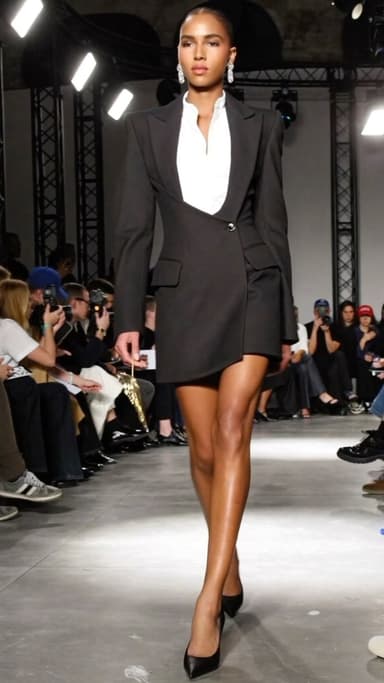
A still shows color and silhouette; movement shows how fabric falls and swings, which helps a lot with coats, dresses and skirts. Dromana's outfit looks do both in one step: the October fit check adds a walk and a twirl, the fan transition swaps outfits as a fan blade passes, and the catwalk strut gives you a runway walk. For your own outfit photos, the outfit video from a photo page animates them.
How accurate is an AI try-on for shopping?
It's good for style decisions and poor for size decisions. An outfit changer can show you whether a color suits you, whether a long coat works with your height or whether a costume idea is worth buying. It can't tell you how a specific garment from a specific brand will fit your body, because it doesn't know the garment's real measurements or fabric. Treat it as a mood board on your own face, then check the size chart.
- Good for: colors, silhouettes, aesthetics, costume ideas, photoshoot planning.
- Not reliable for: exact sizing, fabric feel, how a particular brand fits.
What outfit ideas work well with AI?
Distinct silhouettes and named aesthetics come out best, because the model knows exactly what they look like. Try an aesthetic you've been curious about: old money tailoring, coquette bows, dark academia knitwear, western fringe and boots, or a Halloween costume. Specific pieces ("camel wool coat, white turtleneck") work better than vague ones ("a nice outfit").
Which outfit changer should I choose?
- A new outfit plus a matching scene, and a video: Dromana.
- Quick edits on your phone: Picsart or Fotor.
- Changing only the clothes, pixel-precise: Adobe Firefly or Photoshop.
- Lookbooks and posts: Canva.
Questions people ask
What is the best AI outfit changer?
Dromana for a new outfit and scene from one photo, with an option to make it move; Picsart or Fotor for quick phone edits; Adobe Firefly for precise edits.
Can AI change my clothes in a photo?
Yes. Upload a clear photo, describe the new outfit and keep "same face" in the prompt.
Is an AI try-on accurate for sizing?
No. It's good for color and style, not for exact fit; check the brand's size chart.
Can I see an AI outfit in motion?
Yes. Outfit looks like the October fit check add a walk and a twirl to show how clothes move.
Is there a free AI outfit changer?
Dromana's 70 sign-up credits cover about fourteen outfit images at 10 credits each, no card.
What photo works best for changing outfits?
A full-body photo, facing the camera, in even light, with your arms slightly away from your body.
Effects from this guide
 Outfit video from a photoTurn one outfit photo into a 5-second fit check video: a turn, a walk, fabric moving. No tripod, no filming. 70 free credits to start.
 AI fashion portraitSkip the photographer: get a magazine-style fashion portrait from one selfie. Quiet-luxury coats, street editorial, studio light. Same face, new shoot. Free to try.
Keep reading
 How to make a fit check video from just photos4 min read
 Best AI photo apps to restyle a selfie in 2026: aesthetics, portraits and edits4 min read
 Old money aesthetic photos: the quiet luxury look, explained4 min read
 Best AI fashion video apps: outfit clips, catwalks and fit checks4 min read
- AI profile picture generator: make a PFP from one selfie that still looks like you4 min read
Ready to make yours?
Add one photo and get the look from this guide.