AI profile picture generator: make a PFP from one selfie that still looks like you
By Sophia Miller, Fashion and aesthetics editor · Updated · 4 min read
the short version
An AI profile picture generator turns one selfie into a polished PFP: a new outfit, background, light or aesthetic, with your face kept. Upload a clear photo to AI Image or a portrait look, generate a few versions, pick the one that reads well as a small circle, and crop it square. New accounts get 70 free credits with no card.
AI Photo to Video
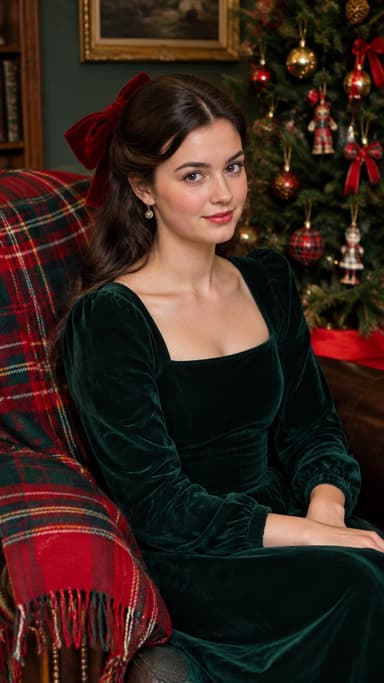
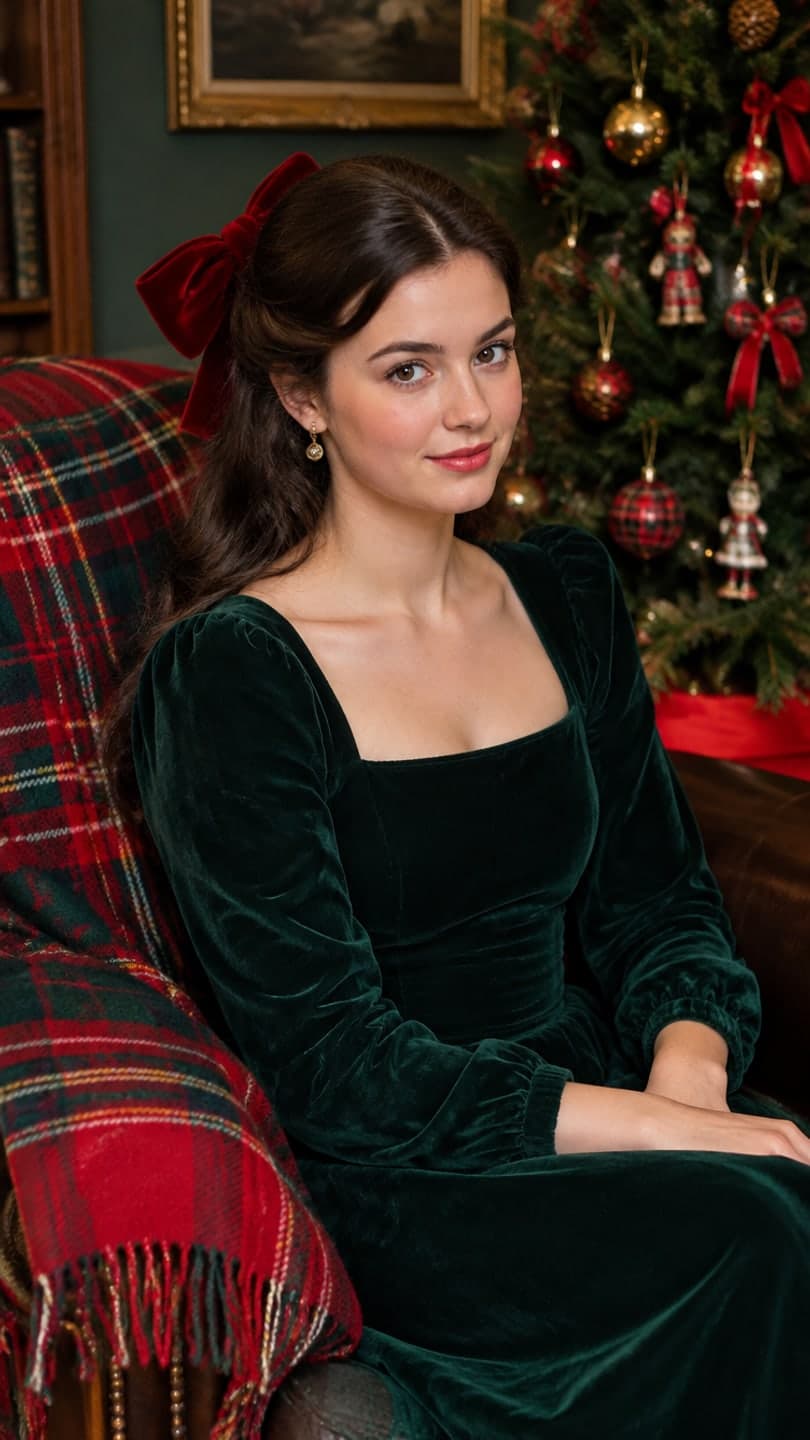 Velvet bow portrait
1 Pick a look · optional
We put you into this example — everything else stays as it is — then it moves like the example, at no extra cost.
Failed renders refund credits
What makes a good AI profile picture?
A profile picture is seen tiny, usually as a circle next to a name, so the rules are different from a normal photo. Your face should fill most of the frame, the background should be simple or softly blurred, and there should be strong contrast between you and what's behind you. Detail you'd notice in a full-size photo disappears at 40 pixels; a clear face, good light and one strong colour don't.
AI helps with the parts that are hard to fix at home: a nicer background, better light, an outfit that fits the platform, or a style like editorial, film or a seasonal look. What it shouldn't change is your face. On a work profile or a dating app, people need to recognise you when they meet you.
How do I make an AI profile picture from a selfie?
Step 1
Pick your best selfie
Face visible, eyes open, even light, no heavy filter. Our selfie tips show what works.
Step 2
Choose a style
Describe it in AI Image, or start from a portrait look such as the velvet bow portrait or the AI fashion portrait.
Step 3
Generate three or four versions
Each image uses 10 credits on the default model. New accounts start with 70 free credits, no card.
Step 4
Test it small
Zoom out until the picture is the size of a profile circle and pick the one you can still recognise at a glance.
Step 5
Crop square and upload
Centre your face with a little space above your head so the circle crop doesn't cut it off.
Try this look on your own photo.
Make it with my photoWhich style fits which platform?
- LinkedIn and work profiles: a clean headshot with soft light and a plain background; see AI headshot from a selfie.
- Instagram and TikTok: an aesthetic that matches your feed, like editorial, digicam or a seasonal look; profile picture ideas has more.
- X and Threads: a high-contrast portrait that reads at the smallest size.
- Discord and gaming: room for a bolder look, a character or a moving version.
- Dating apps: realistic and recent, you on a good day, never a different-looking version of you.
Can my profile picture move?
Where a platform shows video avatars or you post a short intro clip, a moving profile picture stands out: a small smile, a head turn or light shifting across your face. Generate the still you like, then turn it into a 5-second clip with make a photo move. Keep the motion small so it still works as a loop.
Will it still look like me?
It should, because it starts from your own face in the photo you upload, and the scene, light and outfit change around it. The clearer and better lit the selfie, the closer the likeness. If a version drifts, for example your eye colour or jawline changes, discard it and generate again rather than posting something people won't recognise.
Avoid styles that change your age, body or features if the profile is meant to represent you. For a fun or fantasy avatar, that's fine; for work and dating, keep it honest.
Privacy and rights
Only upload photos of yourself, or of someone who has agreed. Results made with free credits are for personal use, which covers your own profile picture; results made on a paid plan or with bought credits can also be used commercially, for example on a business account. Our privacy policy explains how long photos are kept and how to delete them.
Questions people ask
Is there a free AI profile picture generator?
Dromana is free to start: new accounts get 70 free credits with no card, and each image uses 10 credits on the default model.
How do I make an AI profile picture that looks like me?
Upload one clear, evenly lit selfie, choose a style that changes the background, light or outfit rather than your face, and pick the version you recognise at a glance.
What size should a profile picture be?
Export a square of at least 400 by 400 pixels with your face centred; most platforms crop it to a circle.
Can I use an AI profile picture on LinkedIn?
Yes, if it's realistic and still looks like you. A clean headshot style works best for work profiles.
Can my profile picture be animated?
Yes. Turn the still into a short clip with a small smile or head turn where the platform supports video.
Can I make a profile picture for a business account?
Yes, on a paid plan or with credits you bought, which allows commercial use and removes the watermark.
Effects from this guide
 AI fashion portraitSkip the photographer: get a magazine-style fashion portrait from one selfie. Quiet-luxury coats, street editorial, studio light. Same face, new shoot. Free to try.
 Make a photo moveUpload one photo, get a 5-second video in a minute or two: a smile, a head turn, wind in the trees, waves rolling in. Works on portraits and landscapes, free to try.
Keep reading
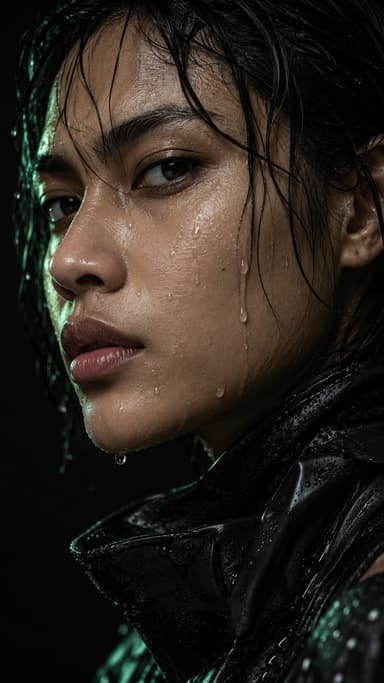 Profile picture ideas: 25 aesthetic pfps that still look like you4 min read
 Best AI avatar generators in 2026: profile pictures, styles and moving avatars4 min read
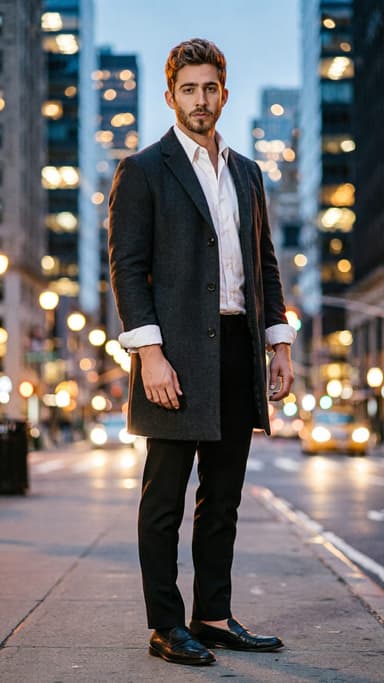 AI headshot from a selfie: a clean, work-ready photo without a photographer4 min read
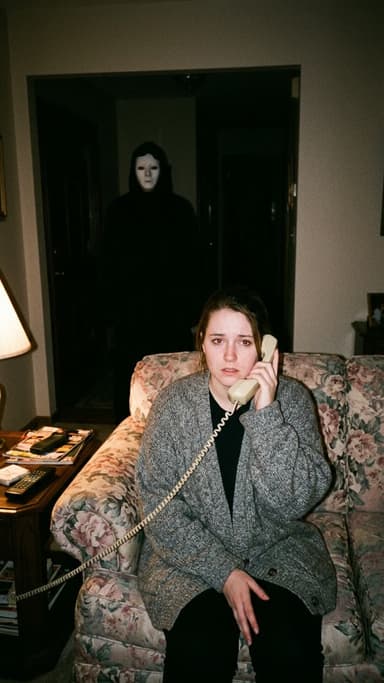 Halloween AI photo trends 2026: the late-night call, ghost besties, video store horror and more5 min read
- The scary phone call AI trend: how to make the 90s horror call photo and video4 min read
Ready to make yours?
Add one photo and get the look from this guide.