The digicam look: how to get that 2000s digital camera vibe
By Sophia Miller, Fashion and aesthetics editor · Updated · 4 min read
the short version
The digicam aesthetic copies photos from early-2000s point-and-shoot digital cameras: harsh direct flash, slightly blown highlights, cool or greenish colors, soft low-resolution detail and sometimes an orange date stamp. You can get it with a secondhand digital camera, by using your phone's flash and a gritty edit, or by restyling a phone photo with an AI digicam filter.
AI Photo Restyle
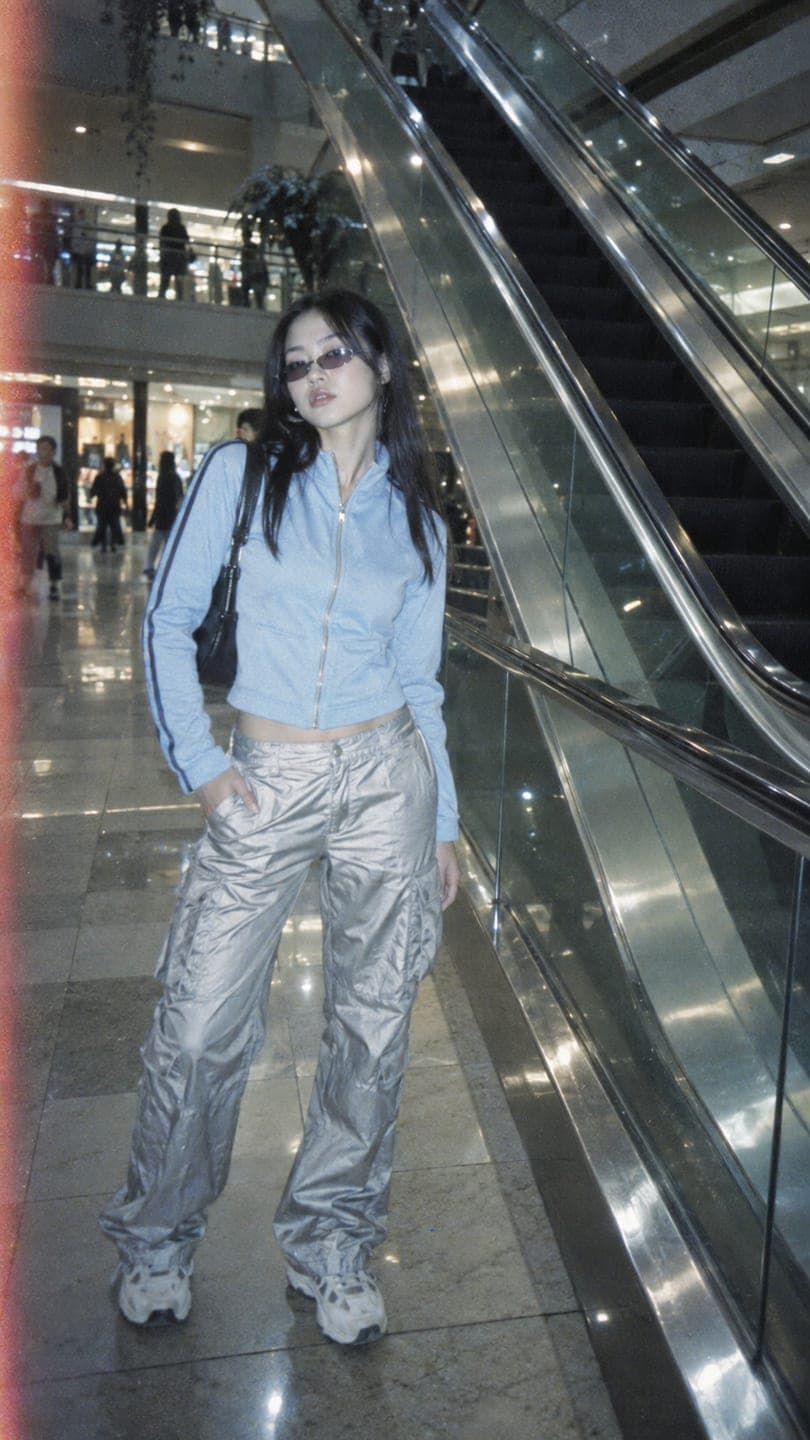 Chrome mall
1 Pick a look · optional
We put you into this example and keep everything else the same.
Failed renders refund credits
What is the digicam aesthetic?
Before phones had good cameras, parties, sleepovers and holidays were shot on small compact digital cameras. Those photos had a very specific look, and Gen Z has turned it into an aesthetic: the camera fired a flash straight at your face, skies turned white, colors came out a little off, and everything had that slightly crunchy, low-megapixel softness.
It feels candid and unfiltered in a way that polished phone photos don't. Nobody was posing for the algorithm in 2005; they were just taking pictures. That's the energy people want back.
What makes a photo look digicam?
- Direct on-camera flash: bright faces, hard shadows behind you, shiny skin.
- Blown highlights: white skies, glowing lamps, no HDR magic.
- Off colors: a slight blue, green or magenta cast depending on the light.
- Soft detail: lower resolution and a bit of noise, especially in the dark.
- Candid framing: slightly tilted, a little too close, someone mid-laugh.
Try this look on your own photo.
Make it with my photoShould I buy an old digital camera?
The most authentic route is a real compact camera from the 2000s. People find them in thrift stores, secondhand marketplaces and their parents' drawers. Look for one that takes standard SD cards or comes with its card, and check the battery and charger situation before buying.
- Turn the flash to always on, even in daylight.
- Leave settings on auto; the camera's quirks are the point.
- Shoot at night, at parties, in the car, at dinner.
- Transfer photos with a card reader and post them unedited.
How do I get the digicam look on my phone?
Step 1
Force the flash on
Use your phone's flash even when the camera doesn't think you need it. Night shots get the most dramatic effect.
Step 2
Turn off the fancy stuff
Night mode and portrait mode smooth things out; for this look you want them off.
Step 3
Shoot a bit wide and crop
Cropping in lowers the detail slightly, which helps the vintage softness.
Step 4
Edit for crunch
Raise exposure a touch, add a little grain, lower clarity or texture, cool the white balance slightly and lift the shadows.
It gets you close, but phones are just too good now; the sharpness and processing often give the trick away.
Can AI give my selfie the digicam look?
If you want the look without buying a camera or learning an edit, the digicam photo filter restyles an existing photo as a 2000s point-and-shoot frame: flash fired straight at you, a cool cast, soft low-megapixel detail. It keeps your face, so it still looks like you, just on a 2004 camera. You can try it on your own photo right at the top of this page.
Chrome mall is the closest to the classic digicam shot, Parking garage is the low-angle car version, and the Y2K photo filter leans into the fashion of the era. Upload a selfie to AI Image, pick a look, and generate.
What digicam photos should I take?
- Mirror selfie with the flash going off in the reflection.
- Getting-ready photos in a bathroom before a night out.
- Car selfies at night lit only by the flash.
- Dinner table chaos: half-eaten food, everyone mid-laugh.
- Concert or party crowd shots, slightly blurry on purpose.
- Sleepover photos with fairy lights in the background.
Put a few of these together for a monthly carousel; our photo dump ideas show how to sequence them so they don't feel random.
How do I turn a digicam photo into a video?
A digicam still that suddenly moves is a great hook: the flash pops and you laugh and cover your face. Take the photo into AI Video with a prompt like "flash pops, laughs and covers face, camera slightly shaky" for a 5-second clip that looks like it came off an old camera's video mode.
Questions people ask
What is the digicam aesthetic?
It's the look of photos from early-2000s compact digital cameras: harsh direct flash, blown-out highlights, slightly off colors, soft detail and candid framing.
What camera do I need for the digicam look?
Any compact digital camera from roughly 2003 to 2010 with a built-in flash works. Or skip the camera and restyle a phone photo with an AI digicam filter.
How do I get the digicam look on iPhone?
Force the flash on, turn off night and portrait mode, crop in slightly, and edit with a little grain, a cooler white balance and less clarity.
Is the digicam look the same as Y2K?
They overlap. Digicam is about how the photo was taken, the flash and the camera quality; Y2K also includes the fashion, colors and props of the era.
Can I make a digicam-style video?
Yes. Animate a flash photo into a 5-second clip with a slightly shaky camera prompt for that old video-mode feel.
Effects from this guide
 Digicam photo filterMake any photo look like it came off a 2000s point-and-shoot: flash glare, cool tint, soft pixels and candid framing. Keeps your face. 70 free credits to start.
 Y2K photo filterTurn a selfie into an early-2000s flash photo: glossy skin, tracksuits, butterfly clips and candy color. Same face, new era. Free to try, works in your browser.
Keep reading
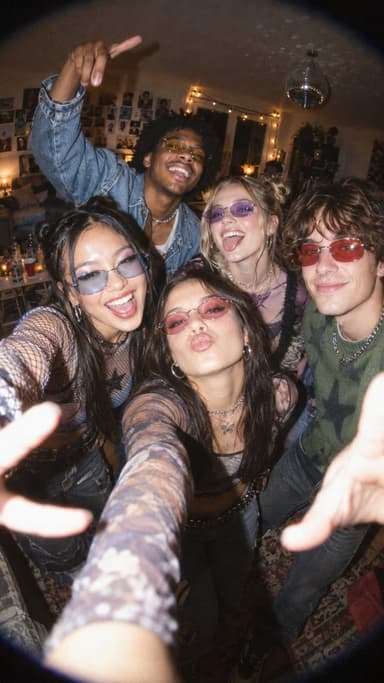 The disposable camera aesthetic: how to get the film-flash party look5 min read
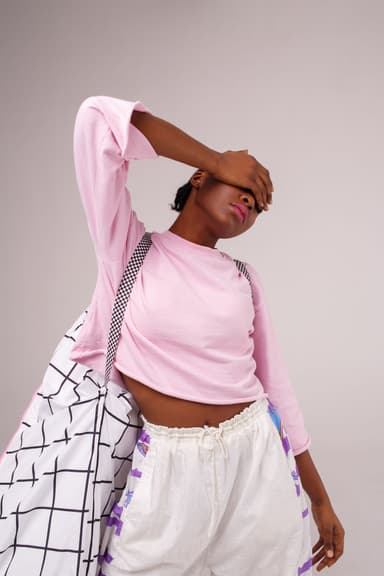 Y2K photo ideas: outfits, props, poses and edits4 min read
 35 photo dump ideas that don't feel random4 min read
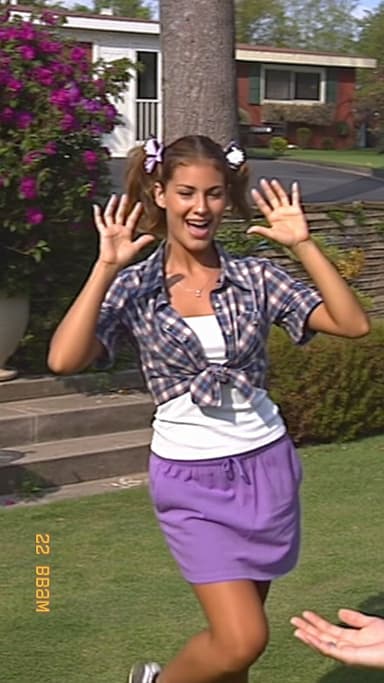 Vintage aesthetic photos: 40s noir to 90s camcorder, decade by decade4 min read
 Photo dump videos: how to turn a carousel into a cinematic clip4 min read
Ready to make yours?
Add one photo and get the look from this guide.