Vintage aesthetic photos: 40s noir to 90s camcorder, decade by decade
By Sophia Miller, Fashion and aesthetics editor · Updated · 4 min read
the short version
Vintage aesthetic photos work when the outfit, the light and the color grade all point to the same decade: black-and-white shadows for 1940s noir, warm faded film for the 70s, neon and flash for the 80s, VHS blur and a date stamp for the 90s. Pick one era, match its film look, and restyle a selfie with AI if you don't have the clothes or the location.
AI Photo to Video
 90s camcorder
1 Pick a look · optional
We put you into this example — everything else stays as it is — then it moves like the example, at no extra cost.
Failed renders refund credits
What makes a photo look vintage?
A photo looks vintage when it carries the fingerprints of the camera and film of its time, not just old clothes. Grain, faded blacks, color shifts, soft focus, light leaks and the way flash or sunlight hits the subject all signal an era. Modern phone photos are sharp, clean and evenly exposed, which is exactly what you have to undo.
- Grain or noise: film grain for the 40s to 90s, video noise for camcorder footage.
- Faded blacks: lift the shadows so nothing is pure black.
- A color cast: warm yellow for the 70s, magenta and cyan for 80s prints.
- Softer focus and lower resolution than a modern phone.
- Era details: a date stamp, rounded corners, a white border, VHS lines.
How do I get the 1940s film noir look?
Film noir is black and white, high contrast and full of shadows: a single hard light source, often from the side or above, venetian-blind stripes, rain on the street and smoke or mist in the air. Trench coats, fedoras, red lips (that read dark in black and white) and suits complete it.
Step 1
Use one hard light
A bare bulb, a streetlamp or a flashlight from the side.
Step 2
Find rain or reflections
Wet pavement doubles the light and adds drama.
Step 3
Convert to black and white
Push contrast up and keep the shadows deep.
The film noir look builds a rainy 1940s street in black and white around you, from one selfie.
Try this look on your own photo.
Make it with my photoHow do I make 70s-style photos?
The 1970s look is warm, soft and a little hazy: golden light, faded colors, brown and orange tones, flared jeans, platform shoes, feathered hair and big collars. Disco nights add sequins, mirror balls and colored lights. Roller rinks are the most photogenic 70s setting there is.
- Grade warm and faded: lift blacks, add yellow, lower saturation of blues.
- Use sunflare or a warm lamp for that hazy glow.
- Disco: sequins, a mirror ball and colored gels or LED lights.
Try the roller disco or disco revival looks to skip the setup.
How do I get the 80s photo look?
The 1980s are bold: neon colors, big hair, shoulder pads, direct flash, glossy prints and magenta-cyan color shifts. Mall photos, arcades and aerobics studios are classic locations. Our 80s photoshoot ideas guide has the full list, and the 80s photo filter turns a selfie into an 80s print in one step.
How do I make a photo look like a 90s camcorder video?
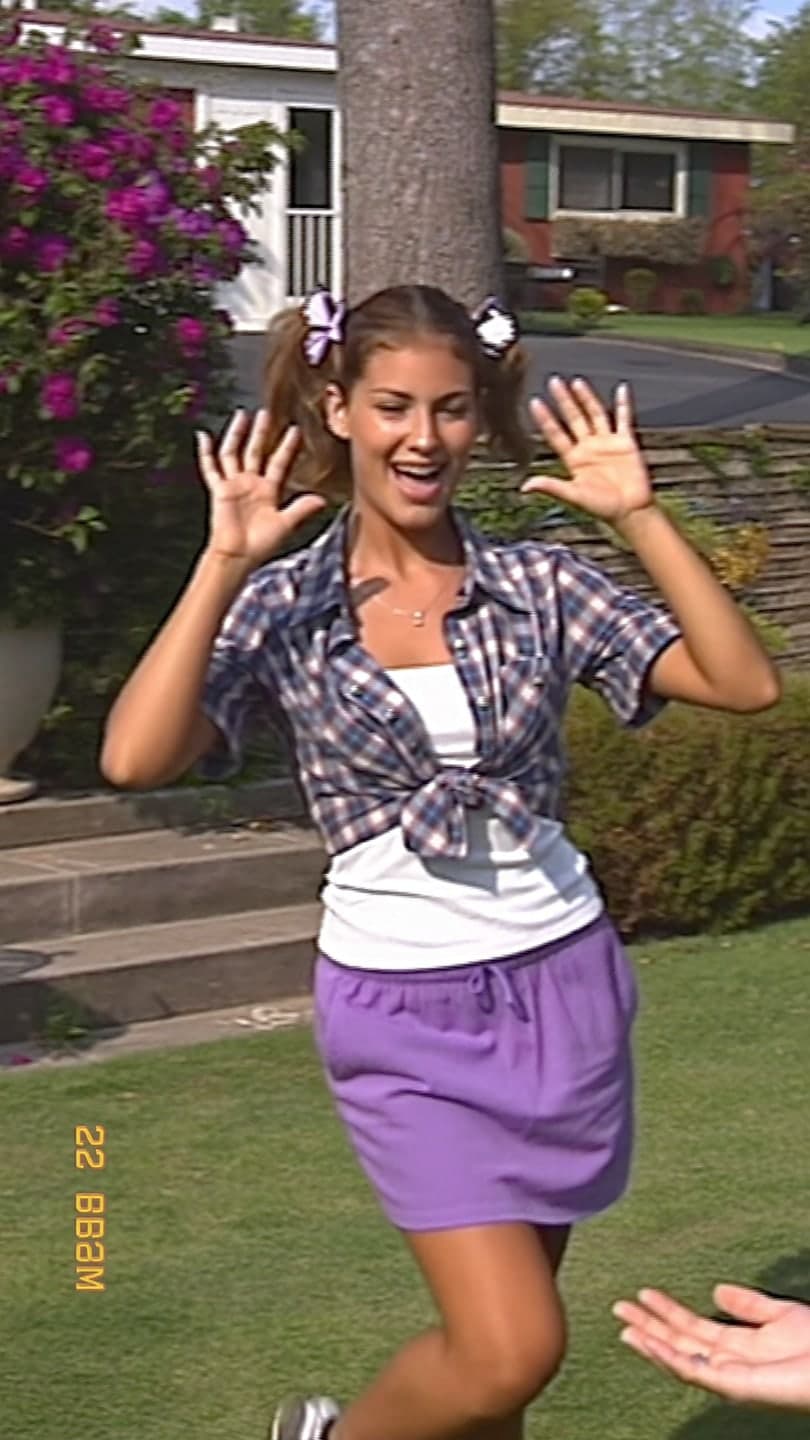
90s camcorder footage is soft, slightly blurry, with VHS scan lines, color bleeding, an orange or white date stamp in the corner and shaky, zoomy handheld movement. Think backyard birthdays, school trips and home videos. It's one of the most popular nostalgia formats on TikTok because almost everyone has seen their parents' tapes.
- Lower the resolution, add blur and a slight color bleed.
- Add scan lines and a date stamp like "OCT 21 1998".
- Use a 4:3 frame for authenticity, or keep 9:16 for TikTok.
- Shoot in daylight outdoors; home videos were rarely shot at night.
The 90s camcorder look recreates a sunny backyard home video with you waving at the camera, scan lines and date stamp included. For the still-photo cousin of this look, see our disposable camera aesthetic and digicam aesthetic guides.
Can AI make my photo look vintage?
Yes, and it can change the outfit, setting and film look at the same time. Upload a clear selfie to AI Image and name the decade, the clothes, the place and the film: "1970s roller rink, satin jacket and tube socks, warm faded film, soft grain, same face". Each image uses 10 credits. The Y2K photo filter covers the early 2000s end of nostalgia.
How do I post vintage aesthetic content?
Nostalgia content travels on the sound. Pair a 70s photo with a disco track, an 80s look with synth-pop and a camcorder clip with a song from that year. Carousels that show one person across several decades ("me in every decade") are a reliable format, and a before-and-after with your original selfie gets comments.
- Caption ideas: "found this tape in the attic", "born in the wrong decade", "me in every era".
- Keep the grade consistent across a carousel so it reads as one set.
- Label AI-generated images when you post them.
Questions people ask
What makes a photo look vintage?
Grain, faded blacks, a color cast, softer focus and era details like a date stamp or white border, matched to one decade.
How do I make a photo look like the 90s?
Add camcorder blur, scan lines, color bleeding and a date stamp, or use a film look with direct flash for 90s snapshots.
How do I get the film noir look?
Shoot black and white with one hard side light, deep shadows, rain or mist, and a trench coat and hat.
What is the difference between 70s and 80s photo styles?
70s photos are warm, faded and hazy; 80s photos are bold, neon and flash-lit with glossy color shifts.
Can AI make my selfie look vintage?
Yes. Name the decade, outfit, place and film stock in the prompt, or use a ready-made look like 90s camcorder or film noir.
What are vintage photo caption ideas?
"Found this tape in the attic", "born in the wrong decade" or "me in every era".
Effects from this guide
 80s photo filterStep into the 1980s: neon light, polka dots, big shades and leather. Turn one selfie into a retro 80s portrait that keeps your face.
 Y2K photo filterTurn a selfie into an early-2000s flash photo: glossy skin, tracksuits, butterfly clips and candy color. Same face, new era. Free to try, works in your browser.
Keep reading
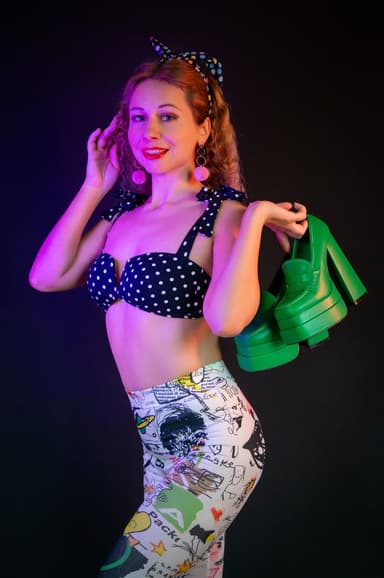 80s photoshoot ideas: neon, big hair and film flash4 min read
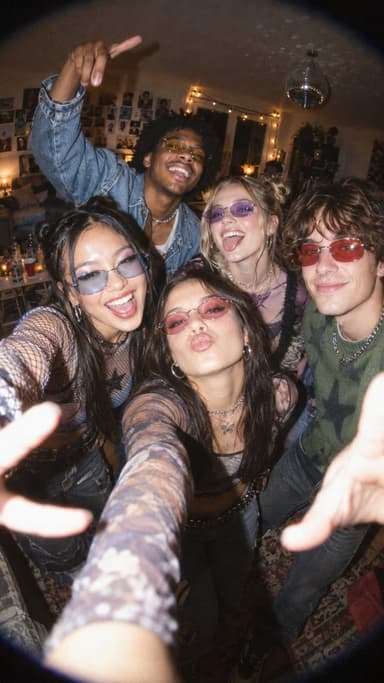 The disposable camera aesthetic: how to get the film-flash party look5 min read
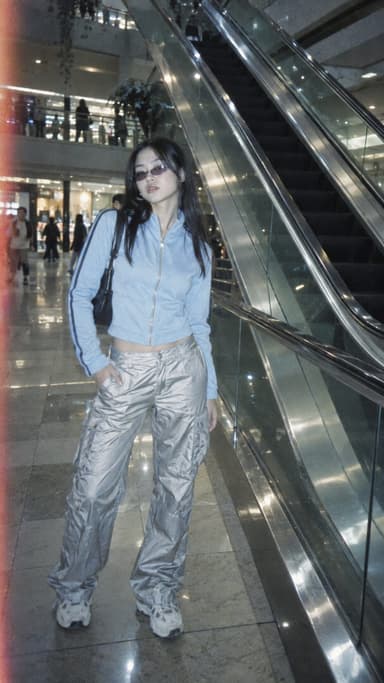 The digicam look: how to get that 2000s digital camera vibe4 min read
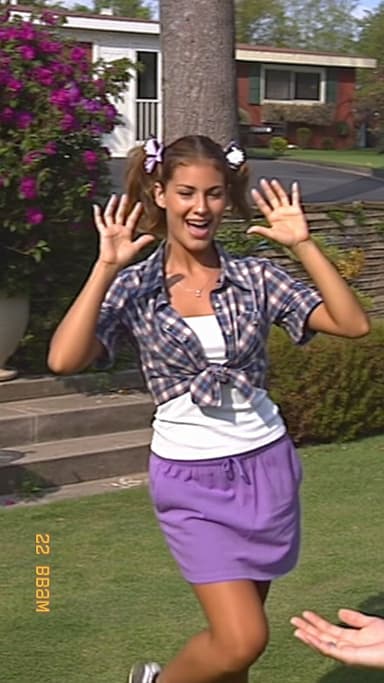 The 80s AI photo trend: how to make your own retro portrait and poster4 min read
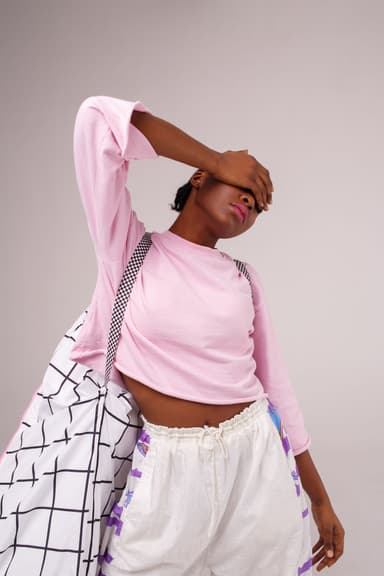 Y2K photo ideas: outfits, props, poses and edits4 min read
Ready to make yours?
Add one photo and get the look from this guide.