Product photo to video — a 5-second ad from one product shot
Dromana turns a single product photo into a short, silent ad clip. Pick a finished ad look, like a shampoo splash, a snack burst or an ice-cold skincare shot, upload a clear photo of your product, and Dromana rebuilds the scene around it and makes it move, keeping the label, shape and colours. New accounts get 70 free credits, no card needed.
AI Photo to Video
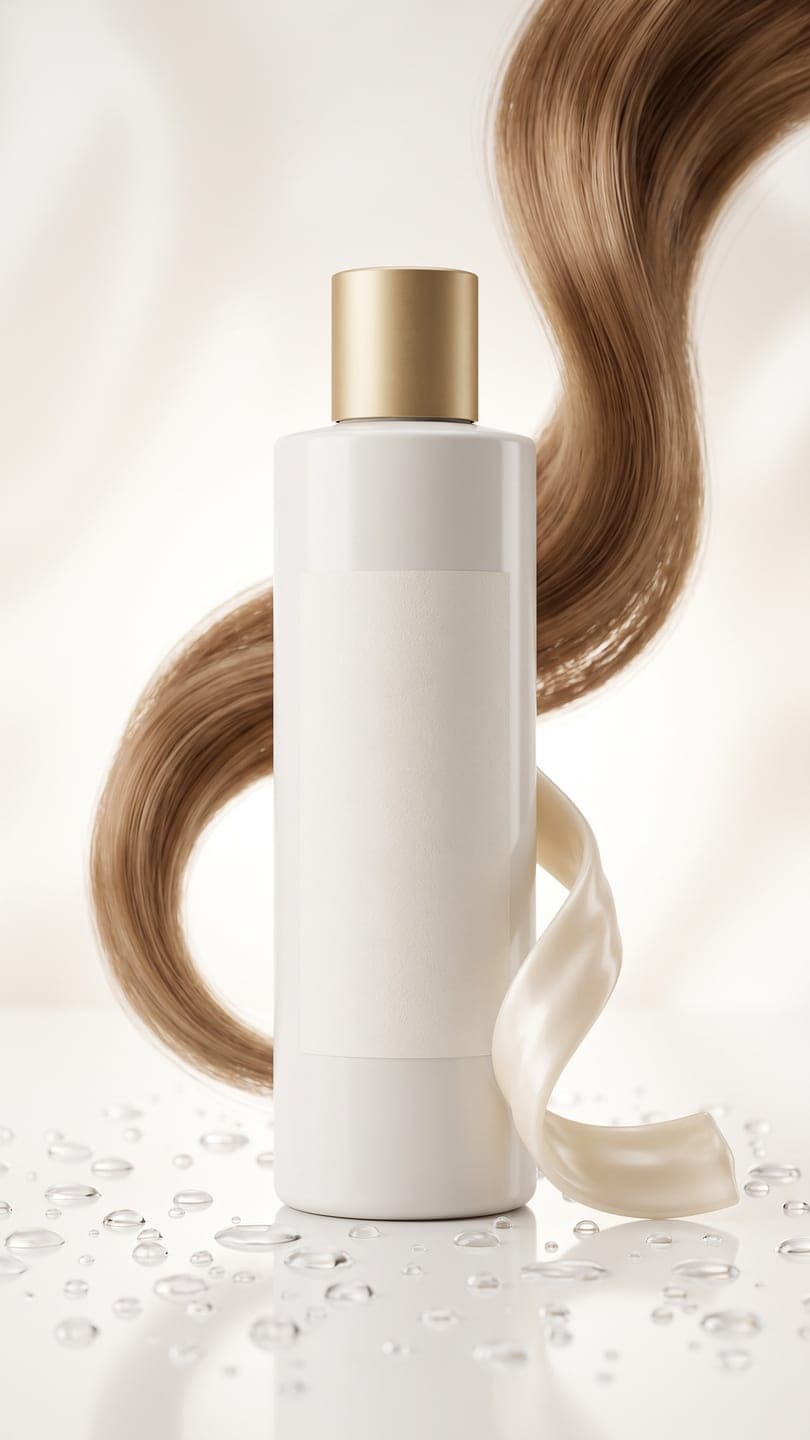 Silky shampoo ad
1 Pick a look · optional
We put your product into this example — everything else stays as it is — then it moves like the example, at no extra cost.
Failed renders refund credits

Product snow globe

Gift guide flat lay
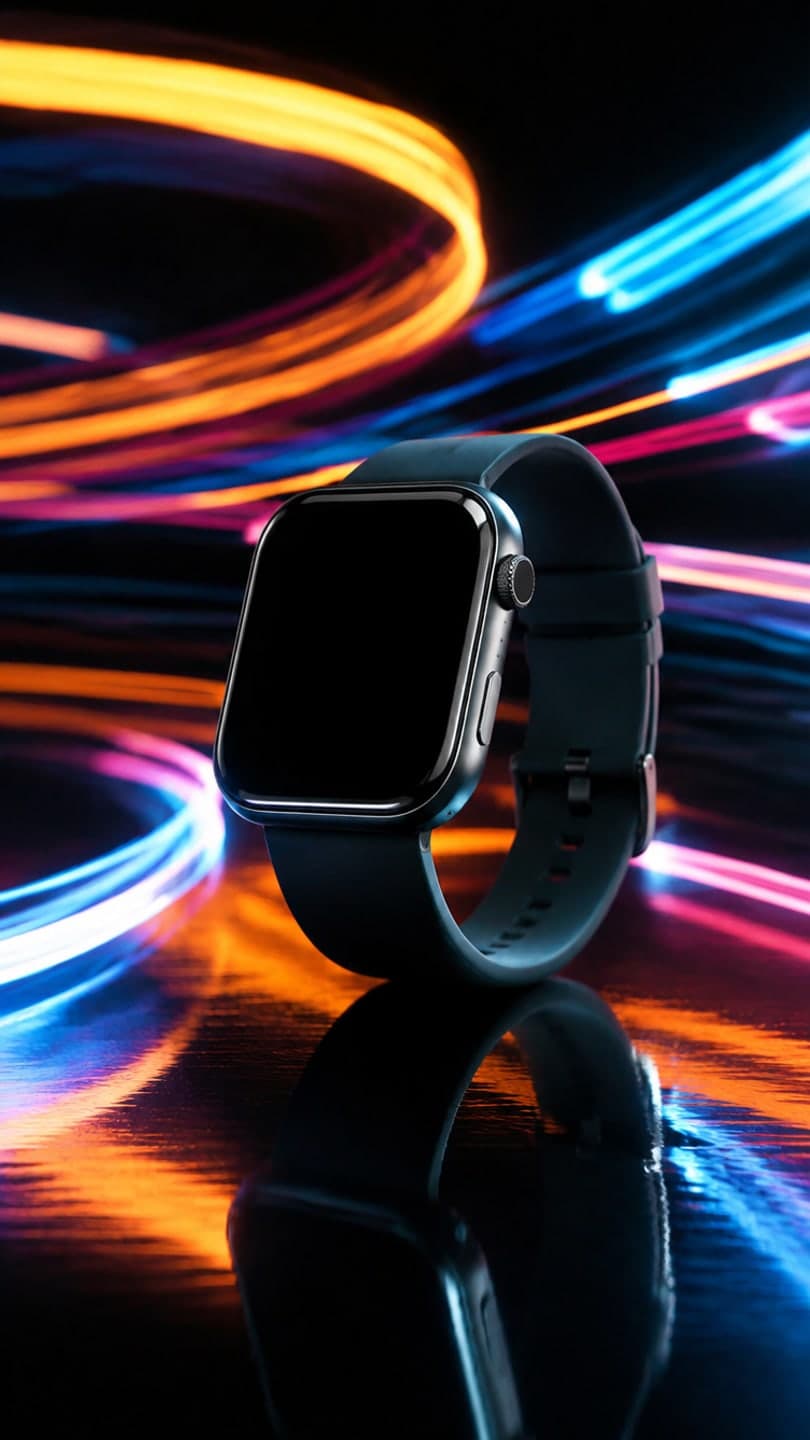
Light trails
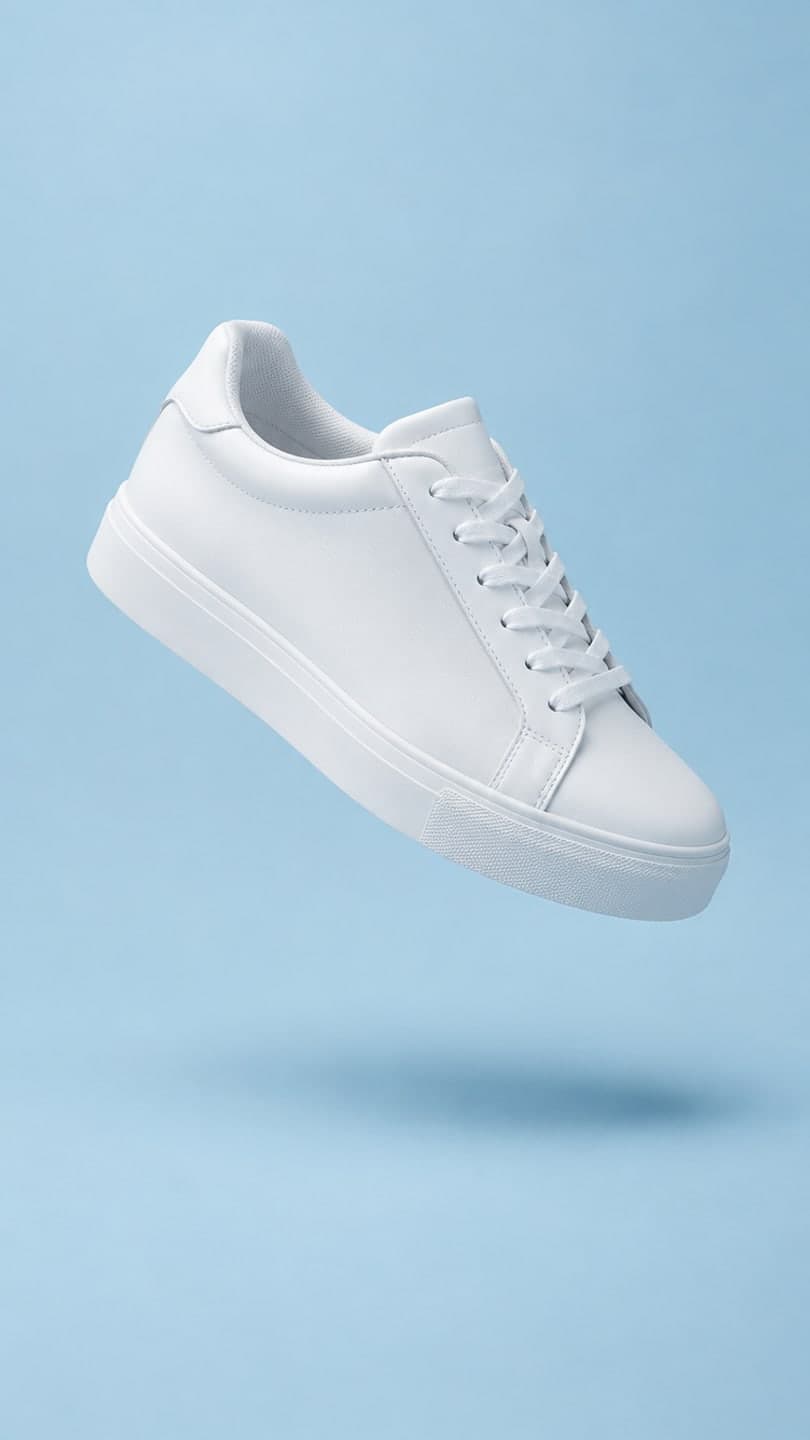
Floating sneaker
Silky shampoo ad
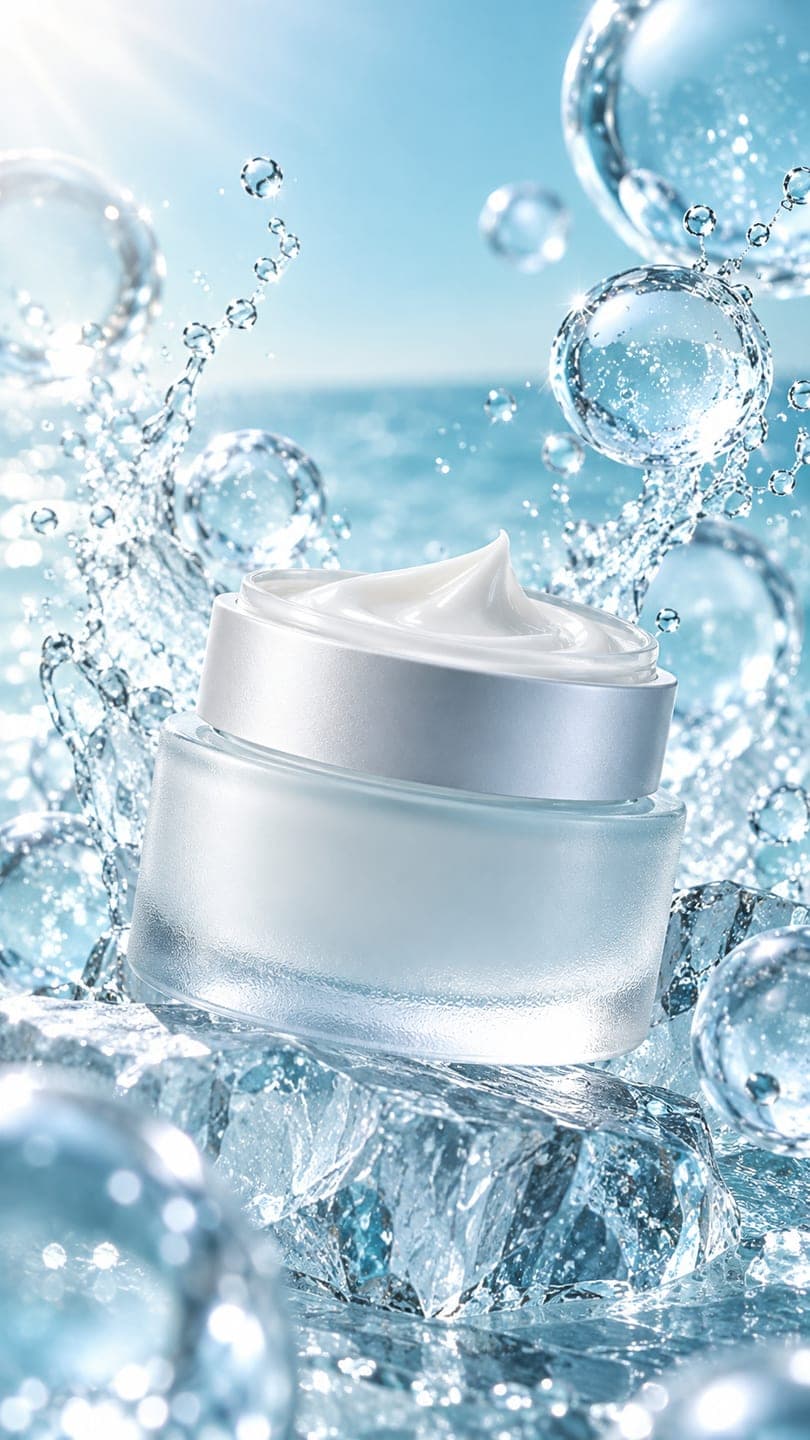
Ice skincare
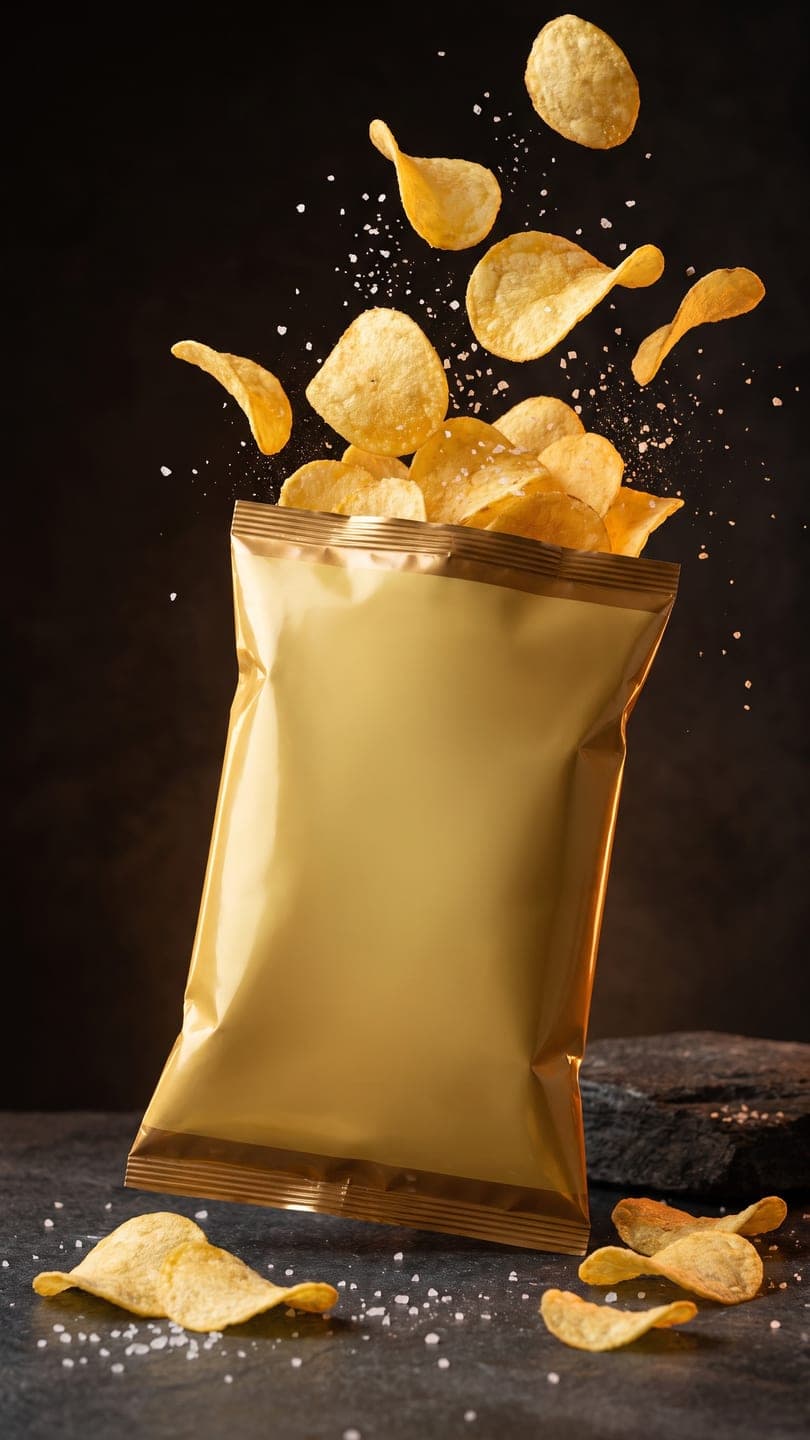
Snack burst ad
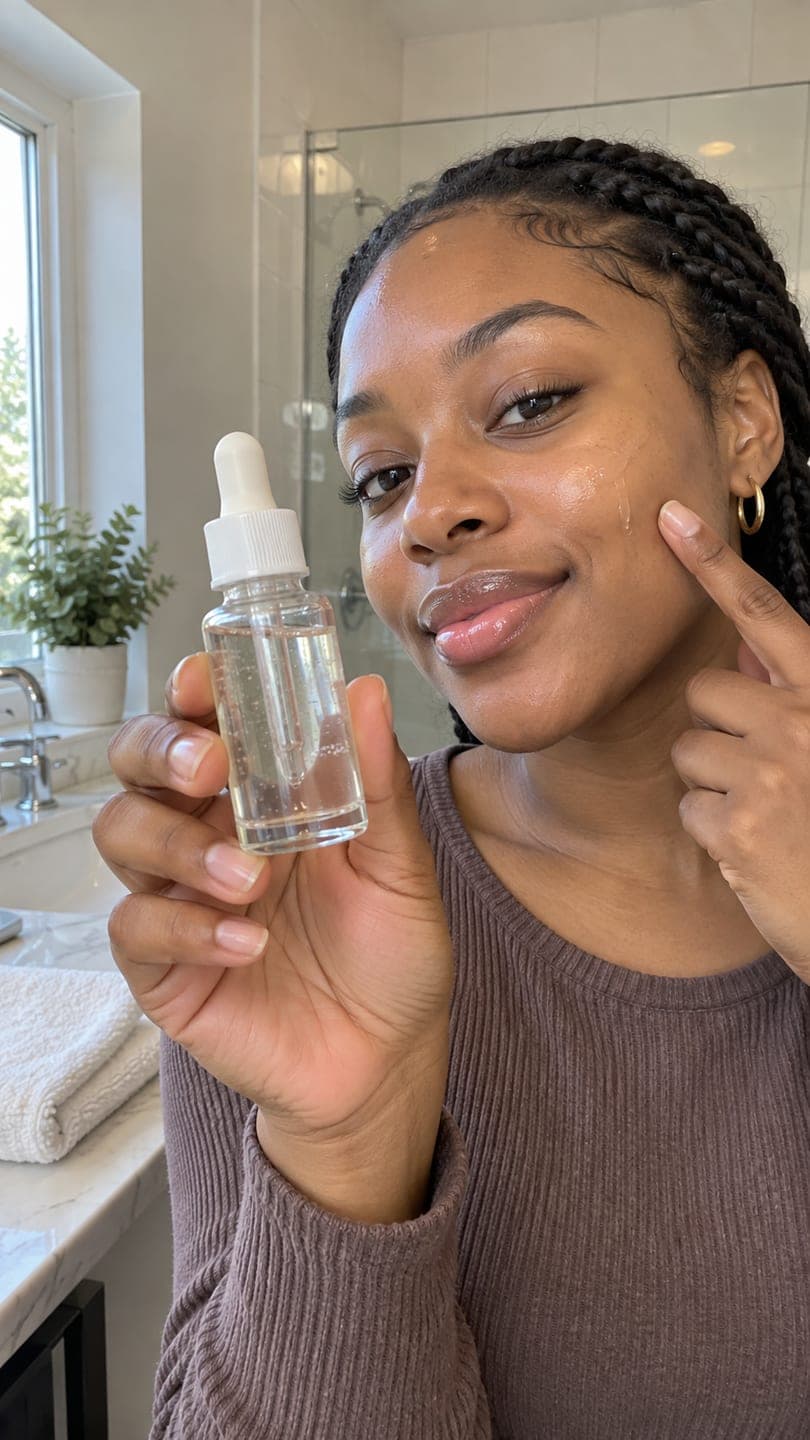
Serum review
Examples made with Dromana. Tap one to start from that look.
How to use the product photo to video
Step 1
Pick an ad look
Start from Silky shampoo ad, Ice skincare, Snack burst or Serum review. Each one is a finished clip you can see before you pay anything.
Step 2
Upload your product
One clear, front-on photo: the label readable, the whole product in frame, on any plain background. A phone photo by a window is enough.
Step 3
Generate and post
Sign in and press Generate. You get a 5-second vertical MP4, silent, ready for a listing, a TikTok Shop video or a Reels ad.
Why a moving product shot sells better than a still
Shoppers scroll past still product photos because they look like every other listing. A few seconds of motion, water running down a bottle, chips bursting out of a bag, light sliding across a jar, stops the thumb and shows the texture and finish that a flat photo hides. Marketplaces and social feeds reward that: video slots sit at the top of listings and autoplay in feeds.
A studio shoot for a clip like that means props, lighting, a slow-motion camera and a day of setup. Starting from a finished ad look skips all of it. You choose a scene that already works, and only your product changes.
Ad looks you can start from
Silky shampoo ad stands your bottle on glossy white among falling droplets with a ribbon of cream, the classic haircare commercial. Ice skincare puts a jar on an ice floe with rising bubbles and bright arctic light. Snack burst sets the pack on dark stone while chips explode upward in slow motion. Serum review is the creator-style version: a hand holding the bottle up to the camera in a bright bathroom.
The look decides the scene, the light and the motion. Your photo decides the product. Labels, logos and colours are kept as they are in your photo, so the clip still matches what the customer receives.
Where to use the clip
Etsy listing videos run 5 to 15 seconds and play without sound, which is exactly what this makes. The same clip works as the first slide of a TikTok Shop or Instagram post, a Reels or Stories ad, a product page hero on Shopify, or a loop in an email. Add your price or offer as text in your editor, since the clip comes back silent and without captions.
Make two or three versions with different looks and test them. Small sellers often find that the scene that feels least like their brand is the one that gets the clicks.
Tips for better results
- Shoot the product straight on with the label facing the camera; angled labels come back angled.
- Use a plain background and even window light. Harsh reflections on glass bottles can be read as part of the label.
- Small text on tiny products may soften. Keep the product large in the frame.
- One product per photo. Bundles and sets are better shot as one item at a time.
- If the clip needs a price or a hook, add it as on-screen text after downloading.
FAQ
Can I turn a product photo into a video ad?
Yes. Pick an ad look, upload one clear product photo and Dromana rebuilds that scene with your product in it, then animates it into a short vertical clip you can post or run as an ad.
Will it change my label or packaging?
It is instructed to keep the product exactly as it is in your photo: shape, label, text and colours. A sharp, front-on photo gives the most faithful result; very small print can soften.
Is the clip long enough for an Etsy listing video?
Etsy listing videos run 5 to 15 seconds and play silently, and the default clip is 5 seconds with no sound, so it fits. Longer clips are available on other engines in the studio.
What product photo works best?
One product, front-on, label facing the camera, filling most of the frame, on a plain background in soft daylight. Avoid glare across glass and cut-off edges; the clip can only keep what the photo shows.
Can I use the clip in my shop and ads?
Yes, when you make it on a paid plan or with credits from a pack you bought: listings, product pages, business posts and ads are all fine. Clips made only with free credits are for personal use. You still need the rights to the product photo you upload.
Is it free?
Yes, to start. New accounts get 70 free credits with no card. Free clips carry a small dromana.app badge; a paid plan removes it.
Can I use my own scene instead of a look?
Yes. Open AI Video, upload the product photo and describe the scene and the motion you want, such as droplets running down the bottle on a marble counter, slow push-in.
Only use photos you have the right to use. See our safety guidelines.
Guides for this look
- TikTok Shop holiday videos: product video ideas from Black Friday to ChristmasHoliday product video ideas for TikTok Shop and Instagram sellers: snow globes, gift-guide flat lays, unboxings, light trails and more, made from one product photo.
- AI photo to video: the questions people actually ask, answeredEverything people ask about turning a photo into an AI video: how it works, which photo to use, cost, length, sound, faces, privacy, commercial use and posting.
- The 10 best AI image-to-video and photo-to-video tools in 2026, by what you want to makeThe best AI image-to-video tools for turning a photo into a video in 2026, compared by use case: trends, cinematic shots, effects, avatars and ads. Free options included.
- Higgsfield alternatives: 7 AI video tools compared for creatorsLooking for a Higgsfield alternative? Seven AI video tools compared on trend templates, effects, realism, ease of use, free tiers and pay-as-you-go options for creators.