TikTok Shop holiday videos: product video ideas from Black Friday to Christmas
By Noah Reynolds, Media and brand content · Updated · 5 min read
the short version
Holiday sellers on TikTok Shop need a lot of short product videos between mid-November and Christmas. The formats that work are gift-guide flat lays, unboxing reveals, products in snow globes or among ornaments, and moody macro shots. You can make each one from a single clear product photo with an AI product look, then post several versions to test which one sells.
AI Photo to Video
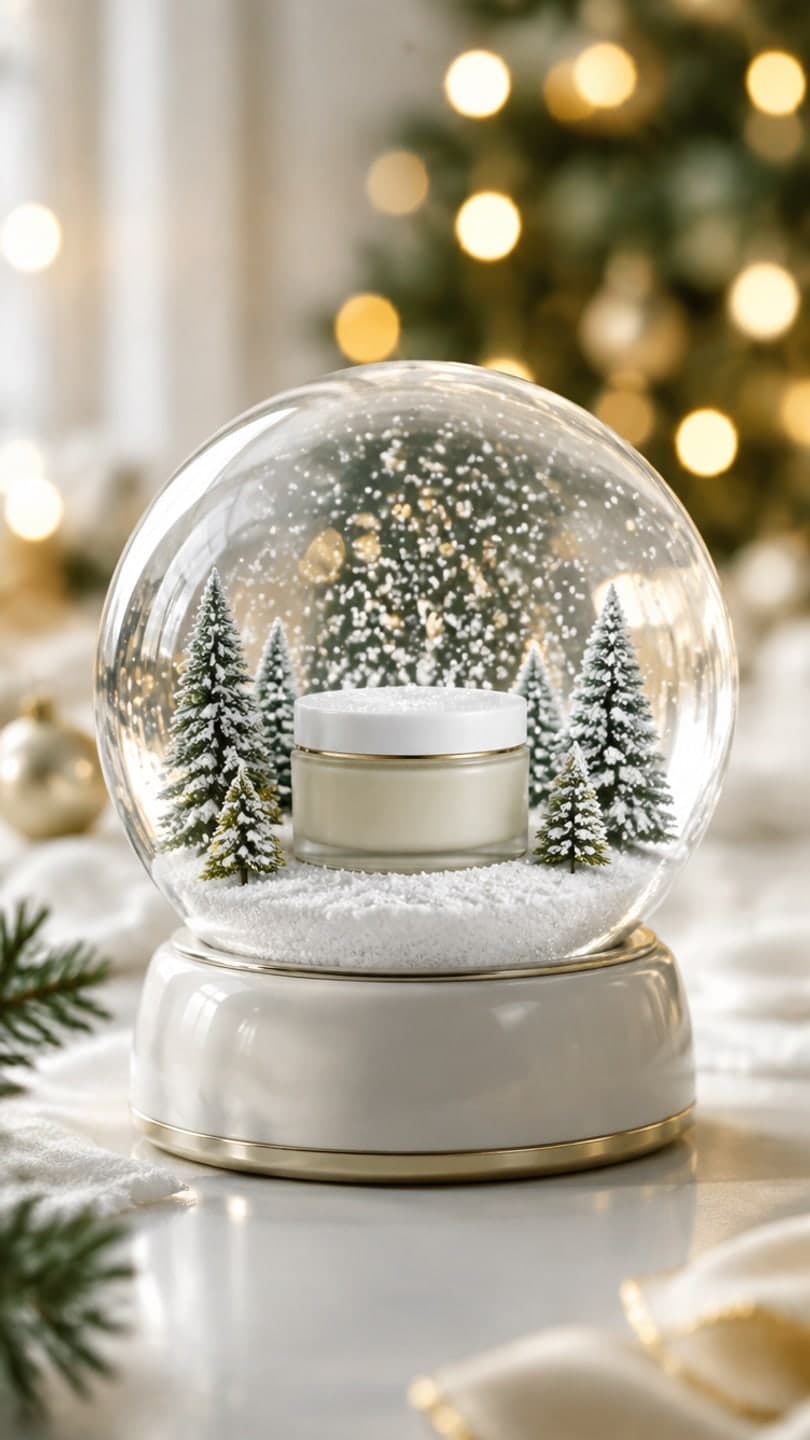 Product snow globe
1 Pick a look · optional
We put your product into this example — everything else stays as it is — then it moves like the example, at no extra cost.
Failed renders refund credits
When does the holiday selling season start on TikTok?
Earlier than most sellers plan for. TikTok's own newsroom says its Black Friday and Cyber Monday campaign runs from November 11 to 30, and that content tagged #holidayshopping rose 263% in September compared with August. In practice, shoppers start saving gift ideas in October, buy in bulk during the Black Friday window, and keep buying last-minute gifts until shipping cut-offs in mid-December.
That means you need fresh product videos for about eight weeks straight, and TikTok rewards accounts that post often. Most small sellers can't reshoot their products every few days. This guide is about making many good holiday videos from the product photos you already have.
- Late October to early November: gift-guide and "what I'm stocking up on" content.
- November 11 to 30: Black Friday and Cyber Monday deals, urgency, bundles.
- December 1 to 15: gift reveals, unboxings, stocking stuffers, last shipping day reminders.
- December 16 to 24: digital gift cards, local pickup, "still time" messaging.
Which product video formats sell best for the holidays?
Holiday shopping is emotional, so the videos that convert show the product as a gift: wrapped, revealed, surrounded by lights. The seller-oriented trend reports for 2026 single out visual impact, motion, LED lighting and snow globes, and that matches what we see. These are the formats to rotate:
- Gift guide flat lay: top-down, product in the center, wrapping paper, ribbon, pine and fairy lights.
- Gift unboxing: hands lift the lid and fold back tissue paper to reveal your product.
- Product snow globe: your product inside a glass globe with swirling snow.
- Holiday ornaments: the product among red and gold baubles and pine, warm bokeh.
- Light trails: neon streaks around tech products and gadgets.
- Cozy candle and morning pour: lifestyle shots for home goods.
Each look keeps your product's shape, label and color. If a clip ever changes the product, don't post it; generate again or use the still image instead.
Try this look on your own photo.
Make it with my photoHow do I make a product video from one photo?
Step 1
Shoot or pick a clean product photo
Front-facing, sharp label, even light, nothing covering the product. A white or plain background is ideal; the look replaces it.
Step 2
Choose a holiday look
Open the product photo to video page or any product look and add your photo.
Step 3
Generate and check the product
A look video uses 70 credits. Check the label, logo and color frame by frame before you post.
Step 4
Make three versions
Run the same product through two or three looks and post them on different days to see which one sells.
Can I use these AI videos in TikTok Shop listings and ads?
Yes, with two conditions. First, results you make on a paid plan or with a credit pack you bought can be used commercially: in shop listings, product pages, posts for your business and ads. Results made only with free credits are for personal use. Second, you need the rights to the product photo you upload, and the video must not mislead buyers about what they will receive.
TikTok and Instagram also ask you to label realistic AI-generated content. Turn on the AI-generated label when you post, and keep your product claims about the real product. Our guide to labeling AI content covers the rules. Plans also remove the dromana.app badge that free results carry, starting at $10 a month.
What should holiday product captions and hooks say?
The first second is the snow globe shaking or the lid lifting, so the caption can do the selling. Short, specific and seasonal works best:
- "the gift they'll actually use"
- "stocking stuffer under $25"
- "last day to order for Christmas delivery"
- "Black Friday: 3 for 2 until Sunday"
- "wrapped and ready, ships in 24 hours"
- "for the person who has everything"
Pin a comment with the price and the shipping cut-off date. On TikTok Shop, tag the product on every video so viewers can buy without leaving the app.
How many holiday product videos should I post?
More than you think. TikTok treats each video as a new chance to reach people, and holiday buyers scroll a lot. A realistic target for a small shop is one product video a day from mid-November, using three to five hero products in rotation. With AI looks, that's mostly picking photos and checking results rather than shooting.
For a full walkthrough of turning a single product photo into a set of videos for Etsy and other marketplaces, see our Etsy listing video guide and product video from one photo.
Questions people ask
When should I start posting holiday product videos on TikTok?
By early November. TikTok's Black Friday and Cyber Monday campaign runs November 11 to 30, and gift-idea saving starts in October.
What holiday product videos work best?
Gift-guide flat lays, unboxing reveals, products in snow globes or among ornaments, and moody macro or light-trail shots for tech.
Can AI keep my product's label and color?
Product looks are built to keep shape, label and color. Always check the clip; if anything changes, generate again or use the still.
Can I use AI product videos in ads?
Yes, if you made them on a paid plan or with a credit pack you bought, and you own the rights to the product photo.
How much does a product video cost?
A look video uses 70 credits. New accounts get 70 free credits, and a 500-credit pack is $8 without a subscription.
Do I need to label AI product videos?
TikTok and Instagram ask for realistic AI content to be labeled. Turn on the AI-generated label when posting.
Effects from this guide

Keep reading
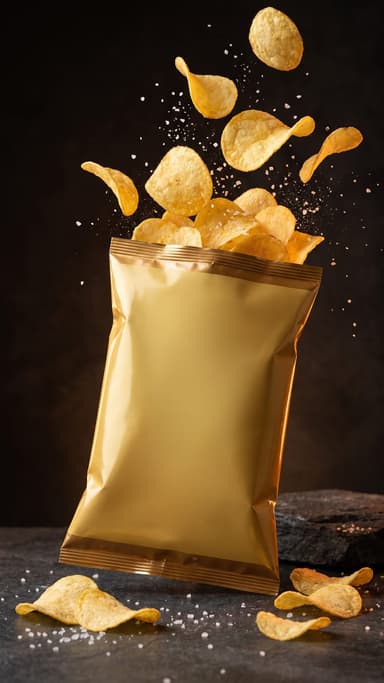 Product video from one photo: short ads for TikTok Shop, Reels and your store4 min read
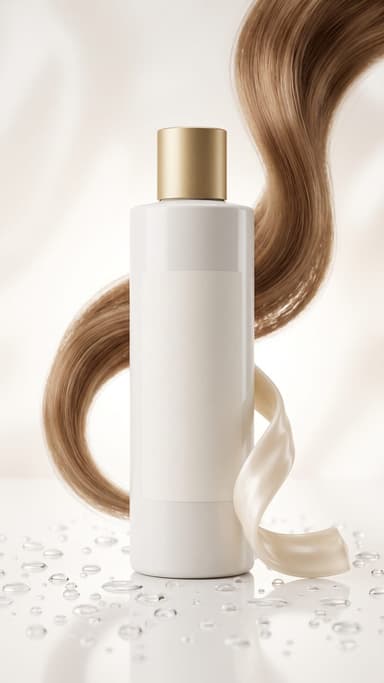 How to make an Etsy listing video from your product photos4 min read
 Christmas TikTok trends 2026: snow globes, tacky lights, matching PJs and more7 min read
 Best AI product video tools for small sellers in 20264 min read
- Best AI Christmas video apps in 2026: elf videos, snow globes and cards4 min read
Ready to make yours?
Add one photo and get the look from this guide.