Best AI Christmas video apps in 2026: elf videos, snow globes and cards
By Sebastian Ward, Reviews and comparisons editor · Updated · 4 min read
the short version
For Christmas videos with your own face, JibJab is the classic for dancing-elf cards, Dromana recreates realistic holiday scenes like snow globes, matching pajamas and reindeer rides from one photo, Canva is best for designed e-cards with text, and Hedra makes singing holiday characters. Start a week before you want to send, and keep everyone's permission in mind.
AI Photo to Video
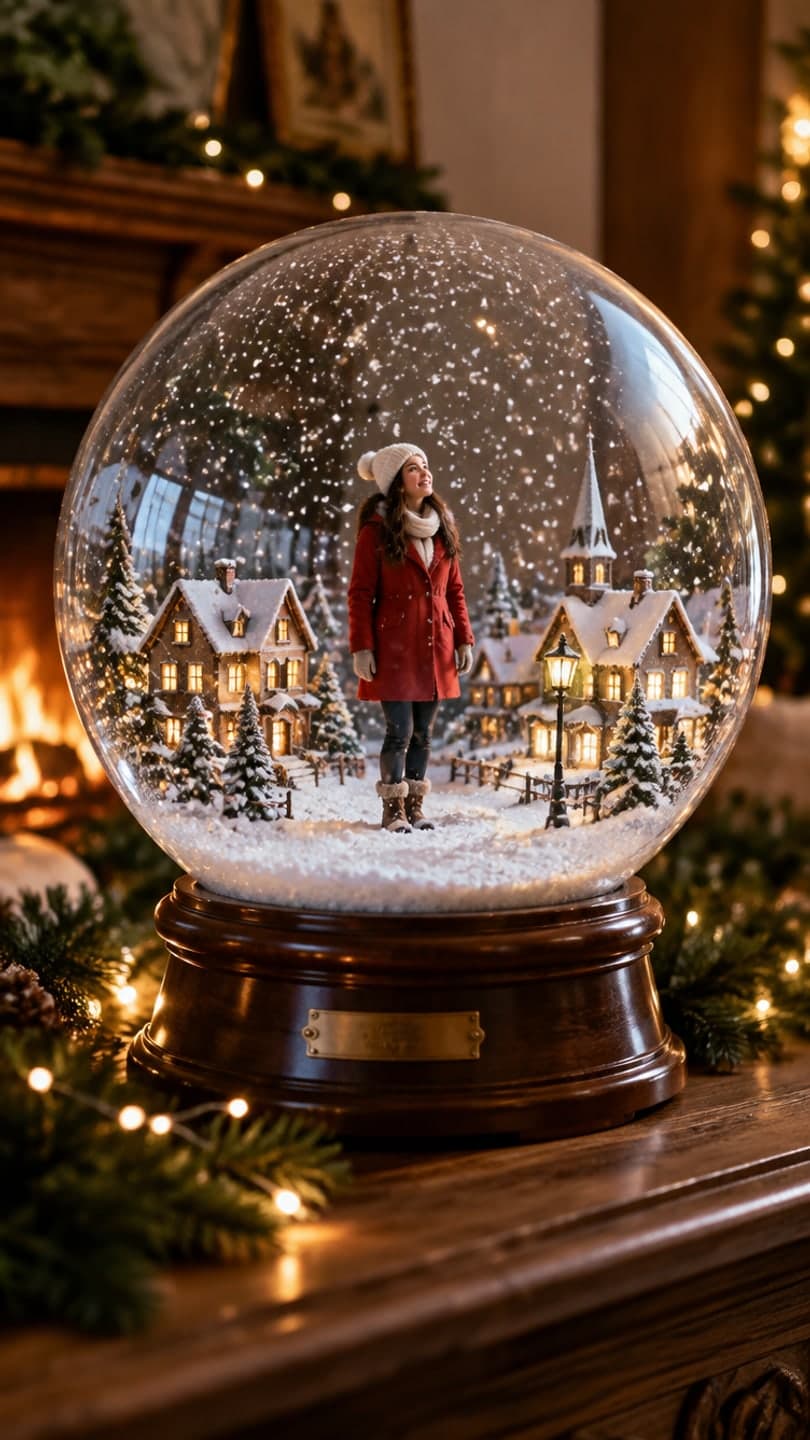 Snow globe
1 Pick a look · optional
We put you into this example — everything else stays as it is — then it moves like the example, at no extra cost.
Failed renders refund credits
What kinds of AI Christmas videos can I make?
Holiday AI videos have grown from novelty e-cards into something people actually post and send. The main formats are funny elf or dancing videos with friends' faces, realistic "you in a holiday scene" clips like a snow globe or a Christmas market, animated cards with a greeting, singing characters, and product ads for gift season. Each format has a different best tool.
Disclosure: Dromana is our product and appears in this list. We've pointed to other apps where they're the better fit.
Which AI Christmas video apps are best?
- JibJab: the long-running favorite for dancing-elf and funny holiday cards with friends' faces.
- Dromana: realistic holiday looks from one photo, like a snow globe, matching pajamas, reindeer ride, tacky lights house and elf workshop dance.
- Canva: designed e-cards and greeting videos with text, music and photo templates.
- Hedra: singing or talking holiday characters, lip-synced to a song or message you record.
- Higgsfield: holiday-themed effects and presets among a large library.
- Adobe Firefly: polished holiday visuals for brands, inside Adobe's apps.
Try this look on your own photo.
Make it with my photoWhich app is best for realistic holiday scenes?
If you want a clip that looks like a real moment rather than a cartoon card, use a scene-based tool. Dromana's holiday looks rebuild the example shot with you in it and keep your face and outfit:
- Snow globe: you inside a shaken glass globe on the mantel.
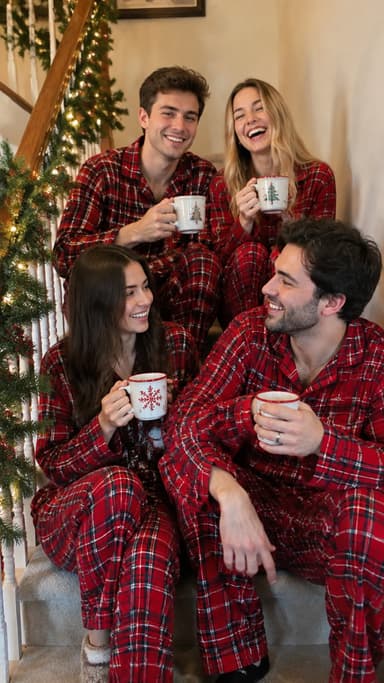
- Matching pajamas: friends or family in plaid on a garland staircase.
- Reindeer ride: a gallop through a snowy pine forest at dusk.
- Tacky lights house: a proud selfie in front of the loudest house on the street.
- Elf workshop dance: striped tights, pointed shoes and a goofy routine.
- Christmas market and holiday ice rink for winter-break posts.
Each holiday look video uses 70 credits, and a free account starts with 70, so your first one costs nothing. You can also describe your own holiday scene in AI Video.
Which app is best for a Christmas e-card?
For a card with a written greeting, names and music, a design tool like Canva is the easiest: pick a template, drop in your photo or AI clip, add text and send a link. JibJab remains popular for funny animated cards. A good combination is to make a realistic clip in Dromana, such as the snow globe, and then add the greeting in Canva. For still photo cards, see our Christmas card photo ideas.
Which app is best for holiday product videos?
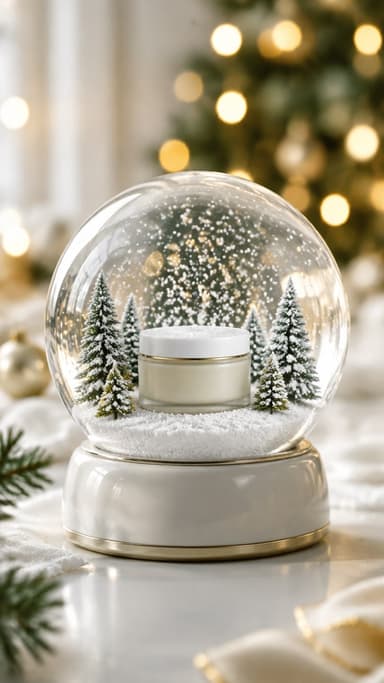
Sellers need lots of gift-season clips between mid-November and Christmas. Dromana's product looks keep your product's shape, label and color in holiday scenes like the product snow globe, gift unboxing, gift guide flat lay and holiday ornaments. Results made on a paid plan or with a bought credit pack can be used in listings and ads. Our TikTok Shop holiday videos guide has the calendar.
When should I make AI Christmas videos?
- Late November: product and gift-guide videos for Black Friday and early shoppers.
- Early December: fun formats like elf dances, tacky lights and snow globes.
- One week before you send: e-cards, so there's time to fix a face or a typo.
- The week before Christmas: personal clips like pajamas and Christmas morning.
Only use photos of people who are happy to be in an AI video, and label realistic AI clips when you post them. Our Christmas TikTok trends guide covers what's popular this year.
Questions people ask
What is the best app for AI Christmas videos?
JibJab for classic dancing-elf cards, Dromana for realistic holiday scenes with your face, Canva for designed e-cards.
How do I make an elf video with my face?
JibJab is the classic cartoon option; for a realistic version, Dromana's elf workshop dance look recreates the scene with you from one photo.
Can I put my family in a Christmas video?
Yes. Use a group photo with everyone's face visible, such as with the matching pajamas look, and ask everyone first.
Is there a free AI Christmas video app?
Most have a free tier. Dromana gives 70 credits on sign-up with no card, enough for one holiday look video.
Can I make a Christmas product video with AI?
Yes. Product looks like the snow globe and gift unboxing keep your product's shape, label and color.
When should I make my AI Christmas card?
About a week before you plan to send it, so there's time to retake anything that isn't quite right.
Effects from this guide
 Make a photo moveUpload one photo, get a 5-second video in a minute or two: a smile, a head turn, wind in the trees, waves rolling in. Works on portraits and landscapes, free to try.
 Product photo to videoTurn one product photo into a short ad clip: splashes, slow-motion bursts, ice and creator-style reviews, with your label kept as it is. 70 free credits to start.
Keep reading
 Christmas TikTok trends 2026: snow globes, tacky lights, matching PJs and more7 min read
 Christmas card photo ideas for families, couples, friends and pets4 min read
 TikTok Shop holiday videos: product video ideas from Black Friday to Christmas5 min read
 Christmas photoshoot ideas: 30 cozy, glam and funny looks5 min read
 Best AI Halloween video apps in 2026: costumes, scares and spooky effects4 min read
Ready to make yours?
Add one photo and get the look from this guide.