Best AI Halloween video apps in 2026: costumes, scares and spooky effects
By Sebastian Ward, Reviews and comparisons editor · Updated · 4 min read
the short version
For Halloween, Dromana is the quickest way to put yourself into a realistic costume or spooky trend scene from one photo, like a witch, a ghost bride or the costume reveal walk. Higgsfield and Pika add horror effects and transformations, Hedra makes talking monsters, JibJab does funny e-cards, Lensa and Remini make costume portraits, and Canva makes party invites.
AI Photo to Video
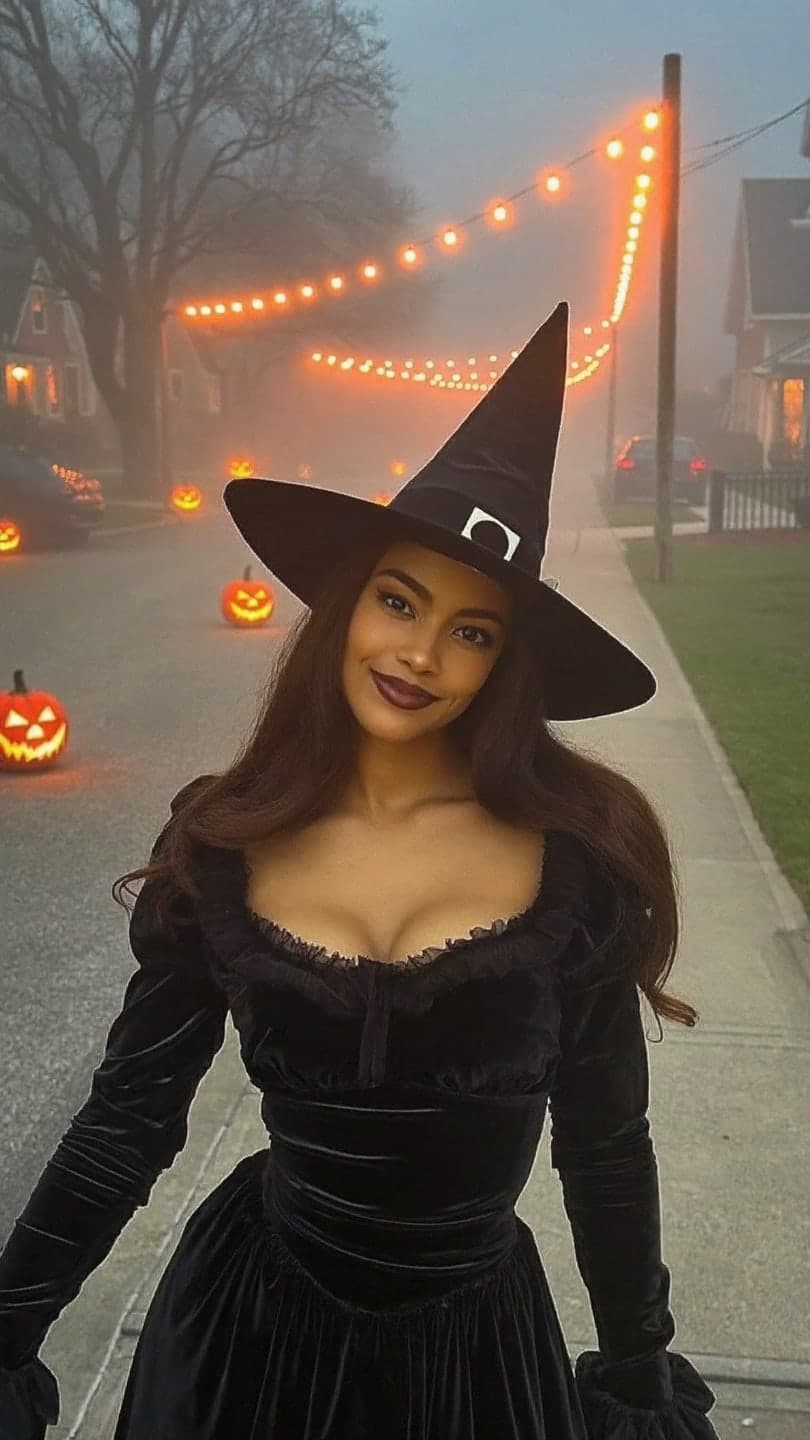 Halloween witch
1 Pick a look · optional
We put you into this example — everything else stays as it is — then it moves like the example, at no extra cost.
Failed renders refund credits
What can I make for Halloween with AI?
Halloween is the one season where people actively want to look like someone else, which makes it perfect for AI. The most popular uses are previewing a costume on your own face before buying it, making clips for TikTok and Reels trends, spooky edits with jump scares or transformations, party invitations and funny e-cards to send to friends.
To be transparent: Dromana is our product and appears below. Each tool is placed by what it does best.
Which AI Halloween video apps are best?
- Dromana: realistic costume and spooky scenes from one photo, such as a Halloween witch, vampire night, ghost bride and haunted hallway.
- Higgsfield: horror transformations and dramatic camera effects among its presets.
- Pika: playful creepy effects, like things melting or exploding, for memes.
- Hedra: talking or singing monsters and characters lip-synced to your audio.
- JibJab: funny Halloween e-cards with friends' faces.
- Lensa and Remini: AI costume portraits for profile pictures.
- Canva: party invitations and spooky story templates.
Try this look on your own photo.
Make it with my photoWhich app is best for trying a costume on my face?
If the goal is to see a costume on you, realistic and in a believable setting, use a tool that recreates you in the scene. Dromana's Halloween looks do this from one clear selfie and then make the scene move. The Halloween witch, vampire night, ghost bride and costume reveal walk are the most popular this year. For a still preview of any costume idea, upload a selfie to AI Image and describe it; each image uses 10 credits.
Our Halloween costume ideas you can try on a selfie guide has ready-to-paste prompts for dozens of costumes.
Which app is best for spooky TikTok trends?
This year's biggest Halloween formats are the costume reveal walk, the pumpkin head illusion, skull makeup transitions and the "my decoration is alive" gag. Dromana has a look for each: pumpkin head illusion, skull glam makeup and my decoration is alive, plus cinematic ones like broomstick flight. A look video uses 70 credits, and new accounts get 70 free credits with no card. Our Halloween TikTok trends guide explains how each trend works and when to post.
Which app is best for scares and transformations?
For a dramatic monster transformation or a jump-scare edit, effect-first tools like Higgsfield and Pika are built for spectacle. For something eerie but realistic, a slow scene works better than a cartoonish effect: the haunted hallway with flickering lights or the ghost bride in a misty forest. Keep anything you post free of gore if you want it to stay on the For You page.
Which app is best for Halloween invites and cards?
For a party invitation, Canva's templates are the fastest: add the date, address and dress code, and drop in a clip or photo. JibJab is still the classic for funny e-cards with friends' faces. A nice combination is a five-second clip of you in costume from Dromana as the invite's opening shot, with the details added in Canva.
Which AI Halloween app should I pick?
- A realistic costume or trend clip with your face: Dromana.
- A monster transformation or scare effect: Higgsfield or Pika.
- A talking or singing monster: Hedra.
- A funny e-card: JibJab.
- A costume profile picture: Lensa or Remini, or Dromana's AI Image.
- A party invitation: Canva.
Only use photos of friends who are happy to be in an AI clip, and label realistic AI content when you post.
Questions people ask
What is the best AI Halloween video app?
Dromana for realistic costume and trend clips from one photo; Higgsfield or Pika for horror effects; Hedra for talking monsters; JibJab for funny e-cards.
Which app lets me preview a costume on my own face?
Yes. Upload a clear selfie to a Halloween look or describe the costume in an AI image tool to see it on your face.
Which app does the costume reveal walk trend?
Dromana's costume reveal walk look recreates the low-angle walk and tilt-up reveal from one full-body photo.
Is there a free AI Halloween video app?
Most have free tiers. Dromana gives 70 credits on sign-up with no card, enough for one Halloween look video.
When should I post Halloween videos?
Between October 24 and 30. Halloween views drop sharply after October 31.
Can I make a Halloween party invite with AI?
Yes. Use a short costume clip as the opening shot and add the party details in a template tool like Canva.
Effects from this guide
 Make a photo moveUpload one photo, get a 5-second video in a minute or two: a smile, a head turn, wind in the trees, waves rolling in. Works on portraits and landscapes, free to try.
 Night out photo filterTurn an ordinary selfie into a night-out shot: hard flash, neon wash, dark background, sweat-and-glitter energy. Same face, new night. 70 free credits to start.
Keep reading
 Halloween TikTok trends 2026: what's blowing up and how to make each one9 min read
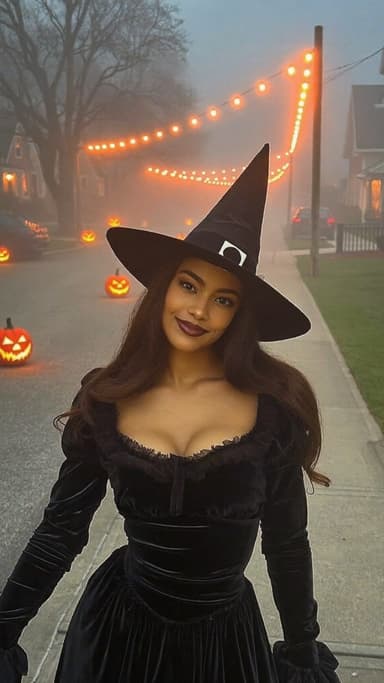 Halloween costume ideas you can try on a selfie first5 min read
 Best AI Christmas video apps in 2026: elf videos, snow globes and cards4 min read
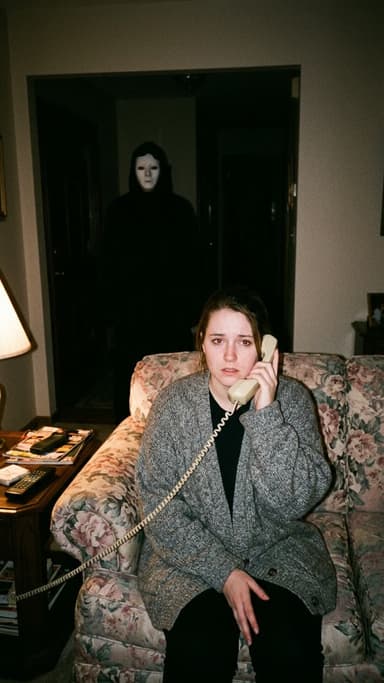 Halloween AI photo trends 2026: the late-night call, ghost besties, video store horror and more5 min read
 AI influencer photos from a selfie: shoot-free content that still looks like you4 min read
Ready to make yours?
Add one photo and get the look from this guide.