Animate real estate and rental photos — honest motion for real places
Dromana turns a listing, rental or hotel photo into a short video. Upload a room, view, pool or exterior, ask for a still or slowly gliding camera, and only what is really there moves: a fire in the fireplace, water in the pool, clouds over the roof. Horizontal or vertical, 5 to 10 seconds. Paid plans remove the watermark and allow commercial use.
AI Photo to Video
 Sky drift
1 Pick a look · optional
Describe what happens, in your own words. To change outfit or place, pick a look or switch on New outfit or scene.
Failed renders refund credits



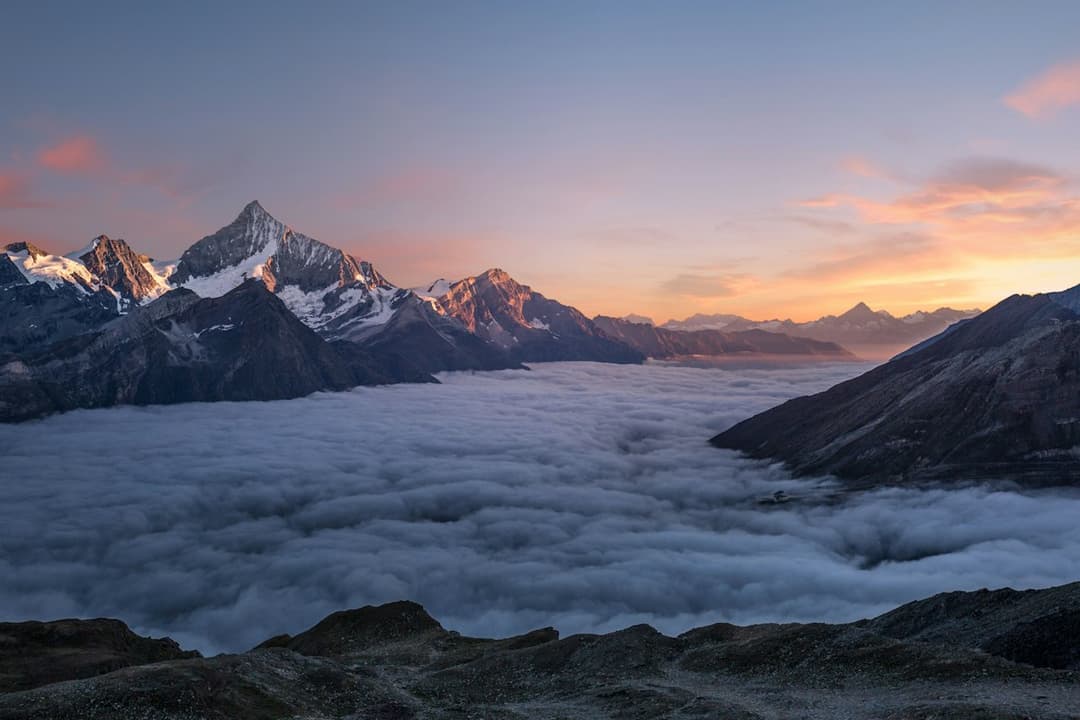

Examples made with Dromana. Tap one to start from that look.
How to use the animate real estate photos
Step 1
Upload a listing photo
A sharp JPG, PNG or WebP up to 8 MB: a living room, a view from the deck, a pool or the front of the house. Pick 16:9 for listing sites, 9:16 for Reels and TikTok.
Step 2
Describe real motion only
For example: “Completely stationary camera. The fire in the fireplace flickers; mist drifts over the hills outside. The room does not change.”
Step 3
Generate and download
Press Generate and download the MP4 for your listing, website or social posts.
Why a moving listing photo works
A still photo of a living room is easy to scroll past. The same photo with the fire flickering, curtains moving in a breeze or clouds drifting past the window stops the thumb and makes the place feel lived in. Short ambient clips like these suit listing galleries that accept video, social posts for a new listing, a rental's booking page and the hero of a hotel or cabin website.
Because you start from the photos you already have, there's no reshoot. One good exterior, one interior with a focal point and one view are enough for a three-clip teaser you can cut together in any editor.
Keep it honest
Animate what is there, and nothing else. A fire in a fireplace that really works, water in the pool, the actual view moving softly: fine. Adding a fireplace, a view, furniture or a pool that the property doesn't have misleads buyers and renters, and several places now have rules about AI-edited listing media. Our Terms don't allow using results to deceive people about what you sell.
Ask for the room to stay unchanged (“the room, furniture and windows do not change”) and check every clip before you post it. Where the platform or local rules ask for it, label the clip as AI-animated, and keep the original photo in the listing too.
Shots that animate well
Living rooms with a fireplace or candles, kitchens with steam from a kettle or a coffee cup, bedrooms with curtains and window light, decks and balconies with a view, pools and lakefronts with water, and exteriors with sky and trees. Twilight exteriors with lit windows are especially good with slow clouds and a gentle push-in.
Tight, cluttered rooms and photos with heavy wide-angle distortion are harder: the model may straighten or move lines you wanted fixed. Use the straightest, sharpest version of the photo you have.
Camera moves for property
For a calm, premium feel, keep the camera completely still and let one thing move. For a walkthrough feel, ask for a slow push-in toward a focal point such as the fireplace or the window, or a slow sideways glide across a deck. Keep camera moves slow and say that the walls and furniture stay in place, so straight lines stay straight.
If you want several angles of the same room, animate each photo separately and join the clips; that looks more natural than asking one photo to become a full tour.
Commercial use, quality and price
Clips made on a paid plan, or with credits you bought, can be used commercially in listings, ads and websites; plans also remove the watermark, which a listing should not carry. Starter is $10 a month for 900 credits, with the first month at $4.99 if you have never paid. A 5-second clip at 768p uses 70 credits; pick the 1080p model in the studio for listing-portal quality.
Tips for better results
- Use the straightest, sharpest version of each photo, ideally professionally shot.
- Choose 16:9 for listing sites and websites, 9:16 for Reels, TikTok and Stories.
- Name one focal point to move: the fire, the water, the sky or the curtains.
- Say “the room does not change” to keep walls, furniture and lines in place.
- Never add features the property doesn't have, and keep the original photos in the listing.
FAQ
Can I turn listing photos into a video?
Yes. Each photo becomes a short clip with natural motion, such as a flickering fire, rippling water or drifting clouds, with a still or slowly gliding camera. Join several clips in any editor for a teaser.
Is it allowed to use AI-animated photos in a listing?
Motion of things that are really there is generally fine, but adding features the property doesn't have is misleading, and some places regulate AI-edited listing media. Check your local rules and the platform's policy, and label the clip where required.
Can I use the videos commercially?
Yes, if you made them on a paid plan or with credits you bought. Results made only with free credits are for personal use. Plans also remove the watermark; Starter's first month is $4.99.
Will it change the room?
It shouldn't, if you ask for it to stay unchanged and keep the motion to one element. Always check each clip before posting; if a wall or piece of furniture shifts, try again with that named in the “does not change” list.
What size and length are the clips?
Horizontal 16:9 or vertical 9:16, 5, 8 or 10 seconds on Dromana at 768p, with a 1080p model and longer options in the studio. Clips are silent, so you can add music in your editor.
Can I try it before paying?
Yes. New accounts get 70 free credits, enough for one 5-second trie. Free results carry a watermark and are for personal use, so use them to test, then post the paid versions.
Only use photos you have the right to use. See our safety guidelines.