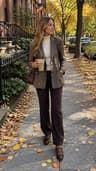
AI fashion portrait — an editorial photoshoot from one selfie
Dromana turns an everyday selfie into an editorial fashion portrait: quiet-luxury coats, street style at dusk, off-duty tailoring or magazine-cover studio light. Pick a look, upload one photo and get a styled portrait that keeps your face, with no photographer or studio needed. New accounts get 70 free credits.
AI Photo Restyle
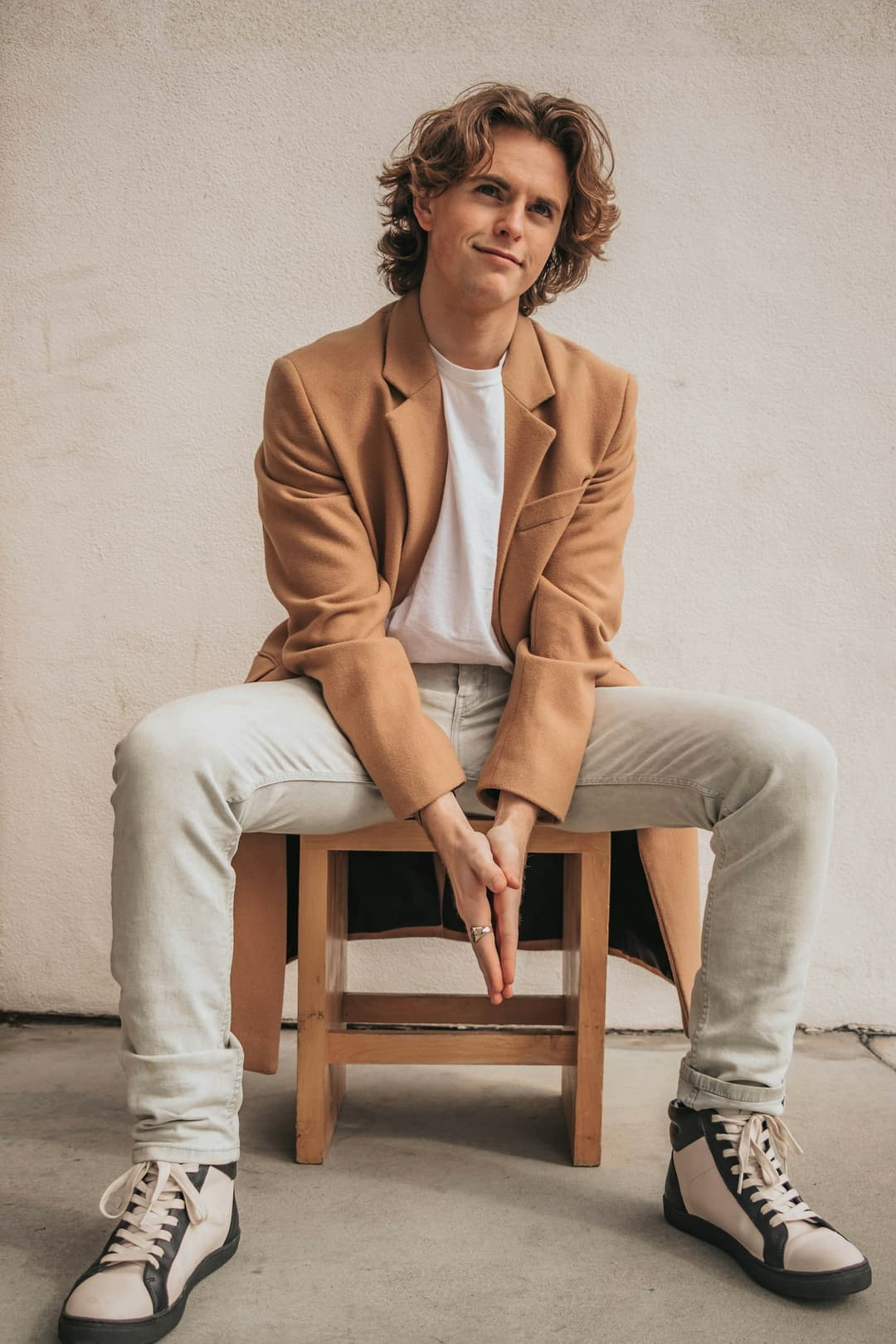 Camel coat
1 Pick a look · optional
Failed renders refund credits
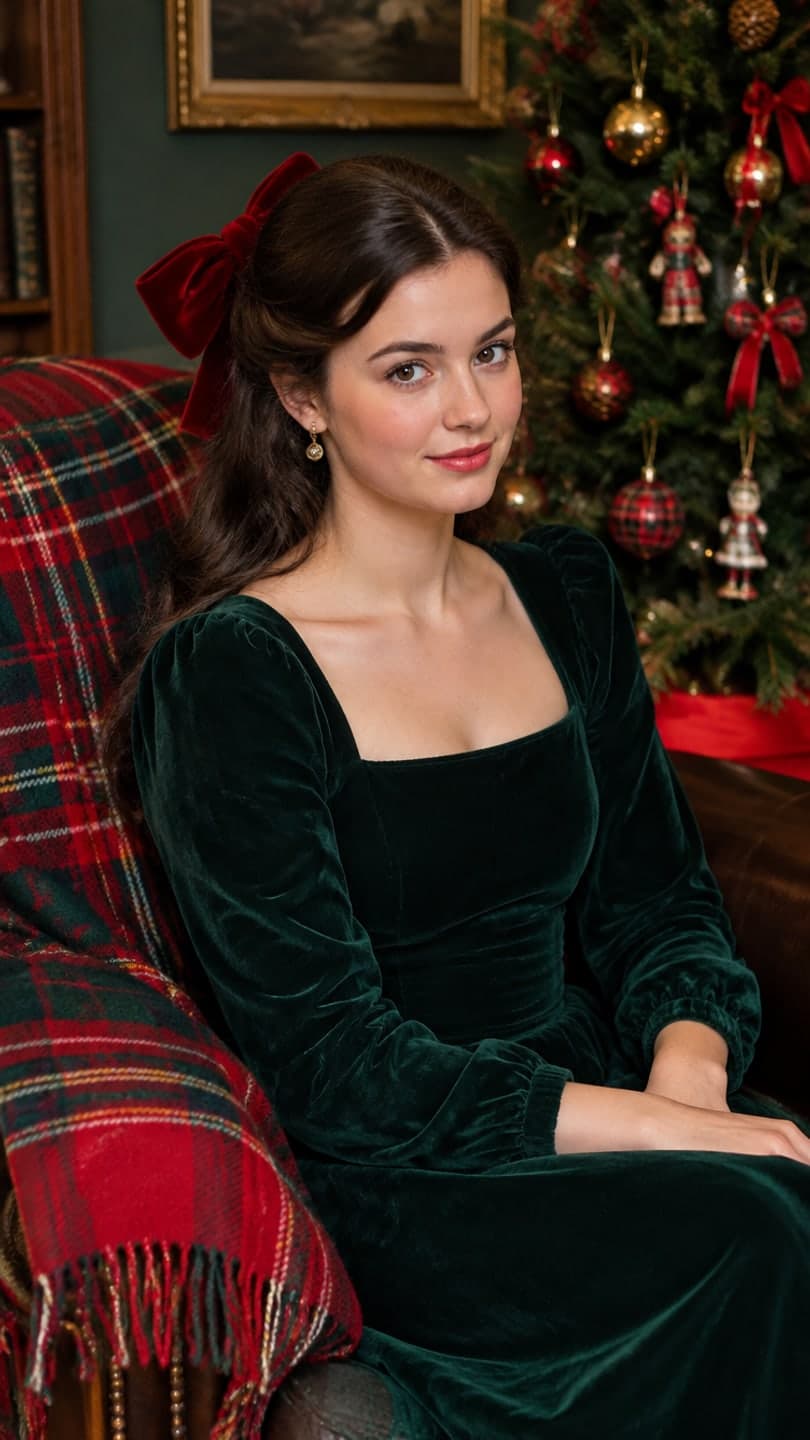
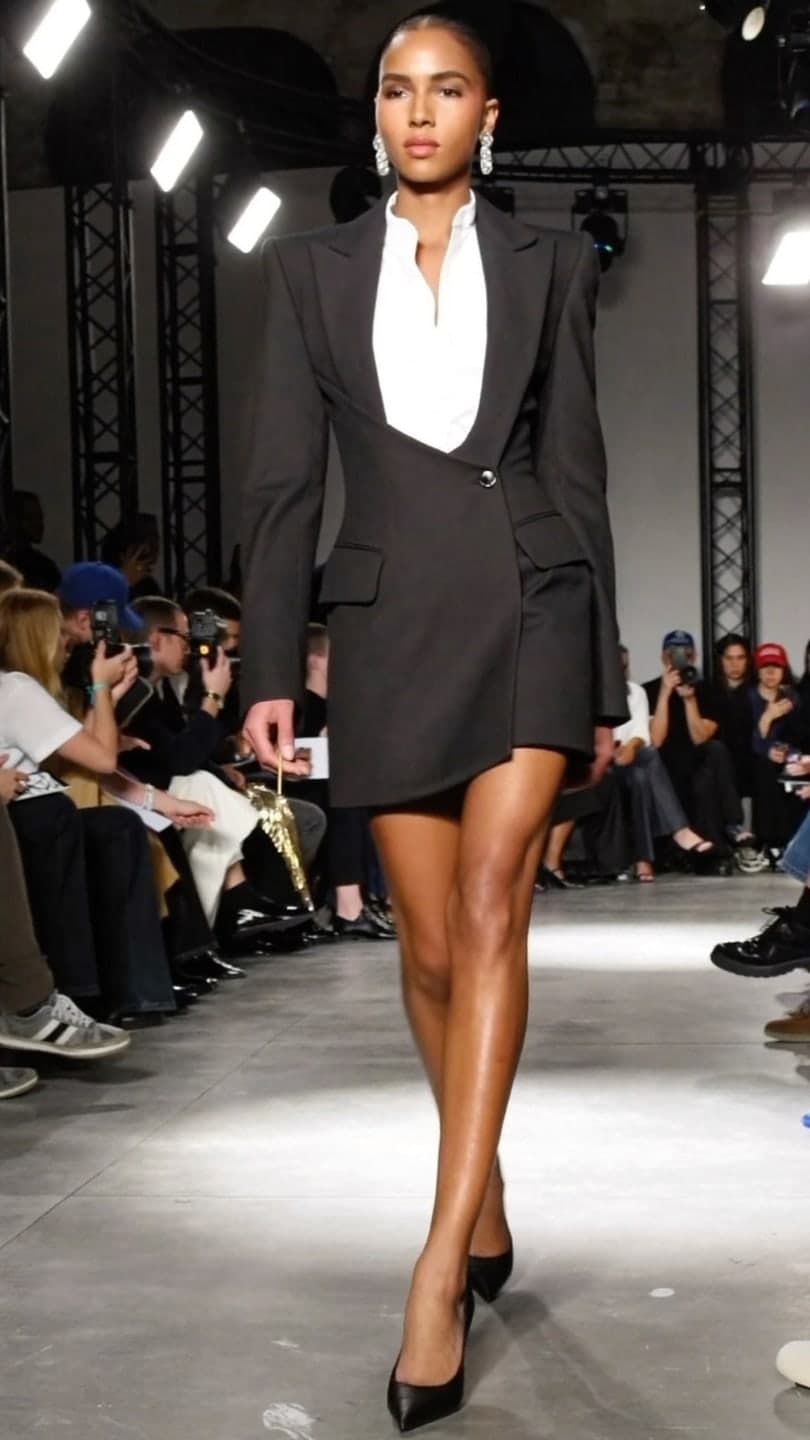
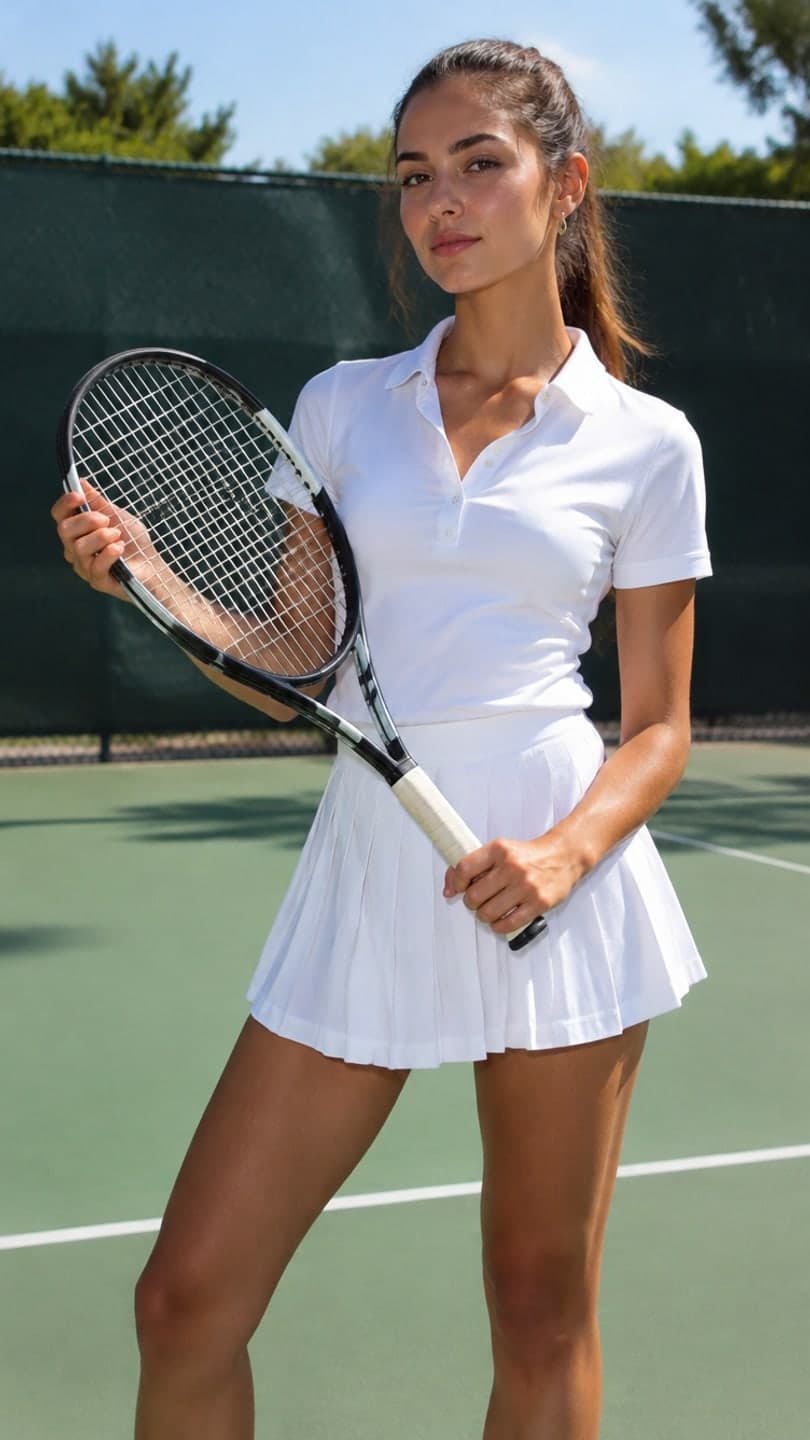
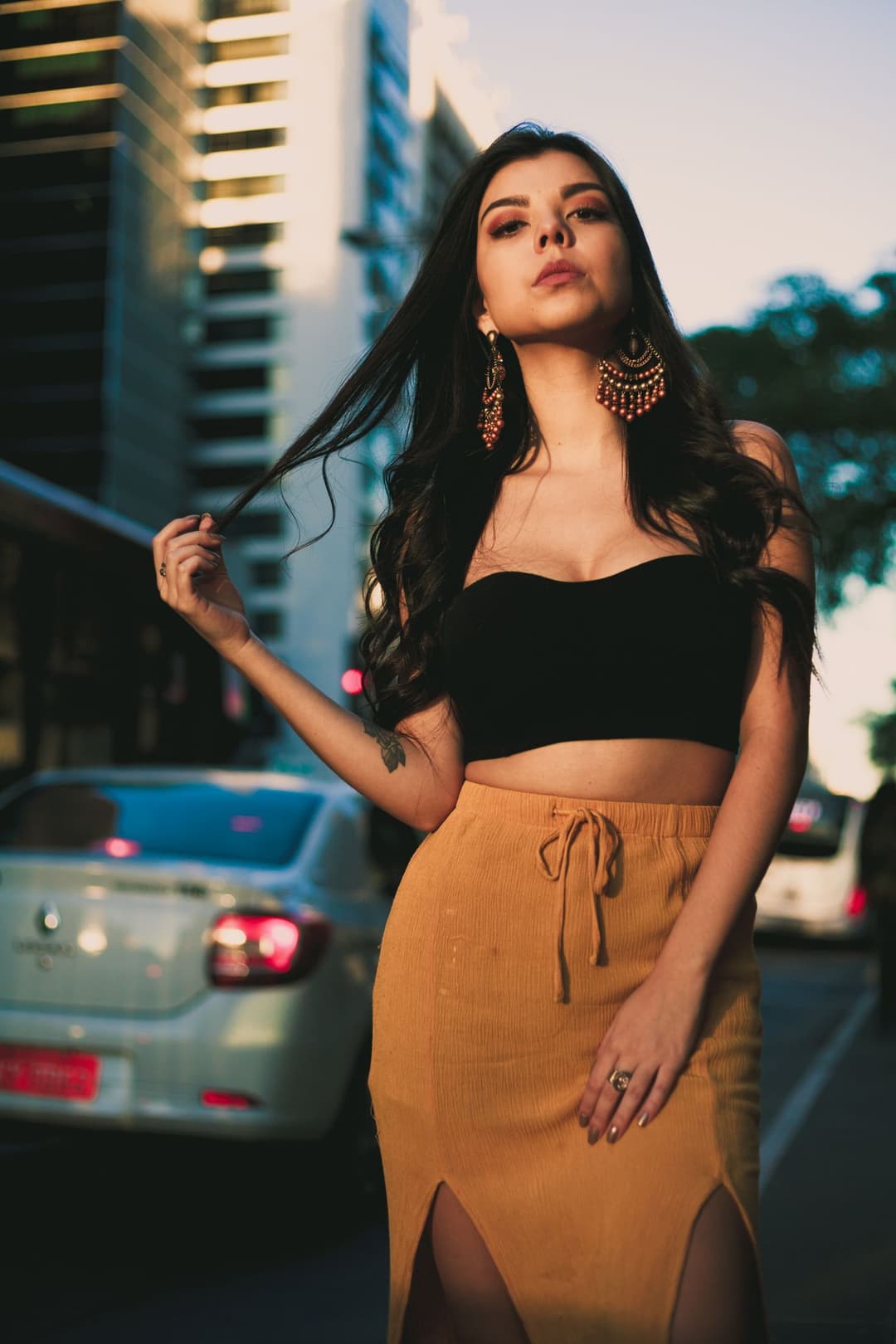
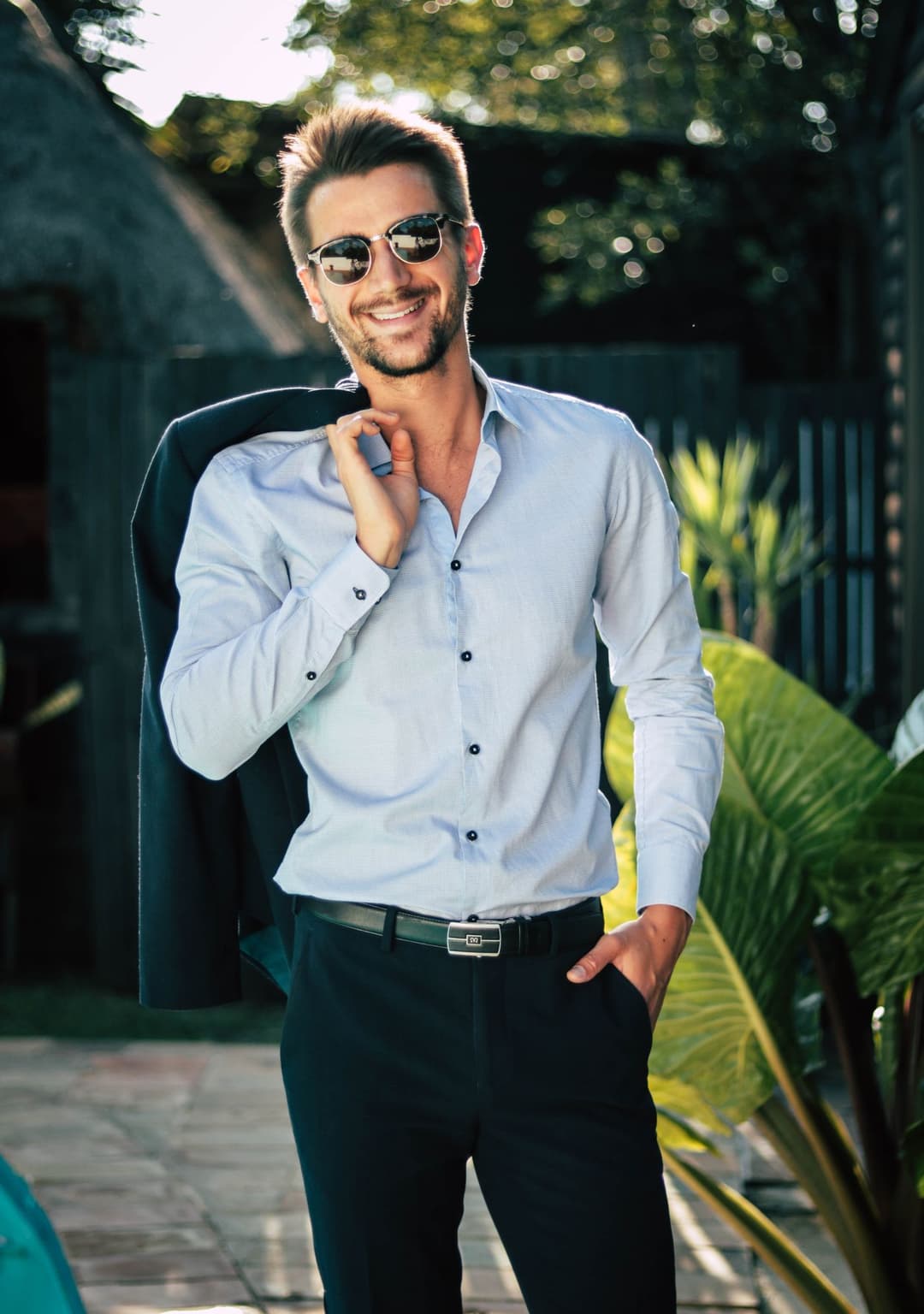
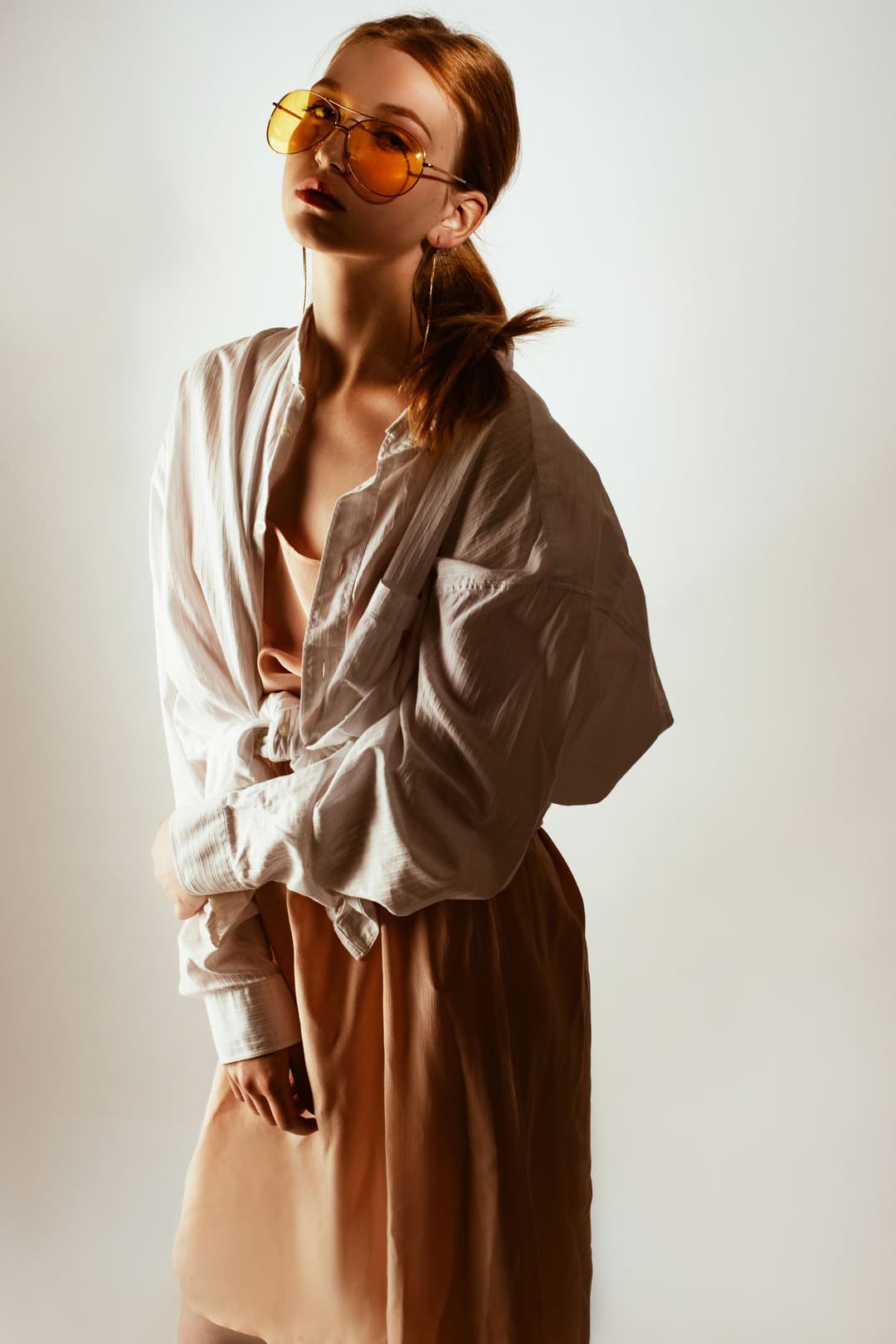
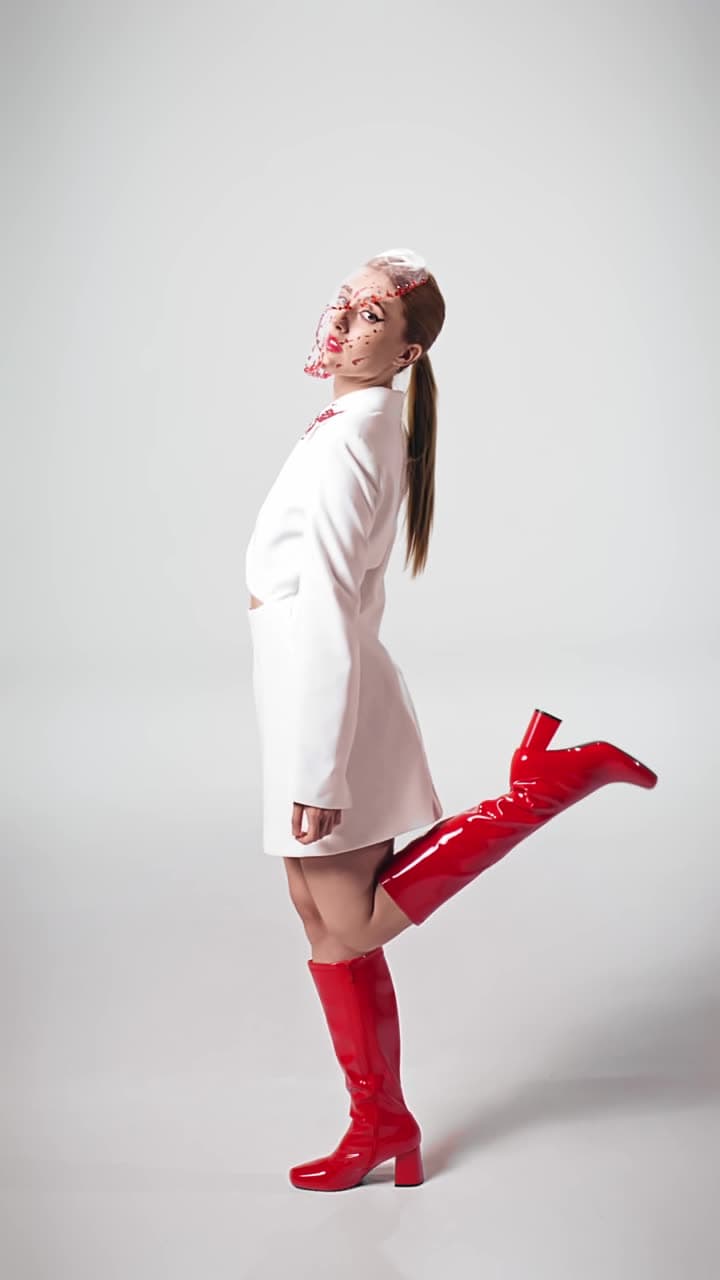
Examples made with Dromana. Tap one to start from that look.
How to use the ai fashion portrait
Step 1
Upload a photo
A clear JPG, PNG or WebP up to 8 MB. Full-body or waist-up shots show off the styling best.
Step 2
Choose an editorial look
Camel coat, Split hem, Off-duty suit or Wild gaze, or describe the outfit, light and setting you want.
Step 3
Generate
Sign in and press Generate. The included engine costs 10 credits; download it as a JPG.
Why editorial portraits look different
A fashion editorial isn't just nice clothes. It's deliberate light, a clear mood and a styled frame. Photographers use a hard key light for drama or soft window light for quiet luxury, pick a location that matches the outfit, and grade color so the whole image feels like one story.
The AI fashion portrait applies those choices to your photo: the lighting, the outfit direction, the setting and the color grade change together, while your face and general pose stay yours. It's a quick way to see yourself in a look before you buy it, or to make profile and portfolio images with more personality.
Editorial looks to start from
Camel coat is quiet luxury: a structured overcoat, white denim and calm, expensive-looking light. Split hem is street editorial at dusk with city cars behind. Off-duty suit gives relaxed tailoring a candid, after-hours feel. Wild gaze goes full magazine cover with an oversized shirt, amber shades and hard studio light.
Each one is a starting point. Change the prompt to swap colors, fabrics or places, and the look keeps the same editorial polish.
Make the outfit move
Fashion looks even better in motion. Bring your portrait into AI Video and use Outfit moves to get a 5-second clip where the pose shifts and the fabric moves, the kind of short loop that works on TikTok, Reels or a lookbook page.
Ideas to try with AI fashion portraits
Test a color direction before you shop by asking for the same look in camel, black and cream. Build a small capsule wardrobe mood board from one selfie, or give a creator profile a consistent editorial style across every platform. Stylists and small brands can sketch a shoot concept in minutes and share it with a photographer as a reference.
Tips for better results
- Full-body or waist-up photos give the outfit room to change.
- Stand against a simple background so the new setting reads cleanly.
- Name fabrics and colors: “cream wool coat, black turtleneck”.
- Pick the light on purpose: “hard studio flash” and “soft window light” give very different moods.
FAQ
Is the AI fashion portrait free?
Yes, to start. New accounts get 70 free credits; each portrait starts at 10 on the included engine. Free images have a small watermark, which a paid plan removes.
Will it change my face?
No, the looks keep your identity recognizable. They change the outfit direction, light, setting and color grade around you.
Can I choose the exact outfit?
You can describe it in the prompt: colors, fabrics and pieces. Results follow your description closely, though fine details like logos may vary.
Can I use these portraits on social media?
Yes, you can post what you make. Only use photos you have the right to use, and follow our safety guidelines.
Can the portrait become a video?
Yes. Upload it to AI Video and pick Outfit moves for a 5-second clip with natural movement.
Is this the same as a virtual try-on?
Not exactly. It shows you in a styling direction, with the kind of outfit, light and setting you describe, rather than fitting a specific product's exact size and cut.
Only use photos you have the right to use. See our safety guidelines.
Guides for this look
- Best AI influencer generators in 2026: virtual influencers, AI creators and you in every trendThe best AI influencer generators compared: virtual influencer characters, talking AI creators, AI actors for ads, and tools that put you into trend shots and videos.
- AI influencer photos from a selfie: shoot-free content that still looks like youHow to make influencer-style photos and short videos from one selfie: picking looks that fit your feed, keeping your face consistent, posting them and labelling AI.
- AI profile picture generator: make a PFP from one selfie that still looks like youMake an AI profile picture from one selfie: pick a style, keep your face, crop for the circle and use it on Instagram, TikTok, LinkedIn, X or Discord. Free to start.
- Christmas card photo ideas for families, couples, friends and petsChristmas card photo ideas that don't look stiff: matching pajamas, snowy walks, cozy couch shots, funny cards, and what to do when the family can't meet.