Animate water in a photo — waterfalls, waves, rivers and pools
Dromana makes the water in a photo move. Upload a waterfall, beach, river, lake or pool shot and describe the water: pouring, rolling in, flowing or rippling. Ask for a still camera and the rocks, sand, trees and buildings stay put while the water moves for 5 to 10 seconds, vertical or horizontal. New accounts get 70 free credits, enough for one clip.
AI Photo to Video
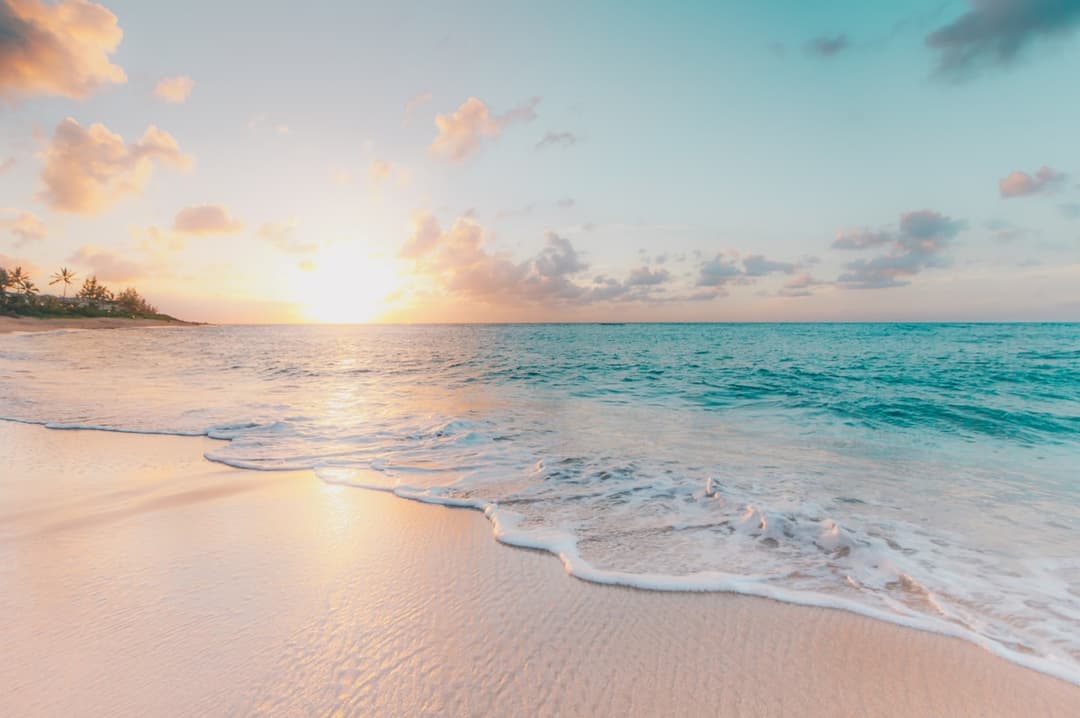 Coast drift
1 Pick a look · optional
Describe what happens, in your own words. To change outfit or place, pick a look or switch on New outfit or scene.
Failed renders refund credits

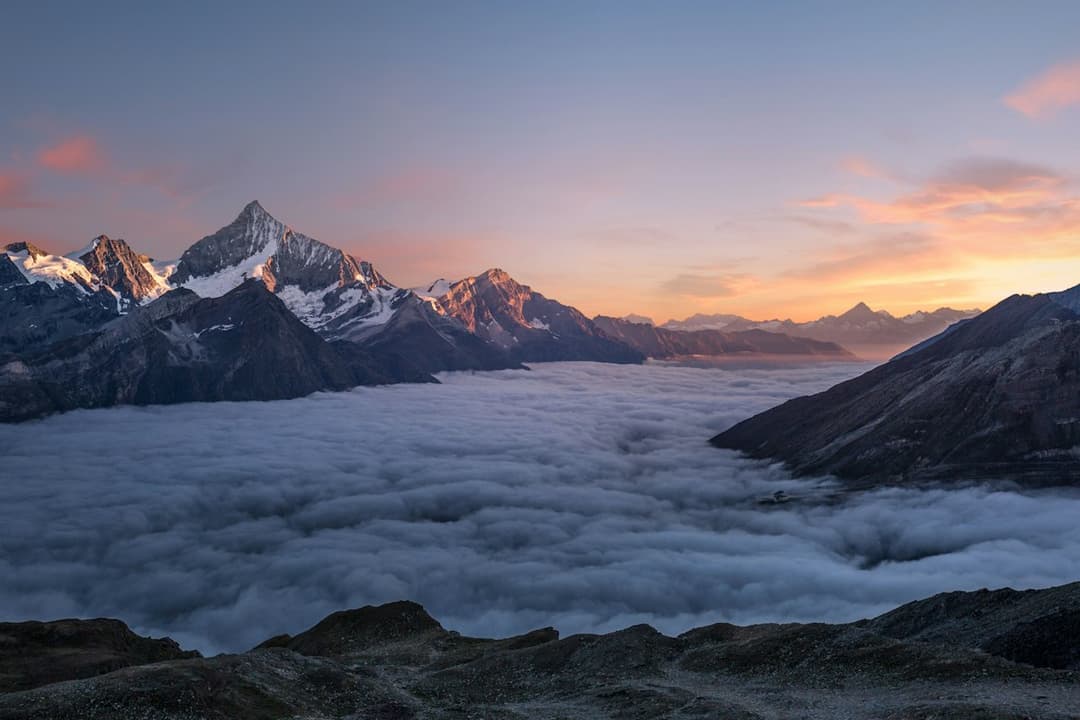
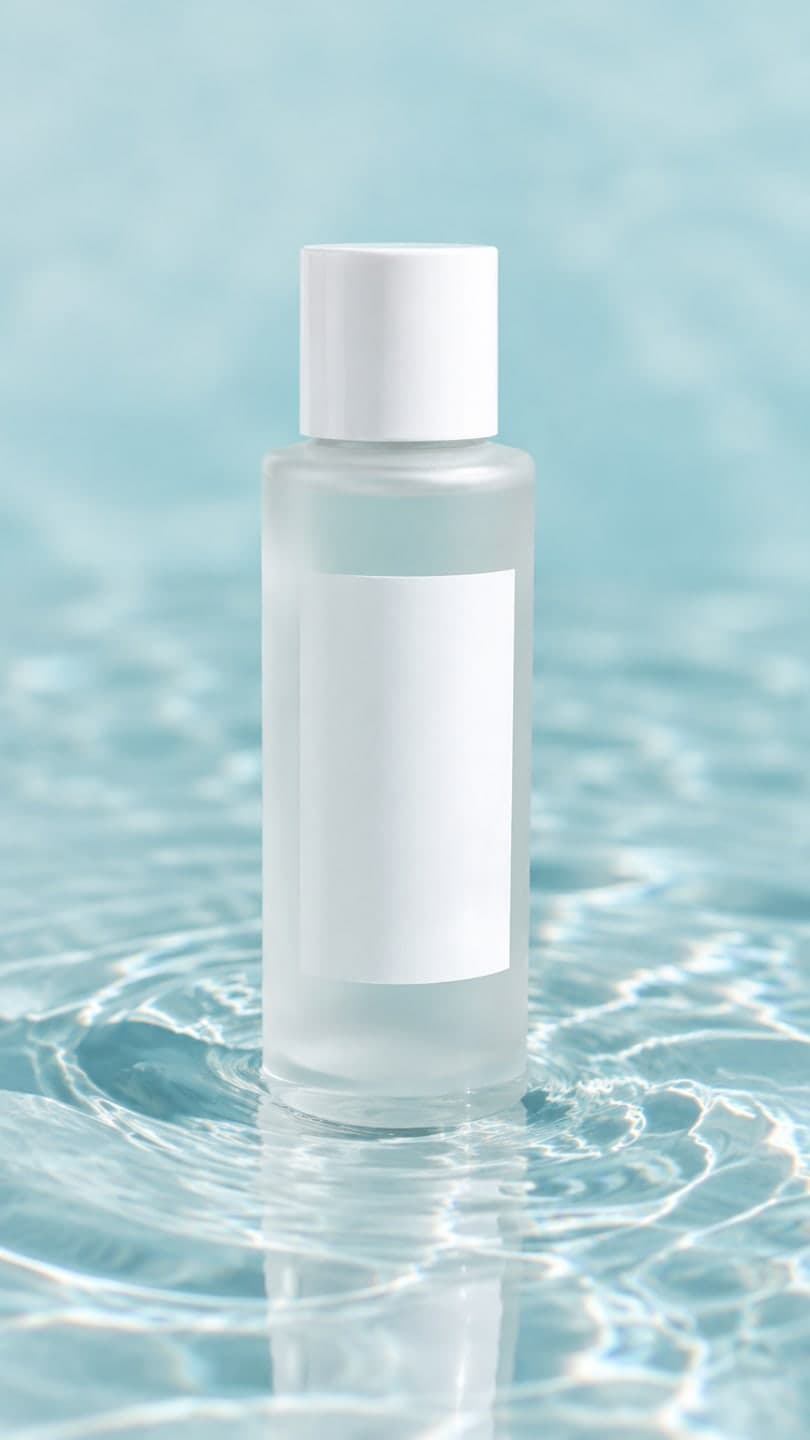
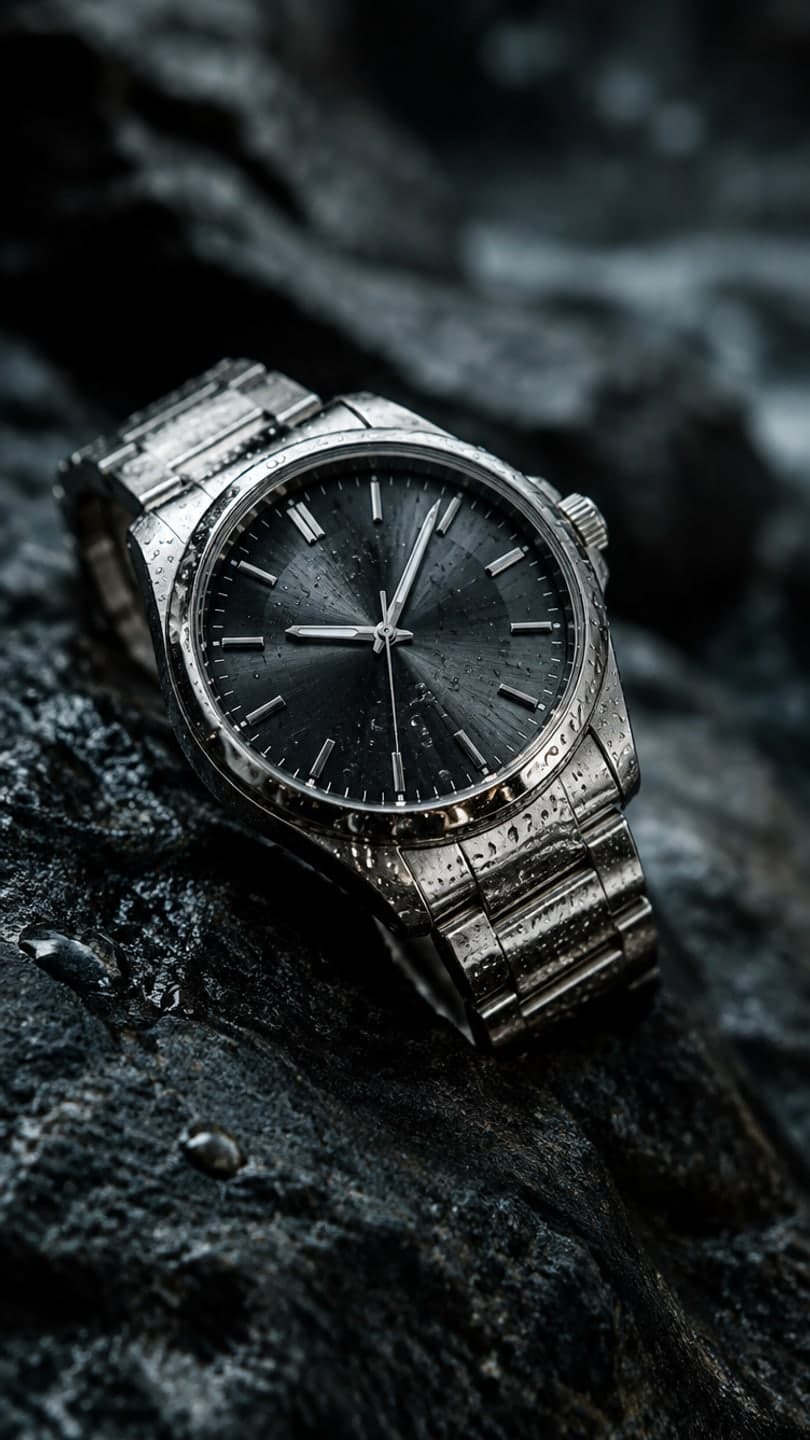
Examples made with Dromana. Tap one to start from that look.
How to use the animate water in a photo
Step 1
Upload a photo with water
A sharp JPG, PNG or WebP up to 8 MB: a waterfall, a coastline, a river, a lake, a fountain or a pool. Pick vertical or horizontal.
Step 2
Describe how the water moves
For example: “Locked-off camera. The waterfall pours and foams at the bottom; mist rises a little. The cliffs and trees do not move.”
Step 3
Generate the clip
Sign in and press Generate. The silent MP4 is usually ready in a minute or two.
Why water is the easiest thing to animate
Water is never still in real life, so a frozen wave or a waterfall stuck mid-fall looks unfinished. Give it motion and the photo suddenly reads as a moment. The model knows how each kind of water behaves: a waterfall pours and throws up spray, waves curl and wash up the sand, a river slides around rocks, a lake shivers in a breeze and a pool throws moving light on its walls.
Because water sits next to solid things, it's also the clearest case of selective motion. Rocks, cliffs, piers, sand and buildings give the model obvious edges to hold still, so you get a living picture rather than a scene that drifts.
Prompts for each kind of water
Waterfall: “Stationary camera. The waterfall pours steadily, white water foams at the base and a fine mist drifts up. The rock face stays still.” Ocean: “Fixed camera. Waves roll in slowly and wash up the sand, foam spreading; the cliffs and sky do not move.” River or stream: “Locked-off camera. The river flows from left to right around the rocks; the banks and trees stay still.”
Lake: “Static shot. Gentle ripples move across the lake and reflections shimmer; the mountains stay fixed.” Pool: “Completely stationary camera. The pool water ripples softly and light patterns move on the tiles; the deck and loungers stay still.” Fountain: “Camera does not move. Water arcs from the fountain and splashes into the basin; the square stays still.”
Getting it to look real
Match the motion to the photo. Calm water in the picture should ripple, not crash; a long-exposure waterfall that already looks silky wants a slow pour. Say the direction the water flows and how fast, and add one supporting detail at most, like mist at the base or foam on the sand. Ask for more and the model starts moving things that should stay solid.
Photos taken in good light with some texture on the water animate best. Very dark night shots and water hidden behind people give the model little to work with.
Where people use it
Travel recaps and Reels, calm backgrounds for music and study streams, screen savers, hotel and resort pages, outdoor brands and product shots with a splash or ripple. Results made on a paid plan or with bought credits can be used commercially, and plans remove the watermark; Starter's first month is $4.99 if you have never paid. For whole scenes with sky and trees, see animate landscape photos.
Length, loops and cost
Dromana renders 5, 8 or 10 seconds at 768p, 70 credits for five seconds, and the 1080p model in the studio adds detail to spray and foam. Water with a steady, even motion such as a waterfall or ripples loops well in an editor. Every model shows its price first, and a failed render refunds its credits.
Tips for better results
- Say the direction the water flows: “left to right”, “toward the camera”, “down the rock face”.
- Keep the camera stationary so the rocks and shoreline stay sharp.
- Match the speed to the photo: calm water ripples, rough water crashes.
- One supporting detail is enough: mist, foam or sparkle, not all three.
- For a loop, pick steady motion like a waterfall or ripples.
FAQ
Can I make a waterfall move in a photo?
Yes. Upload the photo, ask for a stationary camera and describe the waterfall pouring and foaming at the base. The rock face and trees stay still while the water moves.
Will the rocks, sand or buildings move too?
They should stay still if you say so: name them in the prompt as things that do not move, and keep the camera stationary. If something drifts, add it to that list and try again.
Does it work for pools and fountains?
Yes. Pool water ripples and throws moving light on the tiles, and fountains arc and splash into the basin. Keep the deck, furniture and square out of the motion.
Can I animate water for free?
Yes. New accounts get 70 free credits, enough for one 5-second clip at 768p, and 35 more each day you visit. Free clips carry a small watermark.
Can it loop?
Steady water such as a waterfall, a stream or ripples usually loops cleanly when you crossfade the end into the start in any video editor.
Is there sound?
No, clips are silent, so you can add the sound of the waves or the waterfall, or music, in your editor.
Only use photos you have the right to use. See our safety guidelines.