AI dance video from one photo: how to make yourself dance (and keep your face)
By Claire Ye, Editor-in-chief, AI imaging · Updated · 4 min read
the short version
To make an AI dance video from one photo, start with a sharp full-length shot of you standing in good light with space around you, then ask for a specific style of movement, such as a boy-band routine, a hip-sway street dance or a crowd bounce. Full-body photos with your face clearly visible keep your likeness best. Add a trending sound in the app before posting, since the clip comes back silent.
AI Photo to Video
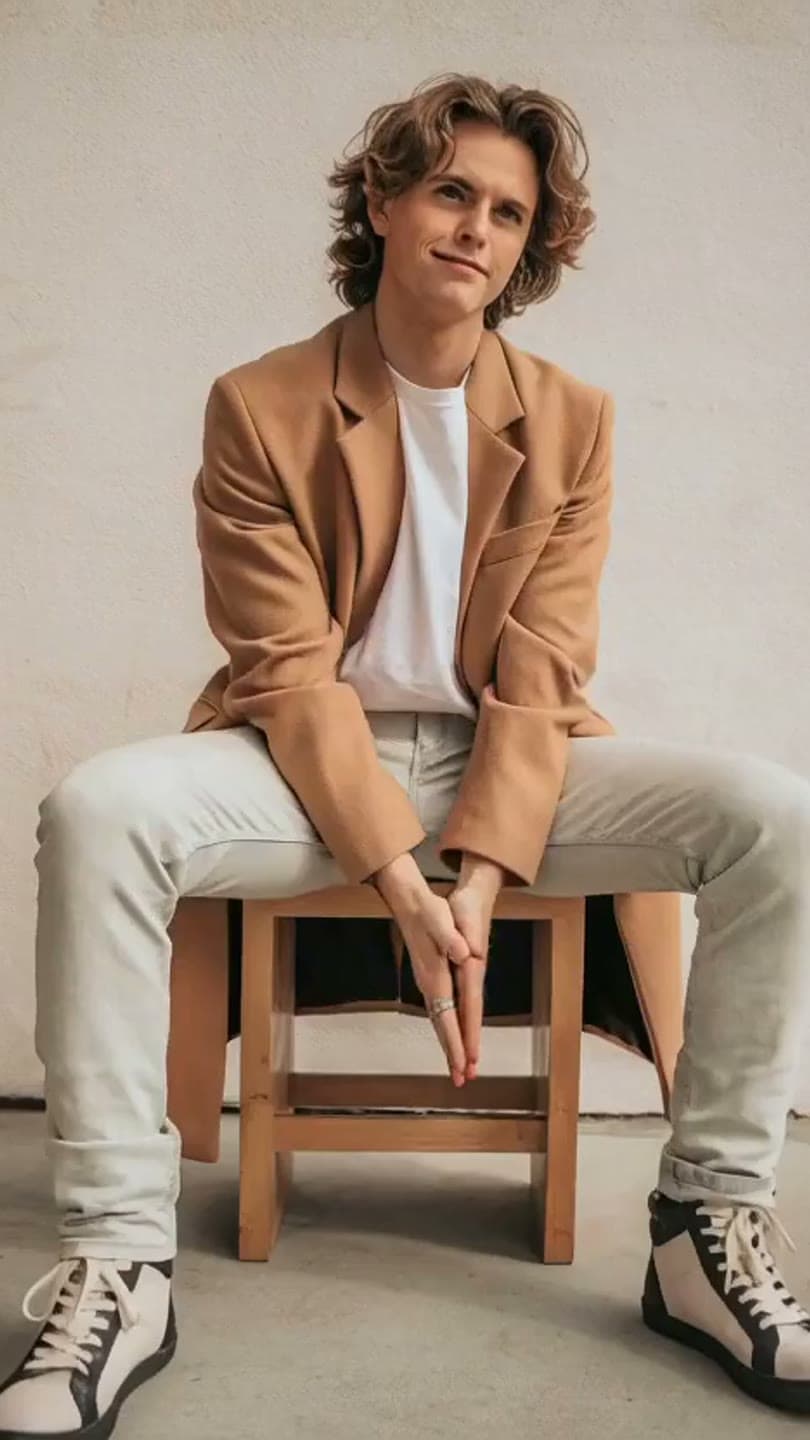 Boy-band dance
1 Pick a look · optional
We put you into this example — everything else stays as it is — then it moves like the example, at no extra cost.
Failed renders refund credits
How one photo becomes a dance
A dance clip from a still works by imagining the frames between your pose and a few seconds of movement. The model has to invent what your arms, legs and clothes do when they move, and it has to keep your face consistent while you turn. That's why the source photo decides most of the result.
Two newer dance looks are built for the trend format: hallway dance (solo routine, school lockers) and trio dance (three friends in unison). Start from one clear full-body photo.
Short clips, around five to ten seconds, hold together best. Longer routines drift: the face softens, clothes change shape, hands multiply. A punchy five-second move posted with a beat drop works better than a long one that falls apart.
- Big, simple moves read better than fast footwork: arm hits, spins and sways.
- A steady, full-length camera keeps the body in frame; fast zooms crop off hands and feet.
- One dancer per clip is the most reliable; two people in one frame can swap features.
The photo that dances well
Step 1
Full length, head to feet
Cropped legs or hands have to be invented, and invented limbs are where dance clips break.
Step 2
Space around you
Room on both sides and above your head for arms and spins.
Step 3
Face clear and lit
Looking at the camera or slightly to the side, no sunglasses, no hair across the eyes.
Step 4
Simple background
A plain wall, a quiet street or a studio. Crowds behind you can start moving with you.
Step 5
Clothes with shape
A jacket, a skirt or wide trousers show movement; tight black outfits can read as a blur.
Try this look on your own photo.
Make it with my photoDance styles to ask for
Name the style and two or three moves. Vague prompts like "dancing" give a generic sway.
- Boy-band routine: sharp arm hits, a spin, a jacket flying out.
- Street dance: hip sway, a spin, hair flying, golden-hour street behind.
- Crowd bounce: arms up, jumping with a festival crowd, flags waving.
- Disco: one arm raised, sequins flashing, the camera circling slowly.
- Slow sway: a gentle side-to-side with a smile, the safest option for close shots.
Ready-made versions of the first three are on the Looks page: the boy-band dance and street dance templates put you into a finished shot and then make it move, with no prompt needed.
Make it step by step
Step 1
Pick a look or start blank
Use a dance look to step into a finished outfit and setting, or open AI Video with your own photo.
Step 2
Describe the movement
For example: "breaks into a dance, sharp arm hits on the beat, one spin, camera steady at full length".
Step 3
Choose length and framing
Five seconds, vertical 9:16 for TikTok and Reels.
Step 4
Generate and check the face
If the face drifts, try a photo where your face is larger, or a calmer move.
New accounts get 70 free credits, enough for a first clip. Free clips carry a small dromana.app badge.
Post it so it lands
- Add a trending sound in TikTok or Instagram and line the beat drop up with the biggest move.
- Post the original photo first, then the dance, as a two-slide reveal.
- Turn on the AI-generated label; our guide to labeling AI content explains when it's required.
- Only animate photos of yourself, or of friends who have said yes.
Questions people ask
Can AI make a dance video from one photo?
Yes. Upload a full-length photo and describe the dance, or step into a ready-made dance template, and the AI animates you into a short clip of a few seconds.
What photo is best for an AI dance video?
A sharp, full-length photo with your whole body and face visible, good light, a simple background and space around you for arms and spins.
Why does my face change in AI dance videos?
Big turns and small faces make the model reinvent your features. Use a photo where your face is larger and clearer, keep the clip short, or choose a calmer move.
How long can an AI dance video be?
Five to ten seconds holds together best. Some engines go longer, but long routines drift more, so short, punchy clips post better.
Does the dance video have music?
No, clips come back silent. Add a trending sound in TikTok or Instagram before posting and time the biggest move to the beat.
Effects from this guide
 Make a photo moveUpload one photo, get a 5-second video in a minute or two: a smile, a head turn, wind in the trees, waves rolling in. Works on portraits and landscapes, free to try.
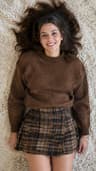 Outfit video from a photoTurn one outfit photo into a 5-second fit check video: a turn, a walk, fabric moving. No tripod, no filming. 70 free credits to start.
Keep reading
 What photos work best for AI video? The pre-upload checklist4 min read
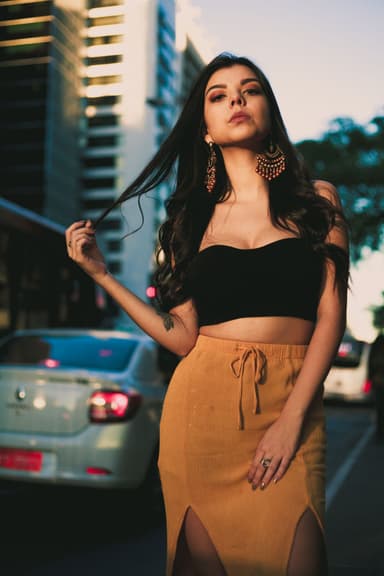 40 image-to-video prompts that actually work4 min read
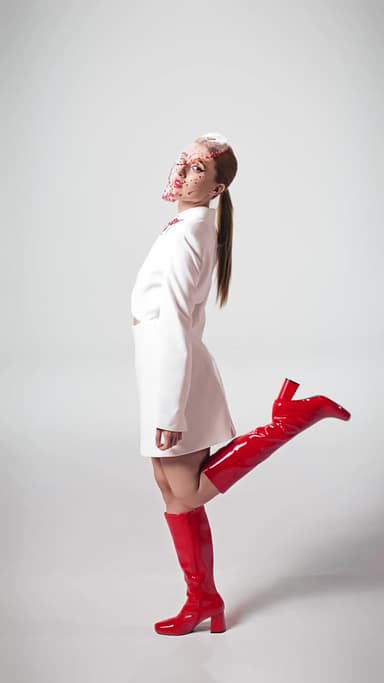 How to make a fit check video from just photos4 min read
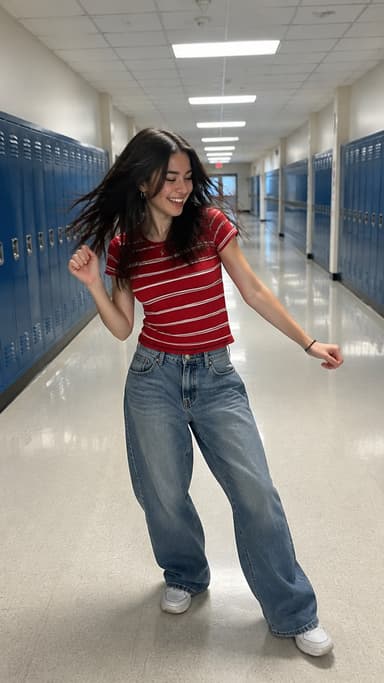 Best AI dance video apps in 2026: make anyone dance from a photo4 min read
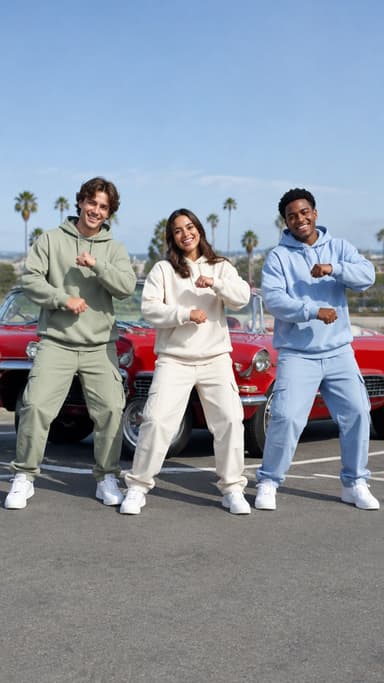 Viggle alternatives: 6 AI apps for dance and motion videos4 min read
Ready to make yours?
Add one photo and get the look from this guide.