Viggle alternatives: 6 AI apps for dance and motion videos
By Sebastian Ward, Reviews and comparisons editor · Updated · 4 min read
the short version
Viggle is the go-to for copying a dance onto the person in your photo, but its results can look stylized and it's built around motion templates. Alternatives: DomoAI for motion transfer with anime and art styles, Dromana for realistic dance trends where you look like yourself, Higgsfield for dance presets among many effects, Pika for playful movement, and Hedra for singing characters.
AI Photo to Video
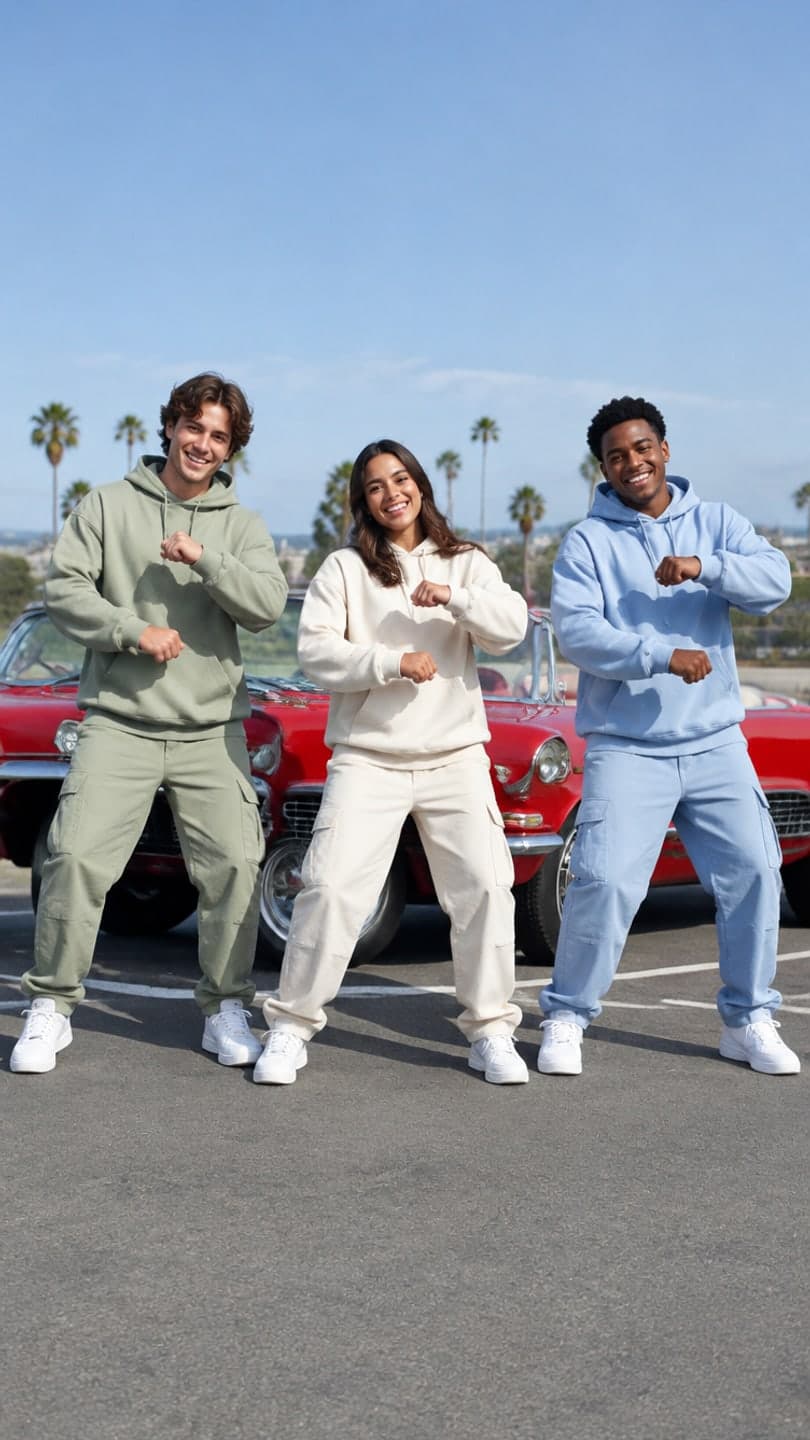 Trio dance
1 Pick a look · optional
We put you into this example — everything else stays as it is — then it moves like the example, at no extra cost.
Failed renders refund credits
Why do people look for a Viggle alternative?
Viggle made motion transfer mainstream: you pick or upload a dance, add a photo, and the person in the photo performs the moves. It's behind a huge share of meme dance edits, and for exact choreography it's still one of the best options. The usual reasons to look elsewhere are realism (a realistic background and lighting rather than a cut-out look), wanting the person to stay recognizable in their own outfit, or needing formats beyond dance.
We should say upfront that Dromana is our product and that it works differently from Viggle; we've noted where Viggle remains the better tool.
What are the best Viggle alternatives?
- DomoAI: motion transfer and video restyling, strong for anime and art-style dance edits.
- Dromana: realistic dance trend looks recreated with you in them, from one photo.
- Higgsfield: dance-style presets and dynamic camera moves inside a large effects library.
- Pika: quick, playful movement effects for memes and reactions.
- Hedra: singing and talking characters lip-synced to your audio, great alongside dance clips.
- Runway: video-to-video restyling when you've filmed a dance yourself and want a new look.
Try this look on your own photo.
Make it with my photoWhich alternative looks the most realistic?
Scene-based tools tend to look more like real phone footage, because they generate the whole shot, light and background included, instead of animating a cut-out of you over a backdrop. Dromana's dance looks are built this way: the hallway dance by the school lockers, the trio dance with three friends in unison, the office happy dance and the street dance. You keep your face and outfit from the photo, and the clip moves like the trend.
- The trade-off: you get the trend's energy and framing, not the exact steps of a specific song.
- A look video uses 70 credits; new accounts start with 70 free credits, no card.
- Clips are silent, so you can use the dance's original sound in TikTok.
Which alternative copies dance moves most exactly?
If the exact routine is the point, stay with motion transfer: Viggle itself or DomoAI. Both follow a reference movement closely. Results are cleanest with clear, big moves and a full-body photo where your arms are slightly away from your body. If you've filmed the dance yourself and just want a new style on it, video-to-video restyling in Runway or DomoAI keeps your real choreography.
Which alternative is best for group dances?
Group dances are harder for motion transfer, because every person needs to be mapped to the moves. Scene looks handle groups as one shot: the trio dance and the slow-mo squad walk both start from one group photo where everyone's face is visible. Only use photos of friends who are happy to be in an AI clip.
Which Viggle alternative should I pick?
- Exact meme choreography in an anime or art style: DomoAI.
- A realistic trend dance where you look like yourself: Dromana.
- Dance presets alongside many other effects: Higgsfield.
- A quick silly movement for a meme: Pika.
- A singing character to pair with the dance: Hedra.
- Restyling a dance you filmed yourself: Runway.
Our full ranking of the best AI dance video apps explains the two technologies in more detail, and the AI dance video from a photo guide covers prompts and photos. Ready to try? Pick a dance on the looks page, or make any photo move with your own direction on make a photo move.
Questions people ask
What is the best Viggle alternative?
For exact moves in a stylized look, DomoAI; for a realistic dance trend that keeps your face and outfit, Dromana.
Is there a free Viggle alternative?
Most have free tiers. Dromana gives 70 credits on sign-up with no card, enough for one dance look video.
Does Dromana copy exact dance moves like Viggle?
No. Dromana recreates the trend's shot and dance energy in a realistic scene; for exact steps, use a motion-transfer app.
Which Viggle alternative is best for group dances?
Scene looks that start from one group photo, such as Dromana's trio dance, handle several people in one shot.
What photo works best in dance apps?
A full-body photo with space around you, facing the camera, arms slightly away from the body, in even light.
Can I post AI dance videos on TikTok?
Yes. Add the dance's original sound in TikTok and turn on the AI-generated label for realistic clips.
Effects from this guide
 Make a photo moveUpload one photo, get a 5-second video in a minute or two: a smile, a head turn, wind in the trees, waves rolling in. Works on portraits and landscapes, free to try.
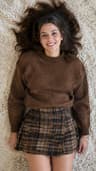 Outfit video from a photoTurn one outfit photo into a 5-second fit check video: a turn, a walk, fabric moving. No tripod, no filming. 70 free credits to start.
Keep reading
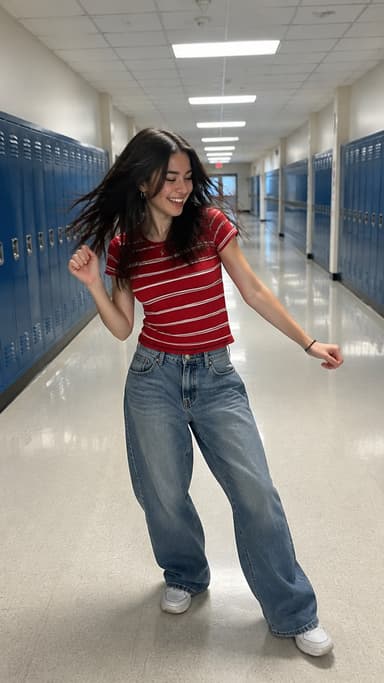 Best AI dance video apps in 2026: make anyone dance from a photo4 min read
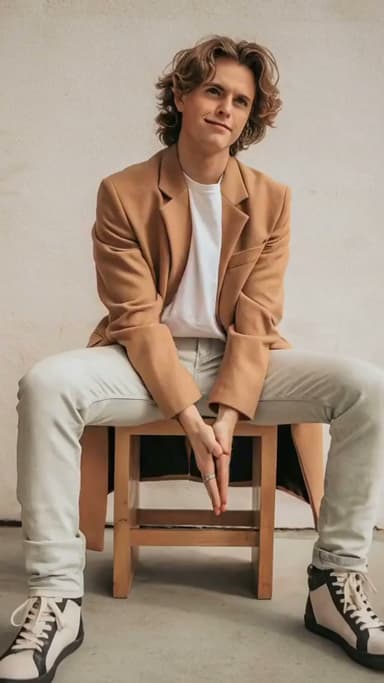 AI dance video from one photo: how to make yourself dance (and keep your face)4 min read
 Pika alternatives: 7 AI video tools for effects, trends and memes4 min read
 Hedra alternatives: 6 tools for talking avatars and character videos4 min read
- Viral AI video effects explained: bullet time, rides, snow globes and more6 min read
Ready to make yours?
Add one photo and get the look from this guide.