Pika alternatives: 7 AI video tools for effects, trends and memes
By Sebastian Ward, Reviews and comparisons editor · Updated · 4 min read
the short version
Pika is great for quick, playful effects, but it isn't the best fit for every clip. If you want to put yourself into a trending scene from one photo, try Dromana. For more effect presets, Higgsfield. For dance and motion memes, Viggle. For cinematic realism, Luma Dream Machine or Runway. For talking characters, Hedra. For finished branded posts, Canva.
AI Photo to Video
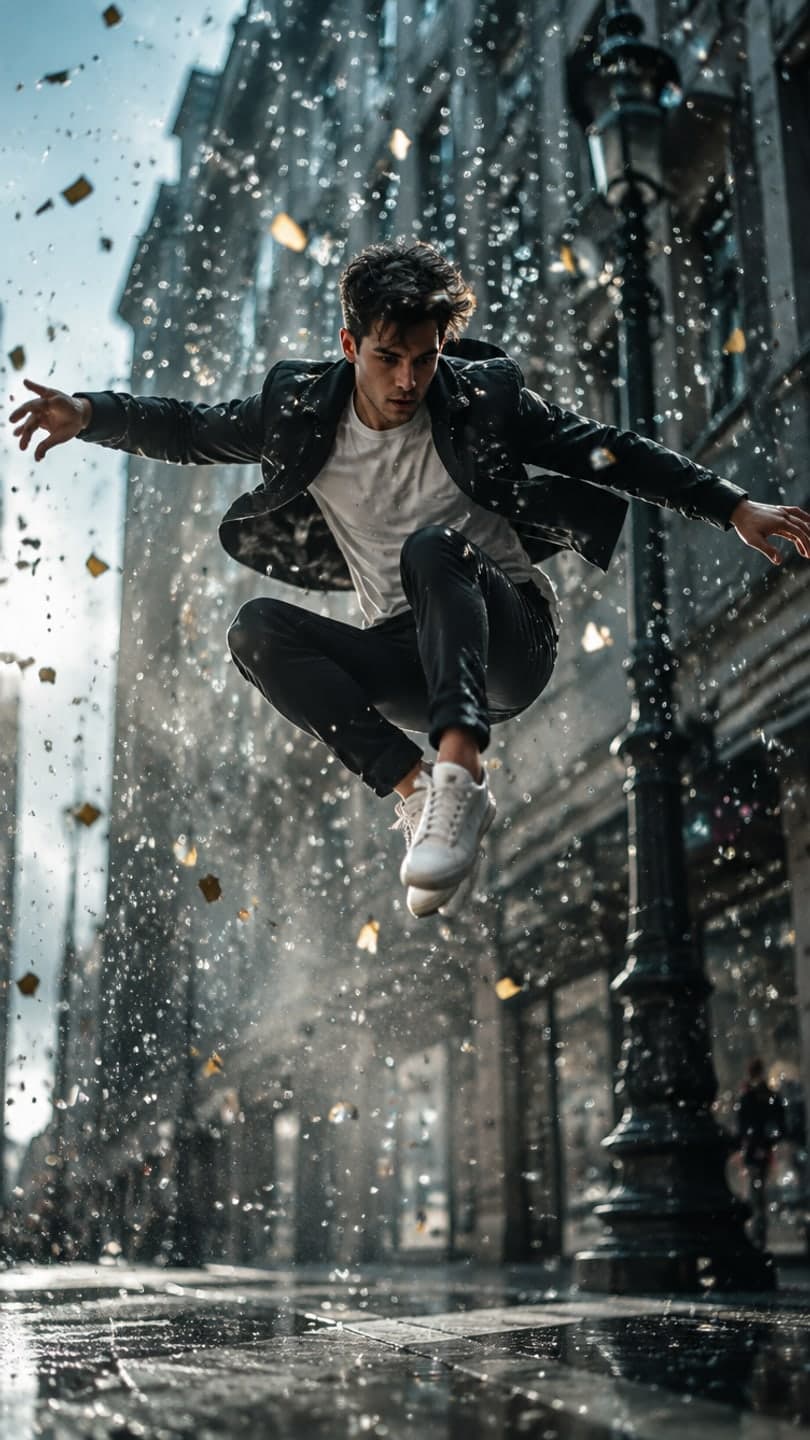 Bullet time
1 Pick a look · optional
We put you into this example — everything else stays as it is — then it moves like the example, at no extra cost.
Failed renders refund credits
What is Pika best at, and why look elsewhere?
Pika built its following on fun, one-click effects: objects that melt, inflate, crush or explode, things added into a scene, and quick image-to-video clips that are cheap enough to make for a joke. For memes and silly reactions it's hard to beat. People look for an alternative when they want something the effects-first approach doesn't do as well: realistic scenes where you still look like yourself, specific trend formats, longer cinematic shots or talking characters.
Full disclosure: Dromana is our product, and it's one of the alternatives below. We've tried to describe each tool fairly, by what it's actually best at. Plans and free tiers change often, so check current details on each site.
Which Pika alternatives are worth trying?
- Dromana: realistic trend looks from one photo, with your face and outfit kept in a new scene.
- Higgsfield: a large catalog of viral effect presets and dramatic camera moves.
- Viggle: motion and dance memes, putting your character into a movement template.
- Luma Dream Machine: natural physics and smooth cinematic camera work.
- Runway: the deepest creative controls for filmmakers and agencies.
- Hedra: talking and singing characters lip-synced to your audio.
- Canva: finishing clips into branded posts with captions and templates.
Try this look on your own photo.
Make it with my photoWhich alternative is best if I want to look like myself?
Effects tools are tuned for spectacle, so faces sometimes take a back seat. If the point of the clip is you, in a trend, looking like you, a tool built around recreating the person from your photo is a better fit. That's what Dromana's looks do: each is a finished example shot, like a costume reveal walk, a snow globe or a time-travel vlog, and the scene is rebuilt with you in it from one clear photo, then animated like the example.
- A look video uses 70 credits; a still image uses 10.
- New accounts start with 70 free credits, no card, plus 35 more each day they visit.
- Credit packs without a subscription, or plans from $10 a month for no badge and commercial use.
Which alternative has the most effects?
If what you love about Pika is the effects, Higgsfield is the closest match with a much bigger preset library, from viral transformations to camera moves like bullet time and crash zooms, updated often as trends change. Dromana covers some of the same viral formats as realistic looks, such as bullet time, lost in a book and the fan transition. Our guide to viral AI video effects explains the popular ones.
Which alternative is best for memes and dances?
For dance memes, Viggle is the specialist: it copies a movement onto the character in your photo, which is why it's behind so many viral dance edits. For a realistic dance clip where you stay yourself in a real setting, Dromana's hallway dance, trio dance and office happy dance looks give you the energy of the trend without exact choreography. Our AI dance video guide compares the approaches.
Which alternative is best for cinematic, realistic clips?
Luma Dream Machine and Runway are the strongest for realism and camera work. Luma is known for smooth, natural motion from a single image; Runway gives you the most control, including camera paths, motion brushes and editing tools, at the cost of a steeper learning curve. For a moody result from a photo without any setup, Dromana's cinematic photo filter and looks like film noir are quicker.
So which Pika alternative should I pick?
- Joining a trend with your own face: Dromana.
- More effect presets, posted daily: Higgsfield.
- Dance and motion memes: Viggle.
- Cinematic realism: Luma Dream Machine; full creative control: Runway.
- A talking or singing character: Hedra.
- A finished branded post: Canva.
For the bigger picture, see our ranking of the best AI photo-to-video tools by use case, or try a look right now in AI Video.
Questions people ask
What is the best Pika alternative?
It depends on the clip: Dromana for trends with your own face, Higgsfield for more effect presets, Viggle for dance memes, Luma or Runway for cinematic realism.
Is there a free Pika alternative?
Most alternatives have free tiers. Dromana gives 70 credits on sign-up with no card, plus 35 more each day you visit.
Is Dromana like Pika?
Partly. Both turn photos into short clips, but Pika is effects-first while Dromana recreates you in realistic, ready-made trend scenes.
Which Pika alternative is best for TikTok?
Template tools are fastest for trends: Dromana and Higgsfield both offer ready-made formats sized for TikTok.
Which alternative keeps my face most accurate?
Tools built to recreate the person from your photo, like Dromana's looks, used with a sharp, front-facing photo in even light.
Can I use Pika alternatives commercially?
Usually on paid plans. On Dromana, results from a paid plan or a bought credit pack can be used commercially.
Effects from this guide
 Make a photo moveUpload one photo, get a 5-second video in a minute or two: a smile, a head turn, wind in the trees, waves rolling in. Works on portraits and landscapes, free to try.
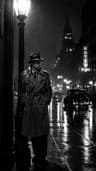 Cinematic photo filterGive travel and city photos a film-still grade: wet neon streets, blue-hour skylines, golden sunrise flare. Same place, same framing, far more mood.
Keep reading
 The 10 best AI image-to-video and photo-to-video tools in 2026, by what you want to make6 min read
 Runway alternatives for quick social videos: 7 tools compared4 min read
 Viral AI video effects explained: bullet time, rides, snow globes and more6 min read
 Best AI video apps for TikTok and Reels creators in 20264 min read
 Higgsfield alternatives: 7 AI video tools compared for creators4 min read
Ready to make yours?
Add one photo and get the look from this guide.