Runway alternatives for quick social videos: 7 tools compared
By Sebastian Ward, Reviews and comparisons editor · Updated · 4 min read
the short version
Runway is excellent for filmmakers but can be more tool than you need for a quick TikTok. Good alternatives depend on why you're switching: Dromana for one-photo trend looks, Pika for cheap playful effects, Luma Dream Machine for cinematic motion, Higgsfield for a big preset library, Canva for finished branded posts, and Hedra for talking characters.
AI Photo to Video
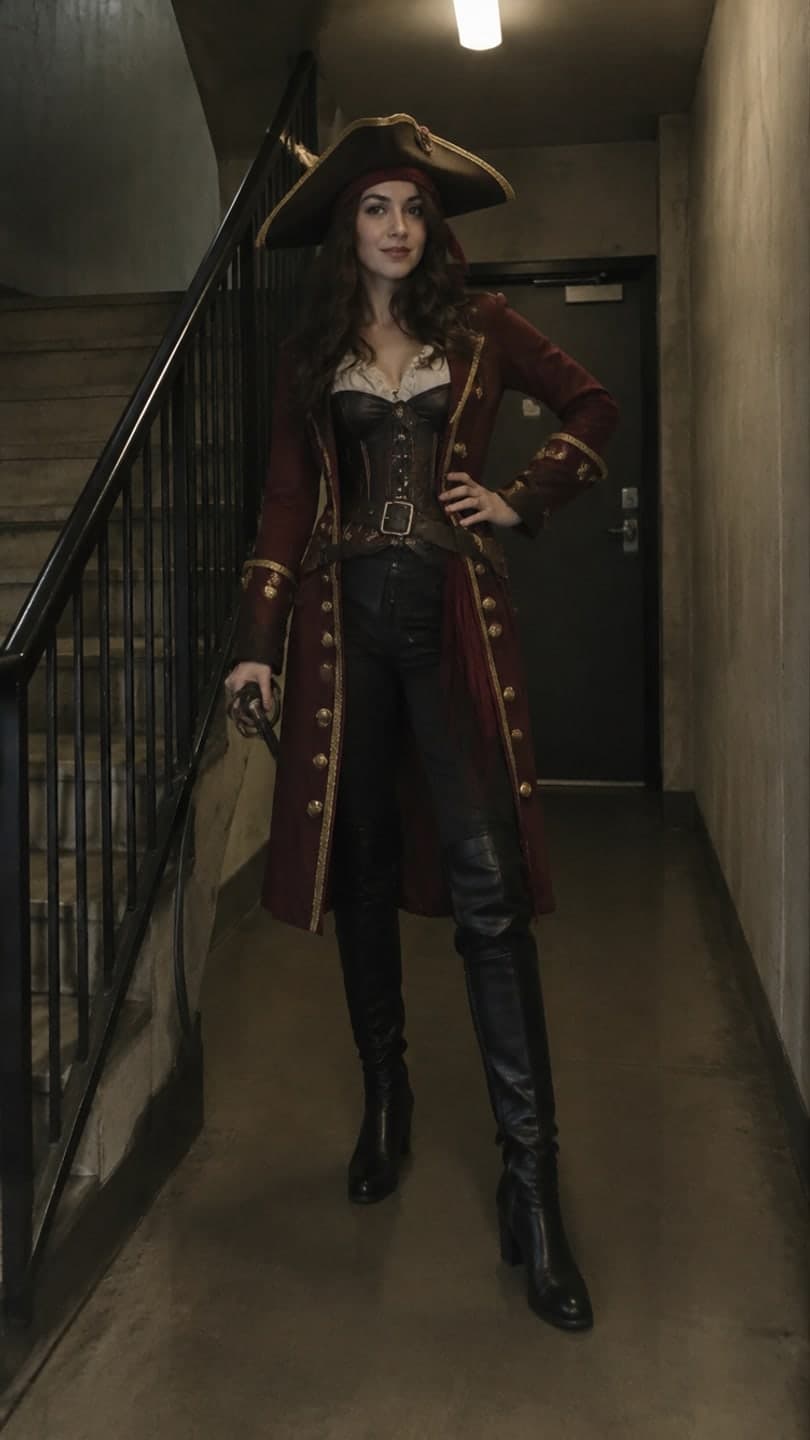 Costume reveal walk
1 Pick a look · optional
We put you into this example — everything else stays as it is — then it moves like the example, at no extra cost.
Failed renders refund credits
Why do people look for a Runway alternative?
Runway is one of the most capable AI video suites available: motion brushes, camera controls, video-to-video and a full editor. People who leave usually aren't unhappy with quality. They want something faster, cheaper or simpler for a specific job, most often short social clips where a template beats a blank canvas.
- Cost: heavy generation on pro tools adds up quickly.
- Learning curve: lots of controls is great for films, slow for a daily post.
- Templates: social creators often want ready-made trend formats instead of prompts.
- Faces: putting yourself into a scene from one selfie is a different job from animating a shot.
In the interest of transparency: Dromana is our own product and is one of the alternatives below.
Which Runway alternatives are best for social content?
- Dromana: pick a trending look, add one photo, get a vertical clip with you in it. No editor, no prompt needed.
- Pika: quick, fun effects and short clips at a low price.
- Luma Dream Machine: natural motion and cinematic camera movement from a single image.
- Higgsfield: a large library of viral presets and dramatic camera moves.
- Canva: generate a clip and finish it with captions, logo and brand colors in one place.
- Hedra: portrait-to-talking-character videos with lip sync.
- Adobe Firefly: generative video inside Adobe's apps, for teams already on Creative Cloud.
Try this look on your own photo.
Make it with my photoIs Dromana a good Runway alternative?
For trend content, yes; for film work, no, and we'd say that even though it's ours. Dromana is built around more than 120 finished looks, like a costume reveal walk, a slow-motion squad walk or a snow globe. You upload one clear photo, the example is recreated with you in it, and it moves like the example. That makes it much faster than building the same shot yourself, but you give up the fine control Runway offers over every frame.
- Start free: 70 credits on sign-up, no card, and 35 more each day you visit.
- A look video uses 70 credits; an image uses 10.
- Credit packs without a subscription, or plans from $10 a month.
- Clips are silent, 5 to 10 seconds on the default model and up to 30 on others, vertical or horizontal for TikTok, Reels, Shorts and YouTube.
Which alternative is cheapest?
Price per month is misleading in AI video; what matters is cost per finished clip you actually post. Tools with ready-made templates tend to waste fewer generations, because the motion and scene are already tuned. Tools that sell one-off credit packs, like Dromana, can be cheaper than a monthly plan if you post in bursts, for example around holidays. Check current pricing on each site, since plans and allowances change frequently.
Which alternative keeps faces most consistent?
Face consistency depends on the photo as much as the tool. A sharp, front-facing photo in even light helps everywhere. Template-based tools that recreate you in a scene are specifically tuned to keep the person from the photo, while general video models focus on motion and can let a face drift over a long clip. Short clips and gentle motion help in every tool. Our best photos for AI video guide shows what works.
When should I stay with Runway?
- You need precise control over camera paths and motion in specific regions of the frame.
- You're editing longer pieces with many shots that must match.
- You're working on client, film or music-video projects with a team.
- You want video-to-video restyling of footage you've already shot.
Plenty of creators use both: a pro tool for big projects and a template tool for daily social posts. For more options by use case, see our list of the best AI photo-to-video tools.
Questions people ask
What is the best alternative to Runway?
It depends on the job: Dromana for one-photo trend looks, Pika for cheap effects, Luma Dream Machine for cinematic motion, Canva for finished branded posts.
Is there a free Runway alternative?
Several have free tiers. Dromana gives 70 credits on sign-up with no card, plus 35 more each day you visit.
Is Dromana like Runway?
No. Dromana is template-first: pick a look, add a photo, get a clip. Runway is a full creative suite with detailed controls.
Which Runway alternative is best for TikTok?
Template-based tools are fastest for TikTok trends. Dromana and Higgsfield both offer ready-made trend formats.
Can I use Runway alternatives commercially?
Usually on paid plans. On Dromana, paid-plan and bought credit-pack results can be used commercially.
Why switch from Runway?
Most people switch for cost, simplicity or ready-made trend templates for social posts, not because of quality.
Effects from this guide
 Make a photo moveUpload one photo, get a 5-second video in a minute or two: a smile, a head turn, wind in the trees, waves rolling in. Works on portraits and landscapes, free to try.
 Cinematic photo filterGive travel and city photos a film-still grade: wet neon streets, blue-hour skylines, golden sunrise flare. Same place, same framing, far more mood.
Keep reading
 The 10 best AI image-to-video and photo-to-video tools in 2026, by what you want to make6 min read
 Best free AI video generators in 2026: what you actually get for free5 min read
 Viral AI video effects explained: bullet time, rides, snow globes and more6 min read
- Pika alternatives: 7 AI video tools for effects, trends and memes4 min read
 Luma Dream Machine alternatives: 7 AI video tools for photo-to-video4 min read
Ready to make yours?
Add one photo and get the look from this guide.