The 10 best AI image-to-video and photo-to-video tools in 2026, by what you want to make
By Sebastian Ward, Reviews and comparisons editor · Updated · 6 min read
the short version
The best AI image-to-video tool depends on what you're making. For putting yourself into a trending look from one photo, Dromana. For cinematic control, Runway or Luma Dream Machine. For playful effects, Pika or Higgsfield. For talking avatars, Hedra. For design-first social posts, Canva. Most have a free tier with limits, so try two before paying.
AI Photo to Video
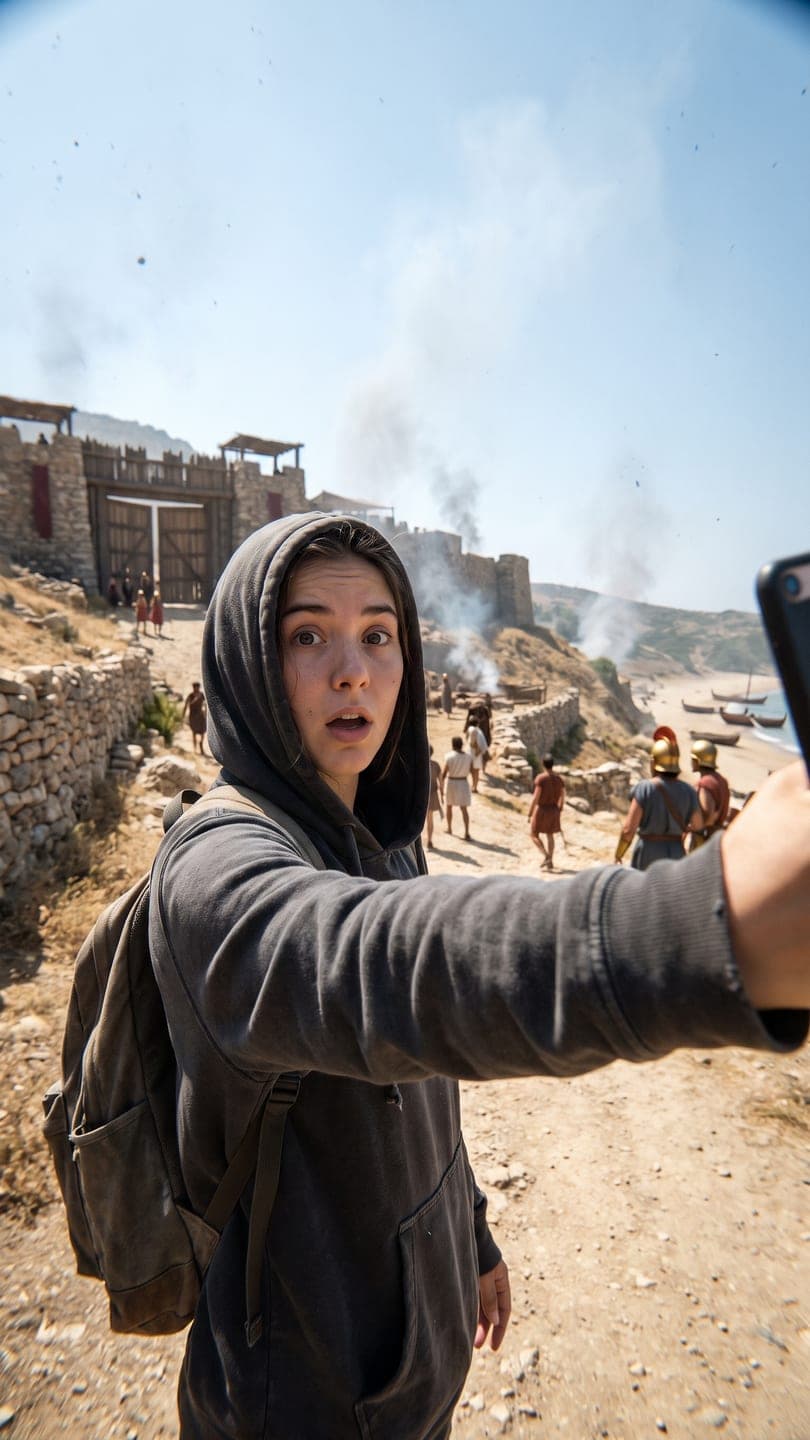 Time-travel vlog
1 Pick a look · optional
We put you into this example — everything else stays as it is — then it moves like the example, at no extra cost.
Failed renders refund credits
How did we pick these tools?
A quick note first: Dromana is our own product, so read our placement with that in mind. We've tried to be fair about where other tools are better, and we've listed them by the job they do best rather than in a single "winner" ranking, because the right answer really does change with what you're making.
Every tool here can take a still image and return a moving clip. We looked at five things: how faithfully it keeps the person or product from the photo, how much control you get over motion and camera, how fast you get a usable result, what the free tier really includes, and whether the results can be used commercially. Pricing and free allowances change often, so treat the plan details as of October 2026 and check each pricing page before you pay.
Which tools are on the list?
- Dromana: best for putting yourself or your product into a trending look from one photo.
- Runway: best for creative control and professional filmmaking workflows.
- Luma Dream Machine: best for smooth, cinematic camera movement.
- Pika: best for playful effects and quick, cheap social clips.
- Higgsfield: best for a big library of viral presets and camera moves.
- Krea: best for designers who want image and video generation in one canvas.
- Adobe Firefly: best if you already live in Photoshop and Premiere.
- Canva: best for turning AI clips into finished, on-brand social posts.
- Hedra: best for talking-head and lip-synced character videos.
- Midjourney: best for animating highly stylized, artistic images.
Try this look on your own photo.
Make it with my photo1. Dromana: best for trends from one photo
Dromana is built around ready-made looks: finished example clips like a time-travel vlog, a snow globe, a costume reveal walk or a product snow globe. You add one photo, the example scene is rebuilt with you (or your product) in it, and it moves like the example. There's no prompt to write unless you want to, which makes it the fastest route from a selfie to a post that matches what's trending this week. There are more than 120 looks, with new seasonal ones added every week.
- Good at: keeping your face and outfit in a completely new scene; product looks that keep the label and color.
- Free tier: 70 credits on sign-up with no card, plus 35 more each day you visit; a look video uses 70.
- Paid: credit packs without a subscription, or plans from $10 a month that remove the badge and allow commercial use.
- Less good at: long videos with dialogue; clips are silent and looks are 5 seconds.
Try it from the looks page or turn your own photo into a clip in AI Video.
2. Runway: best for creative control
Runway is the tool many filmmakers, agencies and music-video directors reach for. It offers detailed camera controls, motion brushes, video-to-video restyling and editing tools in one suite, and it's strong at keeping a shot consistent across several clips. The trade-off is a steeper learning curve and costs that climb quickly if you generate a lot. New accounts get a one-time batch of starter credits rather than a monthly free allowance. If you're weighing a switch, our Runway alternatives comparison goes deeper.
3. Luma Dream Machine: best for cinematic camera moves
Luma's Dream Machine is known for natural physics and smooth, sweeping camera motion: dolly-ins, orbits and drone-style reveals look particularly good. It suits travel, real-estate and moody cinematic shots more than trend formats. The free allowance is small, so plan to test a handful of images before deciding.
4. Pika: best for playful effects
Pika made its name with fun, one-click effects (things melting, inflating, exploding or squishing) and quick, inexpensive social clips. It's a good pick when you want something silly and fast rather than realistic; see our guide to viral AI video effects for what's trending. Its free plan is limited and changes often, and lower tiers cap resolution.
5. Higgsfield: best for a library of viral presets
Higgsfield offers a large catalog of viral presets and cinematic camera moves, plus tools for ads and marketing, under one subscription. It's popular with creators who post daily and want variety. The free plan works more like a trial, with watermarked exports and a small allowance that refills each day.
6 to 10: Krea, Adobe Firefly, Canva, Hedra and Midjourney
- Krea: a real-time canvas for generating and editing images, with video generation alongside. Great for designers exploring a visual idea before animating it.
- Adobe Firefly: generative image and video tools inside the Adobe ecosystem, positioned around commercially safe use. The best fit if you already edit in Premiere or Photoshop.
- Canva: AI video generation inside a design editor with templates, captions and brand kits. Ideal for finishing a clip into a branded post, less so for advanced motion.
- Hedra: animates a portrait into a talking or singing character, lip-synced to audio you provide. The go-to for avatars, explainers and character content.
- Midjourney: famous for distinctive, artistic images, now with image-to-video animation. Best when the look of the image matters more than realism. Subscription only.
Which AI photo-to-video tool should I choose?
- You want to join a TikTok or Instagram trend with your own face: Dromana.
- You're making a short film, music video or client project: Runway or Luma.
- You want a funny effect for a meme: Pika or Higgsfield.
- You need a talking character or avatar: Hedra.
- You need a finished branded post with text and logo: Canva or Adobe Firefly.
- You sell products and need quick ad clips: Dromana's product looks, then finish in Canva.
Questions people ask
What is the best AI tool to turn a photo into a video?
It depends on the job: Dromana for trends from one photo, Runway or Luma for cinematic control, Pika or Higgsfield for effects, Hedra for talking avatars.
Is there a free AI photo-to-video tool?
Most tools have a limited free tier. Dromana gives 70 credits on sign-up with no card, enough for a first video, plus 35 more each day you visit.
Which AI video tool keeps my face the most accurate?
Use a clear, front-facing photo in even light. Tools built around recreating you in a scene, like Dromana's looks, are tuned to keep the person from your photo.
Can I use AI videos commercially?
Usually only on paid plans. On Dromana, results made on a paid plan or with a bought credit pack can be used commercially; free results are personal use.
Do AI photo-to-video tools add sound?
Some do, many don't. Dromana clips are silent so you can add a trending sound inside TikTok or Instagram.
Is Dromana better than Runway?
For different things. Dromana is faster for trend looks from one photo; Runway gives far more control for professional projects.
Effects from this guide
 Make a photo moveUpload one photo, get a 5-second video in a minute or two: a smile, a head turn, wind in the trees, waves rolling in. Works on portraits and landscapes, free to try.
 Product photo to videoTurn one product photo into a short ad clip: splashes, slow-motion bursts, ice and creator-style reviews, with your label kept as it is. 70 free credits to start.
Keep reading
 AI photo to video: the questions people actually ask, answered6 min read
 Viral AI video effects explained: bullet time, rides, snow globes and more6 min read
 How to make a photo move: 4 ways, ranked4 min read
 Higgsfield alternatives: 7 AI video tools compared for creators4 min read
 Hedra alternatives: 6 tools for talking avatars and character videos4 min read
Ready to make yours?
Add one photo and get the look from this guide.