Luma Dream Machine alternatives: 7 AI video tools for photo-to-video
By Sebastian Ward, Reviews and comparisons editor · Updated · 4 min read
the short version
Luma Dream Machine is known for smooth, natural camera motion, but its free allowance is small and it's built for cinematic shots rather than social trends. Alternatives: Runway for deeper creative control, Dromana for one-photo trend looks with credit packs, Higgsfield for presets, Pika for playful effects, Krea for design-led workflows and Hedra for talking characters.
AI Photo to Video
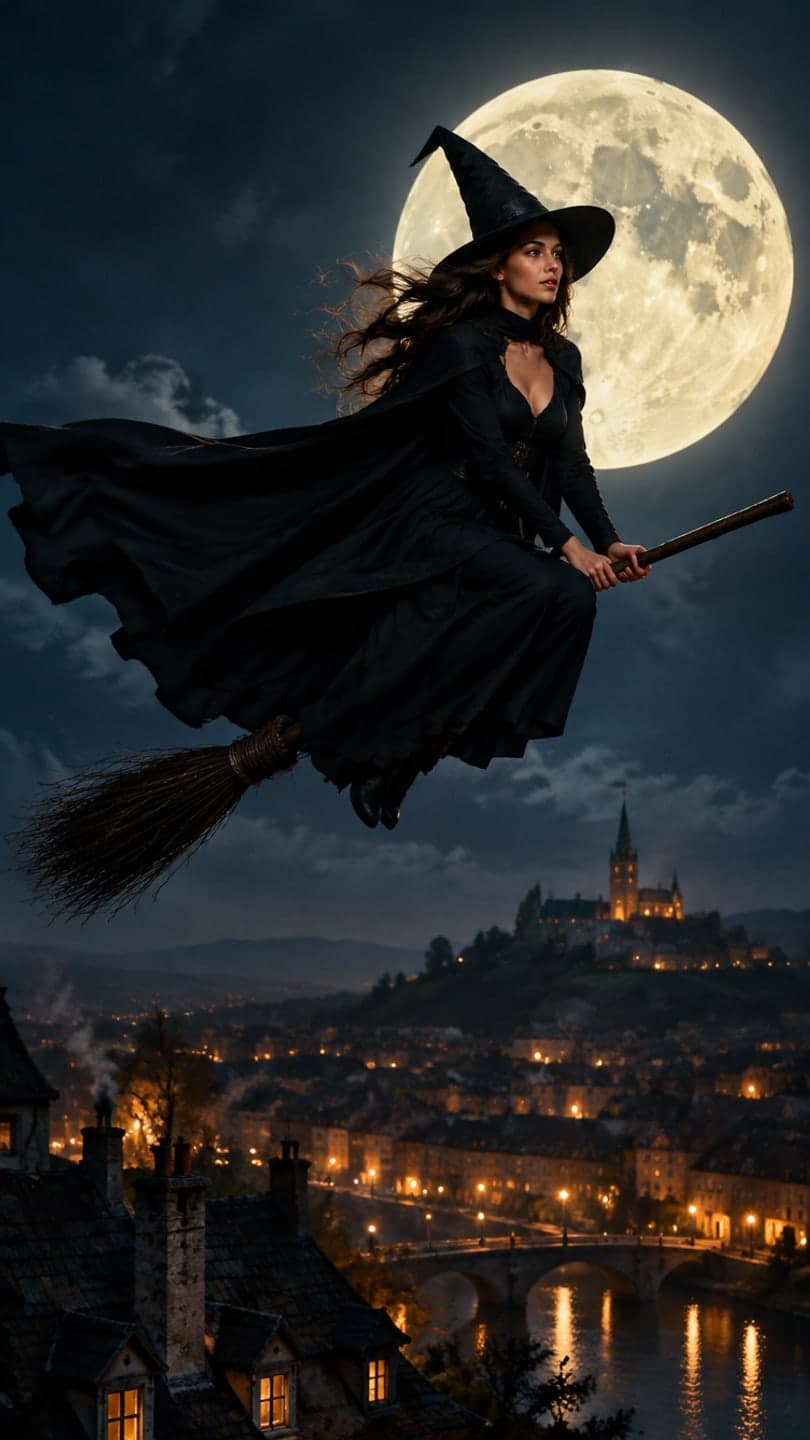 Broomstick flight
1 Pick a look · optional
We put you into this example — everything else stays as it is — then it moves like the example, at no extra cost.
Failed renders refund credits
What is Luma Dream Machine good at?
Dream Machine earned its reputation on motion. From a single image it produces convincing physics and graceful camera movement: slow push-ins, orbits around a subject, drone-style reveals over a landscape. For travel clips, architecture, product orbits and moody cinematic scenes it's one of the most pleasing tools to use. People look elsewhere mostly for three reasons: they want ready-made social formats instead of describing every shot, they want a bigger free allowance, or they want to pay per clip rather than per month.
Disclosure: Dromana is our product and is included below. We've placed every tool by what it does best, and plan details change often, so check current pricing on each site.
What are the best Luma Dream Machine alternatives?
- Runway: the most control over camera paths, motion and editing, for film and client work.
- Dromana: ready-made trend looks from one photo, sized for TikTok and Reels, with credit packs.
- Higgsfield: a large library of cinematic camera presets and viral effects.
- Pika: quick, playful effects and short clips at low cost.
- Krea: a real-time canvas that suits designers who iterate on images before animating.
- Adobe Firefly: generative video inside Adobe's apps for editors on Creative Cloud.
- Hedra: talking-portrait videos lip-synced to audio.
Try this look on your own photo.
Make it with my photoWhich alternative gives the most cinematic results?
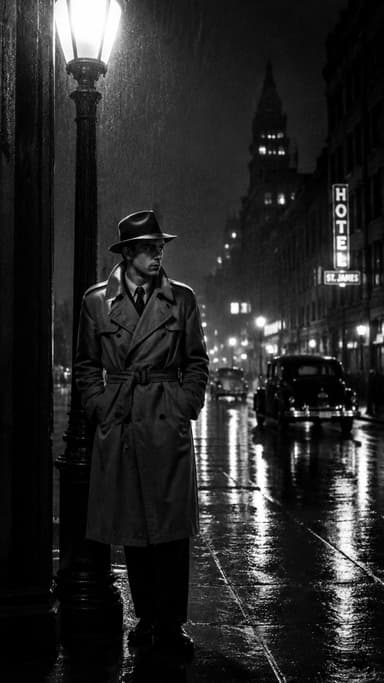
For pure cinematography, Runway is the closest match and goes further on control: you can steer camera moves and motion in specific parts of the frame, then edit the result in the same app. Higgsfield is the shortcut if you like named camera moves you can pick from a menu. If you want a cinematic look on a photo without any setup, Dromana's cinematic photo filter and looks like broomstick flight, film noir and sunset wedding do it in one step.
Which alternative is best for social trends?
Dream Machine is shot-first, which is perfect for directors and less so for someone who wants this week's TikTok format by tonight. Template tools are faster for that. Dromana's looks recreate a trend's exact shot with you in it from one photo, and new seasonal looks are added every week, from the costume reveal walk to the snow globe. New accounts get 70 free credits with no card; a look video uses 70.
Which alternative is cheapest if I only make a few clips?
If you generate occasionally, pay-as-you-go beats a monthly plan. Dromana sells credit packs (500 credits for $8) with no subscription, refunds failed jobs automatically and adds 35 more credits each day you visit. Most other tools are subscription-first with a limited free tier. Whatever you choose, compare the cost of clips you'd actually post, not the monthly price.
Our round-up of the best free AI video generators compares free tiers in more detail.
Which alternative is best for product shots?
Smooth orbits around a product are one of Dream Machine's strengths. For small sellers who need many quick vertical clips, Dromana's product looks keep your product's shape, label and color in ready-made ad scenes such as light trails, watch on wet rock and product snow globe. For a premium brand film, Runway or Luma remain the better tools. See the best AI product video tools for the full comparison.
Which Luma alternative should I pick?
- You want even more cinematic control: Runway.
- You want trend clips with your face, paying per use: Dromana.
- You want camera-move presets from a menu: Higgsfield.
- You want quick, silly effects: Pika.
- You design first and animate later: Krea.
- You edit in Premiere: Adobe Firefly.
For a side-by-side view of more tools, see the best AI photo-to-video tools, or start free in AI Video.
Questions people ask
What is the best alternative to Luma Dream Machine?
For more cinematic control, Runway; for social trend clips from one photo, Dromana; for camera-move presets, Higgsfield.
Is there a free Luma Dream Machine alternative?
Most alternatives have a free tier. Dromana gives 70 credits on sign-up with no card, plus 35 more each day you visit.
Is Dromana like Luma Dream Machine?
Both turn photos into video, but Luma is shot-first and cinematic while Dromana is template-first, built around ready-made trend looks.
Which Luma alternative is best for TikTok?
A template tool such as Dromana, which recreates trend shots in vertical 9:16 from one photo.
Which alternative is cheapest?
For occasional use, pay-as-you-go credit packs, like Dromana's 500 credits for $8, usually cost less than a subscription.
Can I use Luma alternatives for ads?
Check each tool's license. Dromana allows commercial use for anything made on a paid plan or with credits you bought; free-credit results stay personal.
Effects from this guide
 Cinematic photo filterGive travel and city photos a film-still grade: wet neon streets, blue-hour skylines, golden sunrise flare. Same place, same framing, far more mood.
 Animate landscape photosBring a landscape photo to life: drifting clouds, rolling waves, mist, wind in the trees or a flickering fire, with the camera still or gliding. Vertical or horizontal.
Keep reading
 Runway alternatives for quick social videos: 7 tools compared4 min read
 The 10 best AI image-to-video and photo-to-video tools in 2026, by what you want to make6 min read
 How to make your pics look cinematic (even on a phone)4 min read
 Best AI tools for cinematic video from a photo4 min read
 Viral AI video effects explained: bullet time, rides, snow globes and more6 min read
Ready to make yours?
Add one photo and get the look from this guide.