Best AI tools for cinematic video from a photo
By Sebastian Ward, Reviews and comparisons editor · Updated · 4 min read
the short version
For a cinematic clip from one photo, Runway gives the most control over camera and motion, Luma Dream Machine is known for smooth, natural camera moves, Higgsfield offers named cinematic presets, and Dromana turns a photo of you into a finished movie-like scene, such as film noir, a broomstick flight over the moon or a sunset wedding, without any setup.
AI Photo to Video
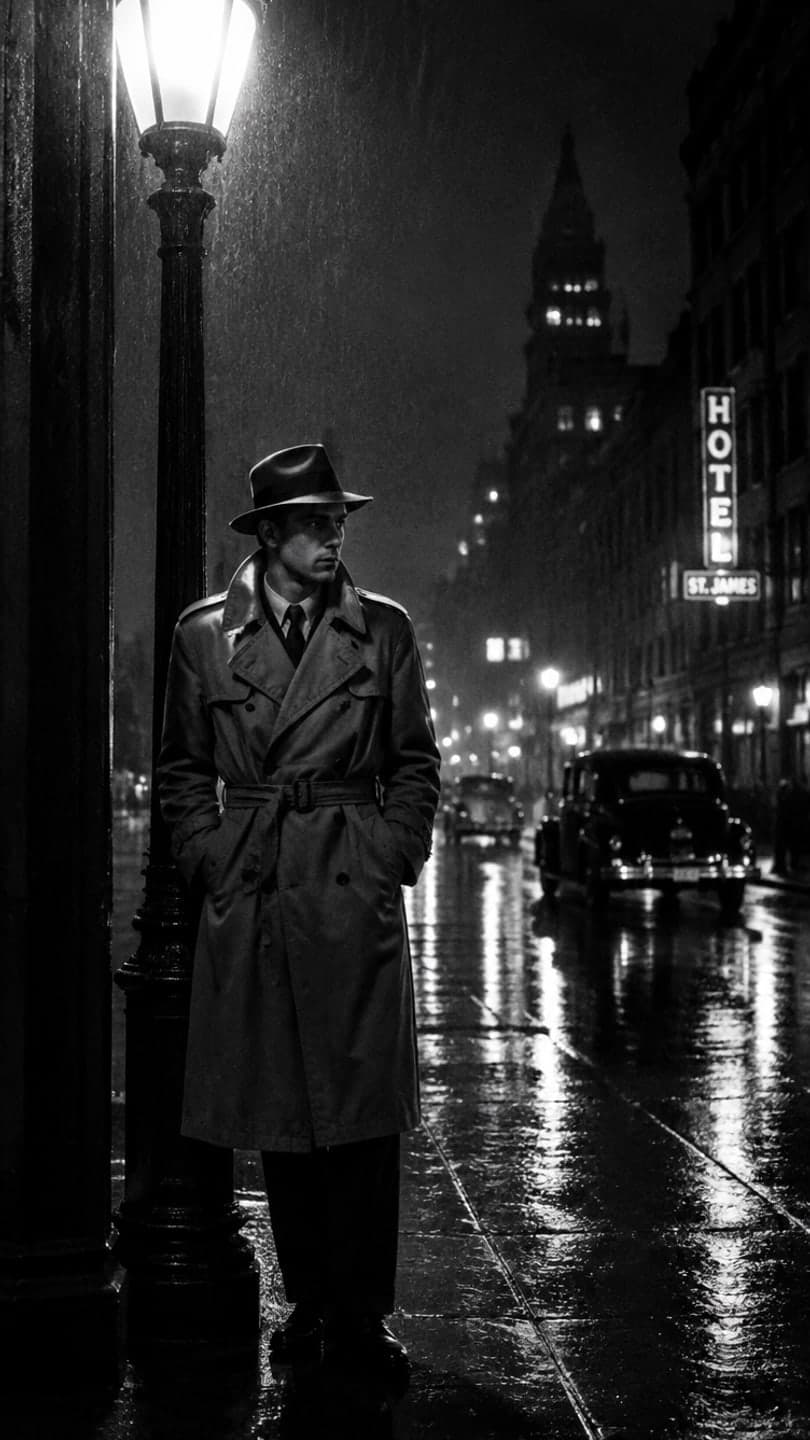 Film noir
1 Pick a look · optional
We put you into this example — everything else stays as it is — then it moves like the example, at no extra cost.
Failed renders refund credits
What makes a video look cinematic?
"Cinematic" usually means four things: light with a direction and mood, a camera that moves with purpose, a color grade like a film rather than a phone, and a frame wider than feels natural. AI tools differ in how many of those they give you automatically and how many you have to ask for. Our cinematic photo tips explain each ingredient if you want to shoot the source photo yourself.
For the record, Dromana is our own product, and we've compared it with tools we don't make.
Which AI tools make the most cinematic clips?
- Runway: precise camera paths, motion control and editing for film-style projects.
- Luma Dream Machine: smooth, physically convincing camera moves from one image.
- Higgsfield: a menu of named cinematic camera presets like crash zooms and orbits.
- Dromana: finished movie-like scenes with you in them, from one photo, and a one-click cinematic grade.
- Adobe Firefly: generative video inside Premiere for editors.
Try this look on your own photo.
Make it with my photoWhich tool needs the least setup?
If you want a movie moment rather than a film-making session, start from a finished scene. Dromana's cinematic looks rebuild a whole shot around your photo: film noir on a rainy 1940s street, broomstick flight past a full moon, sunset wedding in a wheat field, bullet time frozen mid-jump. A look video uses 70 credits, and new accounts get 70 free credits, no card. For a moody grade on any photo, use the cinematic photo filter.
Which tool gives the most control?
Runway is the pick when you need to decide exactly how the camera moves, which part of the frame moves and how shots match across a sequence. Luma is the pick when you want the motion itself to feel natural with less fiddling. Both reward a good source image with depth: a foreground, a subject and a background. For a whole short film, plan your shots first and generate them one at a time.
How do I write a cinematic prompt?
- Subject and action: "she turns toward the camera".
- Light: "golden-hour rim light", "single streetlamp in the rain".
- Camera: "slow dolly-in", "low-angle orbit".
- Atmosphere: "mist", "rain reflections", "dust in the light".
- Grade: "muted teal and orange", "black and white with deep shadows".
Put it in one or two sentences in AI Video. More ready-made wording is in our image-to-video prompts.
How do I turn several cinematic clips into a short film?
Most AI tools make one shot at a time, so a short film is really an edit. Write a simple shot list first: an establishing wide shot, a medium shot of the character, a close-up reaction and a final reveal. Generate each shot from the same source photo and keep the light and grade consistent in your prompts. Then cut them together in an editor with music and sound effects; sound does more for the cinematic feel than any single shot. Keep the whole thing under a minute for social platforms.
Which photos make the best cinematic clips?
Cinematic AI clips start with photos that already have a sense of place and light. Night streets with lamps, golden-hour portraits, rainy windows, foggy forests and wide landscapes give the model mood to work with. Flat, evenly lit selfies in front of a white wall give it very little. If you don't have a moody photo, a cinematic look rebuilds the whole scene for you, which is often the faster route.
Which cinematic tool should I pick?
- Full control for a film project: Runway.
- Natural, sweeping camera motion: Luma Dream Machine.
- Named camera presets from a menu: Higgsfield.
- A finished movie scene starring you, no setup: Dromana.
- Editing inside Premiere: Adobe Firefly.
Questions people ask
What is the best AI tool for cinematic video?
Runway for control, Luma Dream Machine for smooth camera moves, Higgsfield for presets and Dromana for finished movie scenes from one photo.
Can I make a cinematic video from one photo?
Yes. Use a cinematic look or describe the light, camera move and atmosphere in one sentence.
What makes an AI clip look cinematic?
Directional light, one purposeful camera move, a film-like color grade and a wide frame.
How long can a cinematic AI clip be?
Most tools make 5 to 10-second shots; longer pieces are made by joining several.
Is there a free cinematic AI video tool?
Dromana's 70 sign-up credits cover one cinematic look video, no card.
Which photo works best for cinematic video?
One with depth: a clear foreground, subject and background, ideally with interesting light.
Effects from this guide
 Cinematic photo filterGive travel and city photos a film-still grade: wet neon streets, blue-hour skylines, golden sunrise flare. Same place, same framing, far more mood.
 Animate landscape photosBring a landscape photo to life: drifting clouds, rolling waves, mist, wind in the trees or a flickering fire, with the camera still or gliding. Vertical or horizontal.
Keep reading
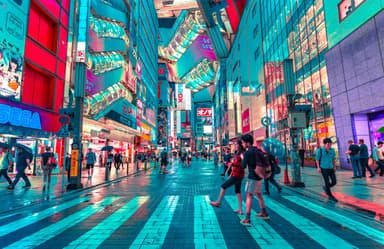 How to make your pics look cinematic (even on a phone)4 min read
 Runway alternatives for quick social videos: 7 tools compared4 min read
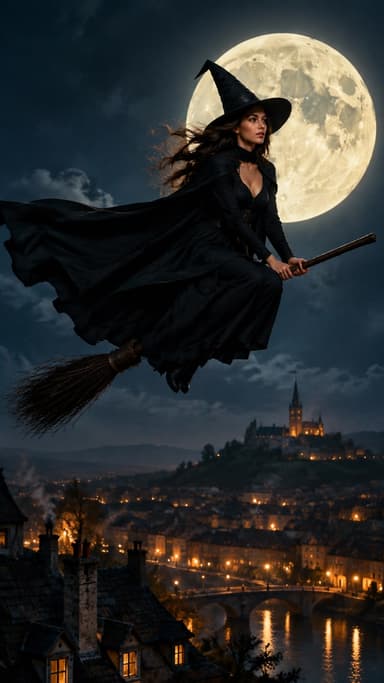 Luma Dream Machine alternatives: 7 AI video tools for photo-to-video4 min read
 Viral AI video effects explained: bullet time, rides, snow globes and more6 min read
 Best free AI video generators in 2026: what you actually get for free5 min read
Ready to make yours?
Add one photo and get the look from this guide.