How to make your pics look cinematic (even on a phone)
By Sophia Miller, Fashion and aesthetics editor · Updated · 4 min read
the short version
Photos look cinematic when they have motivated light (a clear light source like a window, neon sign or low sun), strong color contrast such as teal shadows against warm highlights, deliberate wide framing with space around the subject, and atmosphere like rain, haze or reflections. Shoot at golden or blue hour, frame wide, then grade gently.
AI Photo Restyle
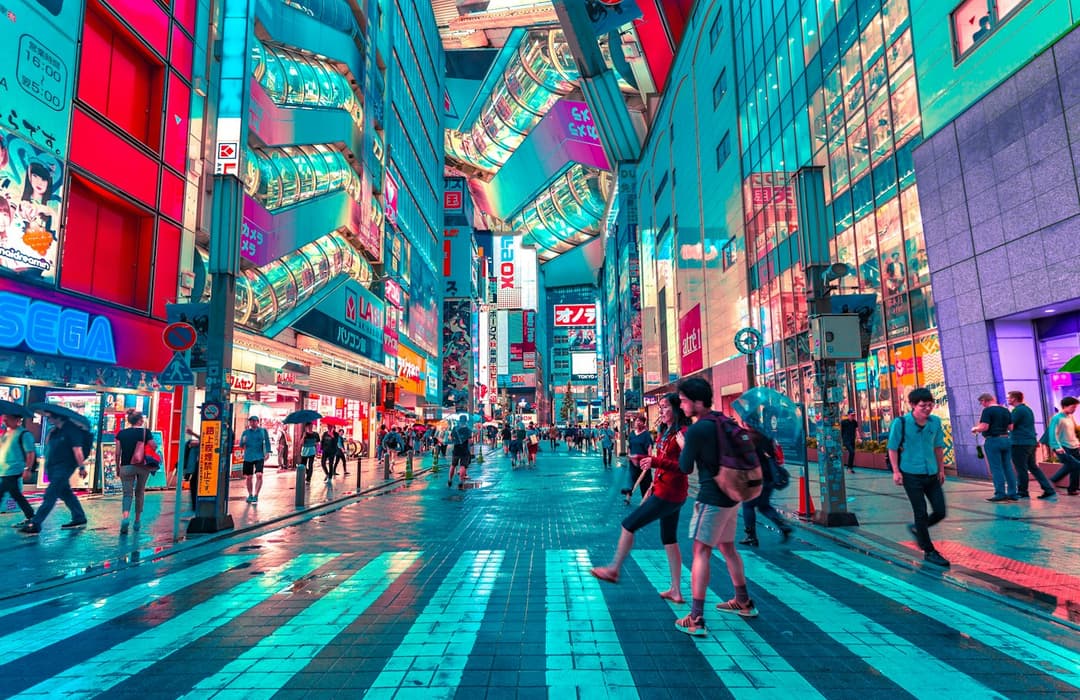 Neon crossing
1 Pick a look · optional
Failed renders refund credits
What "cinematic" actually means
People call a photo cinematic when it feels like a frame paused from a movie. That feeling comes from choices a cinematographer makes on purpose: where the light comes from, which colors fight each other, how much empty space surrounds the subject, and whether the air itself has texture. Your phone can do all of this; it just won't do it automatically.
Want a cinematic result without setting up the shot? The film noir look rebuilds a rainy 1940s street in black and white with you in it, and catwalk strut gives you the fashion-show moment.
How do I light a photo to look cinematic?
Movie scenes are lit by something you can believe: a lamp, a window, a streetlight, headlights, a phone screen, the sunset. Phones love to flatten light so everything is evenly bright, which is exactly what kills the mood. Find one strong light source and put your subject next to it.
- Side light from a window gives drama and shape to faces.
- Neon signs and shop windows at night give colored light for free.
- Backlight from a low sun gives a glowing rim around hair.
- Tap to expose for the bright areas so shadows stay dark and moody.
Try this look on your own photo.
Make it with my photoWhen is the best time to shoot cinematic photos?
The hour after sunrise and before sunset gives warm, low, directional light. Blue hour, the short window after sunset, gives deep blue skies with warm city lights switching on. Both look far more like film than midday sun, which is flat from above and harsh on faces.
How should I frame a cinematic photo?
Selfie instincts put a face in the middle of the frame. Film framing leaves room. Step back, put the subject on one third of the frame, and let the environment tell part of the story. Leading lines like roads, rails or corridors pull the eye through the image. If your phone has a 0.5x or 2x lens, try both; different focal lengths change the mood a lot.
How do I add atmosphere to a photo?
- Fog, mist or steam from a coffee or a street vent.
- Rain on a window with city lights behind it.
- Dust or smoke caught in a beam of sunlight.
- Shooting through glass, a doorway or foliage for foreground depth.
How do I color grade a photo like a film?
Many movies push shadows toward teal or blue and highlights toward orange, because skin tones pop against cool backgrounds. You don't need to copy that exactly, but a clear color idea helps: warm vs cool, green vs magenta, or one bold color against a muted world.
- Lower highlights and lift shadows slightly for a softer film curve.
- Cool the shadows, warm the highlights.
- Pull saturation down overall, then boost one key color.
- Add very fine grain. A cinematic crop helps too: a wide banner-style crop instantly looks like film.
Can AI make my photo look cinematic?
Sometimes the photo is flat and the moment is gone. The cinematic photo filter rebuilds the light and atmosphere of city and travel shots, turning a grey afternoon street into a neon night after rain, or a flat skyline into blue hour, while keeping the buildings and layout.
Upload the photo to AI Image and start from Neon crossing, Night city grade, Dusk skyline or Midtown sun. Portraits can go cinematic too; an AI fashion portrait handles editorial light on people.
How do I turn a cinematic photo into a video?
A cinematic still is one step from a cinematic shot. Animate it with animate landscape photos for moving clouds and flickering city lights, or open AI Video and describe a slow camera push-in. A few of these clips make a great opener for a trip recap; see turning photos into a TikTok.
Questions people ask
How do I make my photos look cinematic on iPhone?
Shoot near one strong light source at golden or blue hour, frame wider with the subject off-center, expose for the highlights, and grade with cool shadows, warm highlights and fine grain.
What makes a photo look like a movie still?
Motivated light, deliberate color contrast, wide framing with negative space and atmosphere like rain, haze or reflections.
What is the cinematic color grade?
A common one is teal and orange: cooler shadows and backgrounds with warmer highlights and skin tones. Any clear, consistent color idea can work.
Can AI make a photo cinematic?
Yes. An AI cinematic filter can relight a city or travel photo into a night or golden-hour scene while keeping the original buildings and layout.
What aspect ratio looks cinematic?
Wide crops like 16:9 or letterboxed banner crops feel filmic. For TikTok and Reels, keep the frame vertical and create the mood with light and color instead.
Effects from this guide
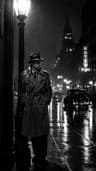 Cinematic photo filterGive travel and city photos a film-still grade: wet neon streets, blue-hour skylines, golden sunrise flare. Same place, same framing, far more mood.
 Animate landscape photosBring a landscape photo to life: drifting clouds, rolling waves, mist, wind in the trees or a flickering fire, with the camera still or gliding. Vertical or horizontal.
Keep reading
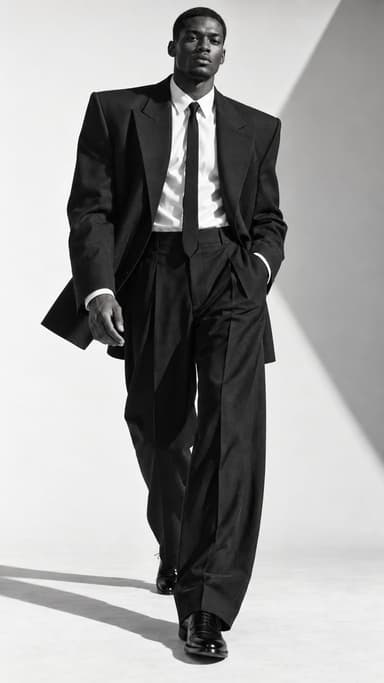 Self-portrait ideas at home: 25 shots you can take alone5 min read
 Couple photoshoot ideas: 30 natural poses and date-night setups4 min read
 How to turn photos into a TikTok or Reel people actually watch4 min read
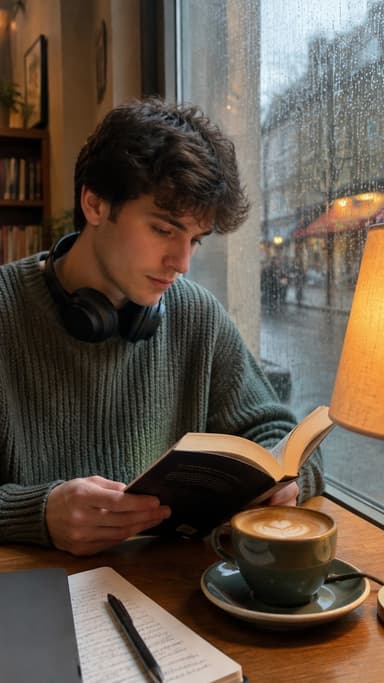 Dark academia aesthetic photos: outfits, places, poses and edits5 min read
 Luma Dream Machine alternatives: 7 AI video tools for photo-to-video4 min read
Ready to make yours?
Add one photo and get the look from this guide.