The disposable camera aesthetic: how to get the film-flash party look
By Sophia Miller, Fashion and aesthetics editor · Updated · 5 min read
the short version
The disposable camera look is a cheap film camera's fingerprint: a hard flash that flattens faces and darkens the background, visible grain, warm or green color shifts, soft focus and slightly crooked, candid framing. You can shoot it on a real disposable, fake it on your phone with flash and a grainy edit, or restyle an existing photo in seconds.
AI Photo Restyle
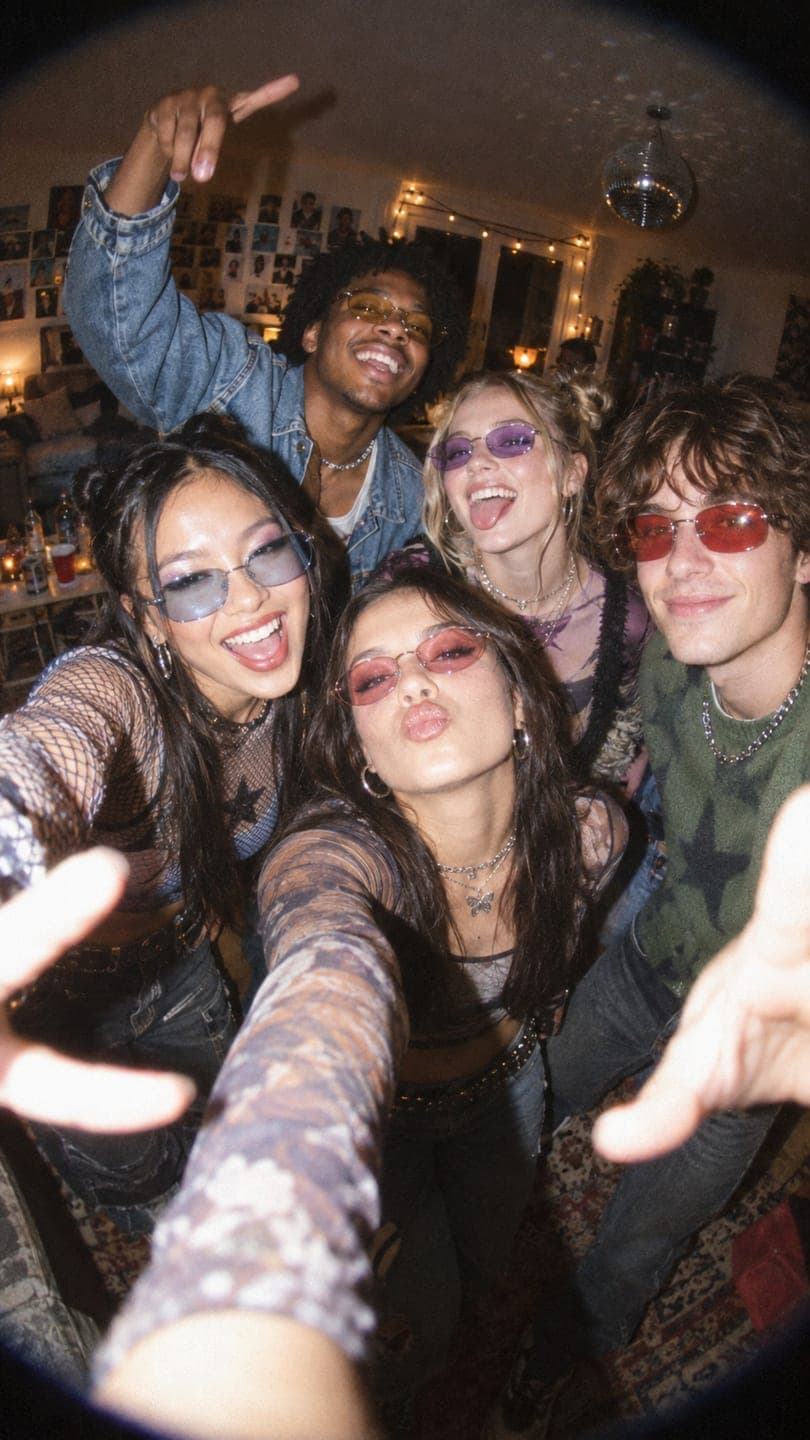 House party
1 Pick a look · optional
We put you into this example and keep everything else the same.
Failed renders refund credits
What makes a photo look like a disposable camera?
Disposable cameras have one fixed lens, one shutter speed and a flash that fires whether you want it or not. Everything people love about the look comes from those limits, so copying it means copying the limits, not adding a filter on top of a perfect phone photo.
- Direct flash: bright, flat light on faces and a background that falls off into darkness.
- Grain: visible texture in shadows and skin, stronger in low light.
- Color shifts: warm, yellowed skin indoors or a slight green cast from cheap film and drugstore scans.
- Soft focus: never razor sharp, especially at the edges.
- Candid framing: tilted horizons, cut-off heads, someone mid-blink.
- Light leaks and a date stamp, used sparingly.
It overlaps with the digicam aesthetic, but digicam photos are digital and cooler, with a blue tint and an orange date stamp, while disposables are film: warmer, grainier and softer.
How do I shoot with a real disposable camera?
A real camera is still the most honest way to get it, and part of the fun is not seeing the photos for a week. A few things decide whether you get usable frames:
- Use the flash indoors and at night, always. Without it you get dark, muddy frames.
- Stay one to three steps from people. Closer is blurry; further and the flash doesn't reach.
- Outdoors in daylight, keep the sun behind you and skip the flash.
- Wind the film fully after each shot, and count frames so you don't waste the last few.
- Choose a lab that scans at a decent resolution; the scan affects color as much as the film.
Try this look on your own photo.
Make it with my photoHow do I fake the disposable look on my phone?
You can get close with the phone you already have. The key is to stop the phone from correcting everything.
Step 1
Force the flash on
Switch the flash from auto to on, even when it seems bright enough. Turn off night mode, which smooths away the harshness you want.
Step 2
Use the main lens
Avoid the ultra-wide and portrait mode. A plain 1x photo with no background blur reads more like film.
Step 3
Shoot fast and candid
Take photos mid-conversation and mid-laugh rather than posed. Don't straighten the horizon.
Step 4
Edit warm and grainy
Lower clarity and sharpness, add grain, lift the shadows slightly, push white balance warmer and add a touch of green to the shadows.
Our selfie tips for AI photos also explain which kinds of phone photos restyle best, if you plan to finish the look with AI.
Can AI give a photo the disposable camera look?
If the photo is already taken, you can restyle it instead of reshooting. Upload a selfie or a group photo to AI Image and describe the look: harsh film flash, grain, warm colors, a dark background. The faces stay the same; the light, color and texture change.
For the 2000s version with tinted shades and glossy flash, start from the Y2K photo filter. For the late-night city version, the night-out photo filter gives you the same hard flash against a dark street.
What disposable camera photos should I take?
- A dinner table from above, mid-meal, plates half empty.
- Friends squeezed into one frame on a sofa, flash on, everyone mid-laugh.
- A road trip seen through the windscreen, feet on the dashboard.
- The beach at golden hour with no flash, sun behind you.
- Getting ready: a mirror, a straightener, a half-done outfit.
- A concert or club from the crowd, blurry lights and all.
- A birthday cake moment with candles and everyone leaning in, as in our birthday photoshoot ideas.
How do I turn a disposable-style photo into a video?
Film-flash photos make strong first slides when they move a little: a laugh that finishes, a flash that pops, someone turning to the camera.
Step 1
Pick a candid frame
Faces lit by the flash and enough of the room around them.
Step 2
Open AI Video
Upload it to AI Video and keep the frame vertical for stories and reels.
Step 3
Describe small motion
Try "flash pops, she laughs and covers her face, the camera shakes slightly". Small, natural motion keeps the film feel.
Put the clip first in a photo dump and follow it with the stills.
Questions people ask
What is the disposable camera aesthetic?
It is the look of cheap single-use film cameras: harsh direct flash, a dark background, grain, warm or green color shifts, soft focus and candid, imperfect framing.
How do I get the disposable camera look on my phone?
Force the flash on, turn off night mode, shoot on the main lens without portrait mode, take candid photos and edit with lower sharpness, added grain and a warmer white balance.
What is the difference between digicam and disposable camera photos?
Digicam photos are digital and cooler, often blue-tinted with an orange date stamp. Disposable photos are film: warmer, grainier and softer.
Can I make a photo look like it was taken on a disposable camera?
Yes. Restyle it in AI Image with a description like harsh film flash, grain and warm colors. Each image uses 10 credits, and new accounts get 70 free credits.
Where can I still buy disposable cameras?
Camera stores, pharmacies and online shops still sell them, and many film labs both sell cameras and develop and scan the rolls.
Effects from this guide
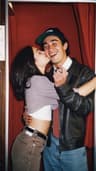 Digicam photo filterMake any photo look like it came off a 2000s point-and-shoot: flash glare, cool tint, soft pixels and candid framing. Keeps your face. 70 free credits to start.
 Y2K photo filterTurn a selfie into an early-2000s flash photo: glossy skin, tracksuits, butterfly clips and candy color. Same face, new era. Free to try, works in your browser.
 Night out photo filterTurn an ordinary selfie into a night-out shot: hard flash, neon wash, dark background, sweat-and-glitter energy. Same face, new night. 70 free credits to start.
Keep reading
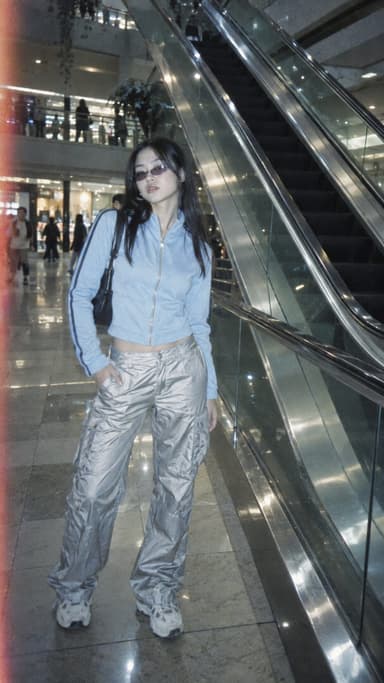 The digicam look: how to get that 2000s digital camera vibe4 min read
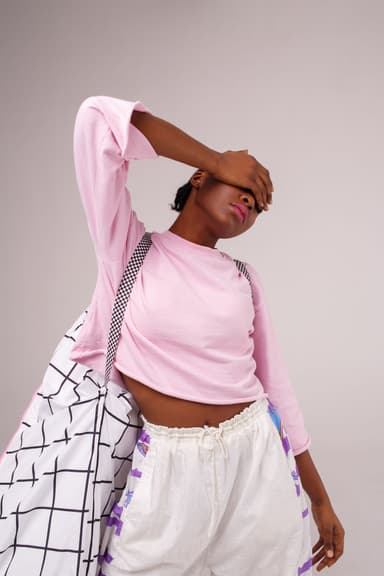 Y2K photo ideas: outfits, props, poses and edits4 min read
 35 photo dump ideas that don't feel random4 min read
 Vintage aesthetic photos: 40s noir to 90s camcorder, decade by decade4 min read
 Best friend photoshoot ideas: 30 poses and themes for two (or three)4 min read
Ready to make yours?
Add one photo and get the look from this guide.