The 80s AI photo trend: how to make your own retro portrait and poster
By Sophia Miller, Fashion and aesthetics editor · Updated · 4 min read
the short version
The 80s AI trend has everyone from celebrities to your group chat posting retro versions of themselves: soft-focus glamour portraits, neon movie posters, mall photo studio backdrops and VHS-style clips. You can make one from a single clear selfie by asking for the era's specific details: hair, makeup, lighting and film texture. Add motion and it becomes a short retro clip.
AI Photo to Video
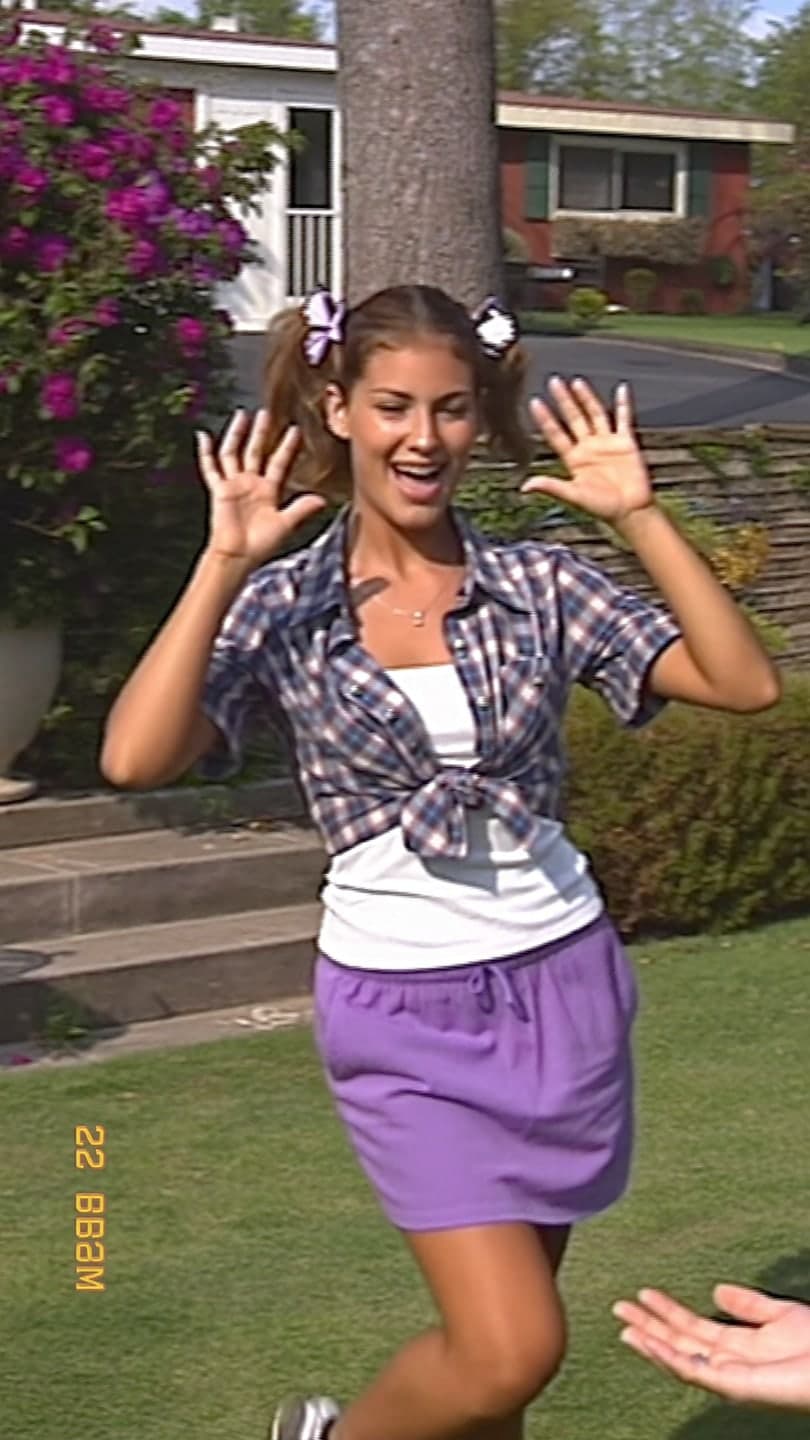 90s camcorder
1 Pick a look · optional
We put you into this example — everything else stays as it is — then it moves like the example, at no extra cost.
Failed renders refund credits
What is the 80s AI trend?
In October 2026 a wave of 80s-style AI portraits spread across Instagram, helped along by celebrities posting their own versions. The look is instantly readable: teased hair, bold shoulder pads, frosted lipstick, a laser or gradient backdrop, soft-focus glow and that slightly grainy, warm print color. Some people go for mall glamour shots, some for an action-movie poster, some for a home-video clip that looks taped on a camcorder. Group versions are popular too: friends styled as a synth-pop band, a prom photo or a roller rink crew, each with the same retro grade so the set looks like one roll of film.
Part of the appeal is nostalgia for an era most of the people posting never lived through. The other part is that it's flattering: soft light and heavy styling hide a lot.
Which 80s styles are trending?
- Glamour shot: soft-focus studio portrait, laser backdrop, big hair, hand on chin.
- Movie poster: dramatic lighting, neon title text, you as the lead.
- Prom night: satin dress or ruffled tux, balloon arch, flash photo.
- Aerobics: leotard, leg warmers, headband, bright studio.
- Arcade and roller rink: neon lights, denim jacket, sneakers.
- VHS home video: date stamp, soft blur, warm color, a little wobble.
For the arcade and rink looks, Dromana's arcade night and roller disco looks are ready-made, and the camcorder look adds home-video texture to any scene.
Try this look on your own photo.
Make it with my photoHow do I make my own 80s portrait?
Step 1
Start with a clear selfie
Front-facing, eyes visible, even light. Retro styling is heavy, so your face needs to come through clearly.
Step 2
Use the 80s filter
Open the 80s photo filter and add your photo.
Step 3
Name the specific details
"1980s glamour shot, teased voluminous hair, frosted pink lipstick, shoulder pads, purple laser backdrop, soft focus, same face".
Step 4
Generate a few variations
Each image uses 10 credits. Make three and keep the best.
How do I turn it into a retro video?
A moving version gets more views than a still. Take your favorite portrait into AI Video and describe a small, era-appropriate motion: "she flicks her hair and laughs, slow zoom in, VHS tracking lines", or for a poster, "lightning flashes behind him, he turns his head toward the camera". Keep the motion simple and the clip around five seconds. A 5-second clip on Dromana uses 70 credits; new accounts get 70 free credits with no card, plus 35 more each day they visit.
For more ideas, see our 80s photoshoot ideas and the wider guide to vintage aesthetic photos.
How should I post the 80s trend?
- Post a carousel: the real selfie first, then two or three 80s versions.
- Use a synth-pop or power-ballad sound for the video version.
- Caption it like a yearbook or a movie tagline.
- Make a group version with friends as a band or a prom photo.
- Label it as AI where the app asks.
If you're posting to Reels, our guide to the best AI video apps for Instagram covers formats and sizes.
Why doesn't my 80s photo look like me?
Heavy styling can push the face away from yours, especially big hair that covers the forehead and dramatic makeup. Add "same face" or "keep my facial features" to the prompt, use a photo with your hair pulled back, and ask for less makeup if needed. If the result still drifts, try a closer crop so your face fills more of the frame.
Questions people ask
What is the 80s AI photo trend?
AI portraits and clips of yourself in 80s style: glamour shots, movie posters, prom photos and VHS home videos, popular on Instagram in October 2026.
How do I make an 80s AI photo?
Use a clear selfie with the 80s photo filter and name the details: hair, makeup, backdrop and film look.
Can I make it move?
Yes. Animate your favorite portrait in AI Video with a small motion and VHS texture.
How much does it cost?
An image uses 10 credits and a 5-second Dromana clip 70; new accounts get 70 free credits.
Which 80s style is most popular?
Soft-focus glamour shots and neon movie posters are the most shared.
Why doesn't it look like me?
Big hair and heavy makeup can drift the face; say "same face" and use a photo with your face clearly visible.
Effects from this guide
 80s photo filterStep into the 1980s: neon light, polka dots, big shades and leather. Turn one selfie into a retro 80s portrait that keeps your face.
 Make a photo moveUpload one photo, get a 5-second video in a minute or two: a smile, a head turn, wind in the trees, waves rolling in. Works on portraits and landscapes, free to try.
Keep reading
 80s photoshoot ideas: neon, big hair and film flash4 min read
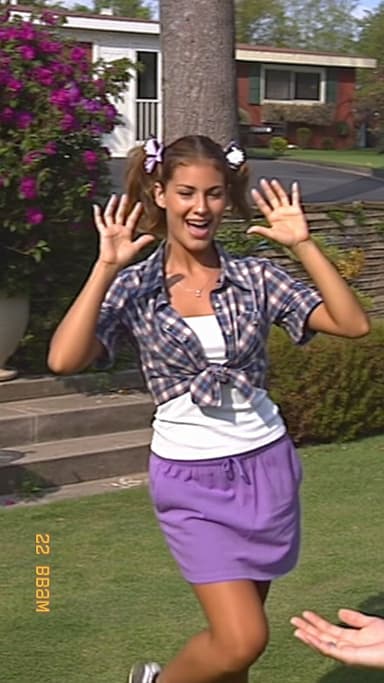 Vintage aesthetic photos: 40s noir to 90s camcorder, decade by decade4 min read
 Y2K photo ideas: outfits, props, poses and edits4 min read
 Halloween AI photo trends 2026: the late-night call, ghost besties, video store horror and more5 min read
- The scary phone call AI trend: how to make the 90s horror call photo and video4 min read
Ready to make yours?
Add one photo and get the look from this guide.