Best AI photo apps to restyle a selfie in 2026: aesthetics, portraits and edits
By Sebastian Ward, Reviews and comparisons editor · Updated · 4 min read
the short version
To restyle a selfie with AI, pick by the result you want. Dromana turns one selfie into a new outfit, place and era while keeping your face, then can make it move. Adobe Firefly and Photoshop suit precise edits, Canva suits designed posts, Krea suits creative experiments and Midjourney suits artistic styles. Check face accuracy and privacy terms before uploading.
AI Photo to Video
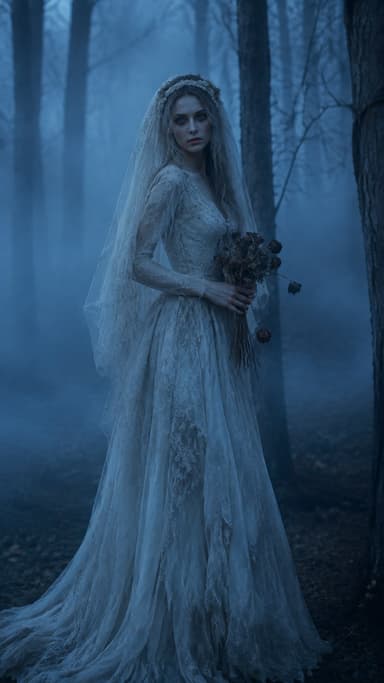
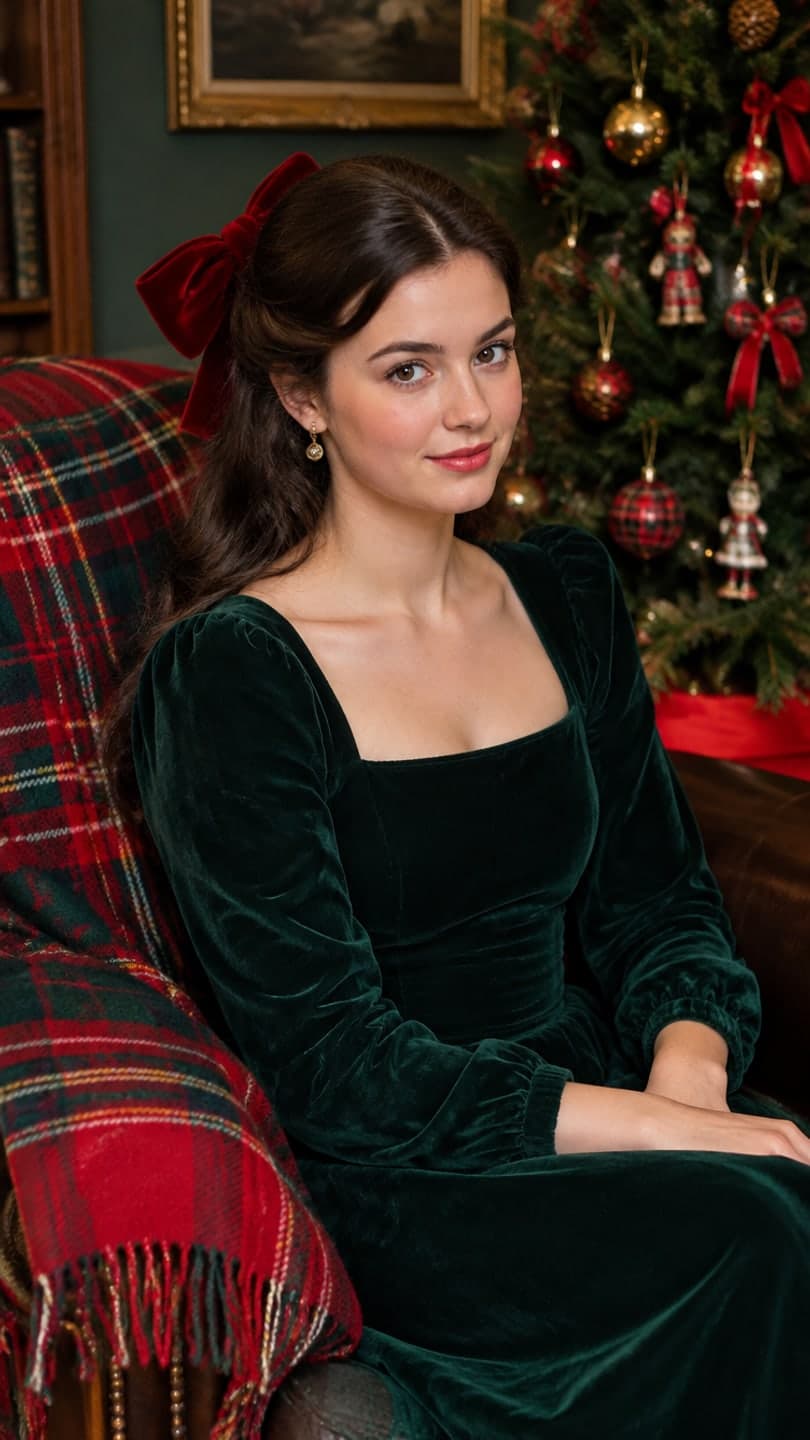 Velvet bow portrait
1 Pick a look · optional
We put you into this example — everything else stays as it is — then it moves like the example, at no extra cost.
Failed renders refund credits
What can an AI photo app do with a selfie?
Modern AI photo apps go far beyond filters. From one selfie they can change your outfit, move you to a different place or decade, relight the scene, turn you into a magazine portrait or a professional headshot, and keep your face recognizably yours throughout. The best ones also let you make the result move, which is where most social content is heading.
Disclosure: Dromana is our own product, so we've explained where it fits and where other apps are the better choice.
It helps to know which of three jobs you're doing before you pick an app. Restyling means keeping you and changing everything around you: the outfit, the place, the decade, the light. Editing means keeping the photo and fixing or adding one part of it, like removing a stranger in the background or extending the sky. Designing means placing a photo into a layout with text, stickers and brand colors for a post or a thumbnail. Most apps are strongest at one of the three, and the comparisons below are grouped with that in mind.
Which AI photo apps are best for restyling a selfie?
- Dromana: new outfit, place, era and light from one selfie, keeping your face; then turn it into a clip.
- Adobe Firefly and Photoshop: precise generative fill and edits on part of a photo.
- Canva: AI edits inside templates for posts, stories and thumbnails.
- Krea: a real-time creative canvas for experimenting with styles.
- Midjourney: highly artistic, stylized images, less focused on keeping your exact face.
- Higgsfield: portrait and fashion presets aimed at creators.
Try this look on your own photo.
Make it with my photoWhich app is best for aesthetic photos like Y2K, digicam or old money?
For a named aesthetic, you want an app that understands the whole look, not just a color filter: the outfit, the setting, the camera and the grade. Dromana's effects and looks are built around named aesthetics, such as the digicam photo filter, the Y2K photo filter and the AI fashion portrait, plus seasonal looks like the velvet bow portrait. Each image uses 10 credits; new accounts start with 70 free.
If you want to learn the look yourself first, our digicam aesthetic, dark academia and coquette guides break each one down.
Which app is best for a professional headshot?
For LinkedIn and work profiles you want a realistic, well-lit portrait that still clearly looks like you: neutral background, sharp focus, natural skin. Dedicated portrait modes in AI photo apps can do this from a good selfie. Use a front-facing photo in soft daylight, avoid heavy beauty filters, and generate a few versions to pick from. Our AI headshot from a selfie guide has the exact steps and prompts.
How do I keep my face accurate in AI photos?
- Upload a recent, sharp, front-facing selfie with your whole face visible.
- Use soft, even light; avoid harsh shadows and backlight.
- Skip sunglasses, masks and heavy beauty filters.
- Include "same face" or "keep my face" in the prompt.
- Change one thing at a time: outfit first, then place, then light.
Are AI photo apps safe for my selfies?
Check three things before uploading: whether your photos are used to train models, how long they're kept, and whether results are public by default. On Dromana, photos and results are private, deleted after 30 days or sooner if you delete them, and only shown publicly if you create a share link. Never upload photos of other people without their agreement. Our AI photo app privacy guide has a full checklist that works for any app.
Ready to restyle a selfie? Start in AI Image.
Questions people ask
What is the best AI app to restyle a selfie?
For a new outfit, place or era while keeping your face, Dromana; for precise edits, Adobe Firefly or Photoshop; for designed posts, Canva.
Can AI change my outfit in a photo?
Yes. Upload a clear selfie and describe the new outfit, keeping "same face" in the prompt.
Which AI photo app is free?
Most have a free tier. Dromana gives 70 credits on sign-up with no card; each image uses 10.
Do AI photo apps keep my face?
The good ones do with a clear, front-facing, well-lit photo. Filters and sunglasses make it harder.
Are AI photo apps private?
It varies. On Dromana, photos are private, deleted after 30 days and never public unless you share a link.
Can I turn an AI photo into a video?
Yes. On Dromana you can animate the restyled photo or use a look that recreates and animates the scene in one step.
Effects from this guide
 AI fashion portraitSkip the photographer: get a magazine-style fashion portrait from one selfie. Quiet-luxury coats, street editorial, studio light. Same face, new shoot. Free to try.
 Digicam photo filterMake any photo look like it came off a 2000s point-and-shoot: flash glare, cool tint, soft pixels and candid framing. Keeps your face. 70 free credits to start.
Keep reading
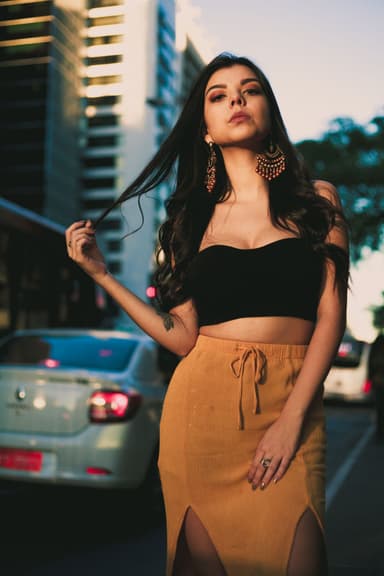 AI photoshoot from one selfie: pics that don't look fake4 min read
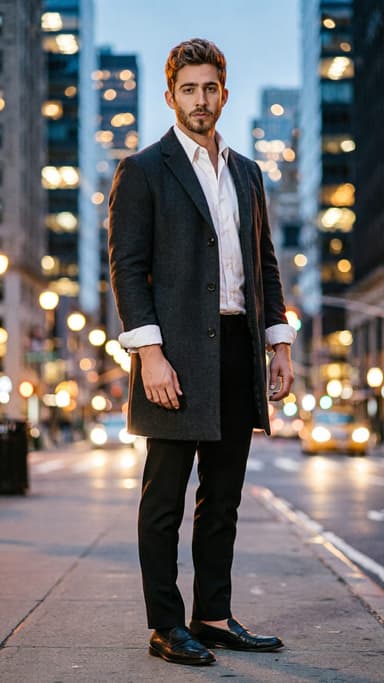 AI headshot from a selfie: a clean, work-ready photo without a photographer4 min read
 The 10 best AI image-to-video and photo-to-video tools in 2026, by what you want to make6 min read
- Best AI headshot generators in 2026: one selfie vs. training packs5 min read
 Midjourney alternatives for putting yourself in the picture4 min read
Ready to make yours?
Add one photo and get the look from this guide.