Best AI product photography tools: studio shots and lifestyle scenes from one photo
By Sebastian Ward, Reviews and comparisons editor · Updated · 4 min read
the short version
AI product photography turns one phone photo into store-ready images. Photoroom and Canva are fastest for clean white-background marketplace shots. Pebblely and Claid generate styled backdrops in bulk. Dromana places your product in lifestyle and ad scenes that keep its shape, label and color, and turns them into short videos. Always check labels and logos before publishing.
AI Photo to Video
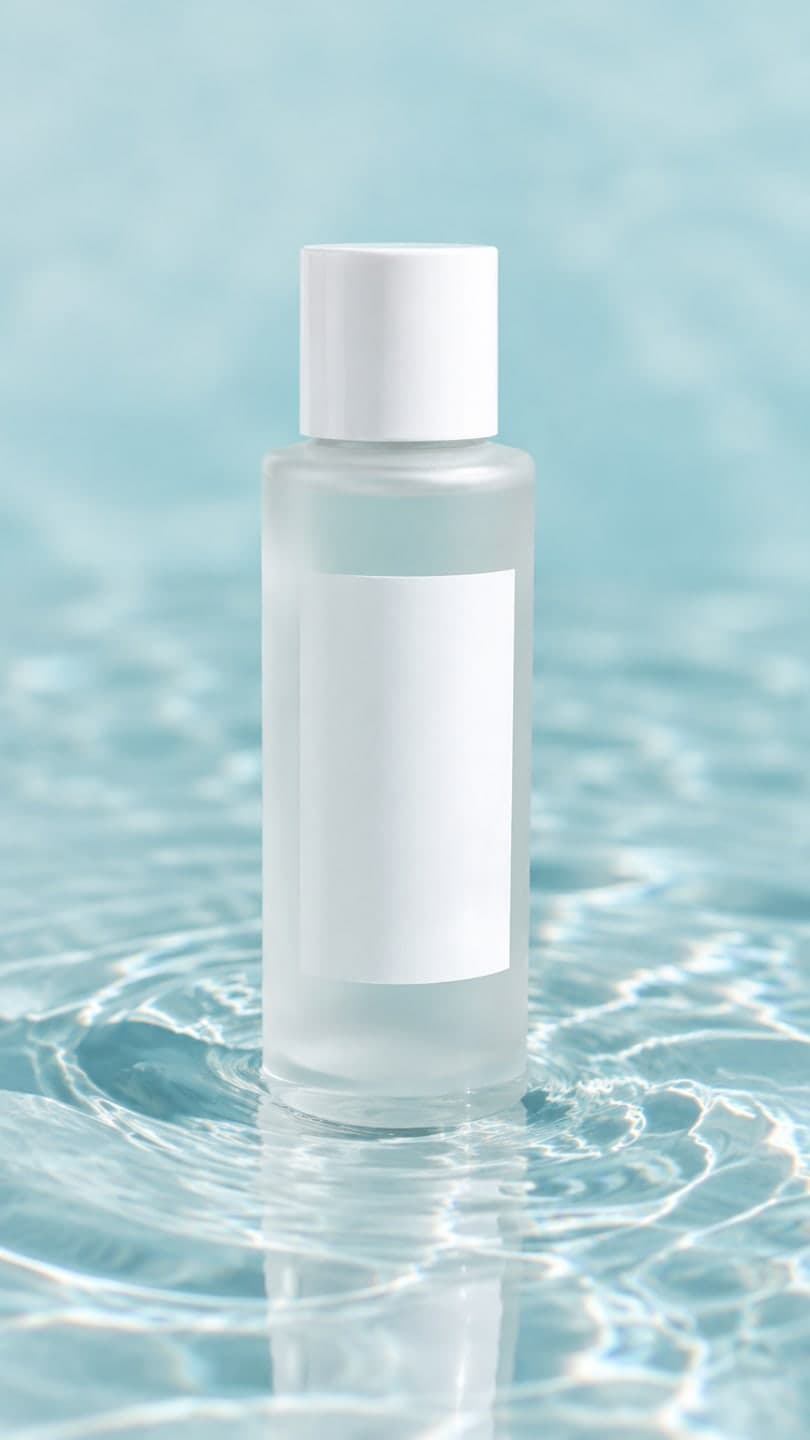 Water ripple
1 Pick a look · optional
We put your product into this example — everything else stays as it is — then it moves like the example, at no extra cost.
Failed renders refund credits
What can AI do for product photos?
A small shop used to need a lightbox, a camera and a stylist to get decent product photos. Now one clear phone photo can become a clean cut-out on white, a styled flat lay, a seasonal lifestyle shot and a short video for social media. AI won't fix a blurry or badly lit source photo, but it removes most of the cost of everything after it.
Dromana is our own product, so we've tried to be especially fair to the others.
Which AI product photography tools are best?
- Photoroom: background removal and studio backdrops for marketplace listings.
- Canva: quick cut-outs and templates for social posts.
- Pebblely: themed backdrops generated in batches.
- Claid: bulk enhancement and backgrounds for catalogues.
- Dromana: lifestyle and ad scenes that keep the product unchanged, plus short product videos.
- Adobe Firefly: precise generative edits for brand teams.
Try this look on your own photo.
Make it with my photoWhich tool keeps my product looking exactly right?
Product fidelity is the first thing to test. Cut-out tools keep the product untouched because they don't redraw it. Scene tools redraw the whole image, so they must be built to keep the product's shape, label and color. Dromana's product looks are designed around that, for example cozy candle, jewelry on velvet, water ripple, bakery box and sunlit hanger. Still, zoom in on every result. If a logo or label changes, regenerate or use a cut-out instead.
How do I get lifestyle shots without a photoshoot?
Step 1
Take one clean product photo
Plain background, sharp label, even light.
Step 2
Pick a scene that fits your buyer
Cozy and warm for home goods, fresh and clean for skincare, moody for tech.
Step 3
Generate a still and a clip
A still for the listing, a 5-second clip for social posts.
Step 4
Check and publish
Compare the label against the real product before posting.
Start on the product photo to video page; a look video uses 70 credits and still images use 10.
Which tool is best for marketplace rules?
Amazon, Etsy and other marketplaces often require a plain white background for the main image, with lifestyle images allowed in the rest of the gallery. Use a cut-out tool for the main image and scene tools for the secondary images and videos. Our Etsy listing video guide covers what works on handmade marketplaces.
How many product photos do I actually need?
For most listings, five to seven images cover what buyers want: a clean main image on white, two or three lifestyle scenes that show the product in use or in context, one close-up of the label or texture, one image with scale (in a hand, on a table) and, where the marketplace allows, a short video. Seasonal sellers add one holiday scene per season. Shoppers scroll the gallery in a few seconds, so each image should answer one question: what is it, how big is it, what does it look like in real life, what's it made of. Make them all from the same source photo so color and details stay consistent across the gallery, and refresh the lifestyle images before each big sales season rather than every week.
Which product photography tool should I choose?
- Clean white-background listings: Photoroom or Canva.
- Batches of themed backdrops: Pebblely or Claid.
- Lifestyle and ad scenes plus video: Dromana.
- Precise brand edits: Adobe Firefly.
For video specifically, see the best AI product video tools.
Questions people ask
What is the best AI product photography tool?
Photoroom or Canva for white-background listings; Dromana for lifestyle scenes and product videos; Pebblely or Claid for batches.
Can AI make product photos from a phone picture?
Yes. A clear phone photo with good light is enough for cut-outs, styled scenes and short videos.
Will AI change my product's label?
Cut-out tools don't redraw it; scene tools are built to keep it, but always check before publishing.
What background do marketplaces require?
Many require plain white for the main image; lifestyle images are allowed in the rest of the gallery.
How much does AI product photography cost?
On Dromana, a still image is 10 credits and a product video 70; packs start at $8 for 500 credits.
Can I use AI product photos commercially?
Yes on Dromana if made on a paid plan or with a bought credit pack, and you own the product photo.
Effects from this guide

Keep reading
 Best AI product video tools for small sellers in 20264 min read
 How to make an Etsy listing video from your product photos4 min read
 Best AI background changer apps: put yourself anywhere, realistically4 min read
- TikTok Shop holiday videos: product video ideas from Black Friday to Christmas5 min read
 Best AI Christmas video apps in 2026: elf videos, snow globes and cards4 min read
Ready to make yours?
Add one photo and get the look from this guide.