Best AI photoshoot generators: a full shoot from your selfies
By Sebastian Ward, Reviews and comparisons editor · Updated · 4 min read
the short version
An AI photoshoot generator turns your selfies into a set of styled photos in new outfits, places and light. Avatar-pack apps like Lensa and Picsart produce many stylized images from 10 or more selfies. Dromana builds realistic, editorial-style shots from a single photo, one look at a time, and can make any of them move. Choose by realism, variety and how many photos you're willing to upload.
AI Photo Restyle
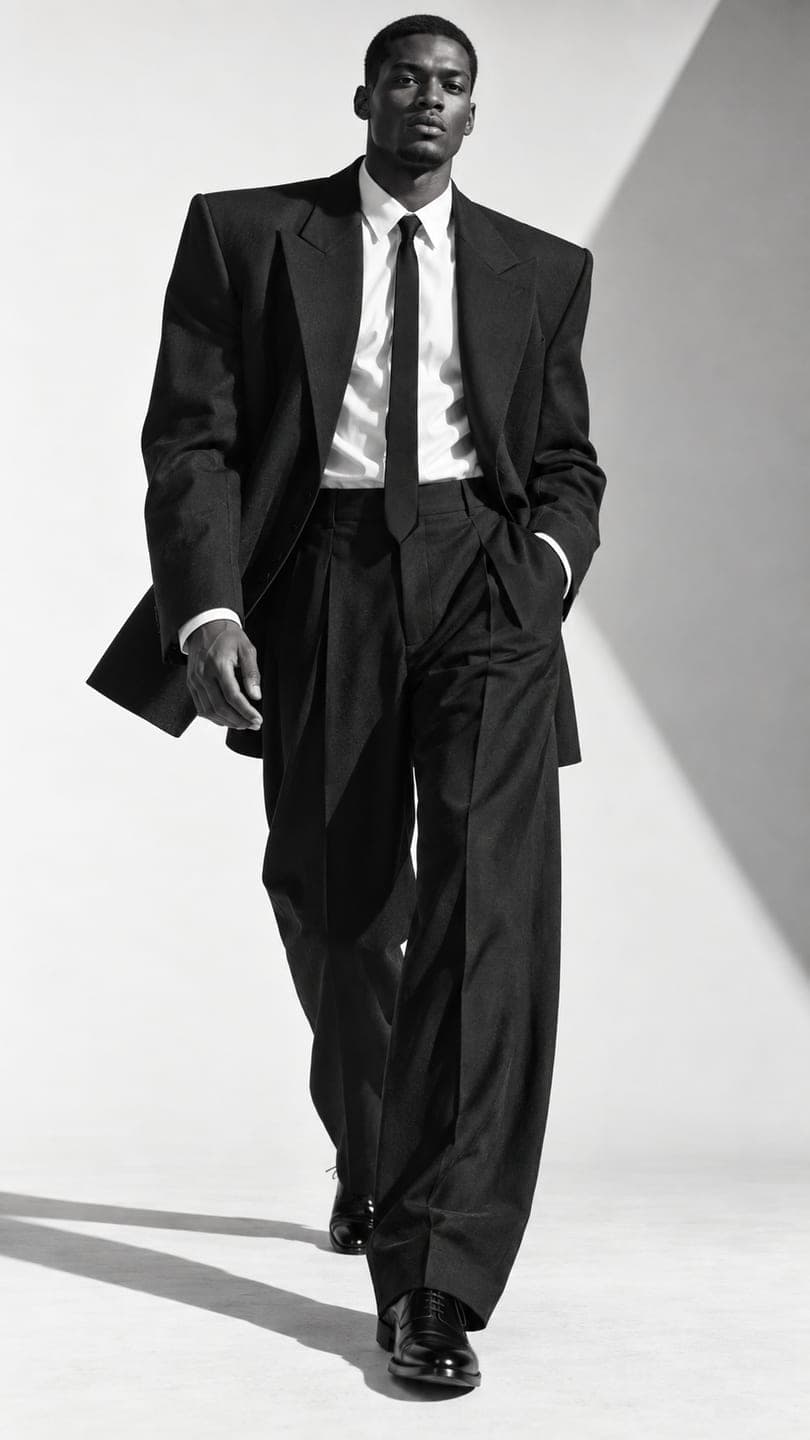 Monochrome tailoring
1 Pick a look · optional
We put you into this example and keep everything else the same.
Failed renders refund credits
What is an AI photoshoot?
An AI photoshoot is a set of photos of you that looks like it came from a styled shoot: consistent face, different outfits, locations and lighting, without a photographer. People use them for Instagram grids, dating profiles, personal branding, seasonal posts and to test a look before booking a real shoot.
Before the list: Dromana is our own product, compared here with apps from other companies.
Which AI photoshoot generators are best?
- Dromana: realistic editorial shots from one selfie, built look by look, with moving versions.
- Lensa: avatar packs in many styles from a set of selfies.
- Picsart: AI photo styles inside a full mobile editor.
- Remini: a phone app known for sharpening faces, with AI photo styles on top.
- Adobe Firefly: precise edits for a polished, retouched result.
- Canva: arrange the shoot into a grid or carousel.
Try this look on your own photo.
Make it with my photoWhich generator looks most like a real shoot?
A real shoot has consistent light, believable places and clothes that fit. Realistic restyles that start from your own photo, like Dromana's, tend to look closest, because they keep your face and body and rebuild everything else around them. Build a shoot from a theme rather than random images: pick three or four looks that share a mood, such as monochrome tailoring, quiet luxury, studio pose and city standing. Each still image uses 10 credits; new accounts start with 70 free credits, no card.
How do I plan an AI photoshoot?
Step 1
Choose a purpose
Instagram grid, dating profile, personal brand or a seasonal set.
Step 2
Pick a theme
One aesthetic, like old money, dark academia or Y2K.
Step 3
Make six to eight shots
Vary the framing: full body, waist-up and one close-up.
Step 4
Add one moving shot
Turn your favorite into a clip in AI Video.
Step 5
Arrange and post
As a carousel or across your grid.
Our AI photoshoot from a selfie guide walks through prompts for each type of shoot.
Are AI photoshoots OK for dating profiles?
Be careful here. Dating profiles work on trust, and photos that look nothing like you on a first date backfire. Keep AI shots realistic, close to how you actually look, and mix them with real, recent photos. Avoid heavy smoothing, changes to your body and anything that misrepresents your age. Some apps have rules about edited photos, so check them.
What makes an AI photoshoot look expensive?
Restraint. Professional shoots stick to one palette, one kind of light and a handful of locations, and that consistency is what makes them look styled rather than random. Pick two or three colors and repeat them in clothes and backgrounds. Keep the light the same type across the set, either all soft daylight or all evening light. Vary the framing instead of the style: one full-body, one waist-up, one close-up, one detail. Skip filters and heavy smoothing; real skin texture reads as quality.
How should I use the photos once they're made?
Post the shoot as one set rather than one image a week: a carousel of four to six images keeps the consistent look visible, and the first image should be the strongest. Keep a few for later, like a profile picture refresh or a seasonal post. If you use any for business, such as a personal brand site, make sure they were created on a plan that allows commercial use.
Which AI photoshoot generator should I choose?
- Realistic editorial shots from one selfie, plus video: Dromana.
- Lots of stylized images at once: Lensa or Picsart.
- A polished, retouched finish: Adobe Firefly.
- Arranging the shoot for Instagram: Canva.
For work profiles specifically, see the best AI headshot generators.
Questions people ask
What is the best AI photoshoot generator?
Dromana for realistic editorial shots from one selfie; Lensa or Picsart for many stylized images from a set of selfies.
How do I make an AI photoshoot from selfies?
Pick a theme, use the same clear source photo, make six to eight shots with varied framing and add one moving shot.
Can I use an AI photoshoot on a dating app?
Only if it stays realistic and close to how you look; mix it with real recent photos and check the app's rules.
How many photos do I need?
Dromana needs one clear selfie; avatar-pack apps usually ask for ten or more.
Is there a free AI photoshoot app?
Dromana's sign-up credits cover around ten still images, no card.
Why do my AI photos look inconsistent?
Usually because different source photos were used; stick to one sharp photo for the whole shoot.
Effects from this guide
 AI fashion portraitSkip the photographer: get a magazine-style fashion portrait from one selfie. Quiet-luxury coats, street editorial, studio light. Same face, new shoot. Free to try.
 Street style photoLook like a fashion week street style shot from one plain selfie: tailoring, city pavement, show-season light. Same face, new wardrobe. Free to try, no app to download.
Keep reading
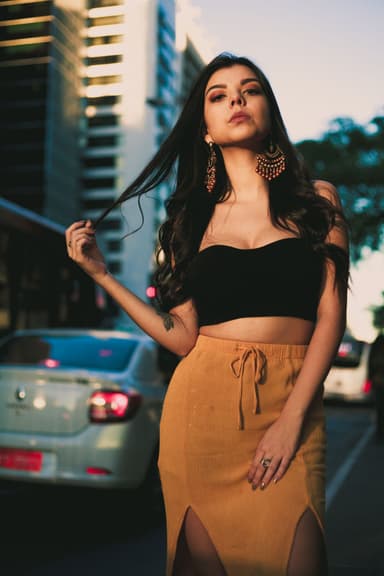 AI photoshoot from one selfie: pics that don't look fake4 min read
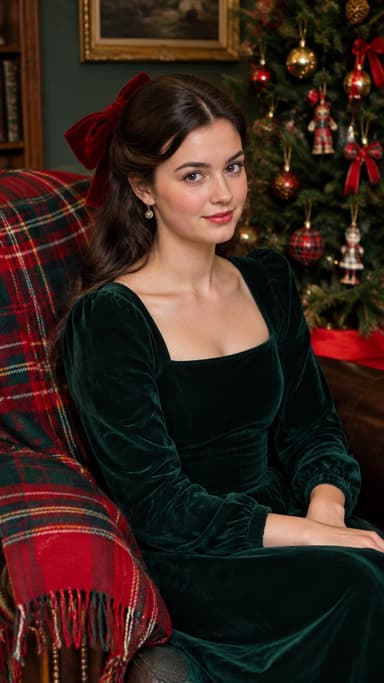 Best AI avatar generators in 2026: profile pictures, styles and moving avatars4 min read
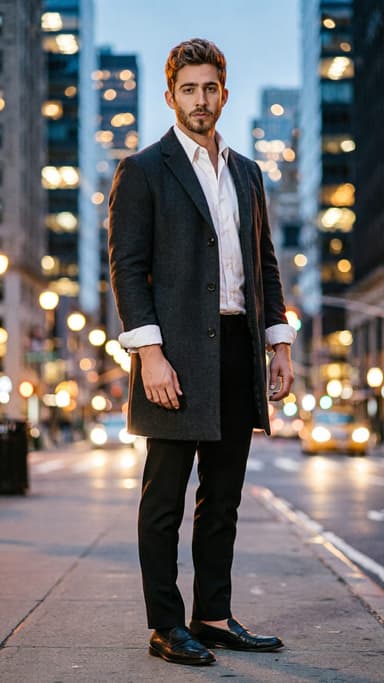 Best AI headshot generators in 2026: one selfie vs. training packs5 min read
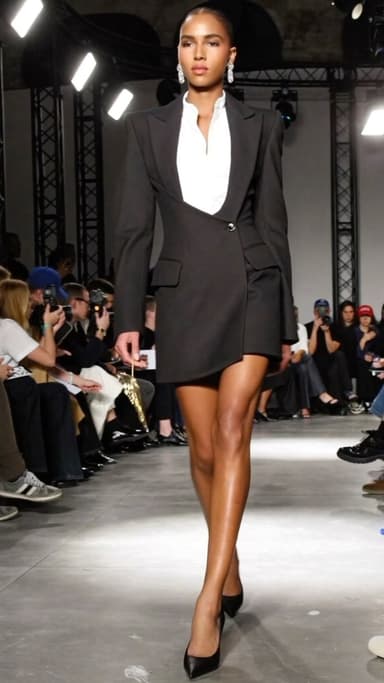 AI influencer photos from a selfie: shoot-free content that still looks like you4 min read
- AI profile picture generator: make a PFP from one selfie that still looks like you4 min read
Ready to make yours?
Add one photo and get the look from this guide.