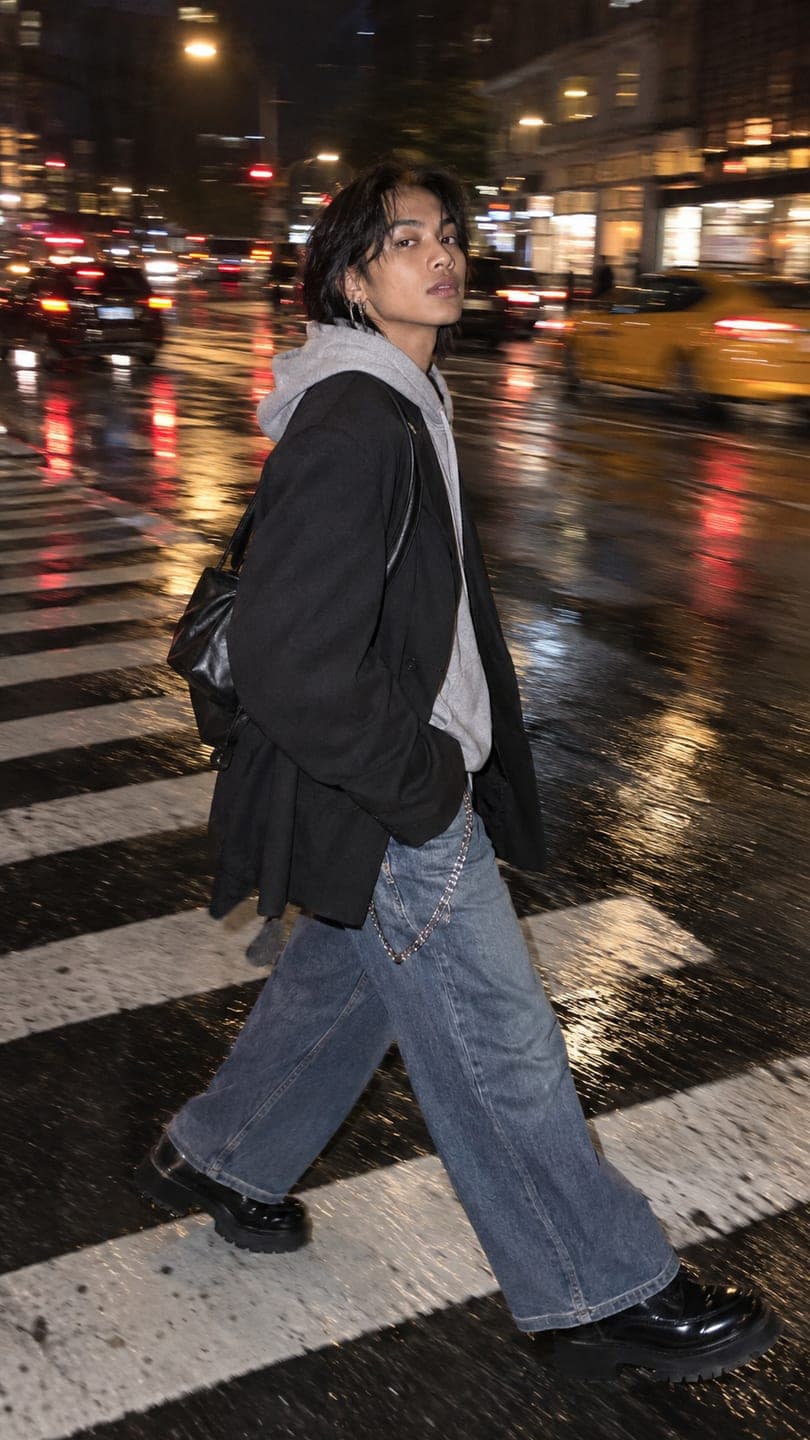
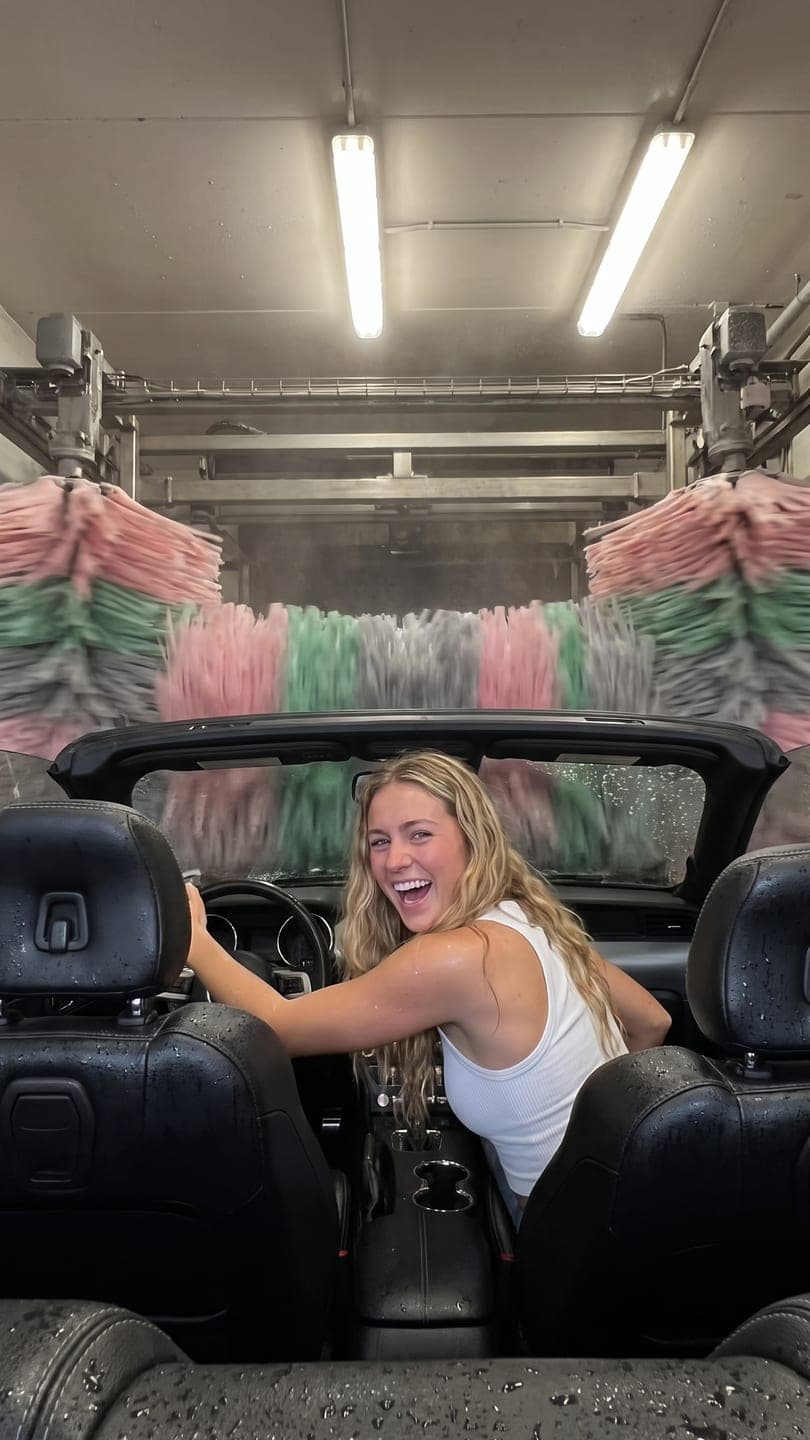
City full-length: AI photo template
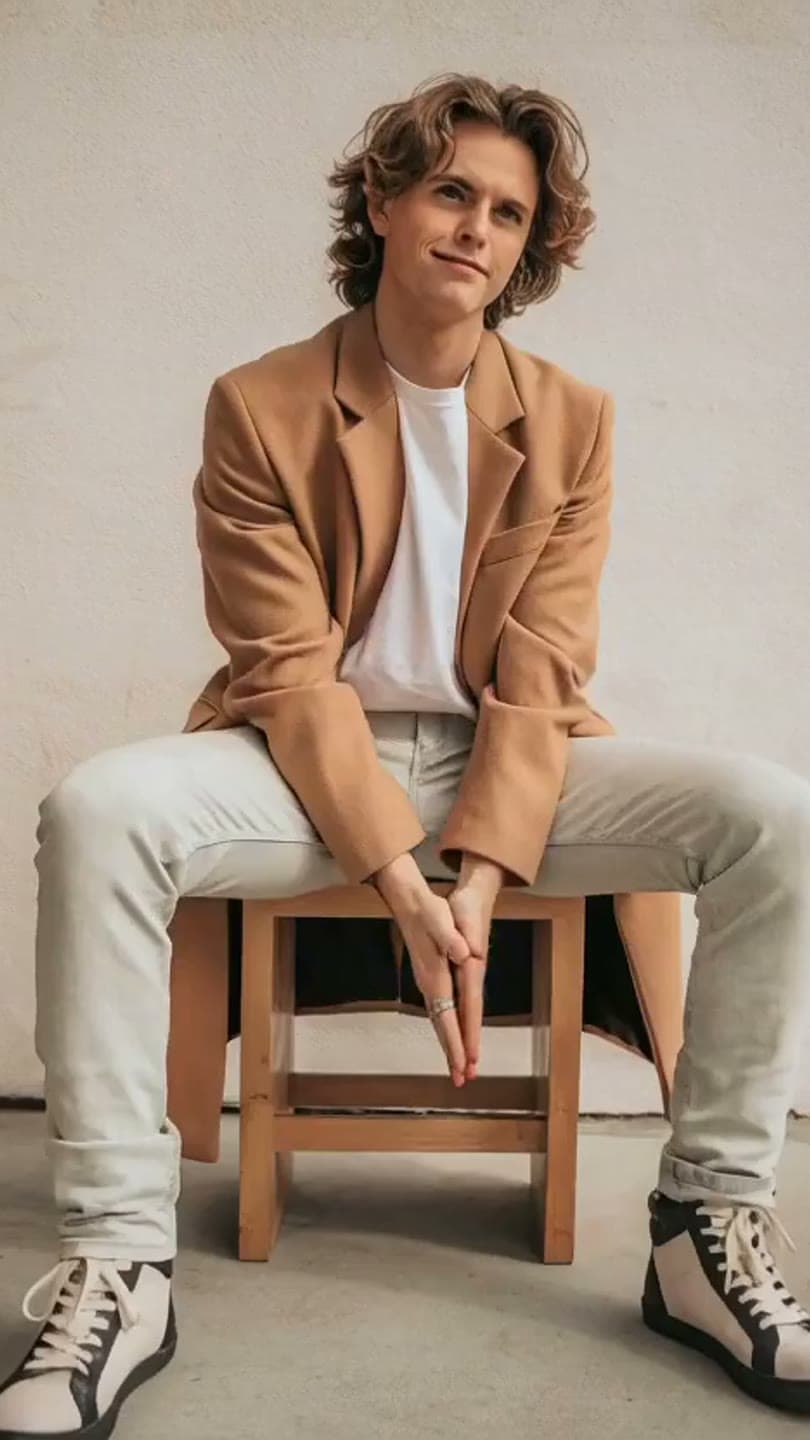
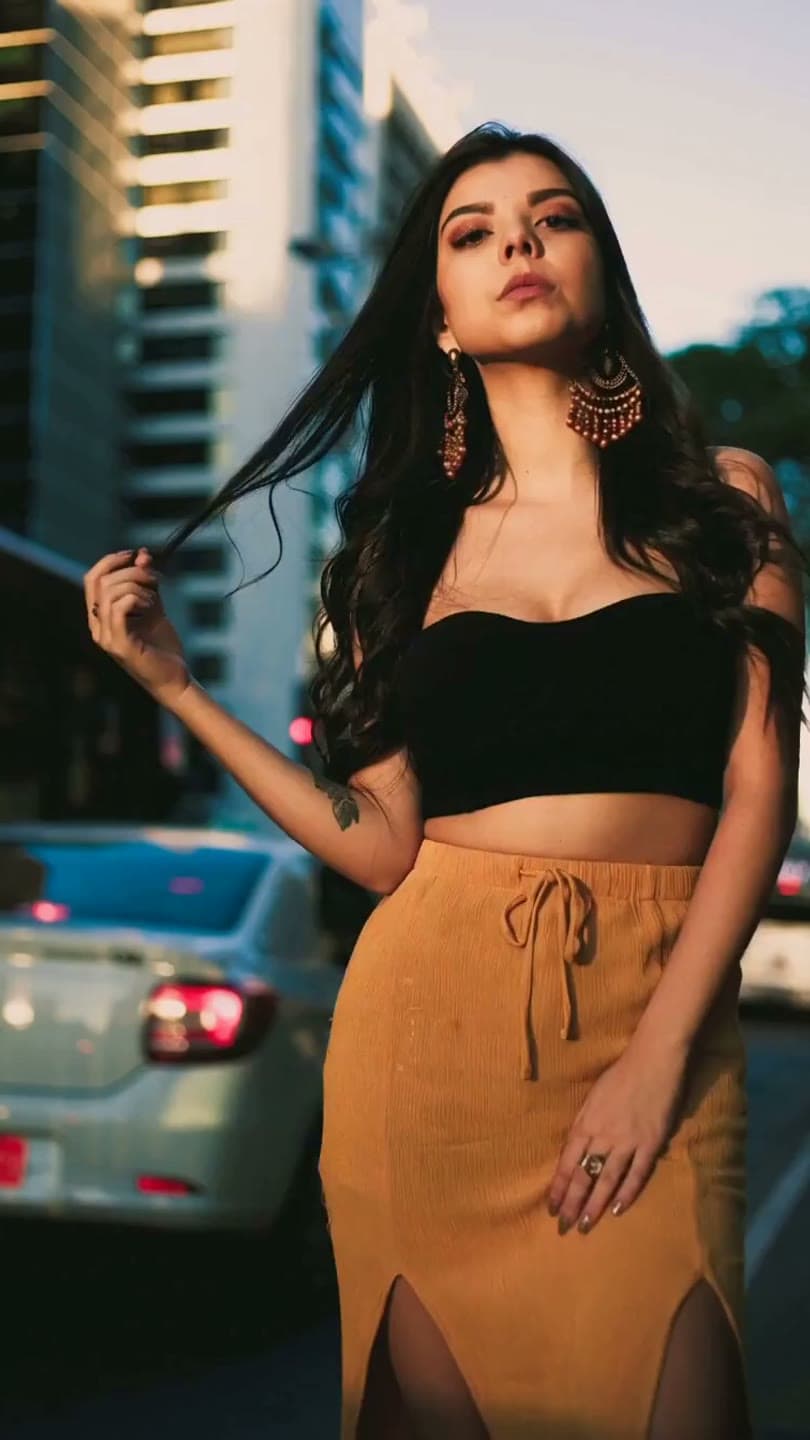
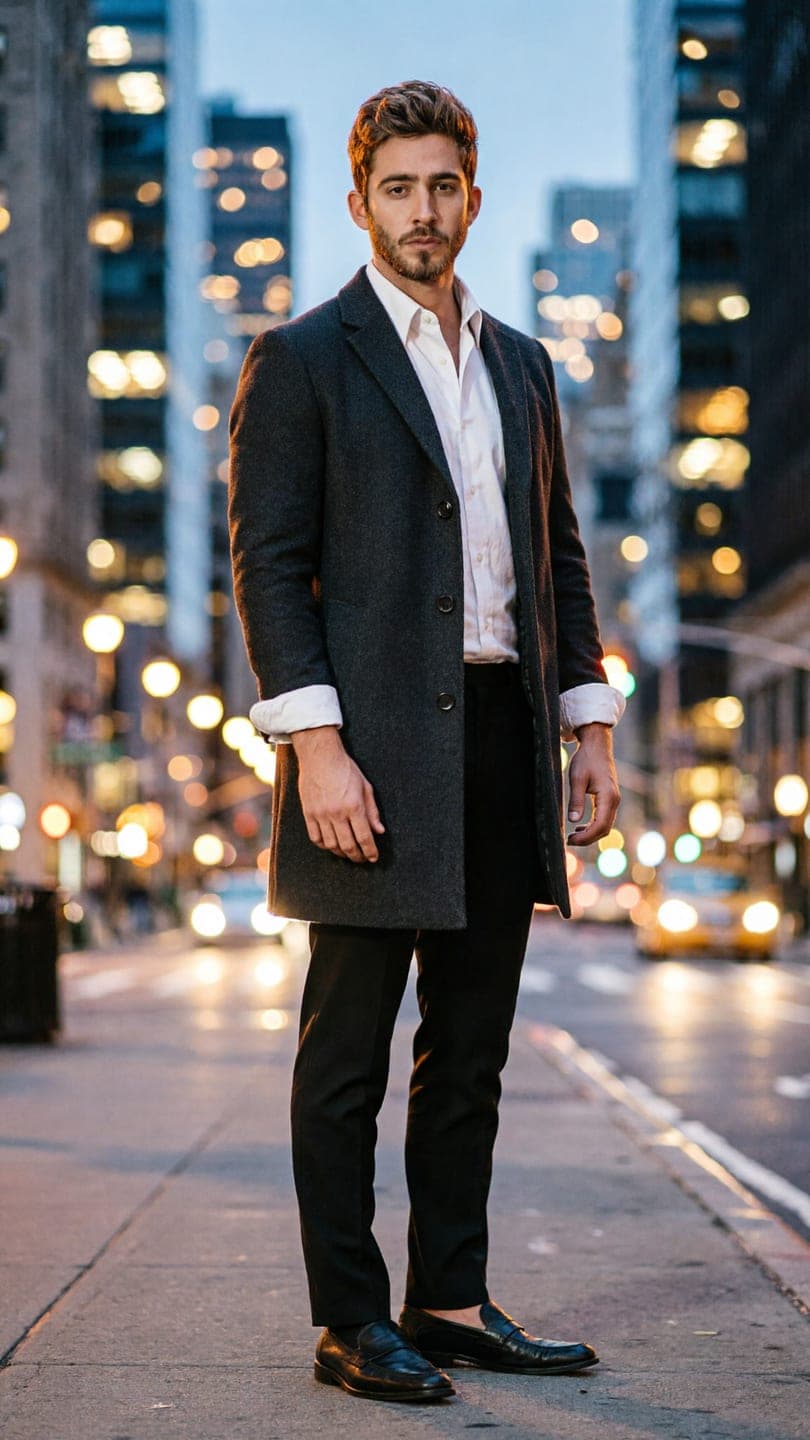
The City full-length template recreates this exact shot — a standing full-length photo, slim dark overcoat, white shirt, city street at dusk with blurred lights behind — with you in it instead. The outfit, pose, place and light stay as they are; the face is yours.
- You add
- One photo
- You get
- 9:16 image
- Credits
- 20
AI Photo Restyle
City full-length1 Pick a look · optional
We put you into this example and keep everything else the same.
What’s in the shot
A standing full-length photo, slim dark overcoat, white shirt, city street at dusk with blurred lights behind.
How to make it
Step 1
Add your photo
Upload a clear photo of yourself. Good light and a sharp face matter more than the background.
Step 2
We put you in the shot
The example is rebuilt with you in it. Nothing else is changed unless you ask for it.
Step 3
Save or share
Download the image, or share it straight to Instagram, TikTok, WhatsApp and more.
FAQ
How do I put myself in the City full-length look?
Open this template, add a clear photo of yourself and press Generate. Dromana recreates the example with you in it. No prompt needed.
How much does the City full-length template cost?
20 credits with the default settings. New accounts get free credits on signing up, and every plan starts with a 7-day free trial.
Can I change something, like the colour or the outfit?
Yes. Type the change in the prompt box — for example “in red” or “add sunglasses” — and it is made on top of the example. Leave it empty to get the example exactly.
Will it still look like me?
Yes — the face, skin tone and hair colour come from your photo, and everything else from the example. A clear, front-facing photo works best.
Only use photos you have the right to use. See our safety guidelines.