Dromana for business
Turn listing, menu and product photos into short videos
Upload a photo you already have. Dromana makes the right things move (curtains in the breeze, steam off a coffee, clouds over a roof) and gives you a 5-second clip for Reels, TikTok, Stories and listings. No filming, no editing app.
Your first two videos are free, with a small badge. Buying anything removes the badge and lets you use your videos commercially.
Before and after
The photo, the clip, and the exact words that made it.
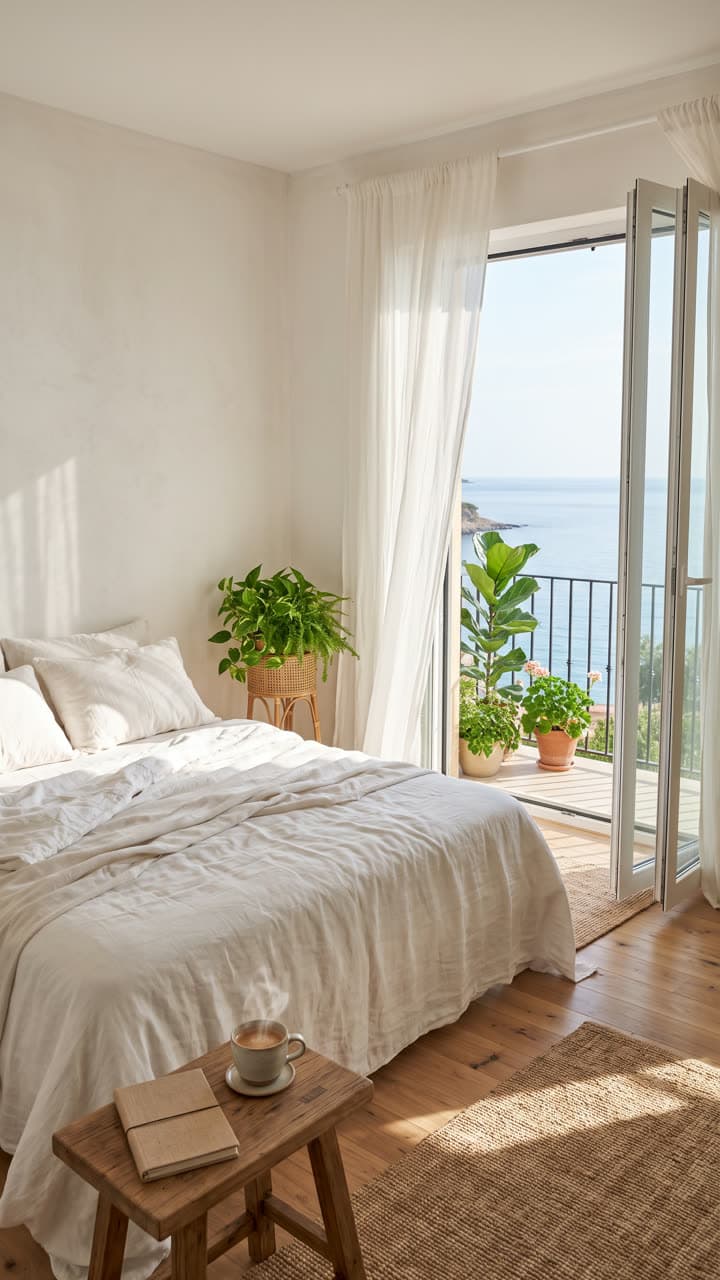
Photo Video Hotel room
Hotels and short-stay hosts
“Only the sheer curtains billow gently in the sea breeze and steam rises from the coffee cup; sunlight shimmers on the water. The camera stays completely still.”

Photo Video Cafe special
Cafes and restaurants
“Steam curls up from the cappuccino and soft window light flickers across the table. The camera stays completely still.”
Photo Video House listing
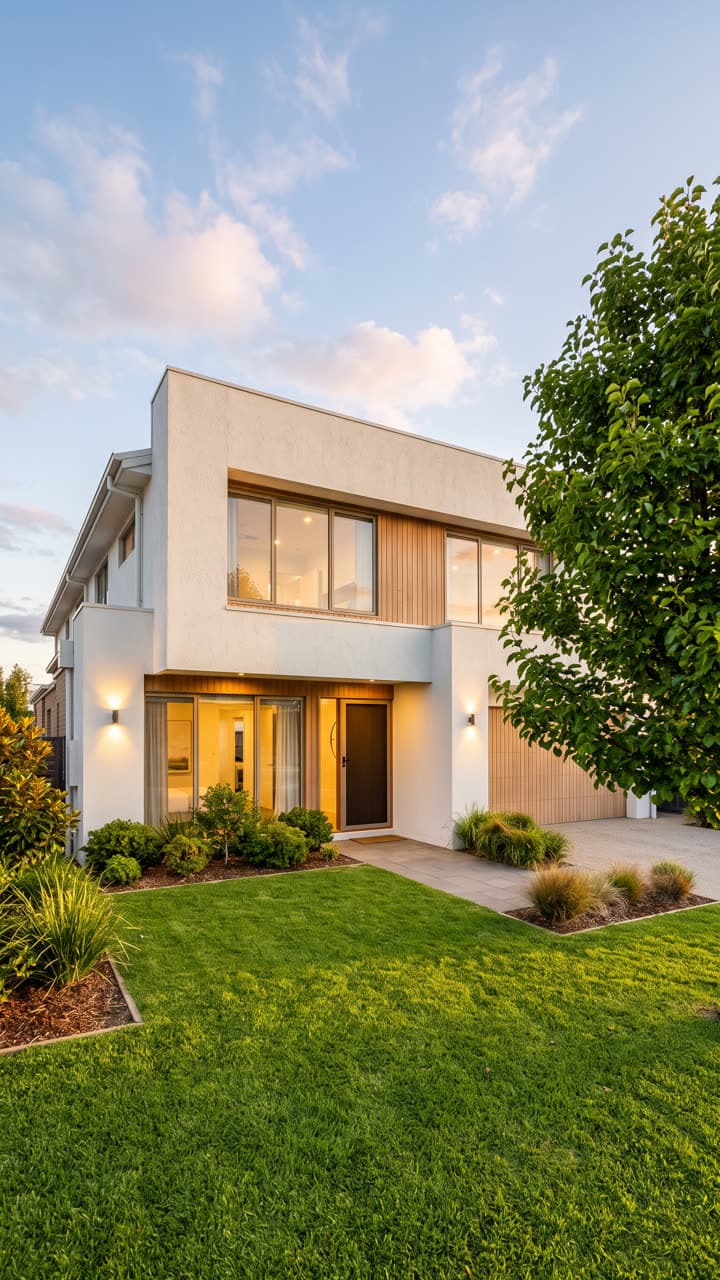
Real estate agents
“Clouds drift slowly across the sky and the tree's leaves sway in a light breeze while the warm window lights glow. Slow, steady push-in.”
Who uses it
Real estate agents
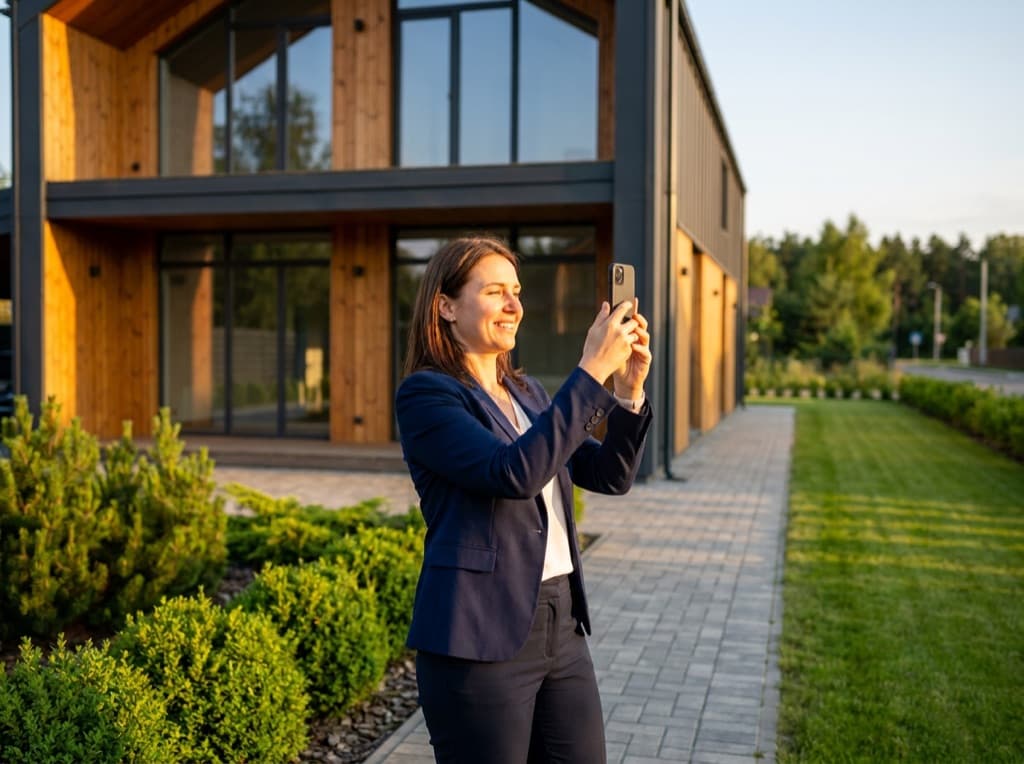
A clip for every listing photo: a slow push-in on the front of the house, clouds over the roof, light moving across the living room. Use them for just-listed Reels and open-home teasers.
Hotels and short-stay hosts
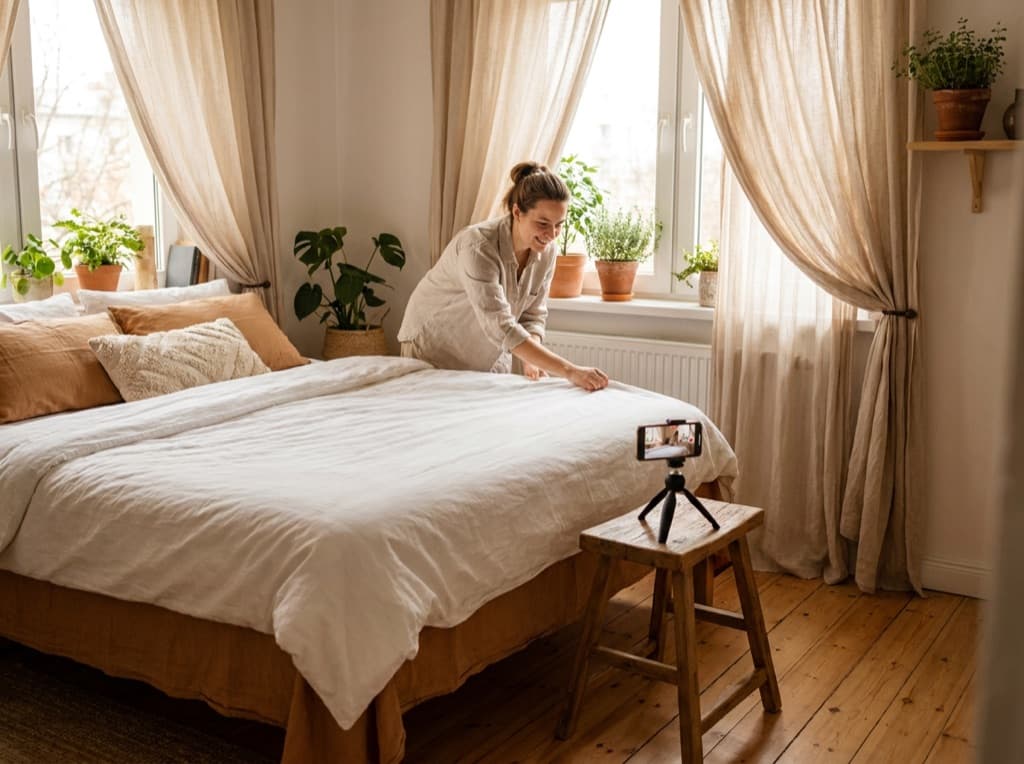
Curtains in the breeze, a pool that ripples, a fire that flickers. A listing that moves feels lived-in, and it gives you something new to post every week.

Cafes and restaurants
Steam off the coffee, a pour, a sizzle, from the photo of this week's special. Post it the morning it goes on the board.

Shops and product sellers
Product shots that turn, shimmer or catch the light, for product pages, Stories and ads. The product keeps its shape, label and colours.
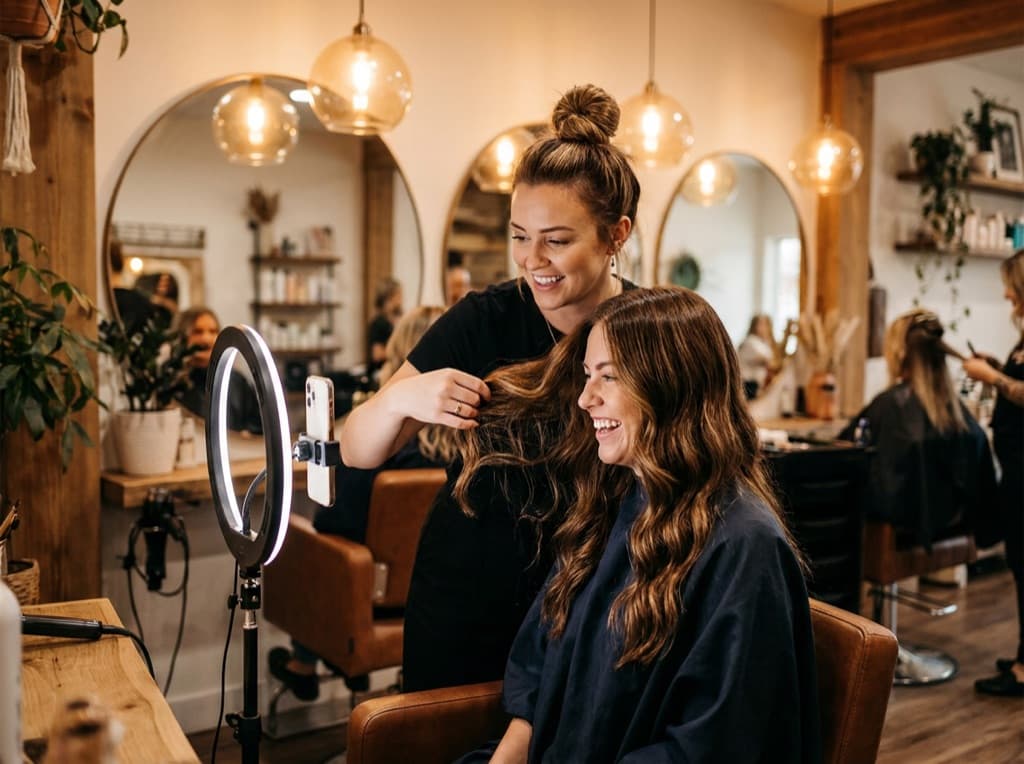
Salons, studios and gyms
A moving shot of the space, the chair or the latest work for Stories, without booking a shoot.
How it works
- 1Upload a photo you already haveA sharp, well-lit photo works best. A vertical photo gives a vertical video for Reels and TikTok.
- 2Say what should moveName the parts: "only the water moves", "steam rises from the cup", "slow push-in". Add "the camera stays still" to keep everything else exactly as shot.
- 3Download and postYou get an MP4, usually in under a minute. Videos from a pack or plan have no badge and can go in ads.
Or start from a ready-made effect:
Questions businesses ask
Can I use the videos in ads and on listing sites?
Yes, once your account has bought any pack or plan, including the videos you made before buying. Follow each platform's rules (some ask you to label AI-generated content) and only animate what is really in the photo: don't add a view, a pool or a feature the place doesn't have.
How long is each video, and what shape is it?
Five seconds by default, and it keeps the shape of your photo, so a vertical photo gives a vertical video. Eight- and ten-second clips use more credits; the cost shows before you press Generate.
Do I need a subscription?
No. Video packs are a one-time purchase and their credits last 12 months. The Business and Agency plans are for teams that post every week and want the lowest price per video.
Can I try it before paying?
Yes. Your first two videos are free. It carries a small dromana.app badge, which goes away when you buy any pack, including on the video you already made.
Can I cancel the plan?
Any time, from Assets → Manage billing. The plan stays active until the end of the period you already paid for. Plan credits arrive each month and don't roll over.
Will it change my property or product?
Say what should move and add "the camera stays still, everything else stays exactly as it is". Water, steam, curtains, leaves, clouds and light move best. Text, logos and faces in the background can warp, so crop them out or keep them small.
Try it on one of your photos
Your first two videos are free. Read how image-to-video works or browse ready-made product looks.
Pay per video, or take the Business plan if you post every week. See pricing